> ## Documentation Index
> Fetch the complete documentation index at: https://docs.ntop.com/llms.txt
> Use this file to discover all available pages before exploring further.
# How to Create Enclosures
Follow the steps below to cover exterior faces and enclose openings.
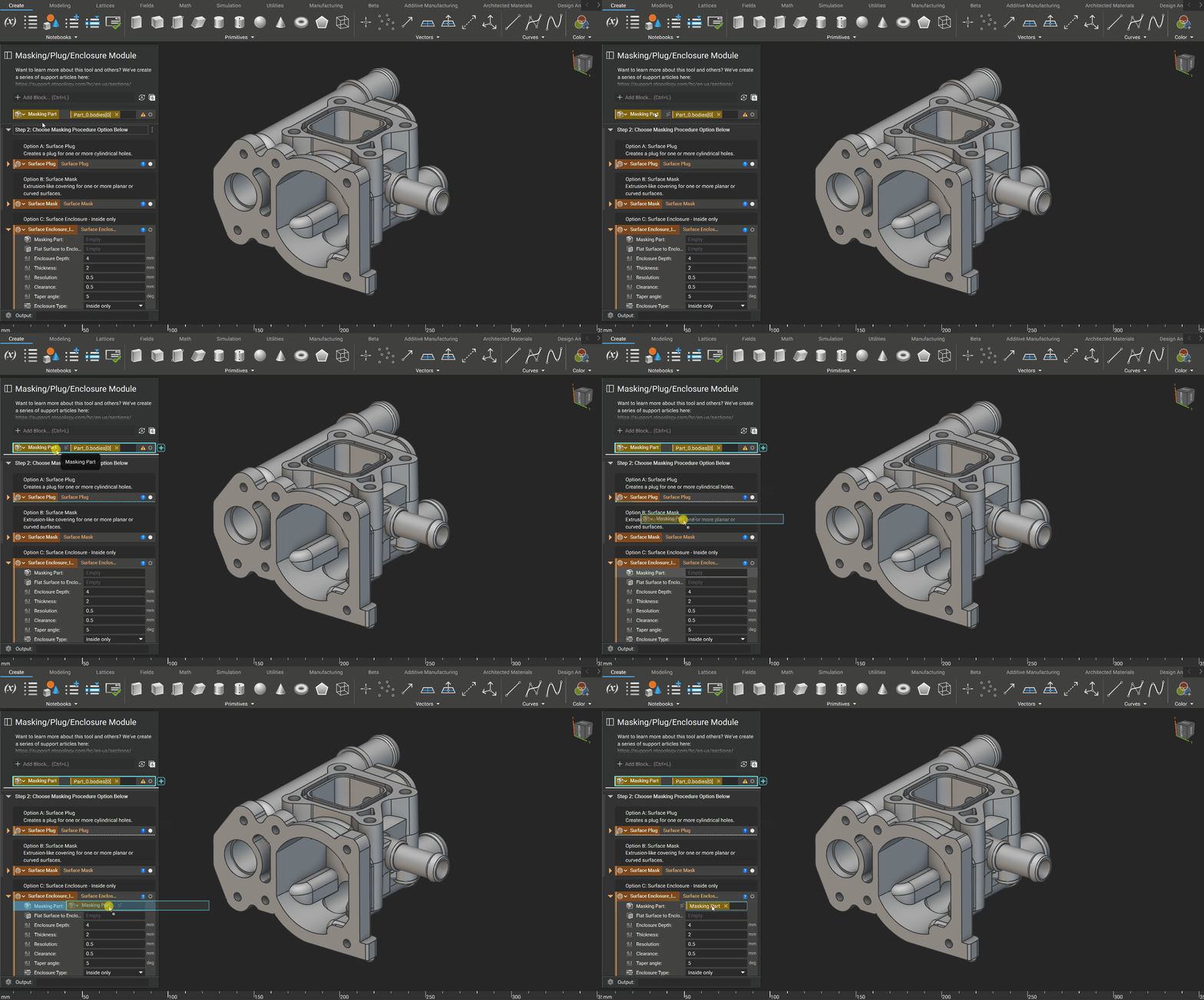
## Step 1: Import CAD and Drag into Part Input of the Surface Enclosure block
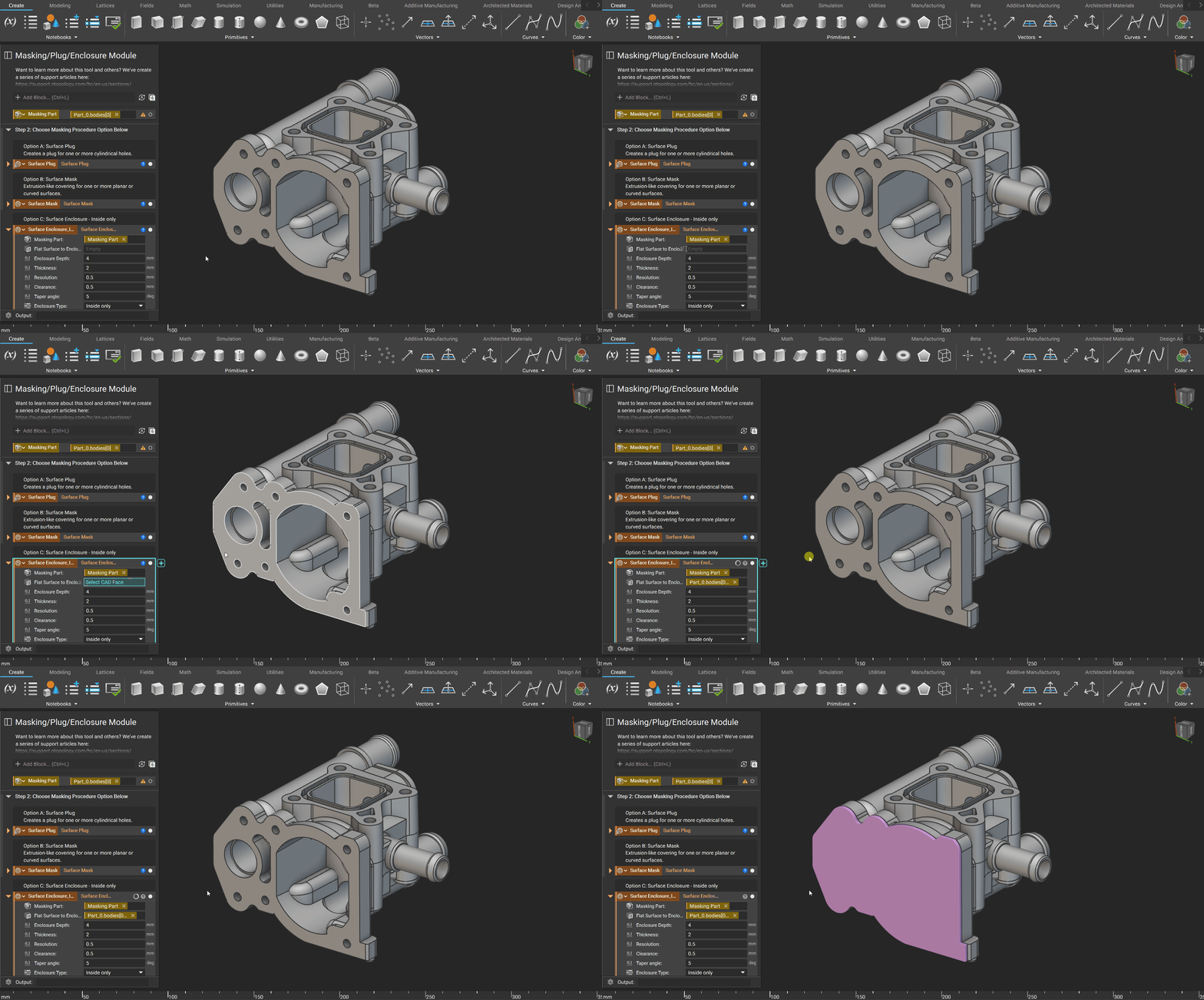
 ## Step 2: Select Flat Surface to Enclose
 ## Adjustable Inputs
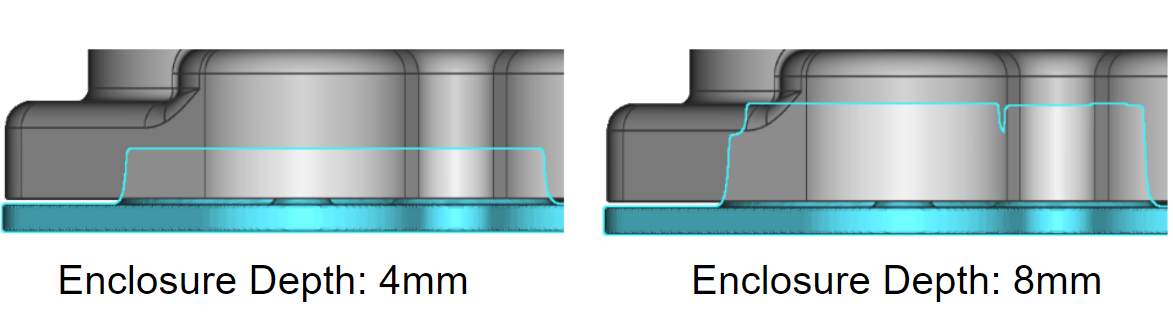
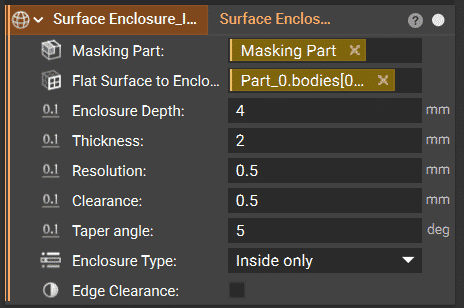 The enclosure's depth into the part as measured from the input surface.
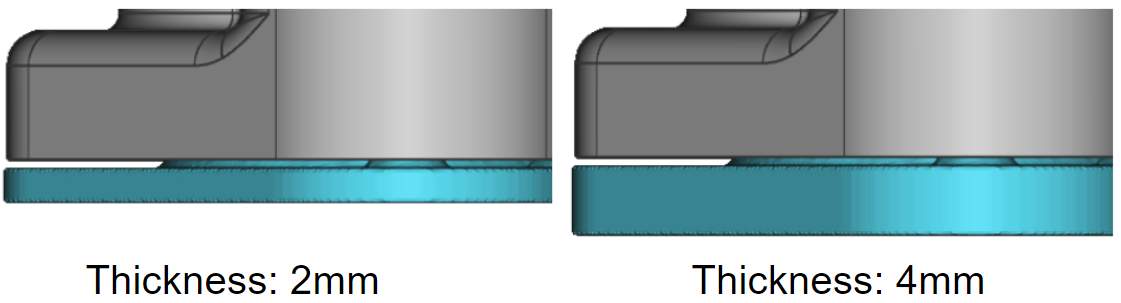
 The outside thickness of the surface enclosure is measured from the normal of the input surface.
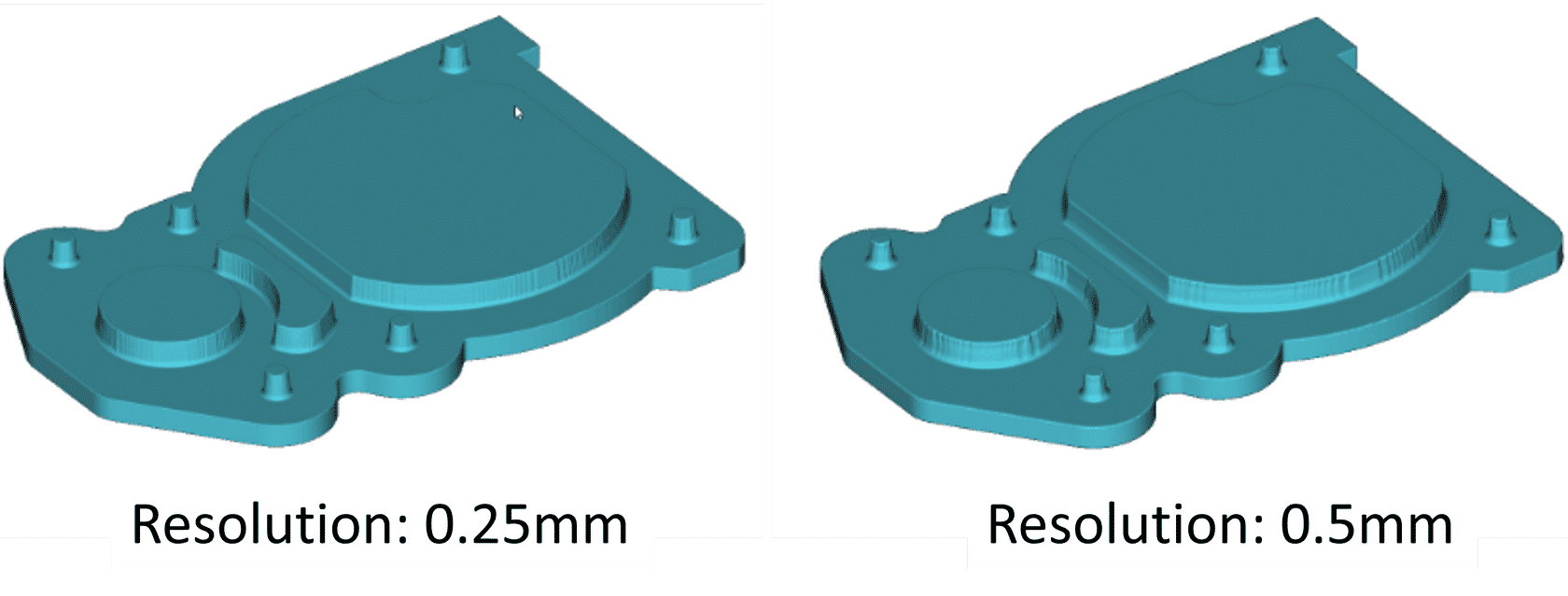
 The smallest feature nTop will recognize.
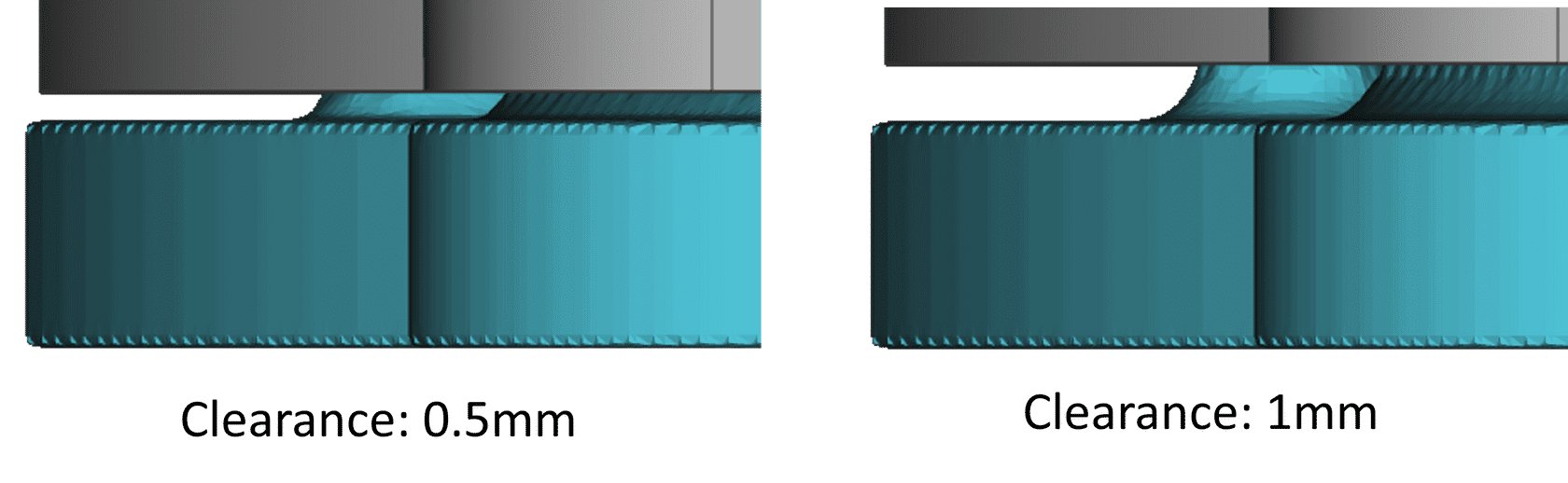
 Space between the final part and the enclosure surfaces.
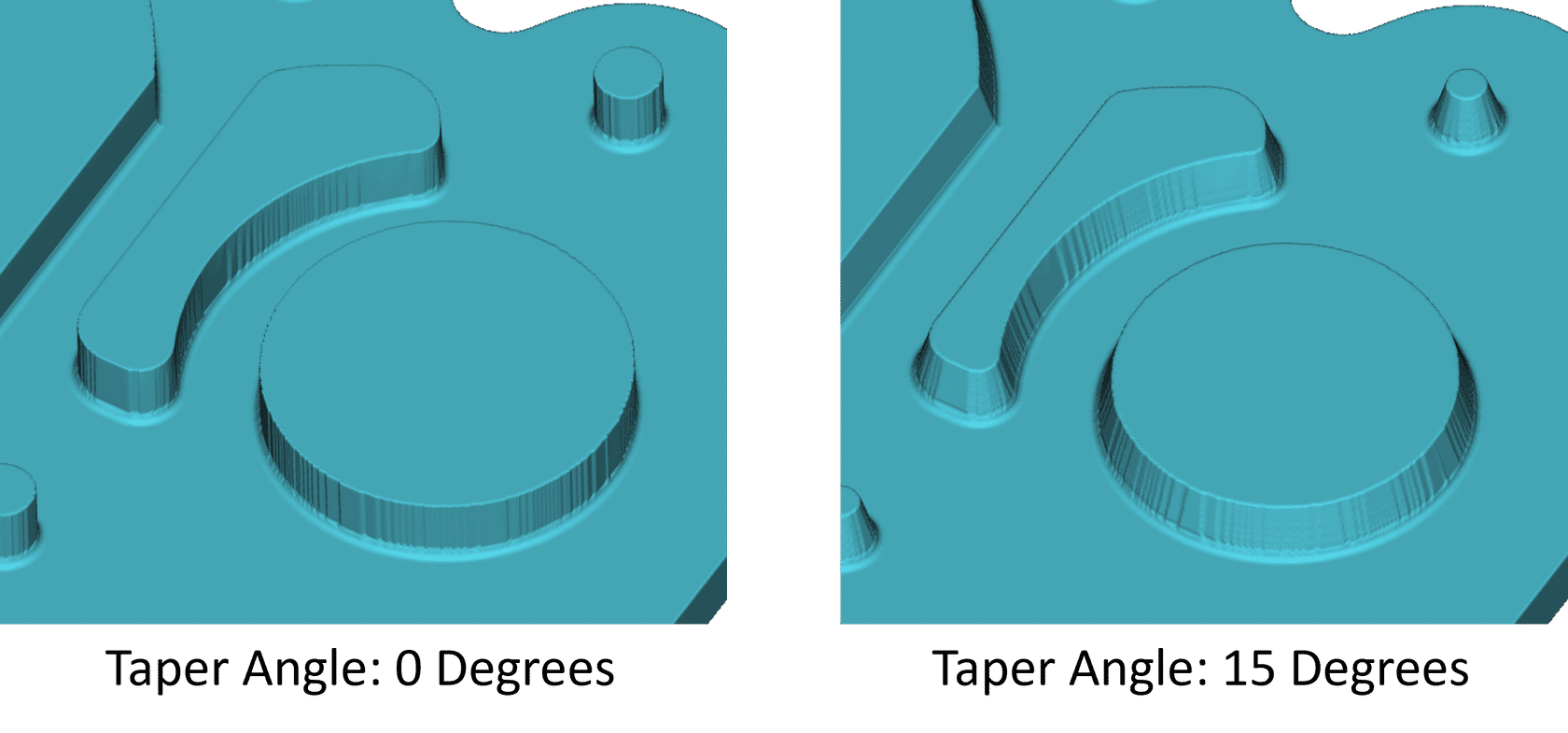
 The taper angle applies a taper to the enclosure's volume that enters the part to enclose.
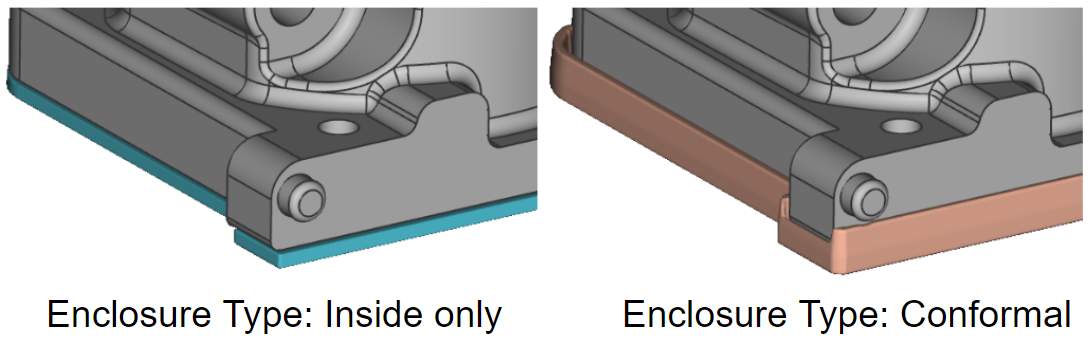
 Selecting internal will enclose all surface holes as well as mask the surface. Selecting external adds an additional boundary surface around the face.
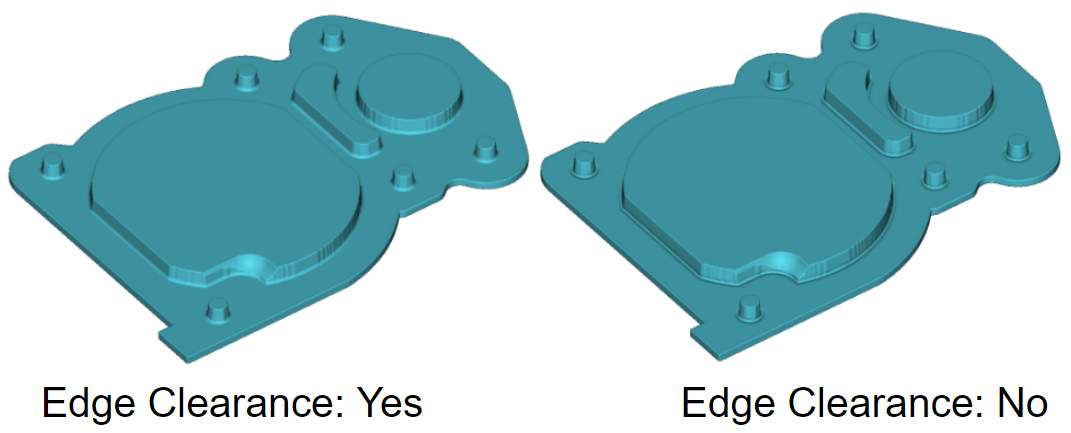
 Creates an undercut on all interior sharp edges to ensure full plunge depth.