> ## Documentation Index
> Fetch the complete documentation index at: https://docs.ntop.com/llms.txt
> Use this file to discover all available pages before exploring further.

# Overview

> This course will take you through the basics of creating a custom block and how to use lists in nTop. After completing this course, you will have developed an understanding of the best practices for creating a custom block, how to import a CB into your workflow, and how to use lists to save time when designing.
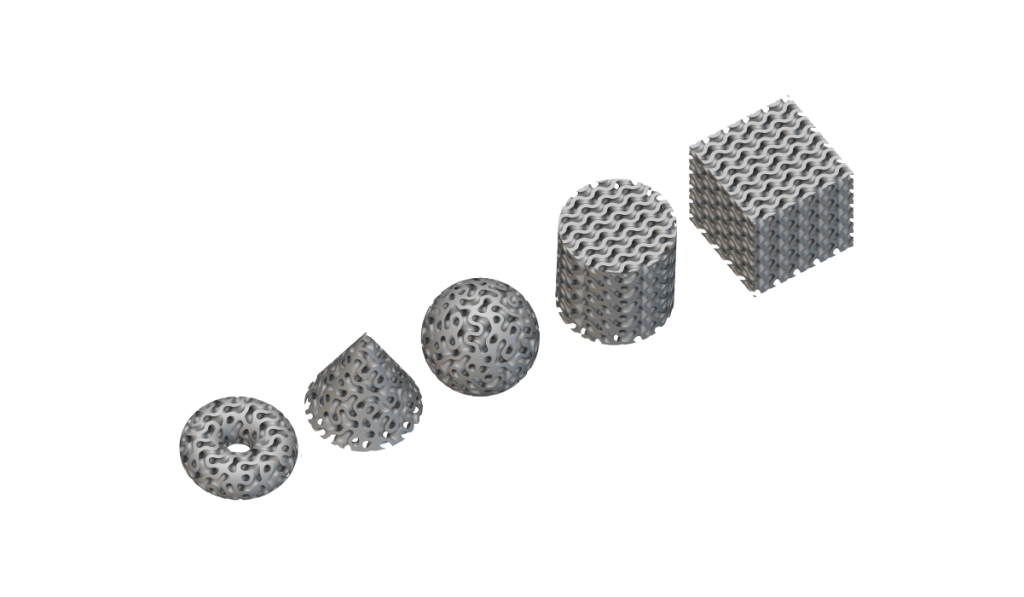
<Frame>
  <img src="https://storage.googleapis.com/files-learn/lessons/intro-to-custom-blocks/intro-to-custom-blocks.webp" alt="Intro to Custom Blocks" />
</Frame>

**Prerequisites:**
[101: nTop Essentials](/lessons/ntop-essentials/overview)

**What Will Be Covered:**

* Creating custom blocks and defining the inputs and output.
* Implementing custom blocks into workflows.
* Creating and manipulating lists to automate workflows.

### Before We Begin

<CardGroup cols={1}>
  <Card title="Before We Begin" href="/lessons/intro-to-custom-blocks/before-we-begin-custom-blocks" cta="Open" />
</CardGroup>

### Custom Blocks

<CardGroup cols={2}>
  <Card title="Automation and Custom Blocks" href="/lessons/intro-to-custom-blocks/automation-and-custom-blocks" cta="Open" />

  <Card title="Creating a Custom Block: Notebook Title and Description" href="/lessons/intro-to-custom-blocks/creating-a-custom-block-notebook-title-and-description" cta="Open" />

  <Card title="Creating a Custom Block: Defining Inputs" href="/lessons/intro-to-custom-blocks/creating-a-custom-block-defining-inputs" cta="Open" />

  <Card title="Creating a Custom Block: Defining an Output" href="/lessons/intro-to-custom-blocks/creating-a-custom-block-defining-an-output" cta="Open" />

  <Card title="Importing a Custom Block" href="/lessons/intro-to-custom-blocks/importing-a-custom-block" cta="Open" />

  <Card title="Commonly Used Custom Blocks" href="/lessons/intro-to-custom-blocks/commonly-used-custom-blocks" cta="Open" />

  <Card title="Follow Along: CB Stochastic Lattice" href="/lessons/intro-to-custom-blocks/follow-along-cb-stochastic-lattice" cta="Open" />

  <Card title="Download: CB Stochastic Lattice" href="/lessons/intro-to-custom-blocks/download-cb-stochastic-lattice" cta="Open" />

  <Card title="Knowledge Check: Custom Blocks" href="/lessons/intro-to-custom-blocks/knowledge-check-custom-blocks" cta="Open" />
</CardGroup>

### List Processing

<CardGroup cols={2}>
  <Card title="Lists" href="/lessons/intro-to-custom-blocks/lists" cta="Open" />

  <Card title="Creating a List" href="/lessons/intro-to-custom-blocks/creating-a-list" cta="Open" />

  <Card title="List Processing and Sequencing" href="/lessons/intro-to-custom-blocks/list-processing-and-sequencing" cta="Open" />

  <Card title="List Manipulation" href="/lessons/intro-to-custom-blocks/list-manipulation" cta="Open" />

  <Card title="List Errors" href="/lessons/intro-to-custom-blocks/list-errors" cta="Open" />

  <Card title="Follow Along: List Processing" href="/lessons/intro-to-custom-blocks/follow-along-list-processing" cta="Open" />

  <Card title="Download: List Processing" href="/lessons/intro-to-custom-blocks/download-list-processing" cta="Open" />

  <Card title="Knowledge Check: List Processing" href="/lessons/intro-to-custom-blocks/knowledge-check-list-processing" cta="Open" />
</CardGroup>

### Optional Test Problems

<CardGroup cols={2}>
  <Card title="Optional: Automation Test Problem" href="/lessons/intro-to-custom-blocks/optional-automation-test-problem" cta="Open" />

  <Card title="Answer to Optional Automation Test Problem" href="/lessons/intro-to-custom-blocks/answer-to-optional-automation-test-problem" cta="Open" />

  <Card title="Optional: Advanced Automation Problem" href="/lessons/intro-to-custom-blocks/optional-advanced-automation-problem" cta="Open" />

  <Card title="Answer to Advanced Automation Problem" href="/lessons/intro-to-custom-blocks/answer-to-advanced-automation-problem" cta="Open" />
</CardGroup>

### What's Next

<CardGroup cols={2}>
  <Card title="Resources" href="/lessons/intro-to-custom-blocks/resources" cta="Open" />
</CardGroup>
