> ## Documentation Index
> Fetch the complete documentation index at: https://docs.ntop.com/llms.txt
> Use this file to discover all available pages before exploring further.
# Cell Maps Using Meshes
If you want to add texture or ribbing to a surface, you may want to use the **Cell Map from Quad Mesh**block instead of generating the Cell Map from an implicit body. If you have multiple CAD faces for a ribbing, you will also use the **Cell Map from Quad Mesh** and convert those faces to a mesh in the process explained below.
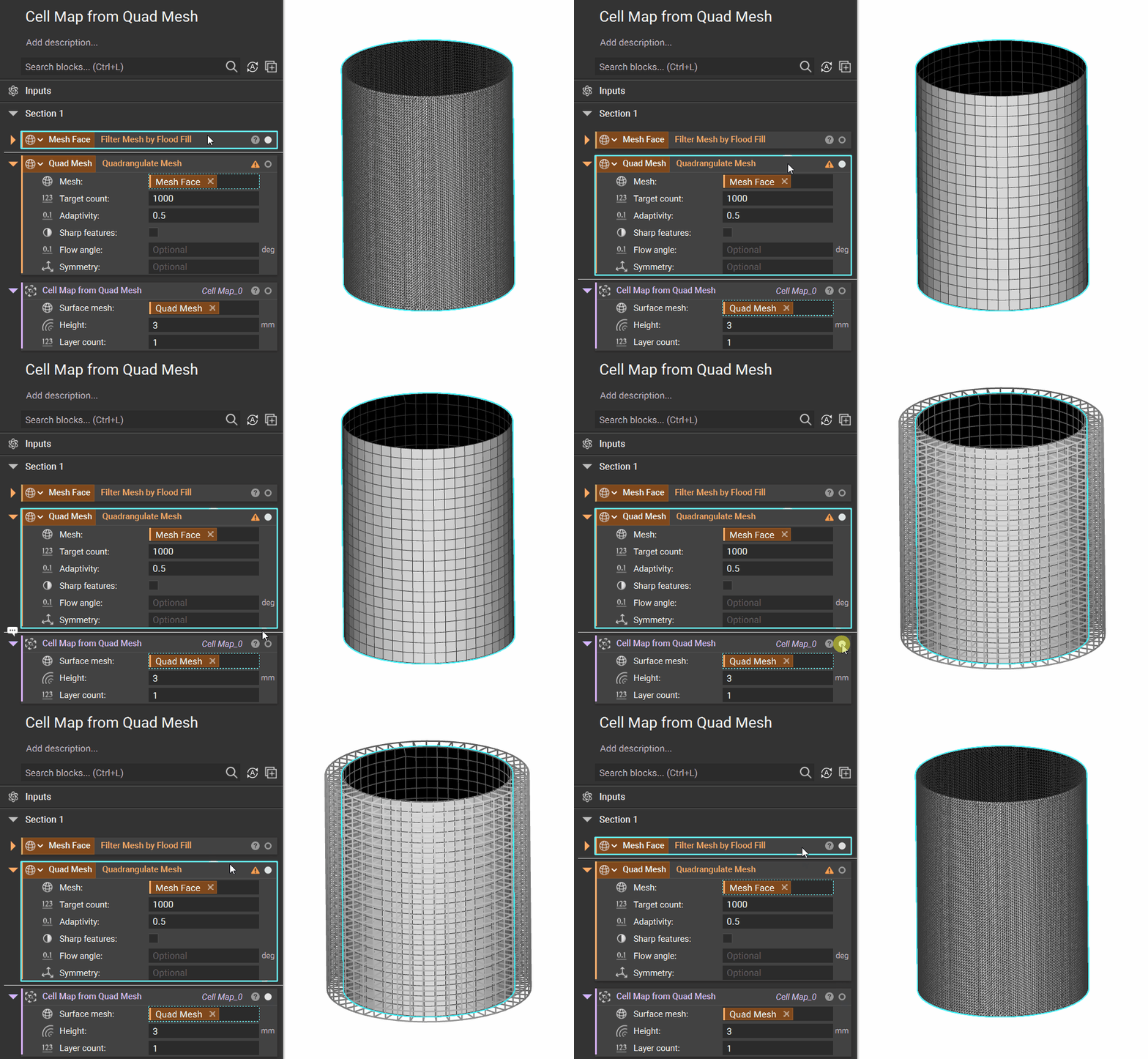
 The**Cell Map from Quad Mesh** takes in a quadrangulated surface mesh. The **Quadrangulate Mesh**block will add quads to a surface, and the edges of these quads are used to create the cells in the Cell Map.
**Note**: To learn more about the Quadrangulate Mesh block or how to select a portion of a mesh, visit our [102: Guide to Meshing](/courses/102-guide-to-meshing/) course.
If we increase the *Target count*, the number of quads increases, and the size of our cells decreases. To control how far the cells extend from the surface, we use a scalar value for the *Height*. To create the Cell Map underneath the surface (to remove material on the surface of a part), we can input a negative value for the *Height*.
The**Cell Map from Quad Mesh** takes in a quadrangulated surface mesh. The **Quadrangulate Mesh**block will add quads to a surface, and the edges of these quads are used to create the cells in the Cell Map.
**Note**: To learn more about the Quadrangulate Mesh block or how to select a portion of a mesh, visit our [102: Guide to Meshing](/courses/102-guide-to-meshing/) course.
If we increase the *Target count*, the number of quads increases, and the size of our cells decreases. To control how far the cells extend from the surface, we use a scalar value for the *Height*. To create the Cell Map underneath the surface (to remove material on the surface of a part), we can input a negative value for the *Height*.