> ## Documentation Index
> Fetch the complete documentation index at: https://docs.ntop.com/llms.txt
> Use this file to discover all available pages before exploring further.
# Custom Unit Cells
If none of the provided unit cells yield the lattice you hope for, you can use a **Custom Unit Cell instead**. When used in a **Periodic Lattice**, this block generates a user-defined lattice. This [support article](https://support.ntop.com/hc/en-us/articles/360055403953-How-to-build-a-custom-lattice-unit-cell#:~:text=To%20create%20a%20Custom%20Unit,spatial%20information%20within%20that%20boundary.\&text=Let's%20take%20a%20closer%20look,at%20the%20Body%20or%20Graph.) shows different options for building Custom Unit Cells.
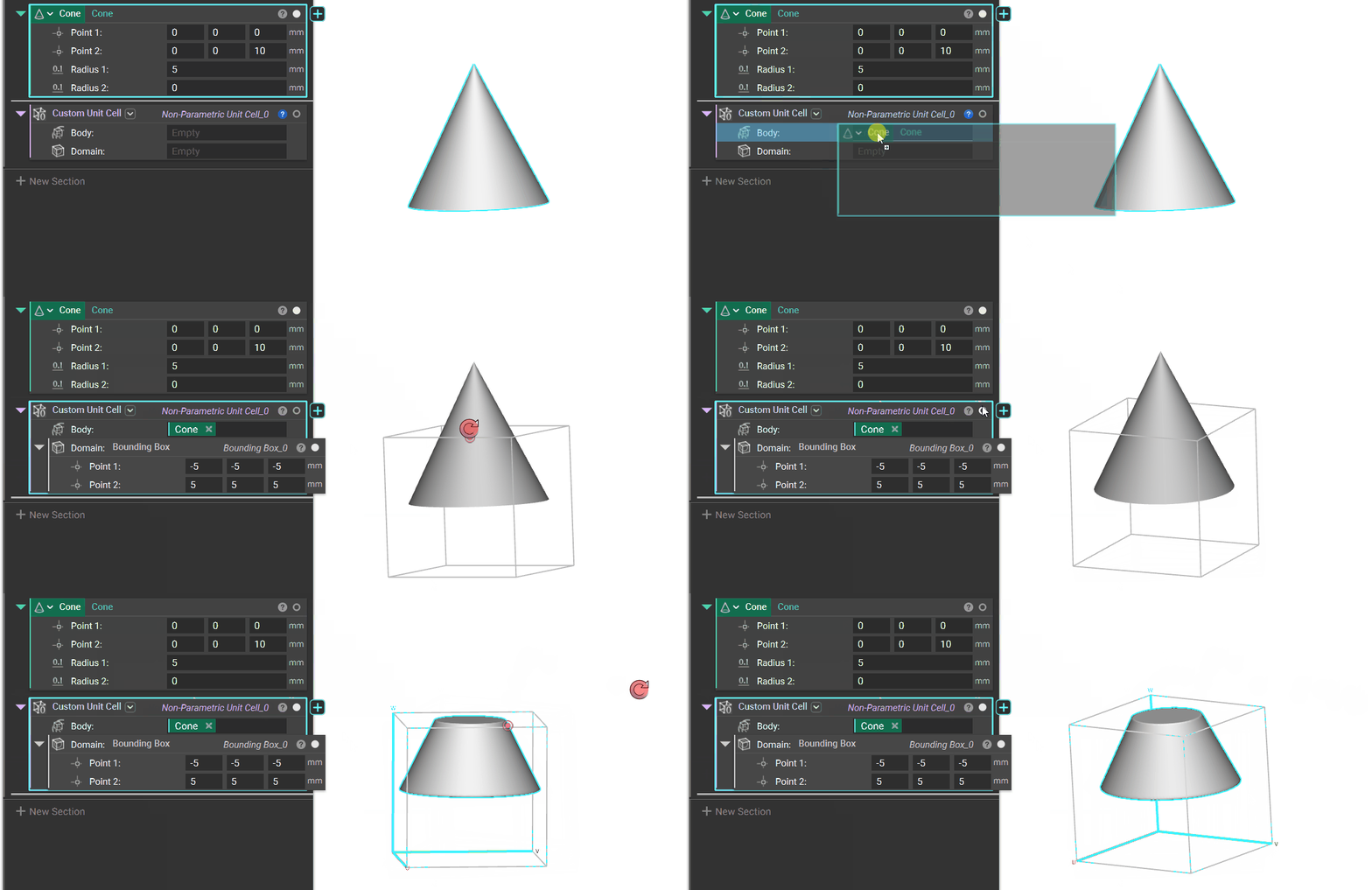
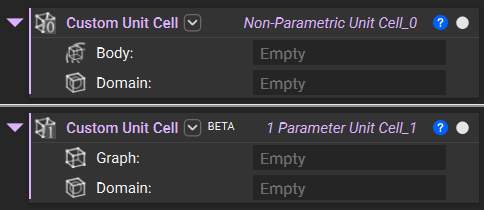 To create a **Custom Unit Cell**, you define an Implicit Body or a Graph to use as the repeated entity and define the body's *Domain*. The Unit Cell Domain defines the boundary of the Unit Cell and its spatial position within that boundary.
## Domain
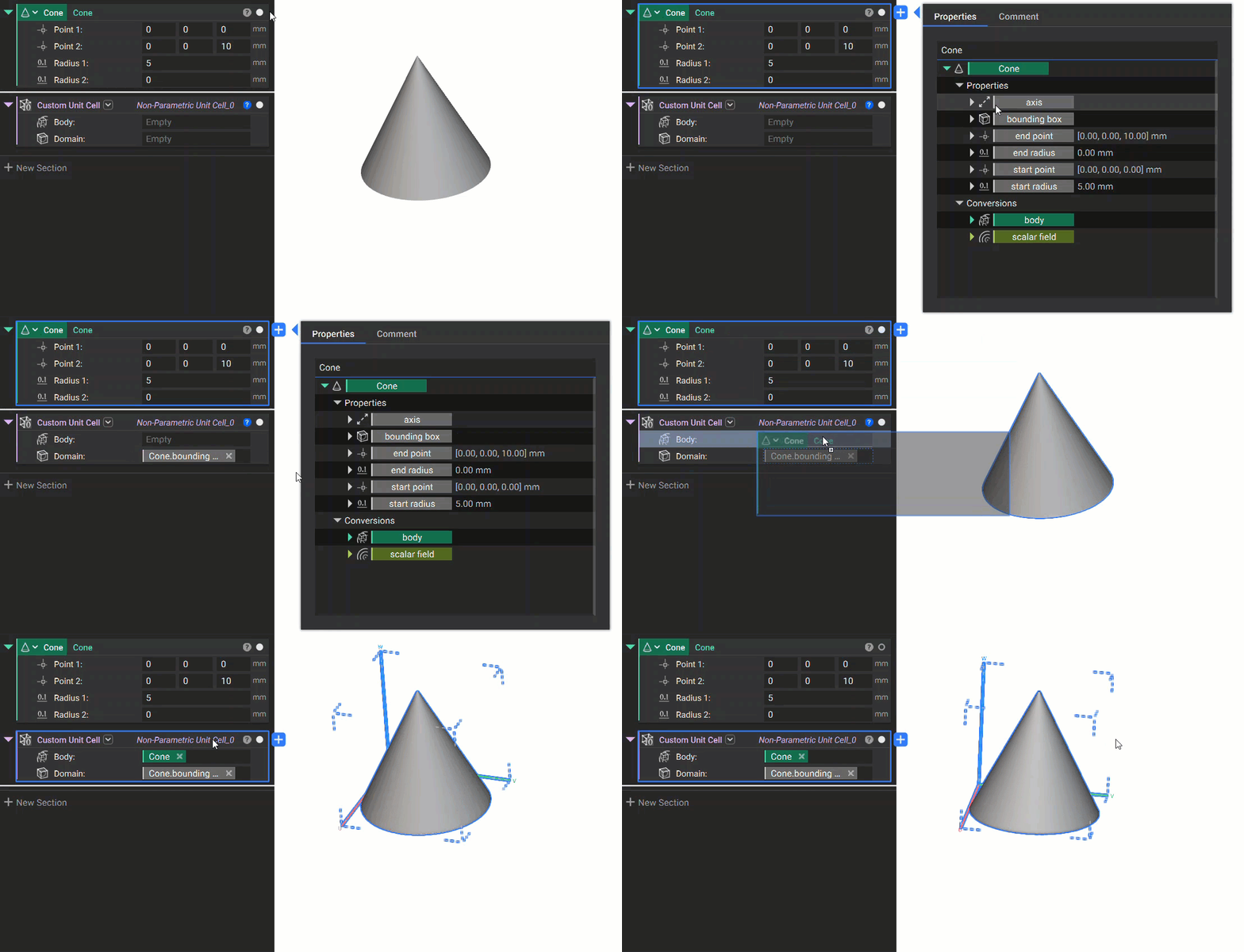
Let's take a closer look at the Unit Cell Domain. One method for defining the domain is using the *bounding box* chip, a property of the Implicit Body. This bounding box property inherently matches the boundary of the geometry and will create an exact fit for the **Custom Unit Cell**.
To create a **Custom Unit Cell**, you define an Implicit Body or a Graph to use as the repeated entity and define the body's *Domain*. The Unit Cell Domain defines the boundary of the Unit Cell and its spatial position within that boundary.
## Domain
Let's take a closer look at the Unit Cell Domain. One method for defining the domain is using the *bounding box* chip, a property of the Implicit Body. This bounding box property inherently matches the boundary of the geometry and will create an exact fit for the **Custom Unit Cell**.
 Another method is to define the *Domain* separately using the **Bounding Box** block, as shown below. Note the position of the geometry within a separately created bounding box will affect the resulting lattice. For example, a small floating sphere centered inside a much larger domain will generate a lattice of spaced, floating spheres.