> ## Documentation Index
> Fetch the complete documentation index at: https://docs.ntop.com/llms.txt
> Use this file to discover all available pages before exploring further.
# Filtering Lattice Beams
In addition to modifying lattices using the Utilities in the previous lessons, you can also filter beams in a graph lattice using the filter options in the *Lattice Utilities*. The output type of any of these Filter blocks is a Lattice.
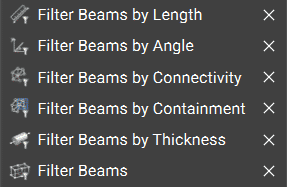 We offer five filtering options for comparing lattice beams to different criteria. If the comparison is false, the corresponding beam is filtered from the resulting Lattice. These are toolkit blocks, so right-click and select 'Open Block' to see their associated workflows. The **Lattice from the\*\*\*\*Beams** block, also in the Lattice Utilities, appears in each of these toolkit blocks.
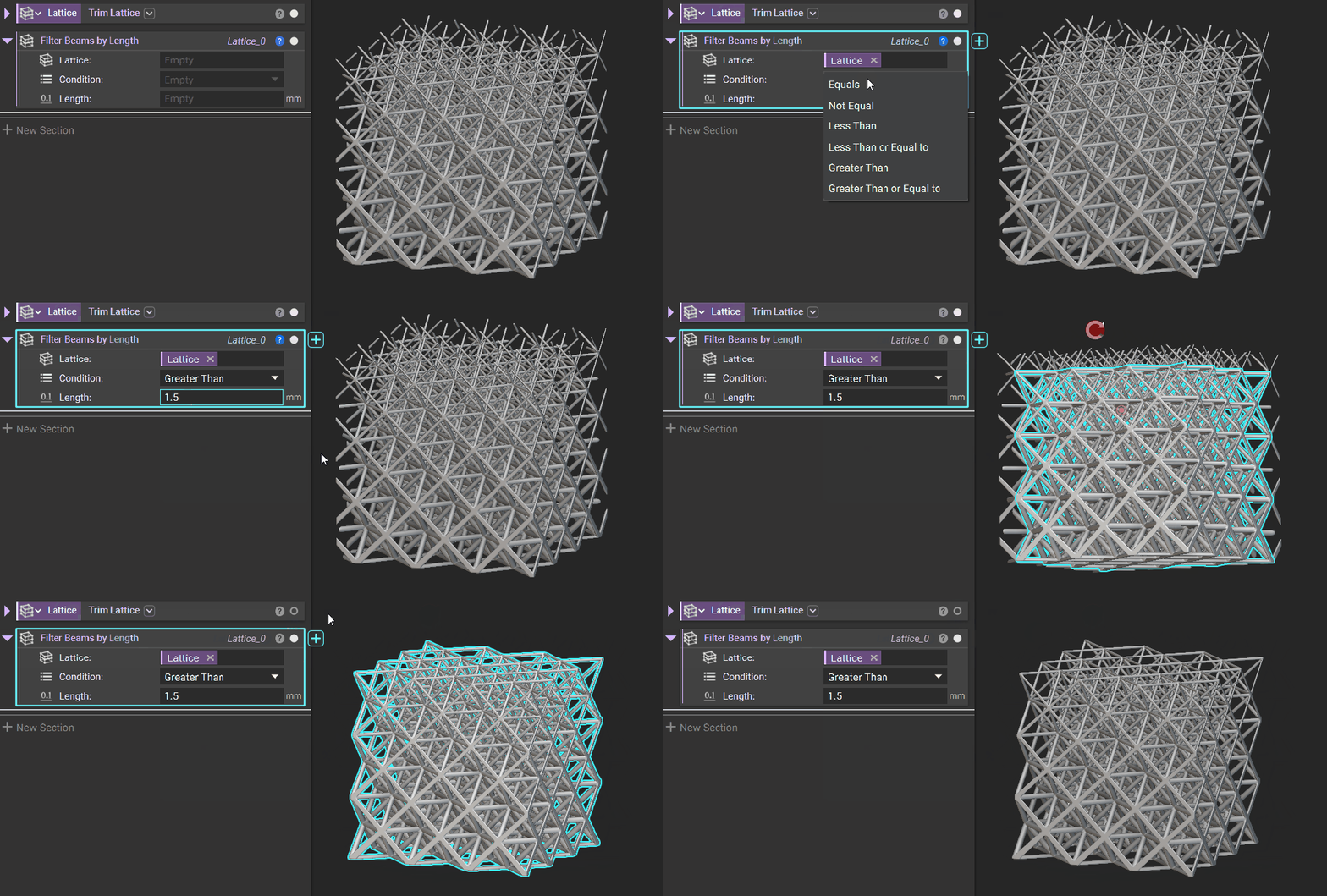
Retain a lattice's beams that meet a specified length.
We offer five filtering options for comparing lattice beams to different criteria. If the comparison is false, the corresponding beam is filtered from the resulting Lattice. These are toolkit blocks, so right-click and select 'Open Block' to see their associated workflows. The **Lattice from the\*\*\*\*Beams** block, also in the Lattice Utilities, appears in each of these toolkit blocks.
Retain a lattice's beams that meet a specified length.
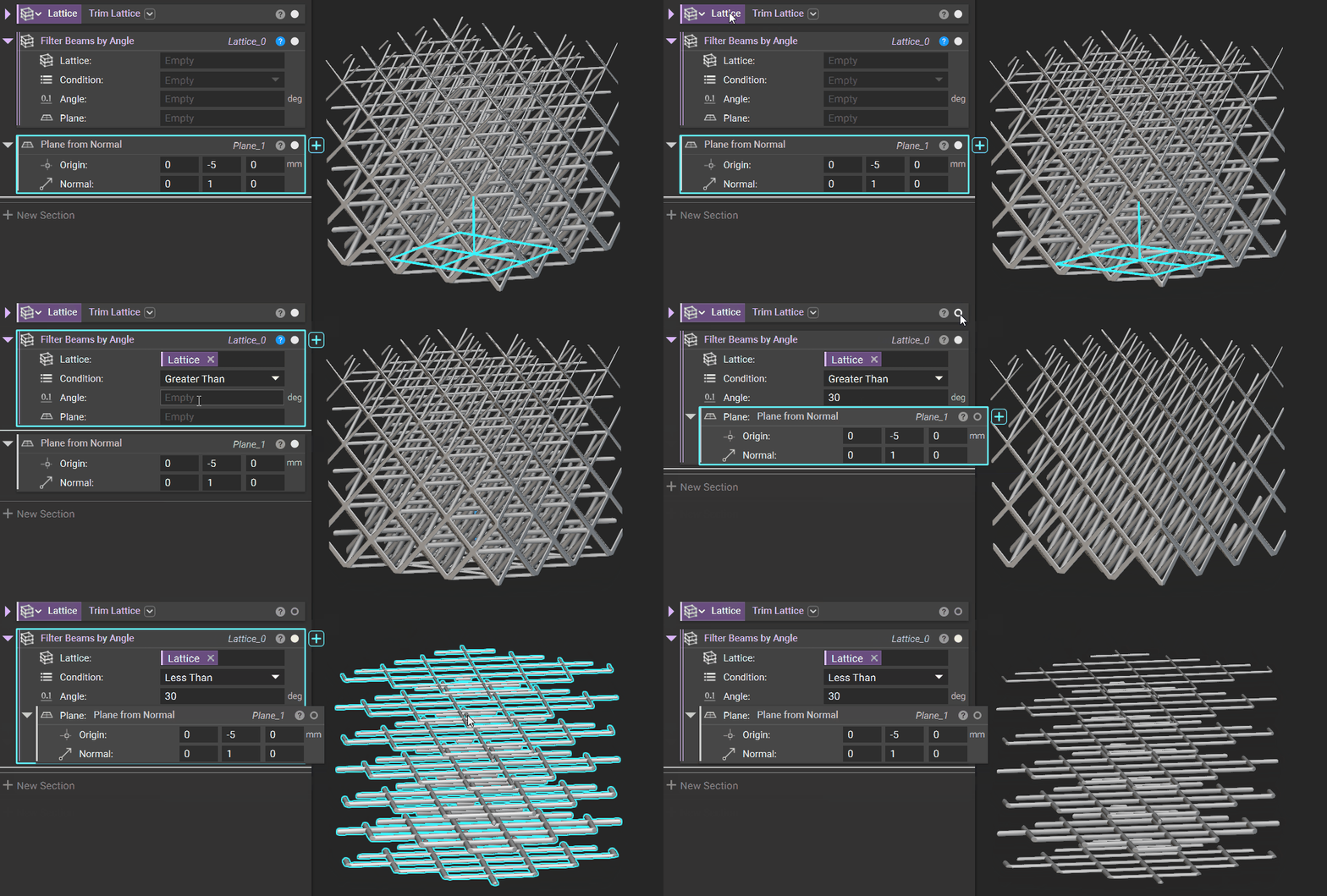
 Specify a Plane against which to compare beam angles.
 Isolate or remove Closed, Floating, or Open Beams.
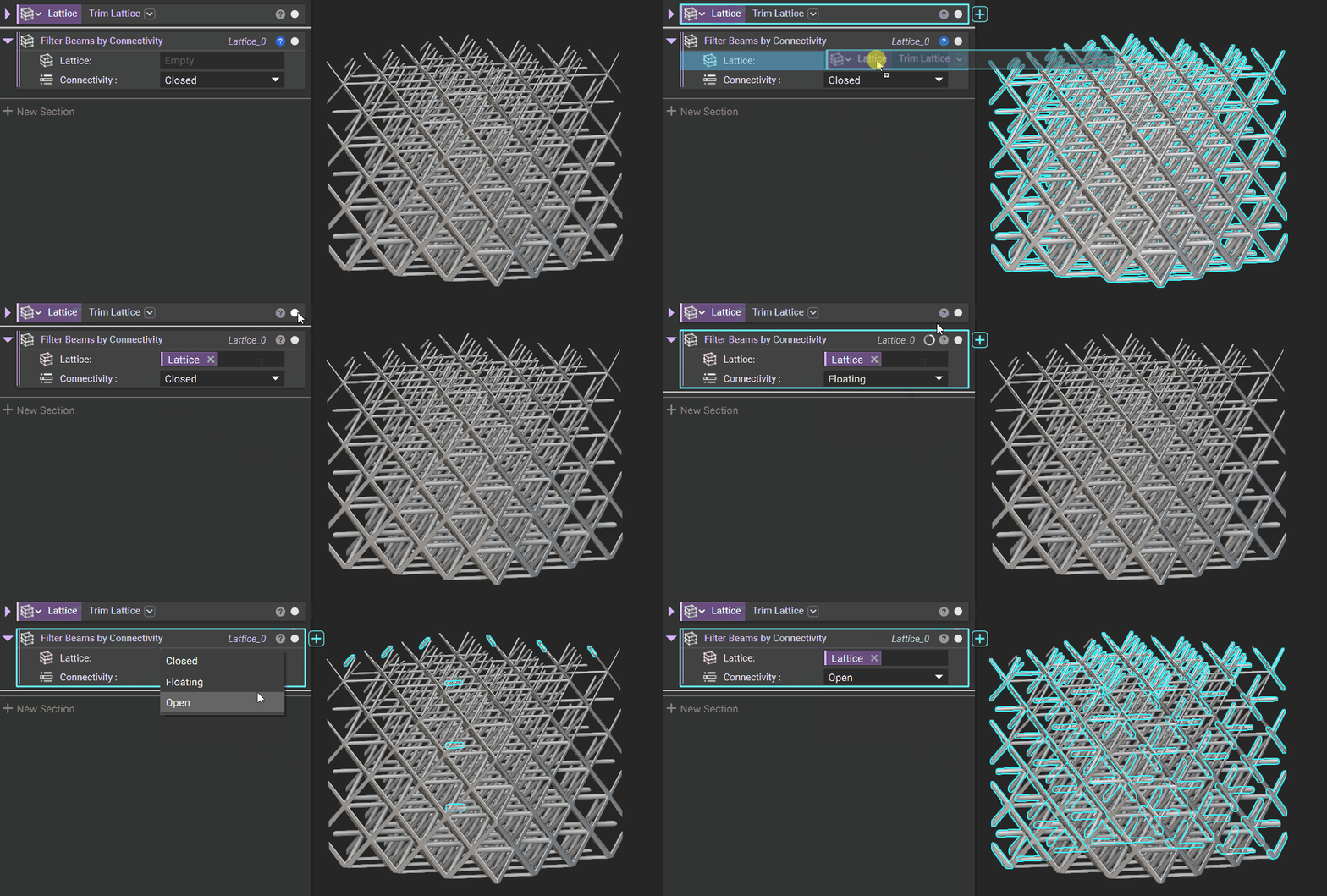 Differentiate between beams that are fully or partially contained by a specified Region (Implicit Body).
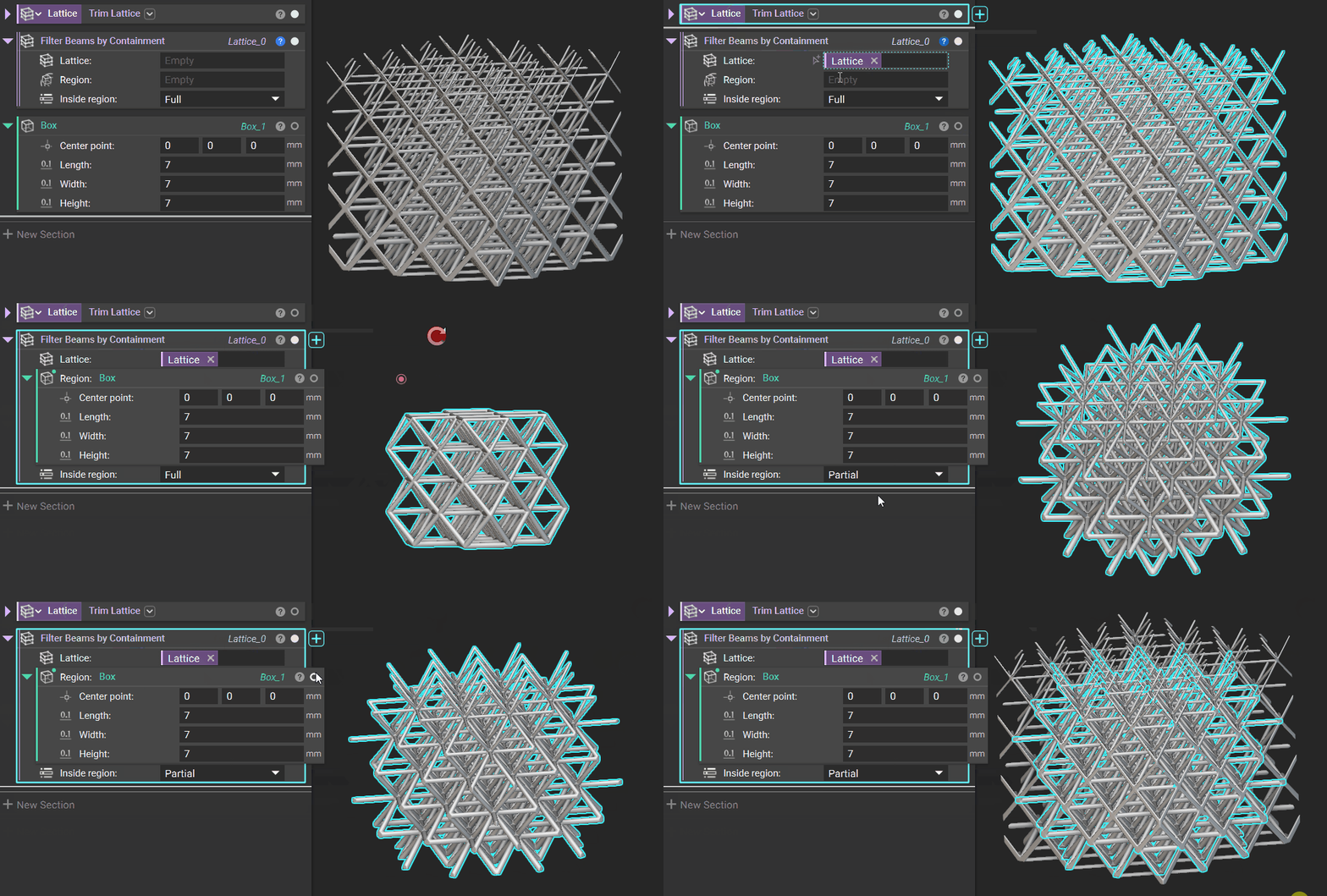 Filter by a specified beam thickness.
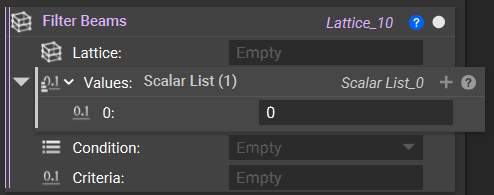
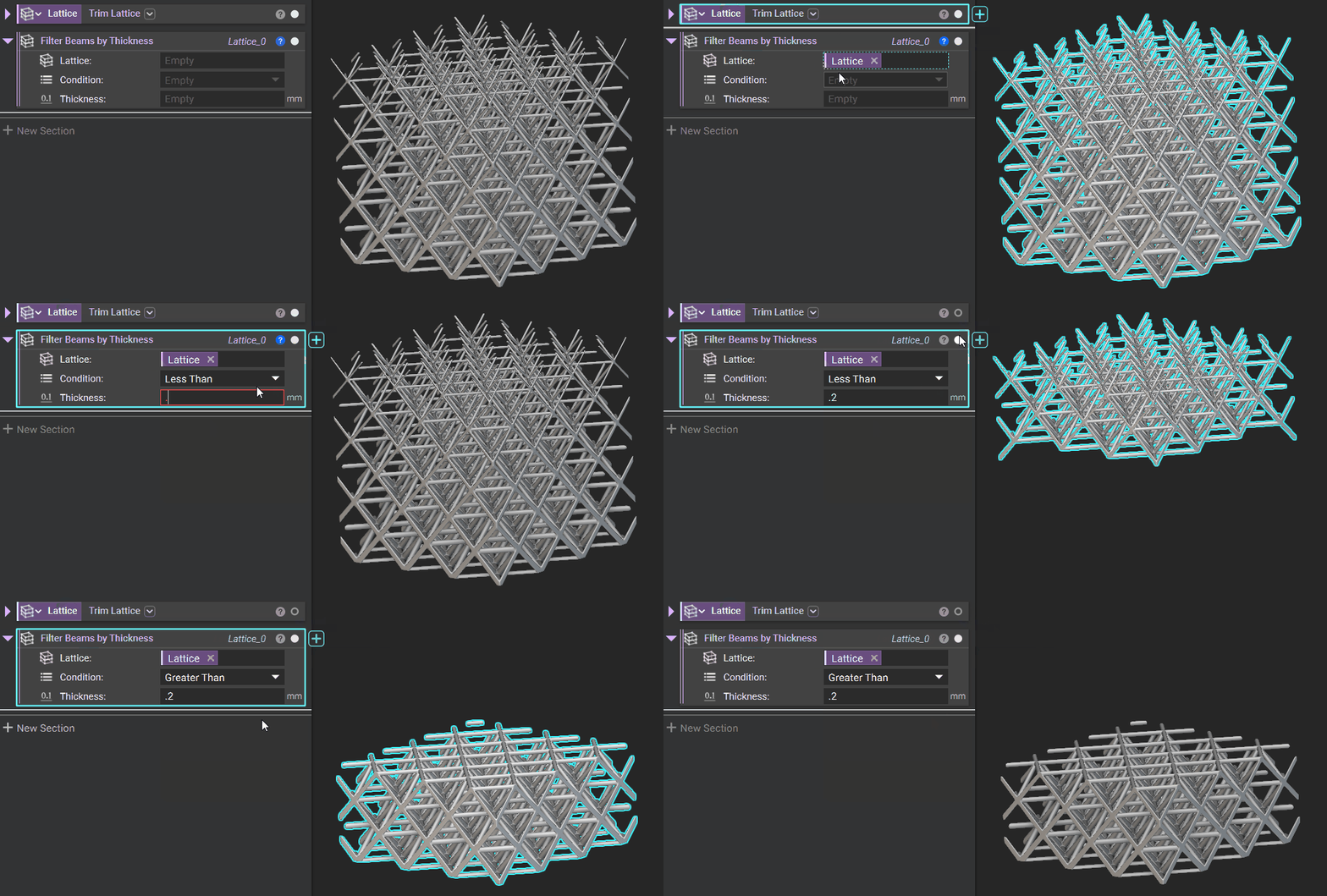 In addition to the five blocks above, use the **Filter Beams**block to generate your filtering criteria. You can compare each value in the Values list against the Criteria with the selected Condition. If the comparison is false, the corresponding beam is filtered from the resulting lattice. Therefore, the number of *Values* must match the number of beams in the input *Lattice*.