> ## Documentation Index
> Fetch the complete documentation index at: https://docs.ntop.com/llms.txt
> Use this file to discover all available pages before exploring further.
# Analysis Workflow: Working Backwards
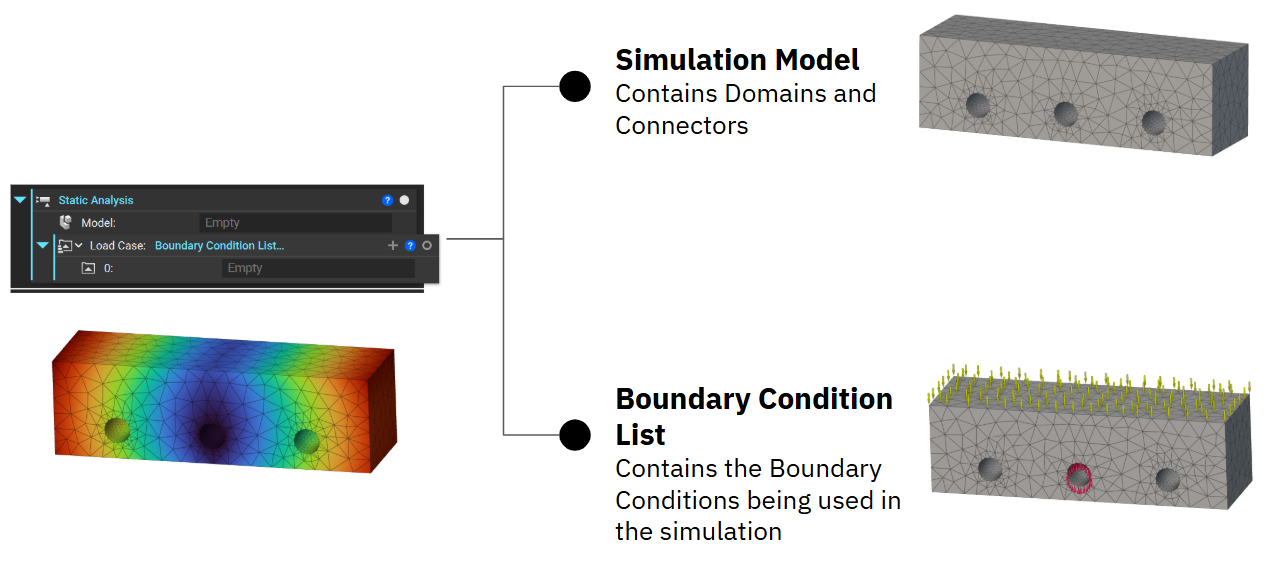
A good strategy for running an analysis in nTop is to work backward. First, add the analysis block to your Notebook and double-click on the inputs to see the available blocks.
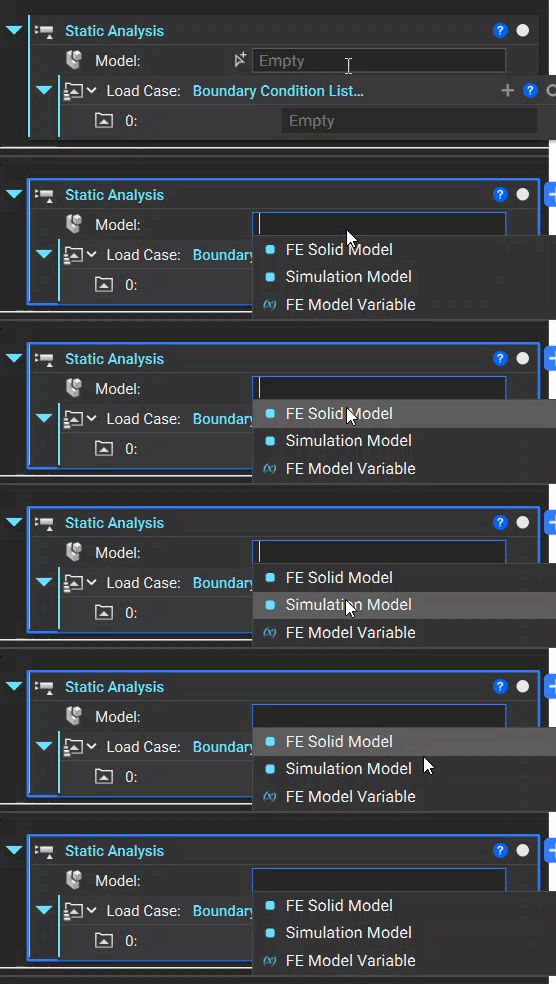 All of our analyses require a **Simulation Model**, and a Load case. For instance, the **Static Analysis** block requires an **Simulation Model** and Boundary Conditions to run, so to set up the Static Analysis, select the **Simulation Model** block for the first input. Then, we will continue to work backward to set up the Domain(s) and Boundary Conditions.