> ## Documentation Index
> Fetch the complete documentation index at: https://docs.ntop.com/llms.txt
> Use this file to discover all available pages before exploring further.
# FE Model Overview
Before running a thermal (or any) analysis, we must create an **FE Model** and its **Boundary Conditions**.
To review the detailed steps of creating an FE Model and common Boundary Conditions in nTop, please refer to the [240: Intro to Simulation](/courses/240-intro-to-simulation/) course.
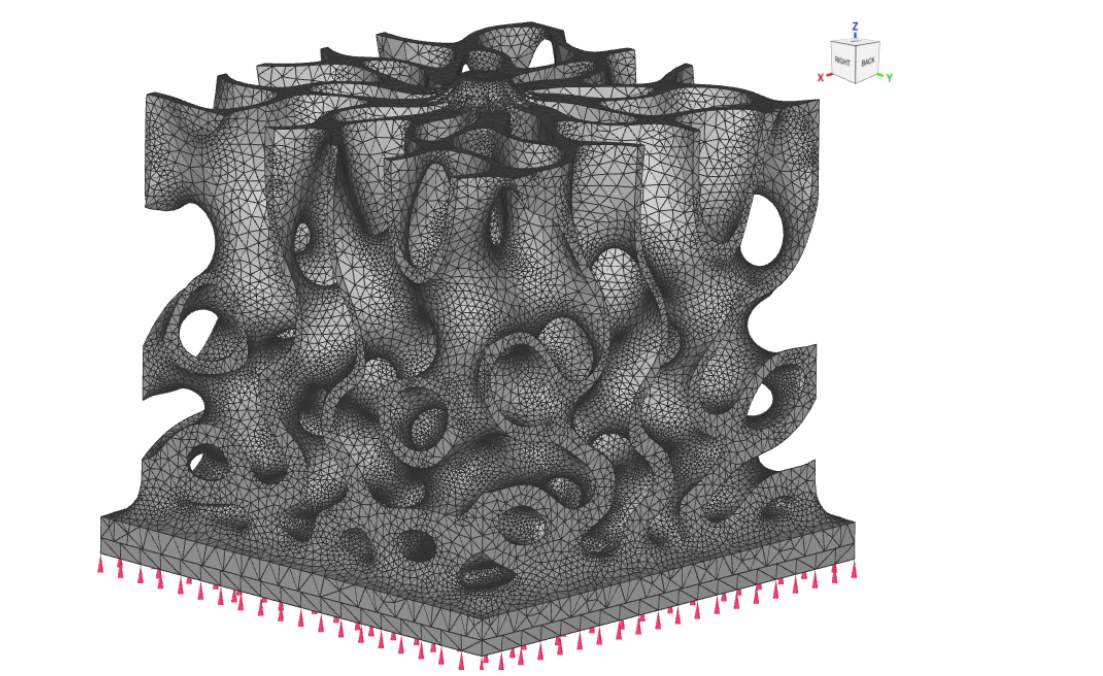 **Example:** an FE Model of a heat sink with Boundary Conditions applied
A thermal **FE model** is similar in its formulation to a typical **FE Model** used in a **Static Analysis**, except that it includes specific thermal attributes like:
**Example:** an FE Model of a heat sink with Boundary Conditions applied
A thermal **FE model** is similar in its formulation to a typical **FE Model** used in a **Static Analysis**, except that it includes specific thermal attributes like:
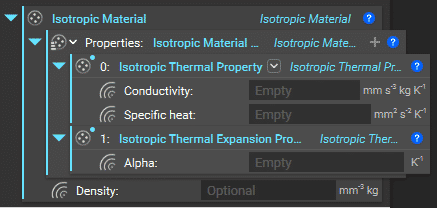 **Thermal Material Properties** (specific heat, thermal conductivity, coefficient of thermal expansion, density)
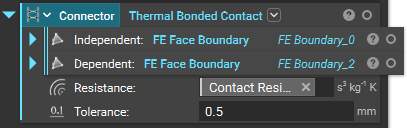 **Thermal Connectors** (if there is more than one component, and you desire heat transfer between them)