> ## Documentation Index
> Fetch the complete documentation index at: https://docs.ntop.com/llms.txt
> Use this file to discover all available pages before exploring further.
# Review: FE/Simulation Model and Boundary Conditions
Similar to the Static Analysis created in the [240: Intro to Simulation](/courses/240-intro-to-simulation/) course, we will need an FE Model and Boundary Conditions to run a Topology Optimization. If you run a Static Analysis and then a topology optimization, the FE Model and Boundary Conditions will be the same for both.
## **FE Model**
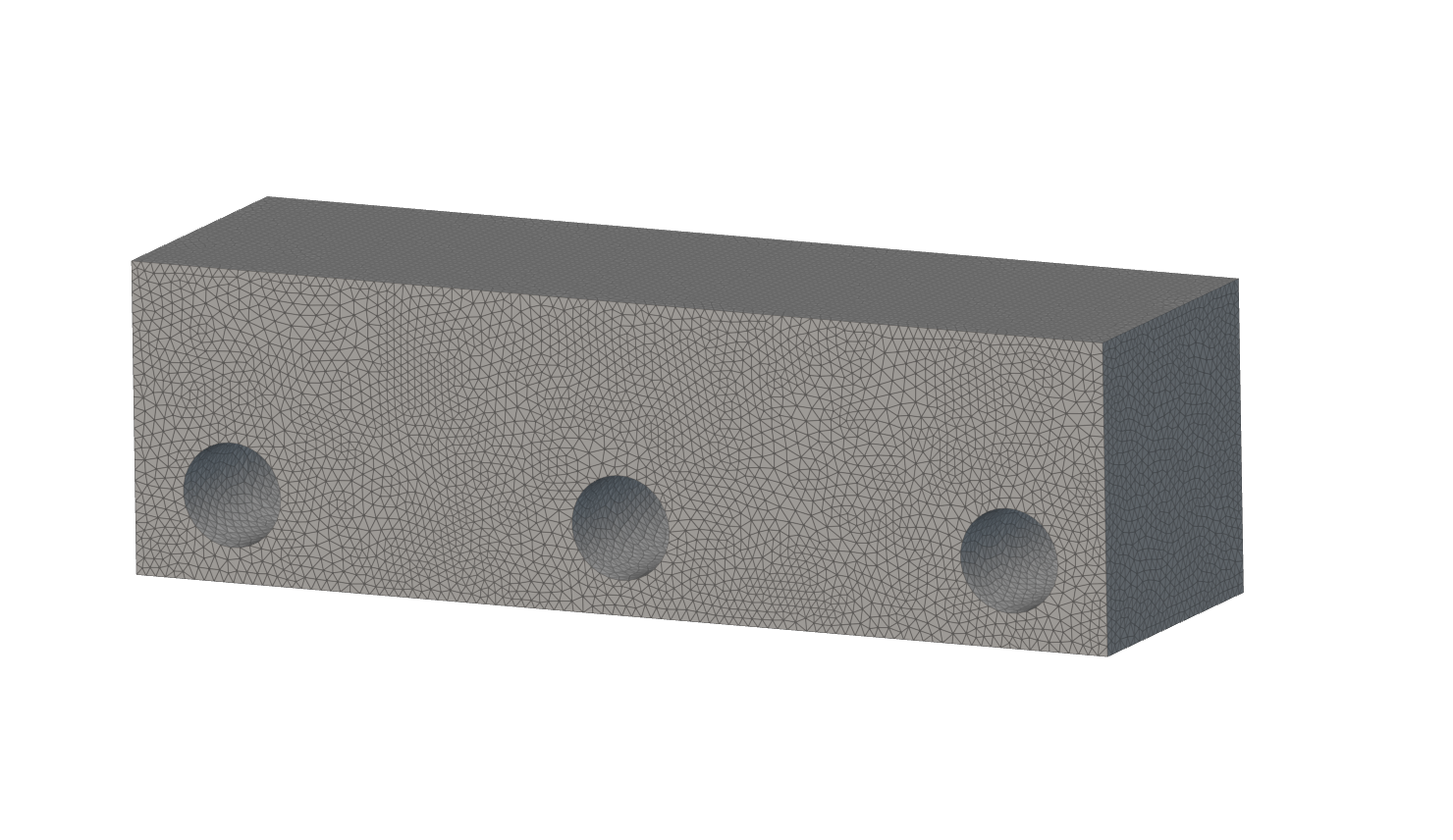
To create an FE Model, we will define the FE Mesh and the Material for the simulation. For information on how to define an FE Model, we recommend reviewing our section on *FE Meshes* in our [102: Guide to Meshing](/courses/102-guide-to-meshing/) course or the FE Model and *Material*lessons in our [240: Intro to Simulation](/courses/240-intro-to-simulation/) course.
 ## **Boundary Conditions**
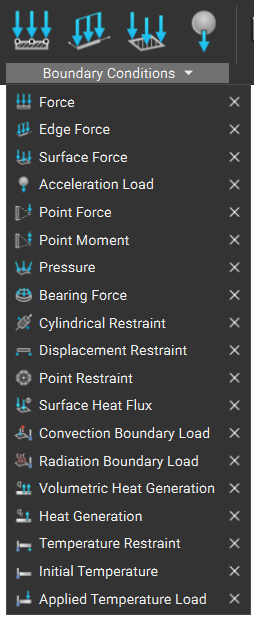
To define the boundary conditions of the part, we will define the boundaries and the type of condition. For information on selecting portions of an FE Mesh for Boundaries, we recommend reviewing our section on *Selecting a Portion of an FE Mesh* in the [102: Guide to Meshing](/courses/102-guide-to-meshing/) course and the *Boundary Conditions* lesson in the [240: Intro to Simulation](/courses/240-intro-to-simulation/) course.
## **Boundary Conditions**
To define the boundary conditions of the part, we will define the boundaries and the type of condition. For information on selecting portions of an FE Mesh for Boundaries, we recommend reviewing our section on *Selecting a Portion of an FE Mesh* in the [102: Guide to Meshing](/courses/102-guide-to-meshing/) course and the *Boundary Conditions* lesson in the [240: Intro to Simulation](/courses/240-intro-to-simulation/) course.