> ## Documentation Index
> Fetch the complete documentation index at: https://docs.ntop.com/llms.txt
> Use this file to discover all available pages before exploring further.
# Overview of Primitives, Transformations, and Modeling Operations
It is recommended that you create your part in CAD, do operations such as splitting the part into multiple bodies using planes or surfaces there, and bring them into nTop to be modified and optimized. There are, however, possibilities in nTop to create simple implicit geometries as well as perform simple transformations and modeling operations on your object.
## Primitives
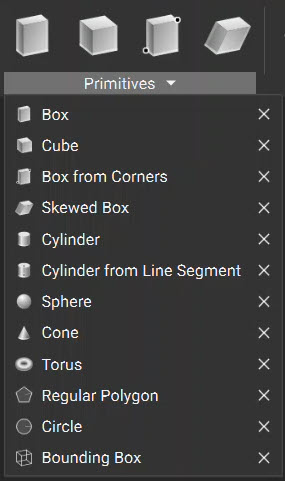
Primitives, found in the *Create*tab, are simple shapes that are generated as implicit bodies.
 ## Transformations
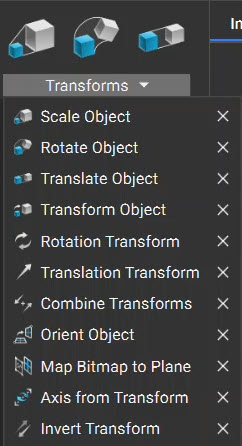
In the *Utilities*tab, you can find object Transformations such as: scaling, rotating, translating, and orienting. You can perform these operations on any type of geometry and in combination with each other. The block will output your transformed geometry while the original geometry remains as a prior block.
## Transformations
In the *Utilities*tab, you can find object Transformations such as: scaling, rotating, translating, and orienting. You can perform these operations on any type of geometry and in combination with each other. The block will output your transformed geometry while the original geometry remains as a prior block.
 ## Modeling Operations
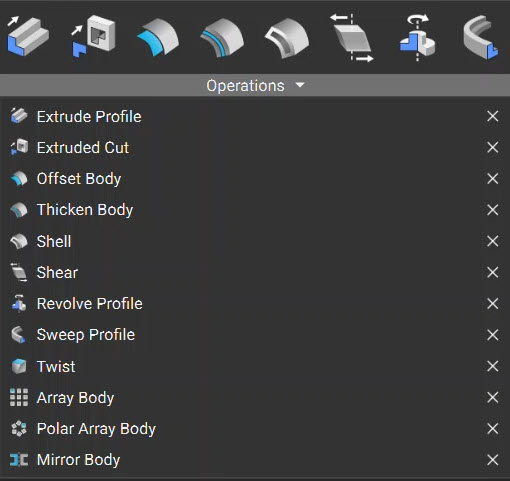
In the *Modeling*tab, you can find common operations such as: offsetting, extruding, shelling, thickening, and revolving. These operations may perform differently than expected on Implicit Bodies compared to traditional CAD.
## Modeling Operations
In the *Modeling*tab, you can find common operations such as: offsetting, extruding, shelling, thickening, and revolving. These operations may perform differently than expected on Implicit Bodies compared to traditional CAD.