> ## Documentation Index
> Fetch the complete documentation index at: https://docs.ntop.com/llms.txt
> Use this file to discover all available pages before exploring further.
# Noise Fields
nTop's implicit modeling engine is mathematically based and natively compatible with field-based or procedural texturing recipes.
Field-driven design allows you to control the size, shape, or strength of the texture however desired.
## Roughness
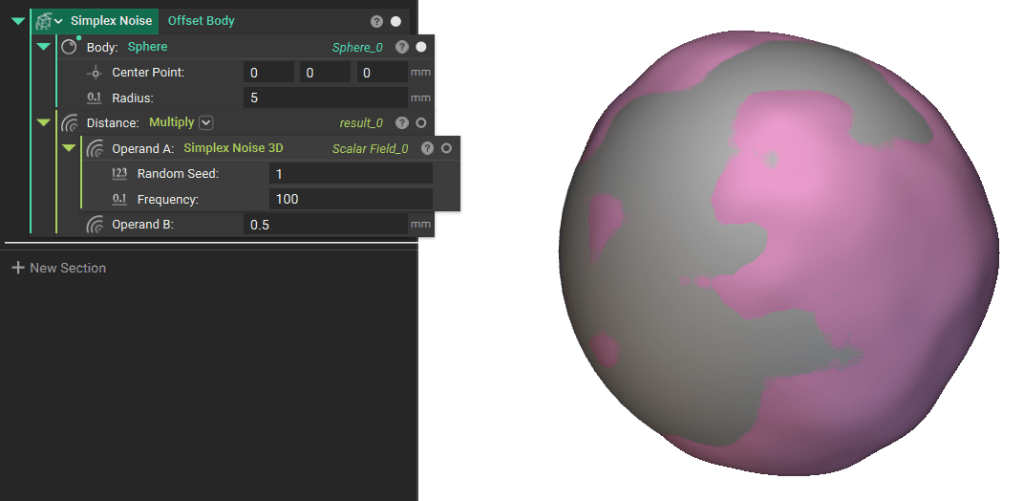
Adding roughness is perhaps the simplest procedural texture and a foundation for the more advanced examples. It involves three easy steps: generating noise with the **Simplex Noise 3D** block, scaling the noise with the **Multiply**block, and applying it to a part with the **Offset Body** block.
 ## Simplex Noise
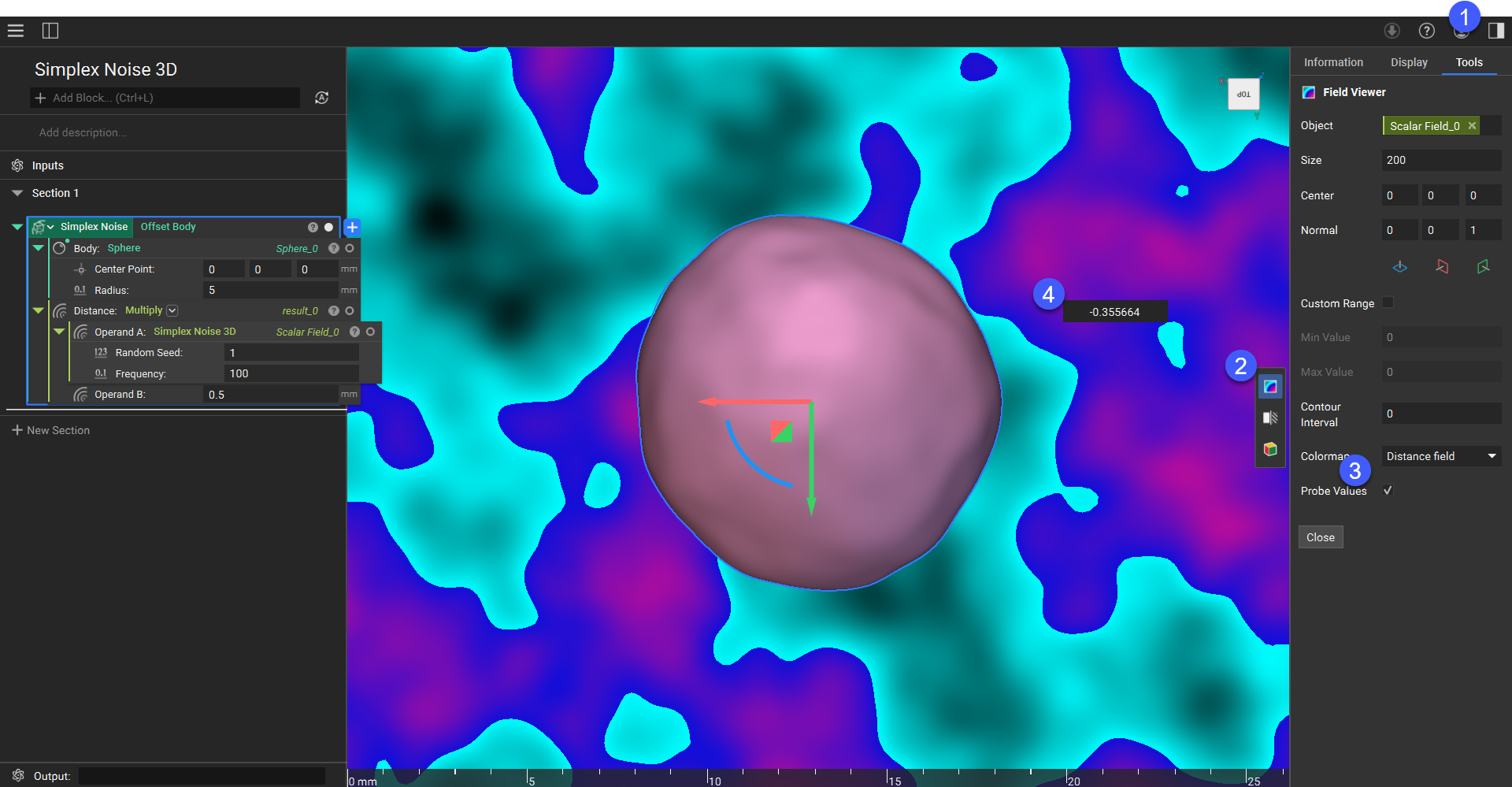
The **Simplex Noise 3D** block is one of the native fields built into nTop. Using the field viewer (press F), you can see that the noise ranges from -1 to 1 (toggle “Probe Values” on the Field Viewer dialog, and hover over the field). The influence of the frequency input is best visualized by changing the value, and the random seed is useful if you want to layer multiple noise functions without them coinciding or to randomize different parts' textures.
## Simplex Noise
The **Simplex Noise 3D** block is one of the native fields built into nTop. Using the field viewer (press F), you can see that the noise ranges from -1 to 1 (toggle “Probe Values” on the Field Viewer dialog, and hover over the field). The influence of the frequency input is best visualized by changing the value, and the random seed is useful if you want to layer multiple noise functions without them coinciding or to randomize different parts' textures.
 ## Texture Amplitude
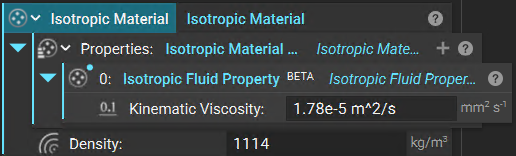
In order to use this field to manipulate your geometry, you must apply units with the **Simplex Noise 3D** block.
You can use this block to vary the amplitude of the texture. Use a **Ramp**block to drive the roughness based on any other field or implicit. The texture is then applied to any implicit with an**Offset Body** block. Below, the texture fades from smooth (0 mm) to textured (1 mm) as we proceed away from the plane.
## Texture Amplitude
In order to use this field to manipulate your geometry, you must apply units with the **Simplex Noise 3D** block.
You can use this block to vary the amplitude of the texture. Use a **Ramp**block to drive the roughness based on any other field or implicit. The texture is then applied to any implicit with an**Offset Body** block. Below, the texture fades from smooth (0 mm) to textured (1 mm) as we proceed away from the plane.
 ## Cellular Noise
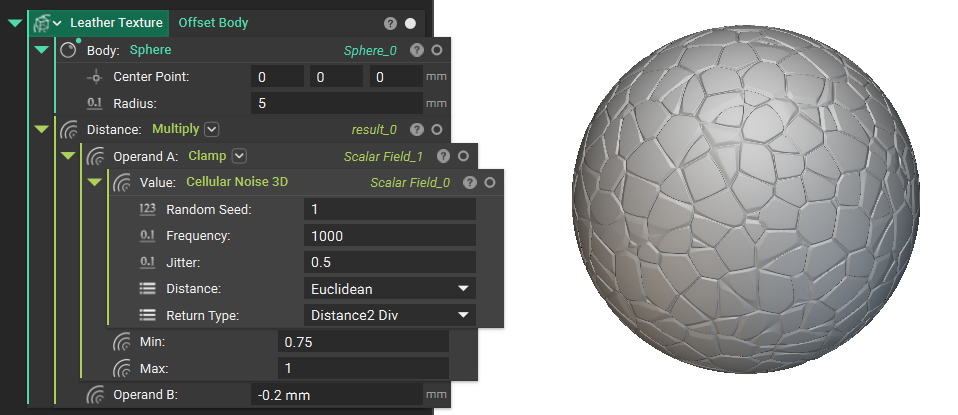
The **Cellular Noise** block generates another field often used for texturing. Each *Return Type* offers a different effect. The Distance2 Div type creates a texture similar to leather.
## Cellular Noise
The **Cellular Noise** block generates another field often used for texturing. Each *Return Type* offers a different effect. The Distance2 Div type creates a texture similar to leather.
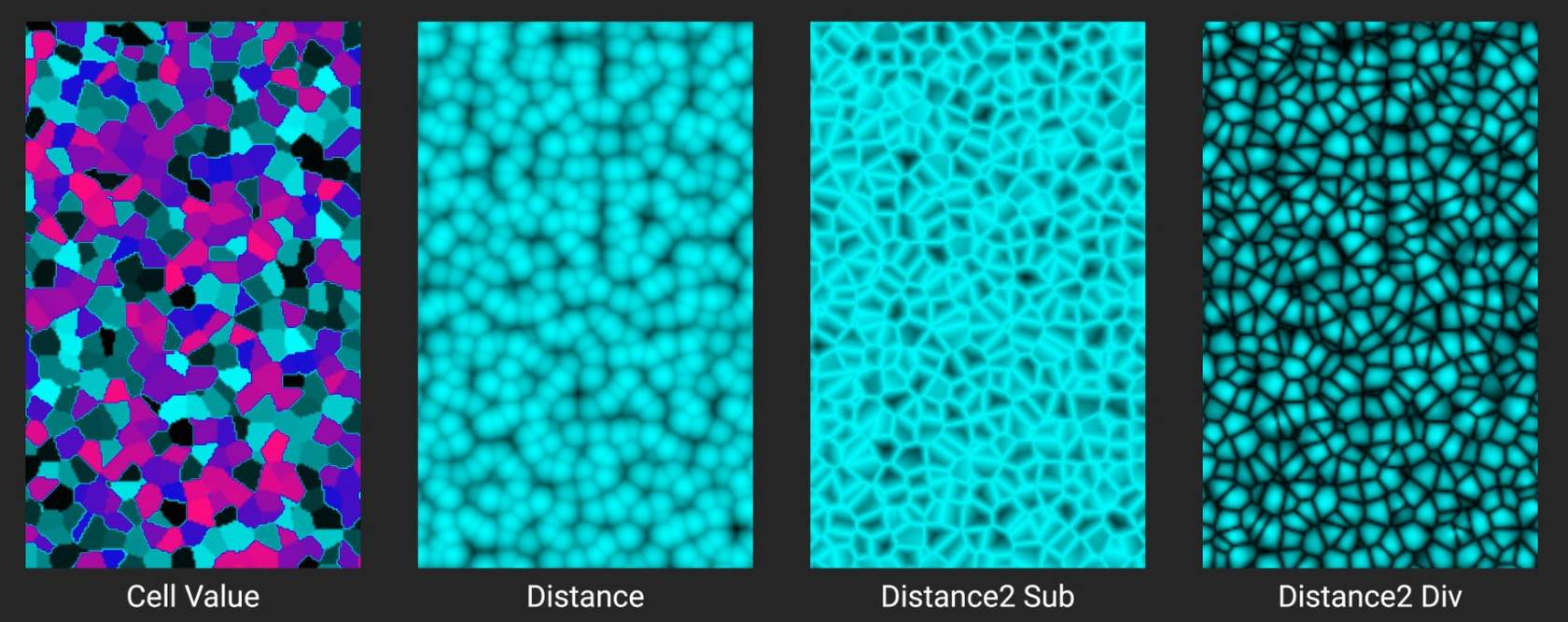 A **Clamp** block is used between the **Noise**and **Multiply**blocks. This essentially thresholds the noise signal (which runs from 0 to 1) to be between 0.75 and 1 only. This creates flat spots rather than mountains in our leather cells.