> ## Documentation Index
> Fetch the complete documentation index at: https://docs.ntop.com/llms.txt
> Use this file to discover all available pages before exploring further.
# Overview
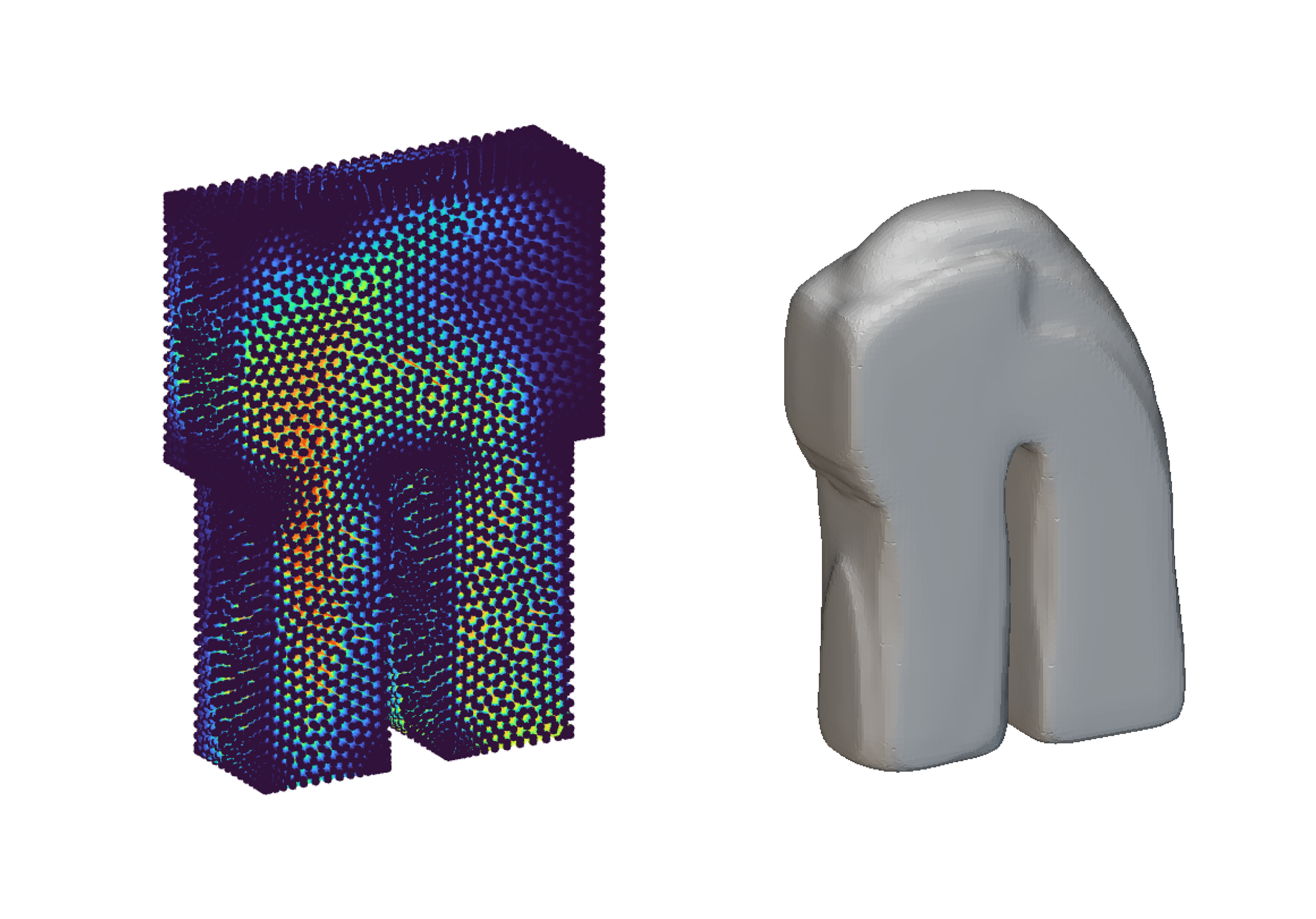
> Use imported simulation data to generate and reshape implicit geometry.
 ## About this course
Follow along with Staff Solutions Engineer, Maiki Vlahinos, to generate geometry based on imported point maps. Use custom blocks to define upper and lower bounds you wish to truncate to shape your new geometry.
Prerequisites: [101: nTop Essentials](/lessons/ntop-essentials/overview), [210: Intro to Lattices](/lessons/intro-to-lattices/overview), [220: Intro to Field Driven Design](/lessons/intro-to-field-driven-design/overview), [230: Intro to Automation](/lessons/intro-to-custom-blocks/overview)
What is Covered:
* Generating implicit geometry from imported simulation data
* Truncating data to to refine and optimize the design space
## About this course
Follow along with Staff Solutions Engineer, Maiki Vlahinos, to generate geometry based on imported point maps. Use custom blocks to define upper and lower bounds you wish to truncate to shape your new geometry.
Prerequisites: [101: nTop Essentials](/lessons/ntop-essentials/overview), [210: Intro to Lattices](/lessons/intro-to-lattices/overview), [220: Intro to Field Driven Design](/lessons/intro-to-field-driven-design/overview), [230: Intro to Automation](/lessons/intro-to-custom-blocks/overview)
What is Covered:
* Generating implicit geometry from imported simulation data
* Truncating data to to refine and optimize the design space