System Requirements
Please refer to the System Requirements for recommendations for graphics cards. GPU Acceleration has been optimized for NVIDIA graphics cards with Volta architecture or newer (2018+). Regardless of hardware configuration, the setting can be changed at any time in the settings dialog. To toggle GPU Acceleration on or off, go to the settings window accessible from the file drop down menu, and toggle the checkbox next to “Enable GPU Acceleration” under the general tab.Interactive Updates
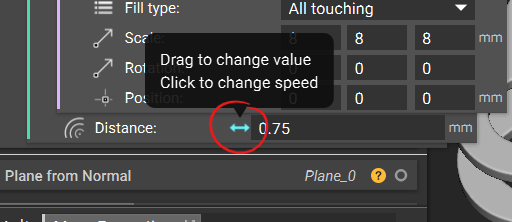
- When hovering over most scalar inputs, an arrow icon appears to the left of the input field. Upon clicking and dragging this icon left and right, the value of that input updates.
- When the arrow is blue, it indicates that the corresponding model will have a live visual update as you interactively change the value.
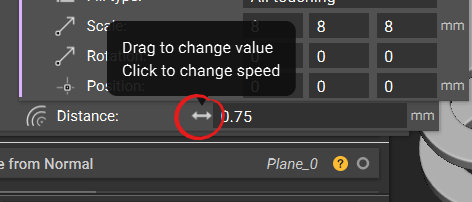 > When the arrow is gray, it indicates that the live update is unavailable.
 > The speed of the increments at which the value changes can be adjusted by left clicking on the icon to access a speed panel, where different speeds are shown.
Demo Clips
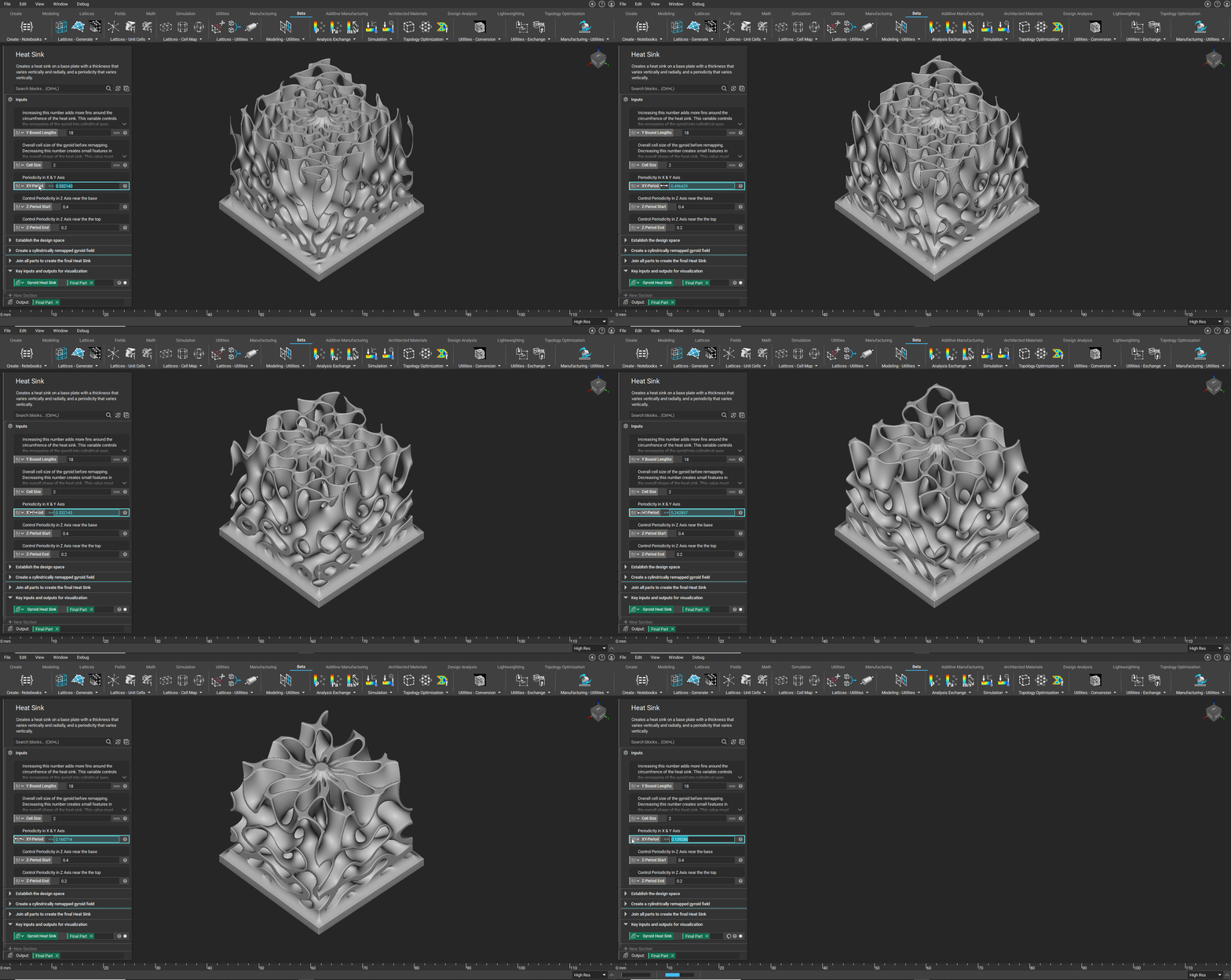
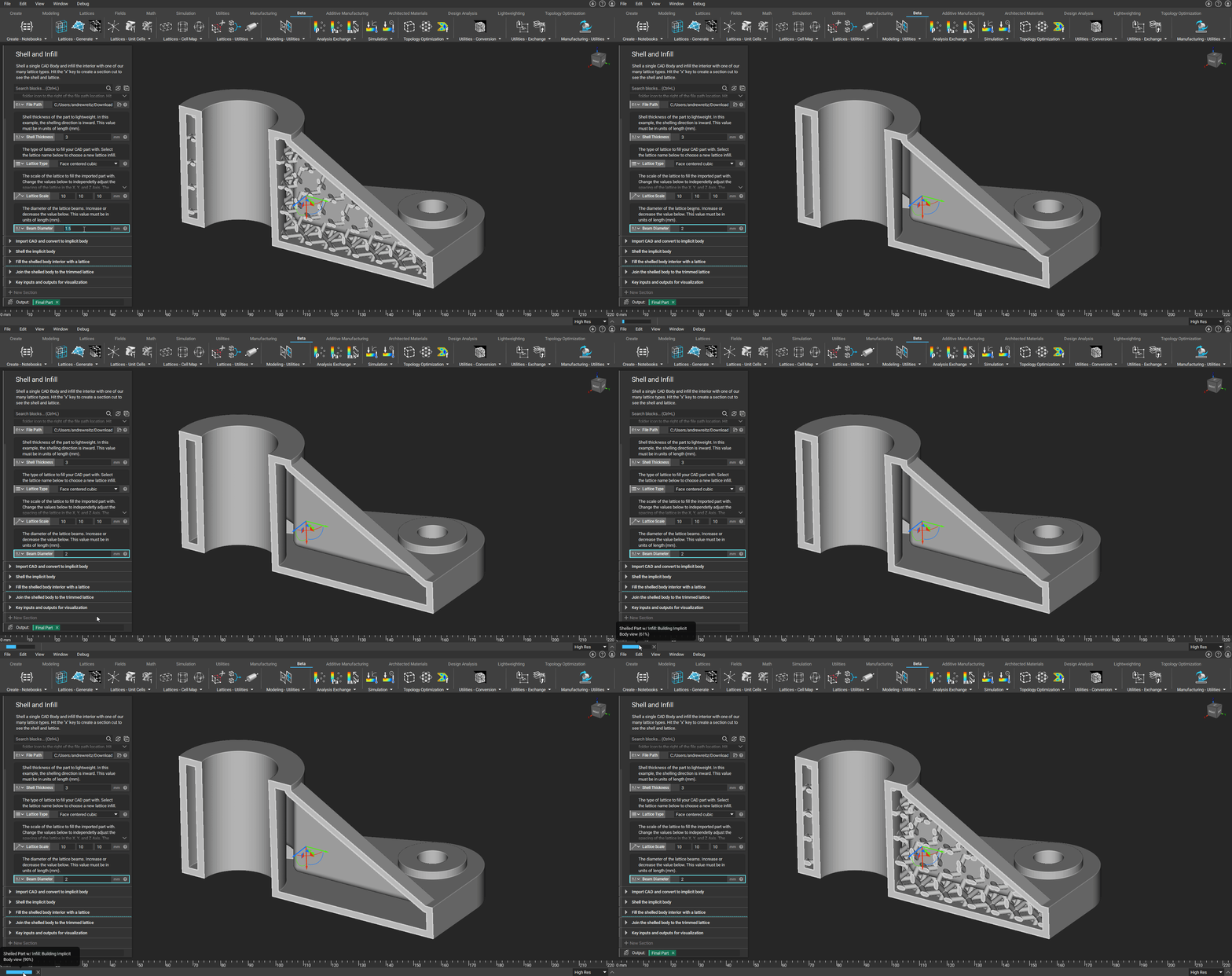
CPU vs GPU computational speed comparison
> GPU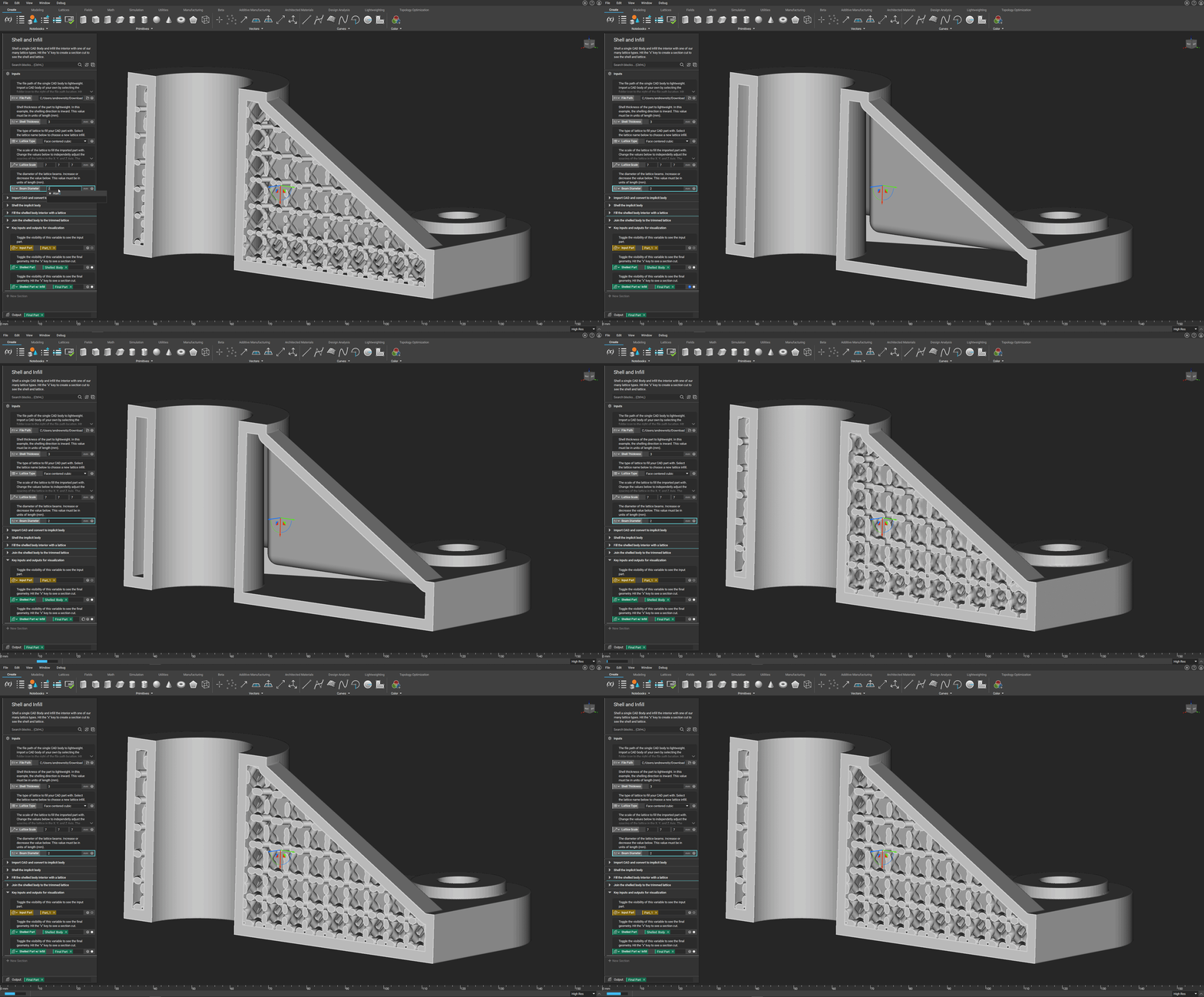 > CPU
> CPU