
About this Block
The Parallel Remesh Surface block is an additional beta block that allows users to run Remesh Surface block on multiple CPU threads. For more information on Remesh Surface, please see the information available here.
What it does: The Parallel Remesh Surface block re-meshes an existing surface mesh using parallel processing. The algorithm automatically partitions the input mesh and pre-meshes each partition in parallel.
- The number of partitions is equal to the Max Thread input. An increase in mesh density may occur along the lines where the partitions are “stitched” together.
NOTE:When the Max Threads input is greater than one, the block is not guaranteed to be deterministic and may produce different results each time it is executed. This is often acceptable during design iterations when time-to-results is more important than determinism. If you require meshing to be fully deterministic and always produce the same results, you should use one thread.
Common uses:
- Preparing a surface mesh for simulation and optimization.
Tips
- Parallel Remesh Surface provides nearly deterministic results when keeping the Thread Count constant.
- Running Parallel Remesh Surface with Thread Count = 1 produces the same result as the Remesh Surface block.
- The number of nodes/elements can vary significantly between multithreaded and single-threaded. On average, we have noticed a 10% increase in mesh elements when using multiple cores.
- Generally, we have noticed a significant speed improvement when utilizing up to 32 threads.
- Not all remeshing operations will improve with multiple threads. For meshes with low element count, single-core meshing can be faster. However, for the vast majority of meshes, running parallel threads will be faster.
Example File
Download Example: Parallel Remesh Surface
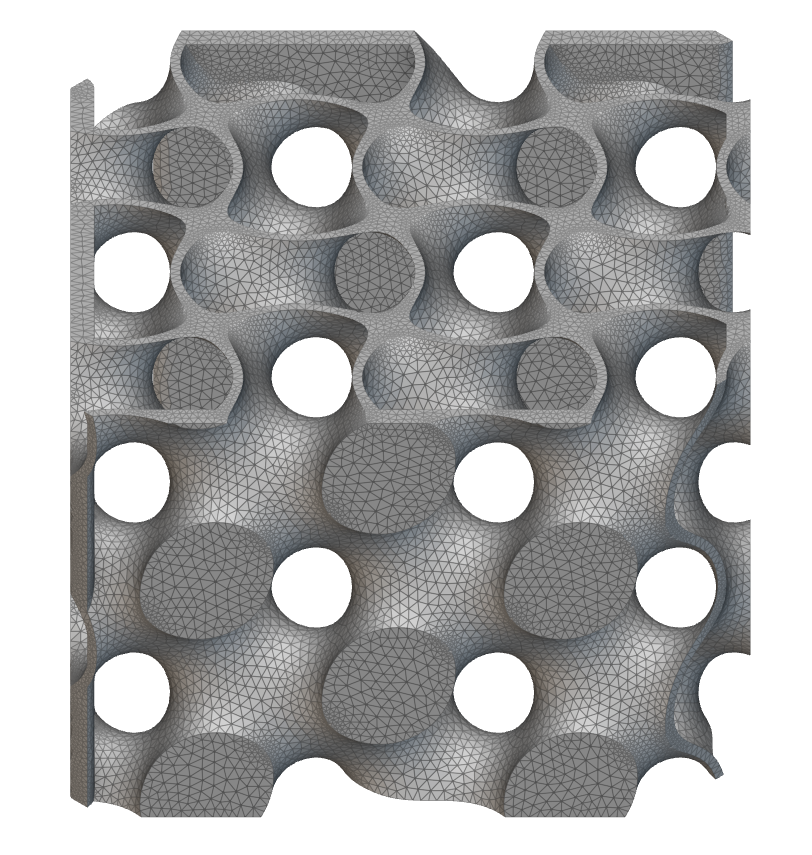
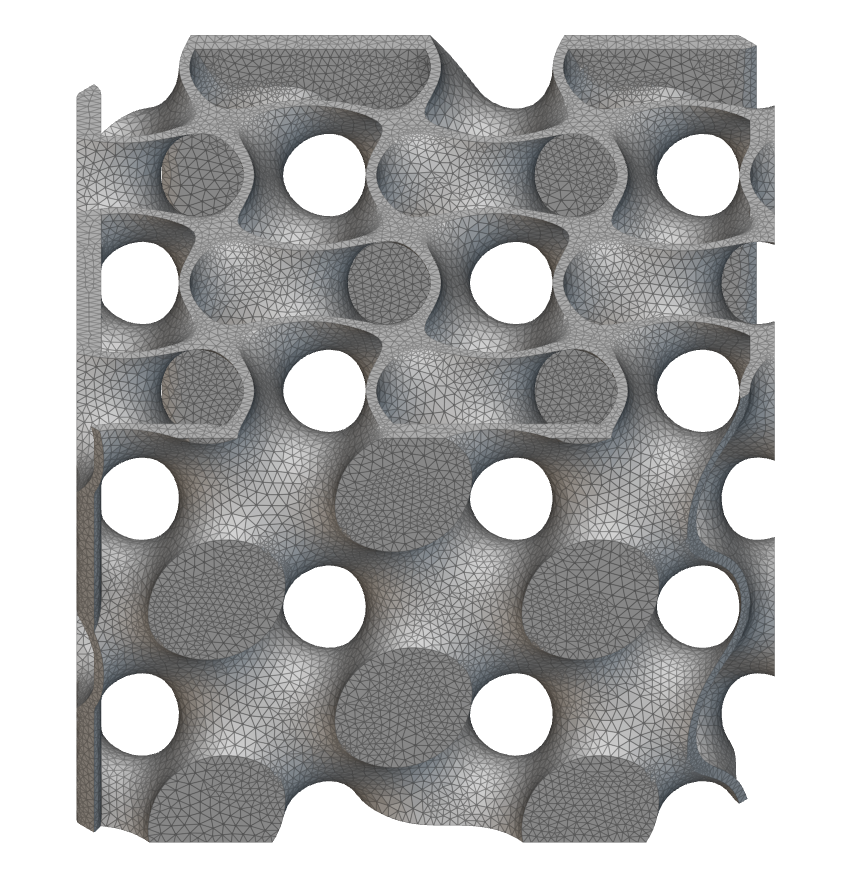
| Remesh Surface | Parallel Remesh Surface |
|---|
|  |  |
| Time | 67,239ms | 16,323ms (16 Max Threads) |
Remesh an existing surface mesh using parallel processing. The algorithm will automatically partition the input mesh and pre-mesh each partition in parallel. The number of partitions is equal to the Max Threads. When the Max Threads is greater than one, the results may differ each time the block is executed.
| Name | Type | Description |
|---|
| Surface | Mesh | Surface mesh to remesh. |
| Edge length | Scalar Field | The target edge length of the generated elements. |
| Shape | Surface Mesh Shape Enum | The element shape of the output mesh. |
| Span angle | Scalar | The maximum spanning angle for elements generated on curved surfaces. Decreasing the span angle will refine the mesh in areas of local curvature. |
| Growth rate | Scalar | The rate at which the size of adjacent elements can grow. This value must be greater than 1.001. |
| Feature angle | Scalar | The maximum angle used to automatically compute the preserved edges in the input surface. Decreasing the feature angle will produce a mesh whose edges are better aligned with the input surface. |
| Min edge length | Scalar | The minimum allowed edge length of the generated elements in the output mesh. |
| Chord height | Scalar | The maximum distance from the midpoint of an element edge to the input surface. A value of zero turns off chord height sizing. |
| Min feature size | Scalar | The minimum small feature size to control the deletion of small features. A recommended value is about five percent of the edge length. A value of zero turns off feature deletion. |
| Max threads | Integer | The number of parallel threads that will be used by the meshing algorithm. If not provided, the max threads will be set to the maximum available on the machine up to 32. |
Outputs