

Point, Boundary, Vector, FE Coupling Enum, Frame, 1.1.0
Point, Boundary, Vector, Frame
Point, Cad faces, Vector, FE Coupling Enum, Frame, 1.1.0
Point, Cad faces, Vector, Frame
About this Block
What it does: The Point Moment block is a boundary condition that applies a remote moment to the selected boundary by distributing the load through Rigid (RBE2) / Flexible (RBE3) body elements. Common uses:- When the moment(s) applied to a boundary are known at a Remote Point.
- Simplifying simulations by applying representative point moment(s) instead of additional components
- Point: The point where the moment(s) are specified
- Boundary: The boundary entities (typically surface nodes) to which the force will be transferred.
- Moment: The moment vector.
-
Connector: This defines the the behavior of the nodes on the boundary linked to the motion of the point and has 2 options -
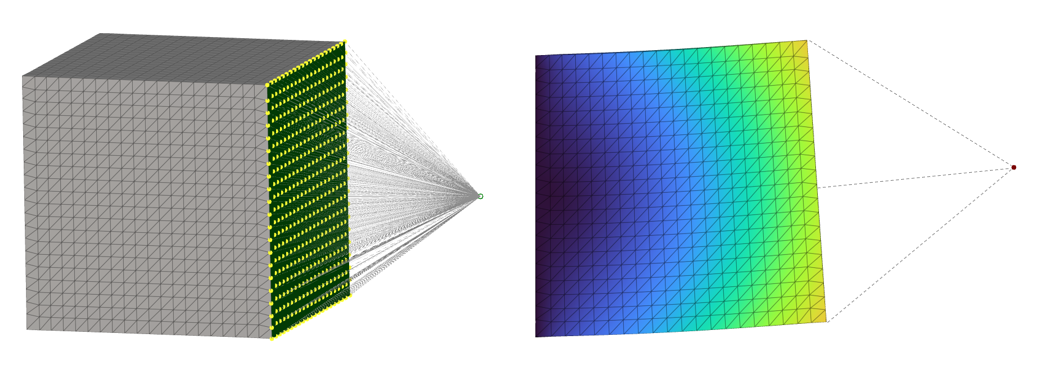
- Rigid: The rigid option constrains the nodes on the boundary to move with the point. It prevents any relative motion between the nodes on the boundary and behaves like a rigid entity. This is popularly known as the RBE2 connector that connects an independent node (green) to a set of dependent nodes (yellow)
- Flexible: This flexible option links the motion of the point to the nodes on the boundary and enables relative motion between these nodes. This distributes the mass between the nodes on the boundary and avoids locally stiffening the model (unlike the Rigid connector). This is popularly known as the RBE3 connector that connects a dependent node (yellow) to a set of independent nodes (green)
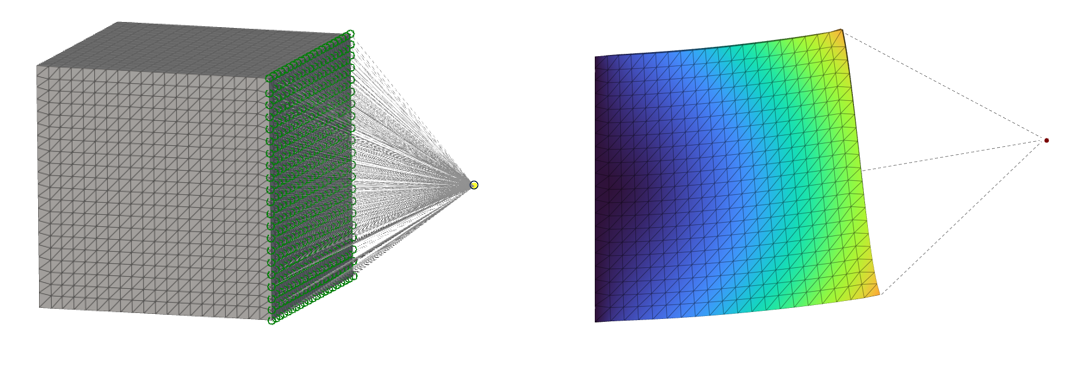 Note: Rigid connectors add elements with infinite stiffness to the model, while flexible connectors provide a distributed connection between the FE boundary and remote point. Therefore flexible connectors don’t influence the stiffness of the model and are the preferred choice for load distribution.
- Rigid: The rigid option constrains the nodes on the boundary to move with the point. It prevents any relative motion between the nodes on the boundary and behaves like a rigid entity. This is popularly known as the RBE2 connector that connects an independent node (green) to a set of dependent nodes (yellow)
- Frame: The reference frame for the components of the Vector. If a Frame is not specified, the components are in the global coordinate system.
Example File
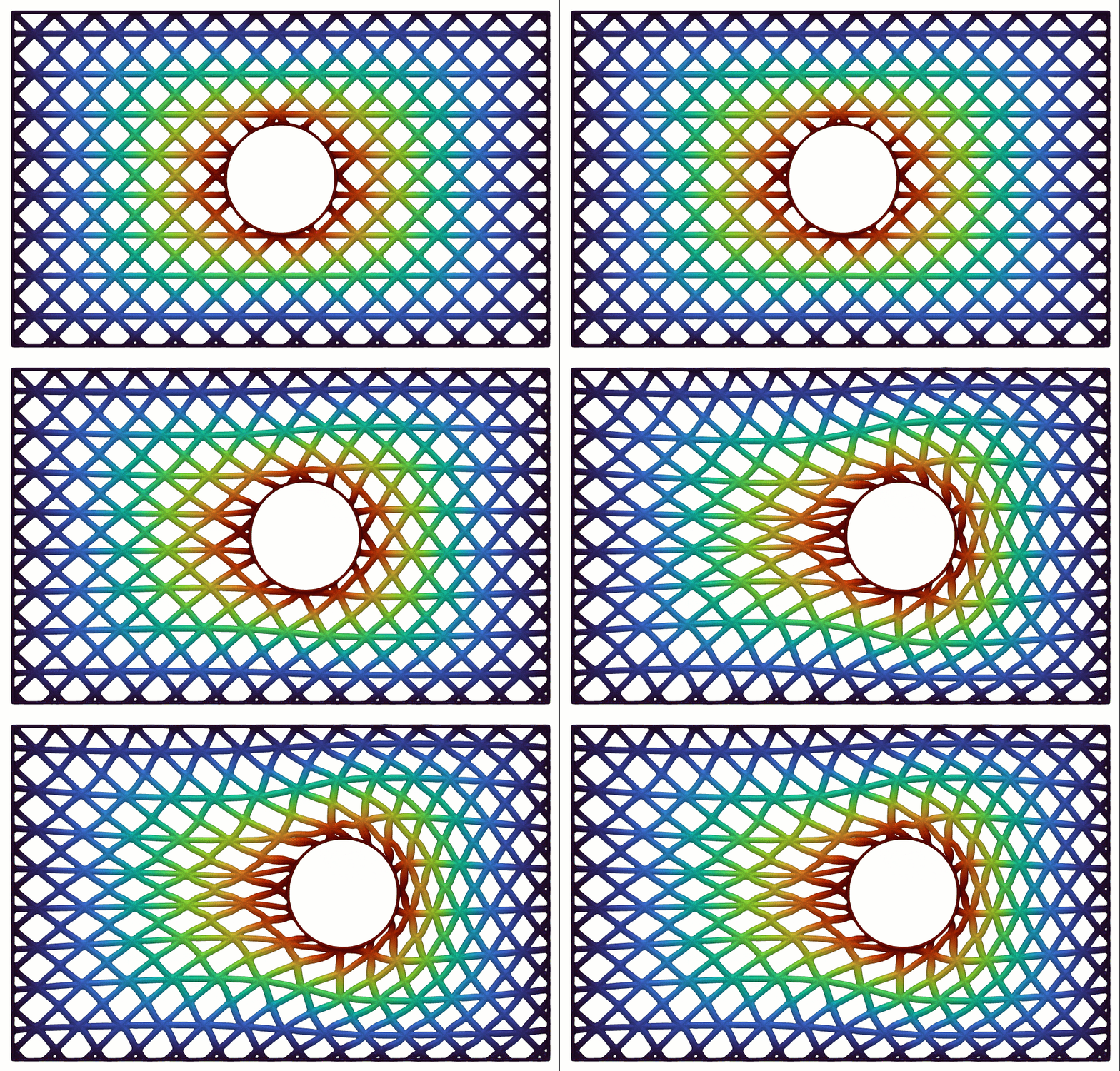
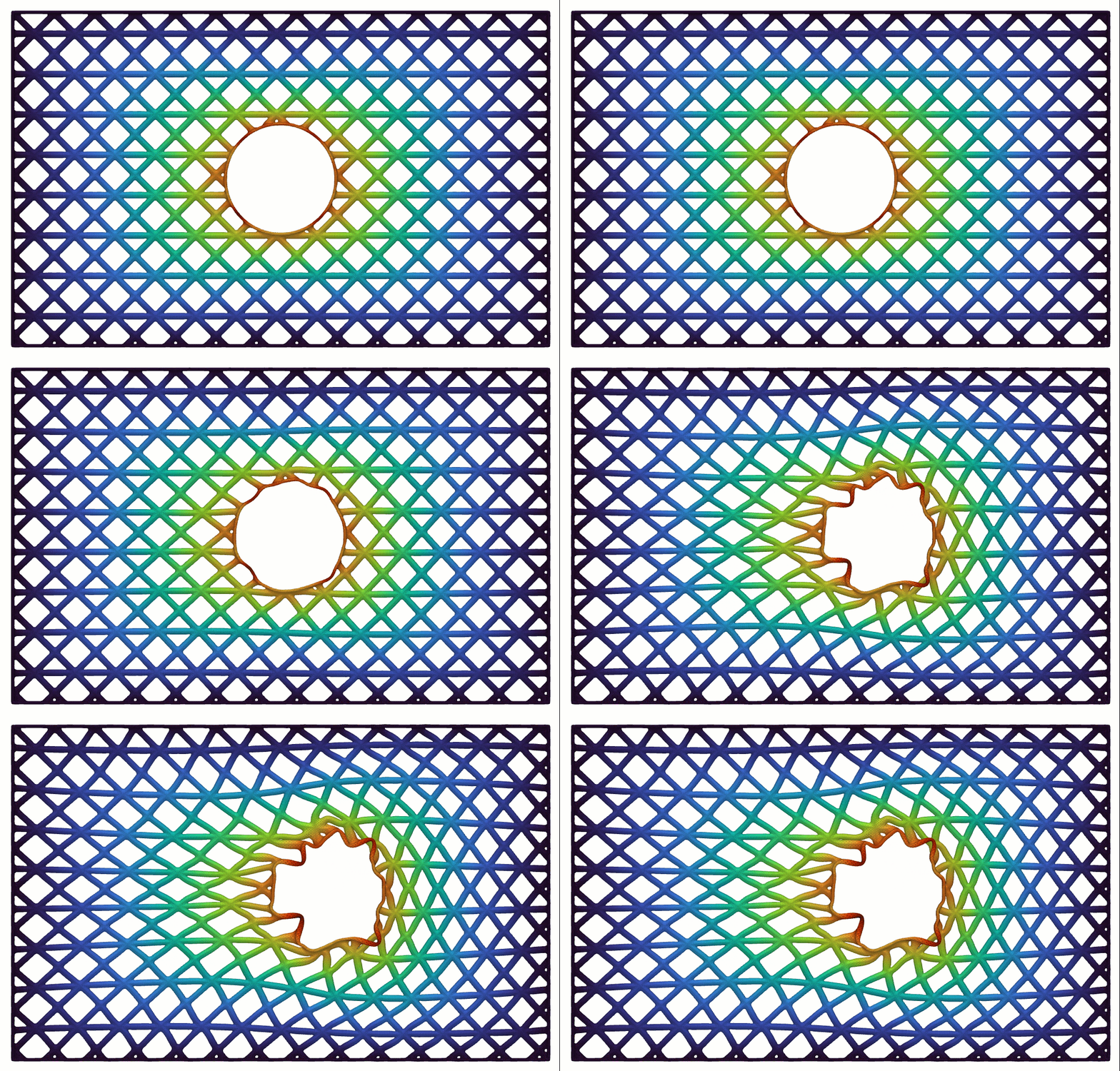
The setup is similar to Point Force, and you can check the Point Force example below: Download Example: Point Force| Rigid | Flexible |
 |  |