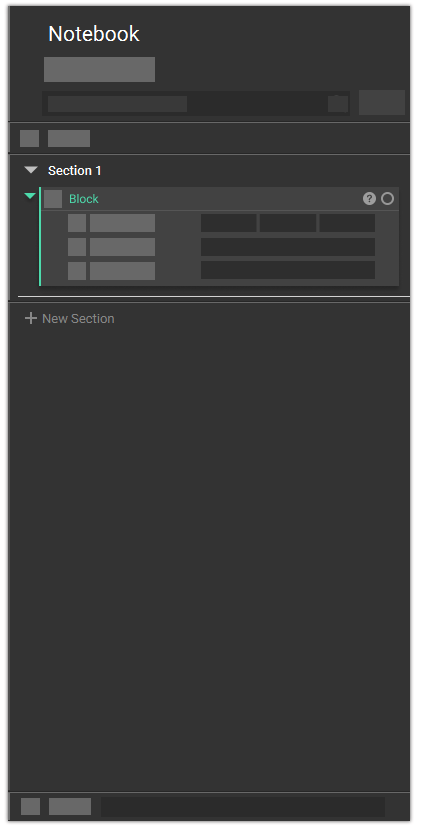
The Notebook documents and represents an engineering workflow in nTop. It records all functions (in the form of Blocks) performed and captures a process that can work on any part, allowing you to reuse the workflow to generate new designs. The Notebook contains all the Blocks in your file. All operations in nTop run through Blocks; these are the fundamental elements that create and modify geometry, input data, or output data. We refer to using Blocks and the Notebook together as the block system. The block system provides a visual programming environment that captures engineering workflows while creating geometry.You will not need to learn a programming language or write code to use functional modeling operations in nTop. This is enabled by a system of modular blocks that can seamlessly integrate with one another to allow anyone to capture important workflows, embed them with designs for downstream use, and carefully control necessary variables and parameters.