

About this Block
The Frame block creates a reference frame from an origin point, and two vectors defining the local x and y axes of the frame. The z axis of the frame will be perpendicular to the x and y axes, and its positive and negative directions are determined by the right-hand rule. The x and y input axes cannot be parallel. Frames are primarily used in finite element processes. Several blocks have optional Frame inputs, allowing geometric inputs to be reoriented according to a local frame of reference, as opposed to the system-wide default frame at 0,0,0. These include the FE Attribute blocks and any FE boundary condition blocks.Example File
Download Example: Frame In the example file, a reference frame is added to a Force boundary condition, which causes the force vector to be applied with respect to a new local axis. In this case, the force vector is tilted by 45 degrees from the default x,y,z frame.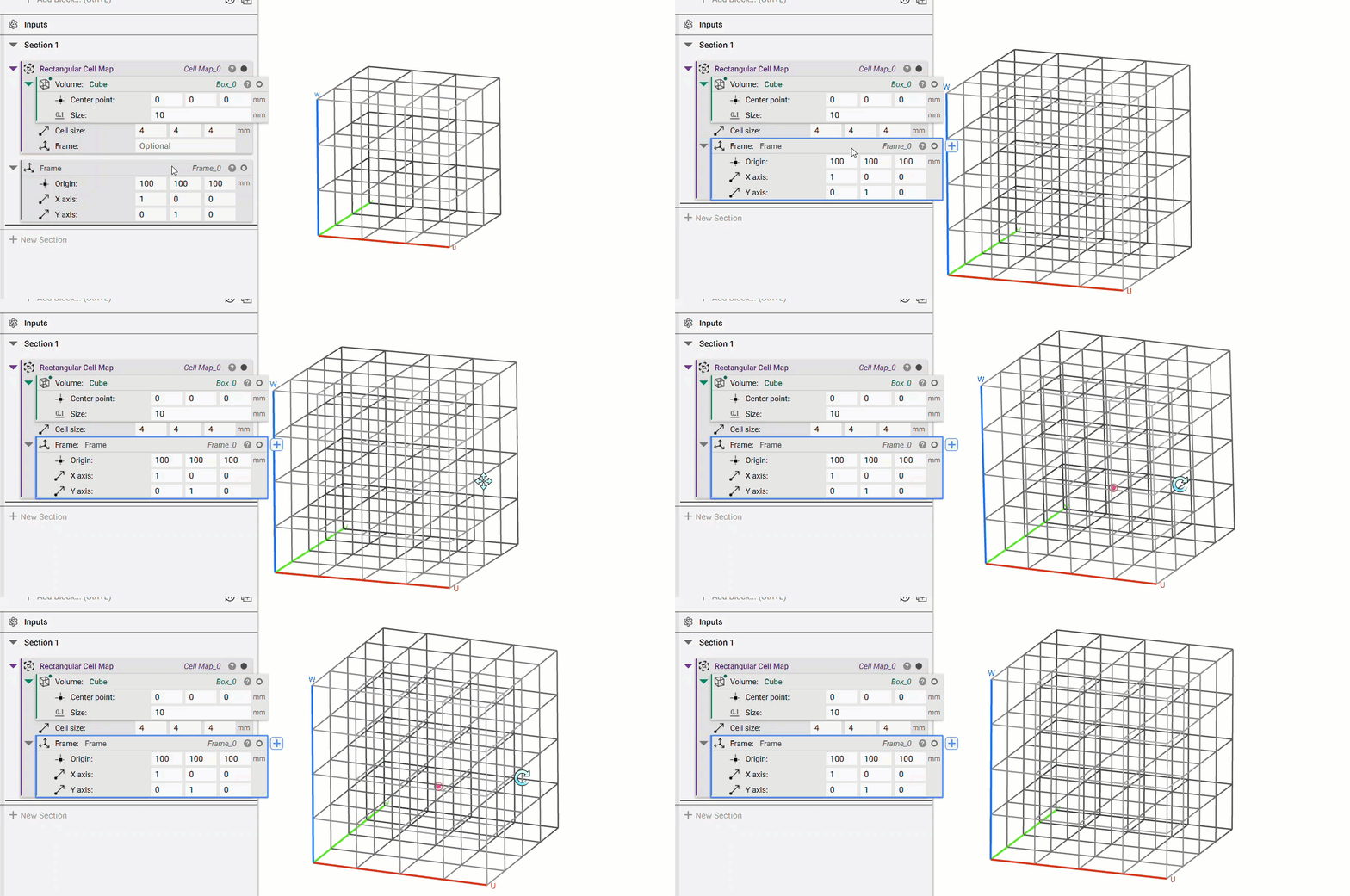
Create a frame from an origin and axes.