

About this Block
What it does: Creates a branching tree-like Lattice between two lists of points. The Layers input specifies the number of intermediate layers in the branched tree-like structure. Common uses:- Useful for converting CAD sketches into lattices.
- Zero layers create a lattice with no branches.
- The Start points refer to where the lattice begins from and the End points are where the lattice ends.
- The Layers refer to the amount of “branches” you want in your lattice.
- High Layer values try to create branches equal to the Layer value, but is limited by the number and location of the End points.
- The Thickness of the lattice is a Scalar Field type, which allows for a variable Thickness.
- Open up the block’s Properties Panel to view the beam, implicit, and thick graph properties.
- These properties are populated based on the type of Unit Cell you use. An error sign with a tooltip appears next to the property if it is empty.
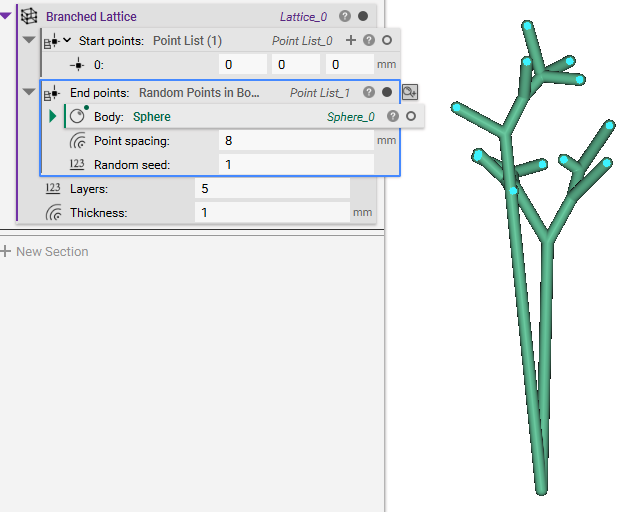
Creates a branching tree-like Lattice between two lists of points.