

About this Block
What it does: The Import Implicit Body block imports a *.implicit file from a designated path. Common uses:- Import an Implicit Body saved from any nTop workflow to use in your current workflow.
- Validate/Inspect the file before sending it to an implicit interop partner.
- Share an Implicit Body designed in nTop, removing your IP-containing nTop notebooks.
- If you encounter an error when opening a *.implicit file, open its original nTop file in nTop 5.0 and export a new *.implicit file.
- Ensure you are importing an implicit version that is compatible with your nTop version.
- Implicit files exported from versions older than nTop 5.0 will not be importable in nTop 5.0 and later.
- Implicit files exported from nTop 5.0 and later will not be importable by nTop versions older than nTop 5.0
- Implicit files exported from nTop 5.0 and later will not be importable by versions of nTop Plugin for EOSPRINT older than version 1.0.0.
Example File
Download Example: Import and Export Implicit Body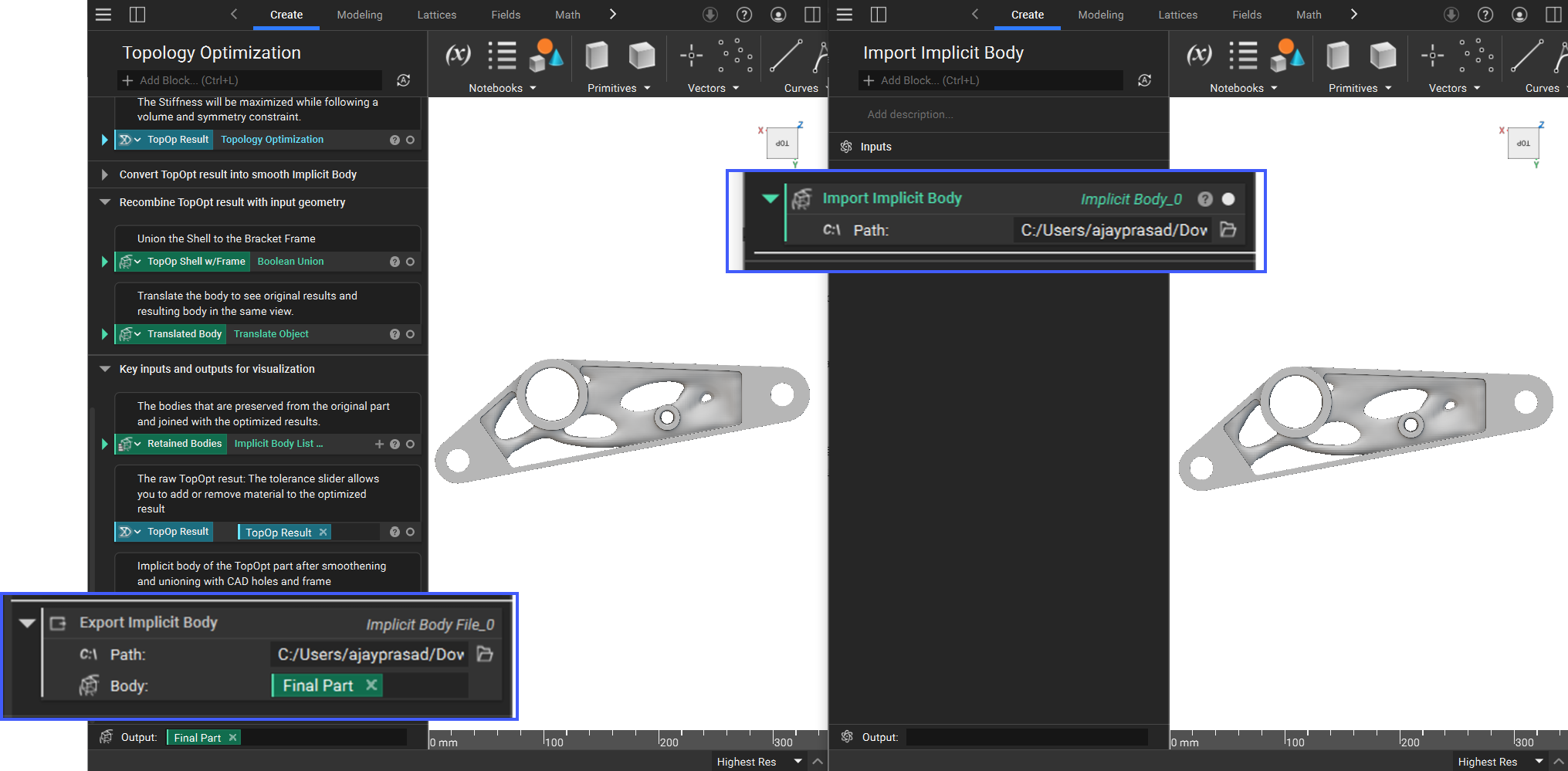
Import Implicit Body file from an external location.