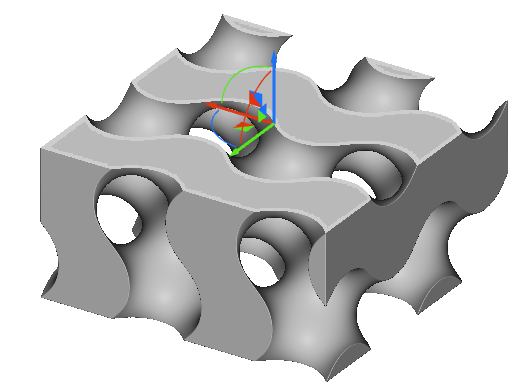
- Select a block and press ‘X’ to open section cut mode.
- Section cut works on all model types, except for Voxel Grids.
- Precise Render and Image Capture don’t capture section cut views. To save an image of a section cut body, use Boolean Subtract and a Plane to cut the object, creating an Implicit body that is section cut.
Settings
Mode:- Global: Cuts through all visible objects.
- Selection: Cuts through the selected object.
- Outline: Shows a thick outline for cut objects.
- Shaded: Shows a shaded body for cut objects.