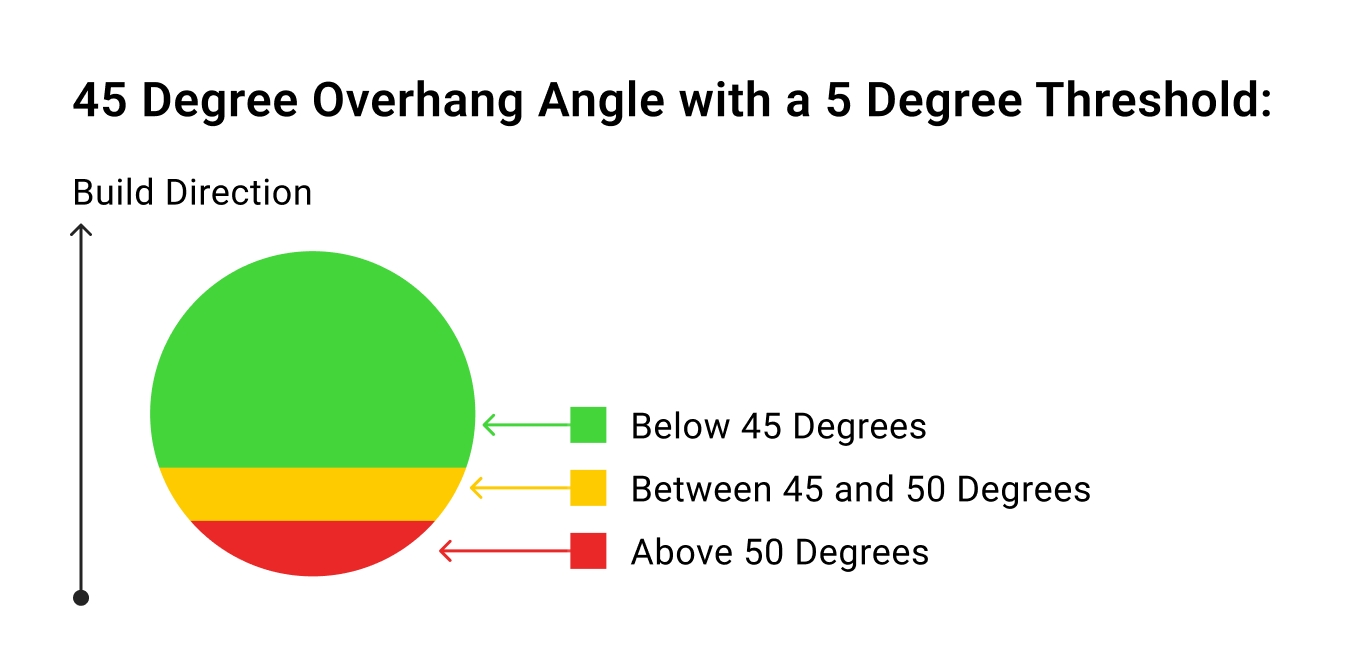
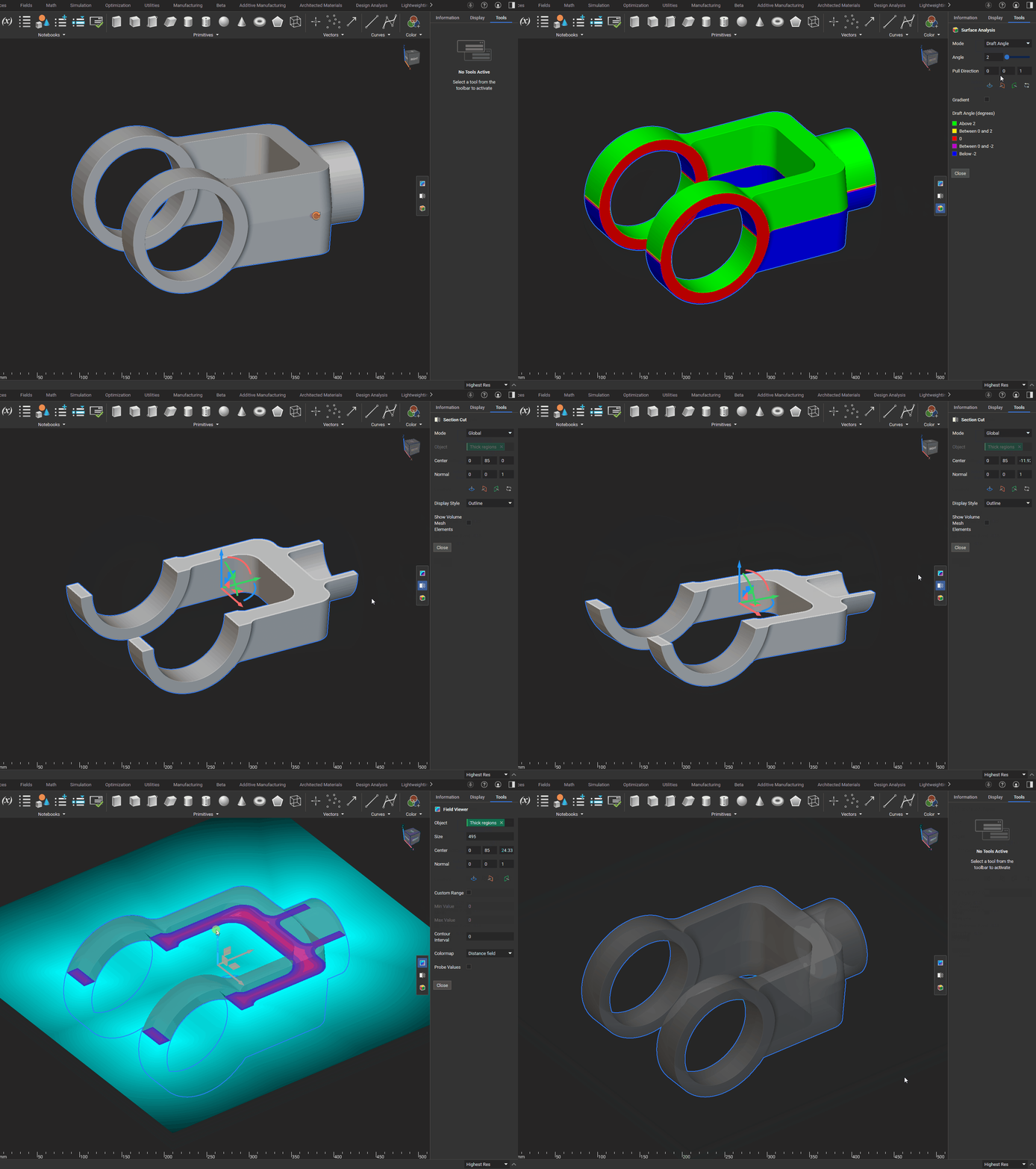
This tool includes two modes, Draft Analysis, and Overhang Analysis, each available in solid colors or gradients.

Settings

Mode: The block whose Surface Analysis you want to view.
  • Overhang Angle: The overhang angle visualization identifies regions in your model where angles may exceed the printable threshold, helping you inspect the design for manufacturability.
  • Draft Angle: The draft analysis visualization colors areas of your model based on a specified draft angle relative to a pull direction, helping you verify that your design meets manufacturability requirements.
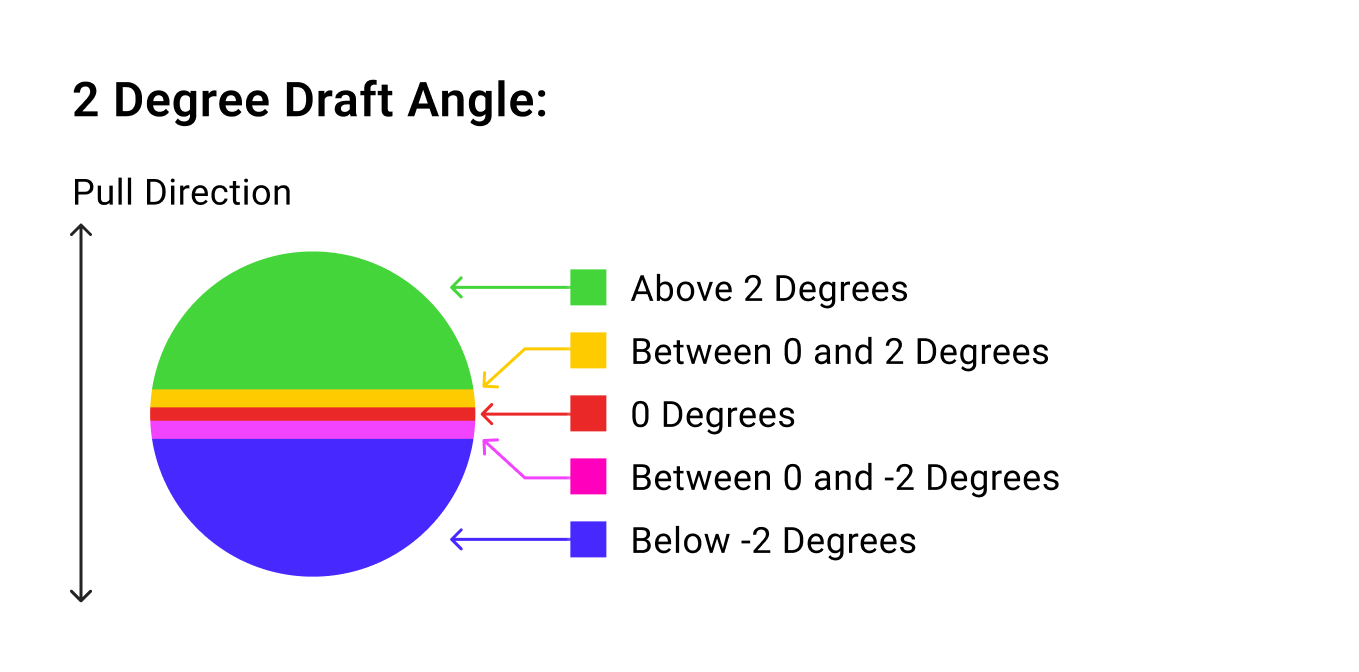
Overhang or Draft Angle: This is the input for the overhang or draft angle based on the Mode selection. Threshold: The threshold input for the Angle input. Build or Pull Direction: Set the direction vector for surface analysis. Color Legend: A color legend in the panel offers a quick reference for angle ranges.
Draft angle legend
Overhang angle legend
Close: Closes the surface analysis mode.
Surface Analysis