Scalar Field, Isotropic Material, Implicit Body, 1.1.0
Scalar Field, Material, Implicit Body
About this Block
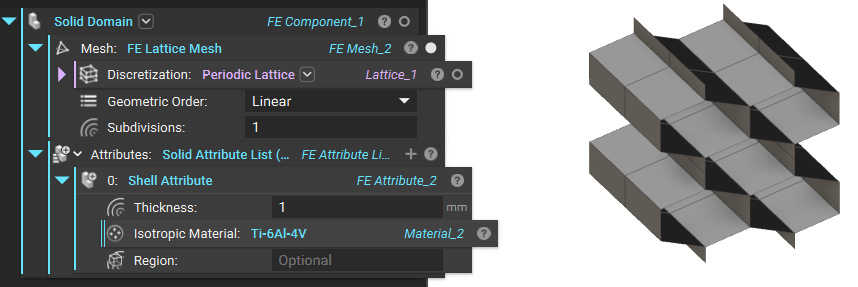
What it does: Applies material and thickness attributes to shell elements. Common uses:- An input in Solid Domain.
- You can use multiple FE Attributes in an Solid Domain.
- If no Region is defined, the attribute applies the material to the entire mesh. Use the Region input to define a material in a specific area.
- When defining a Region for the attribute, all elements need an assigned attribute. Do this by providing one or more additional attributes for all regions, or at least one additional attribute without a Region to apply that attribute to all areas not covered by the first Region.
- You can use a Scalar Field to define the thickness of the shell.
Example File
Download Example: FE Shell Attribute