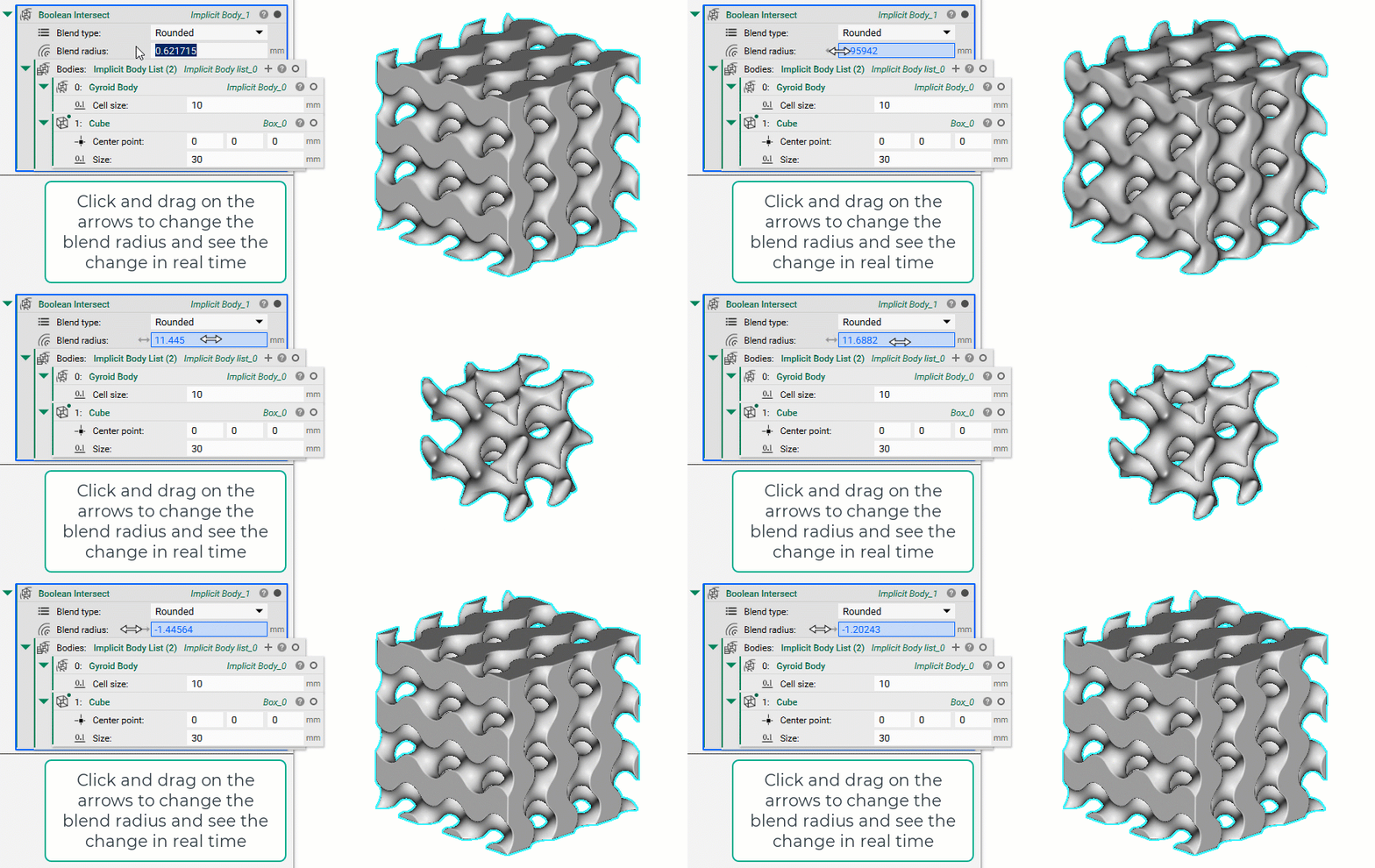
Issue:
I turned on the GPU Acceleration settings, but I’m not seeing any live changes.Applies to:
- nTop 3.0+
Cause:
GPU Acceleration is now a production feature. GPU acceleration increases the rendering computational speed of most Implicit bodies. Currently, only CAD parts, meshes, lattices, and most implicit modeling and field-modifying blocks, support real-time modeling in nTop.Solution:
- Make sure your GPU is enabled
- Restart your computer and re-launch nTop
- Turn on the GPU acceleration
- Use this test file to check if it is working by dragging the value slider