Scalar Field, Scalar Field, Scalar Field, Scalar Field
Scalar Field, Vector Field, 5.43.0
About this Block
What it does: Redefines the axes on which a scalar field is defined, from the default global X, Y, and Z global axes, to a new set of axes defined in the block’s inputs. The block can take in an Implicit Body in the ‘Scalar field’ input. Common uses:- Manipulating Implicit bodies
- Mirroring
- Arraying
- Sectioning and extruding
- Putting images on bodies
- Spatially-varying shifting and stretching
- Warping using Shape Fields
- In any scalar field input, we can type X, Y, or Z, which represent the global axes, meaning the following settings reassign the default axes and have no effect on the input object.
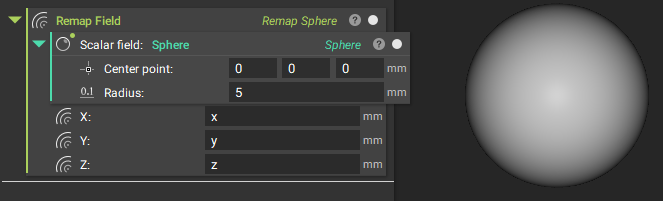
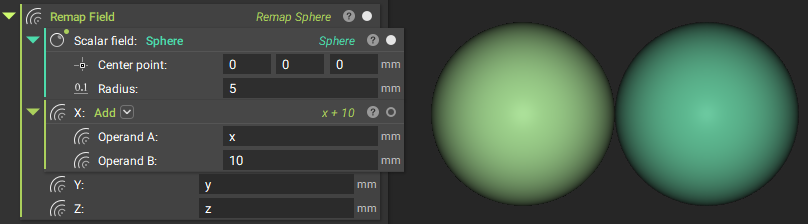
- A simple demonstration of remapping, shown below, is to add or subtract a number from one of the axes, which shifts the object by that amount—adding to an axis shifts the body in the reverse direction (an easier way to move a body is to use the Translate Object block).
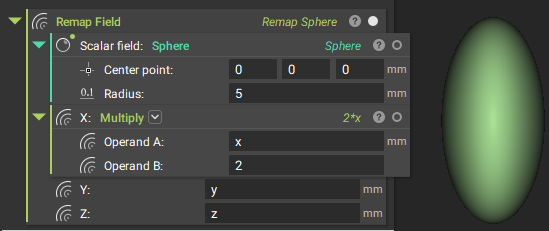
- You can stretch and compress objects by multiplying the axes by a factor.
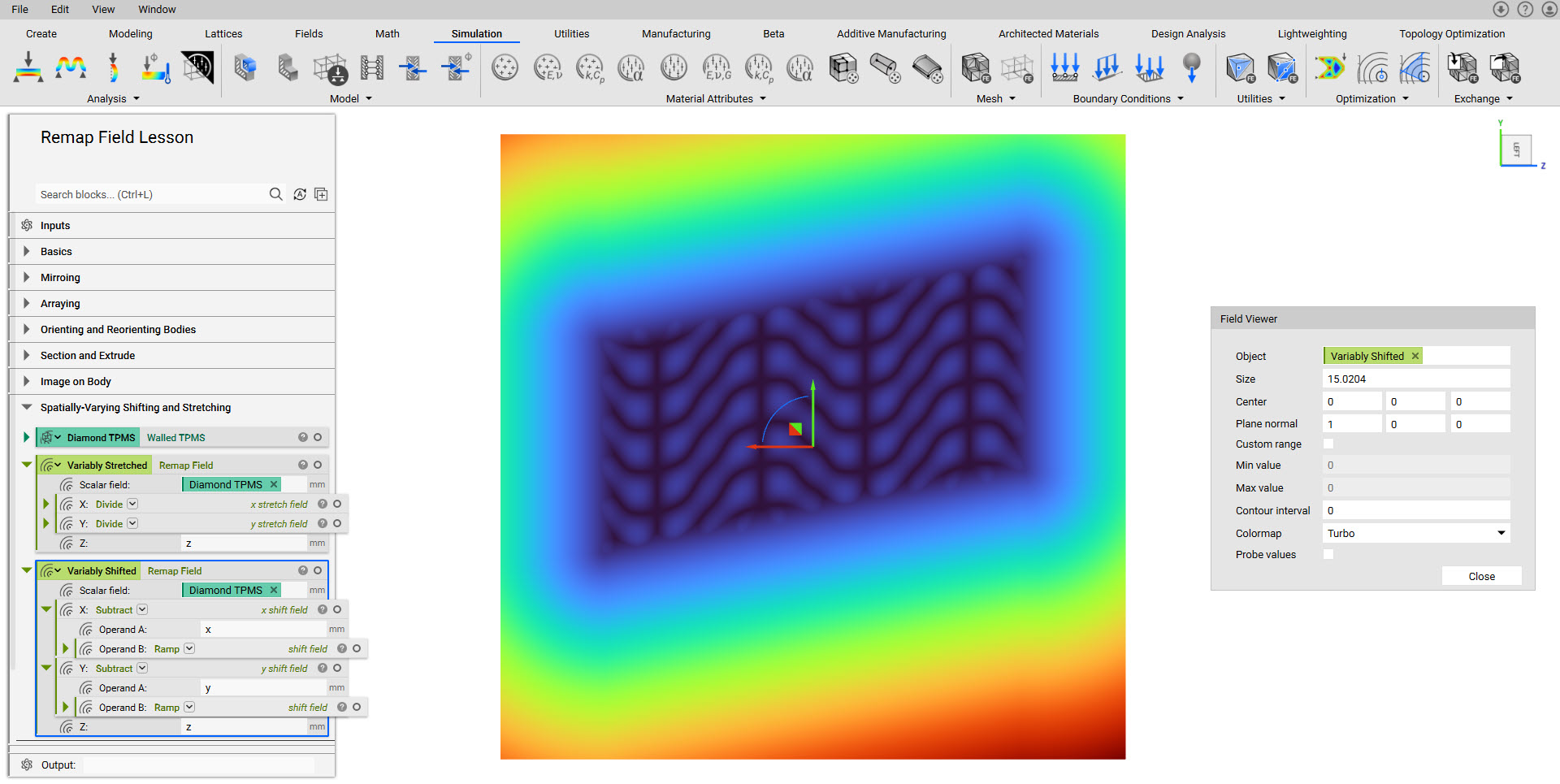
- You can modify not just by constant values but also by spatially varying fields. In the example below, we multiply the new X-axis by a factor ranging from 1x to 2x.
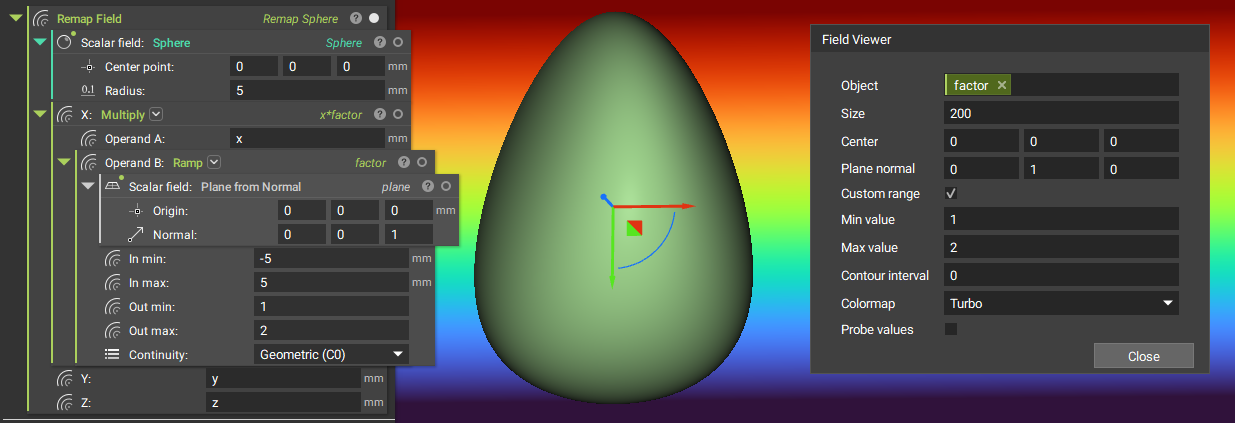
- You can perform a wide range of operations on a field or Implicit Body, either by modifying the axes using math blocks like in the examples above or by replacing axes with a new scalar field altogether.
Example File
Download Example: Remap Field Lesson