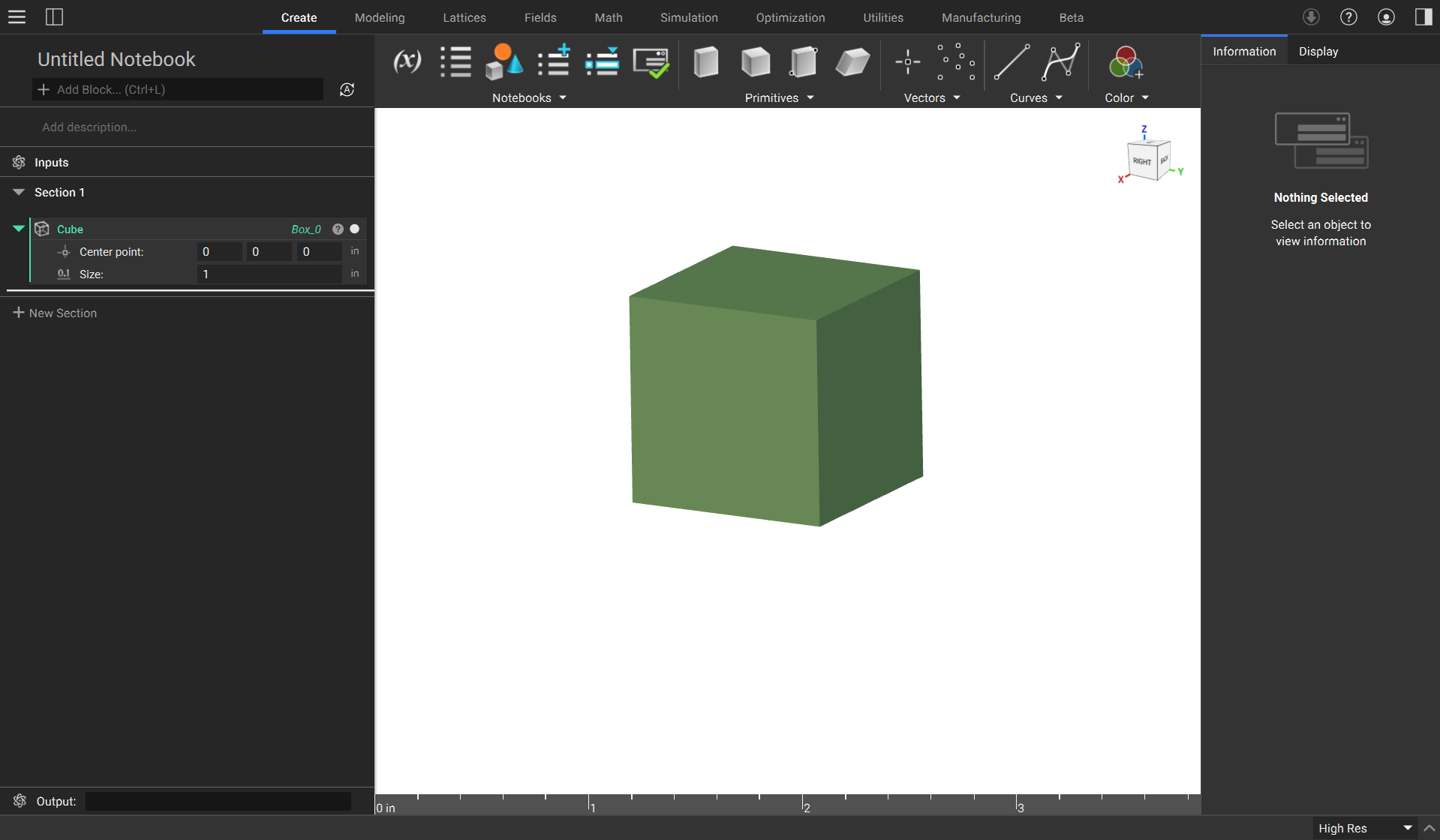
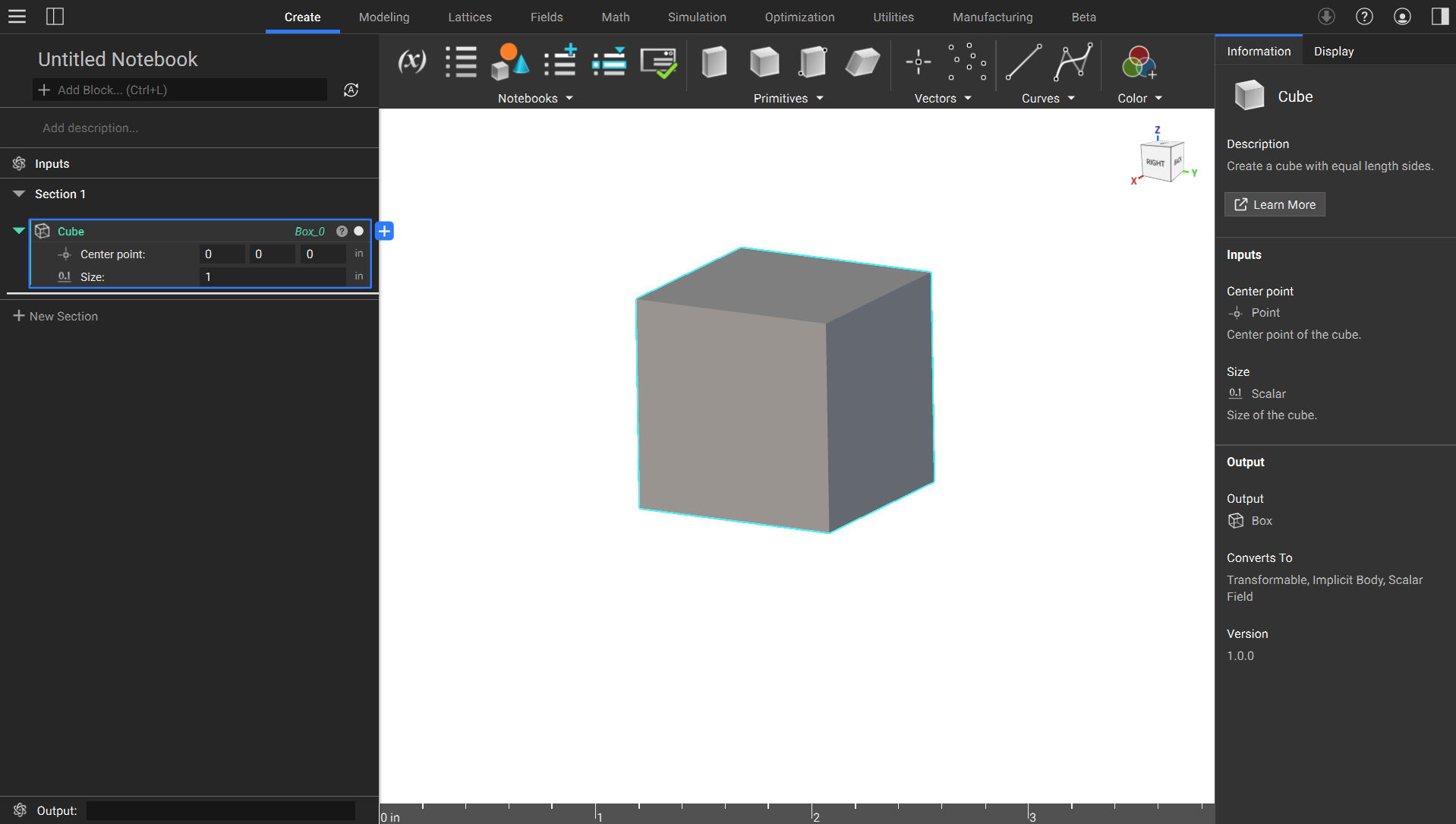
 The Information tab shows all details of a selected block. The block’s description, a Learn More button to further documentation (not available for every block), information on the inputs, the output, what it can convert to, and what version the block is, can all be found in this tab.
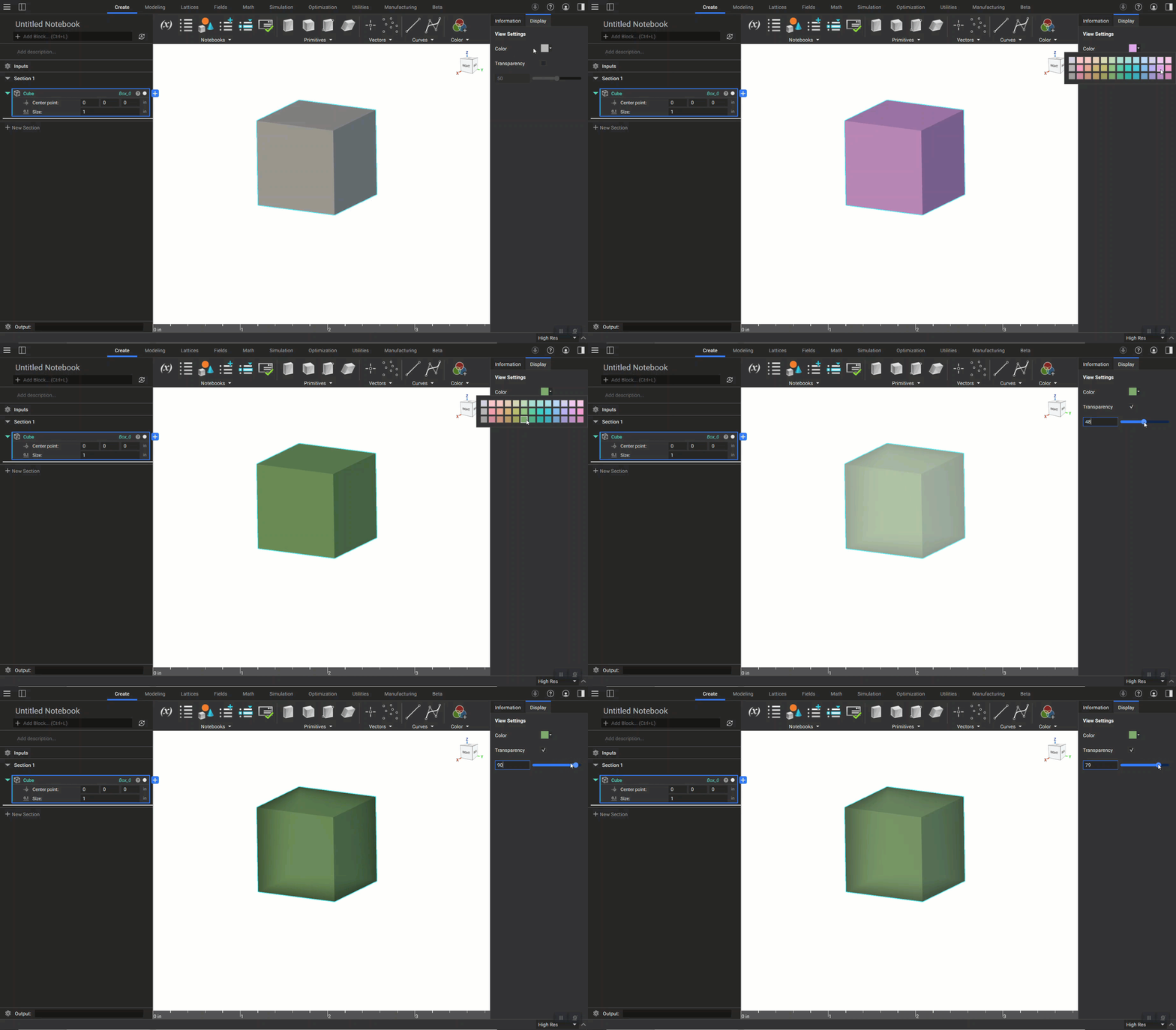
 The Display tab allows you to change an object’s color using the drop-down menu. You can also toggle an object’s transparency using the checkbox, and adjust the transparency level using the slider.