

Objective:
Learn how to export nTop models to CAD systems.Applies to:
- Exporting geometry from nTop
Solution:
There are different pathways for you to export your geometry out of nTop, you can choose the pathway based on your activity and part complexity from the table below: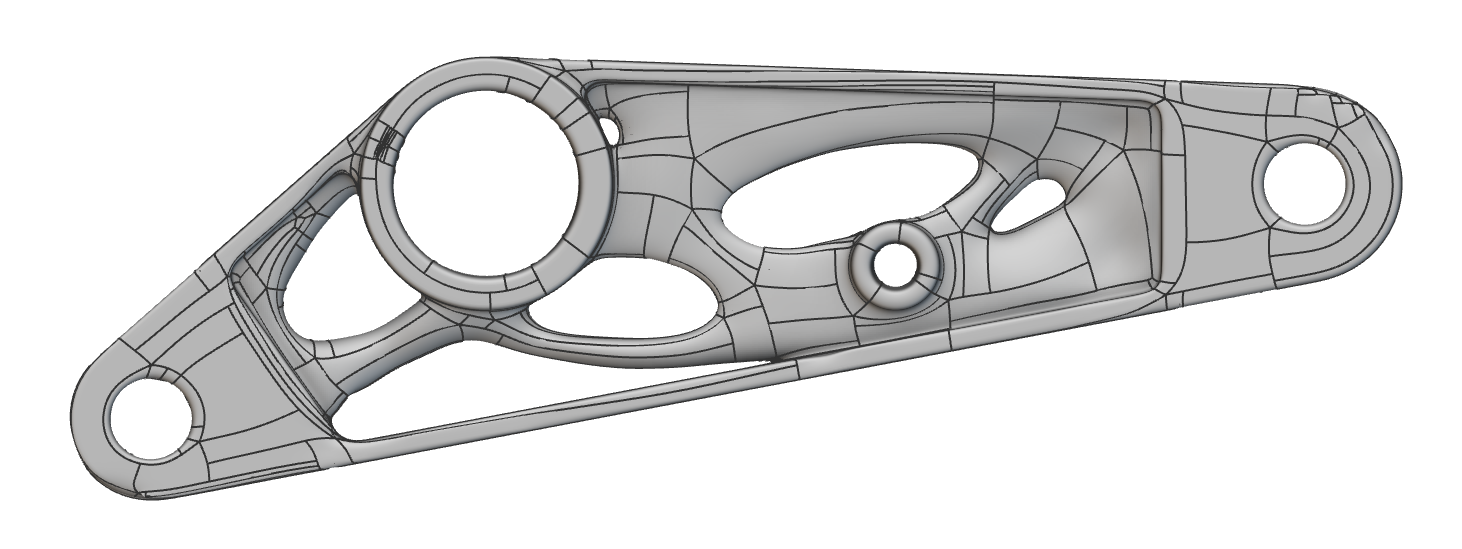
Part Complexity:
In this context, complexity refers to the number of faces in the CAD Body. This determines the usability of the model within traditional CAD systems.Low
- Parts that are generated from Topology Optimization, unfilled shells, and parts with very coarse patterns or ribs. These usually have a few hundred to a few thousand faces.
Medium
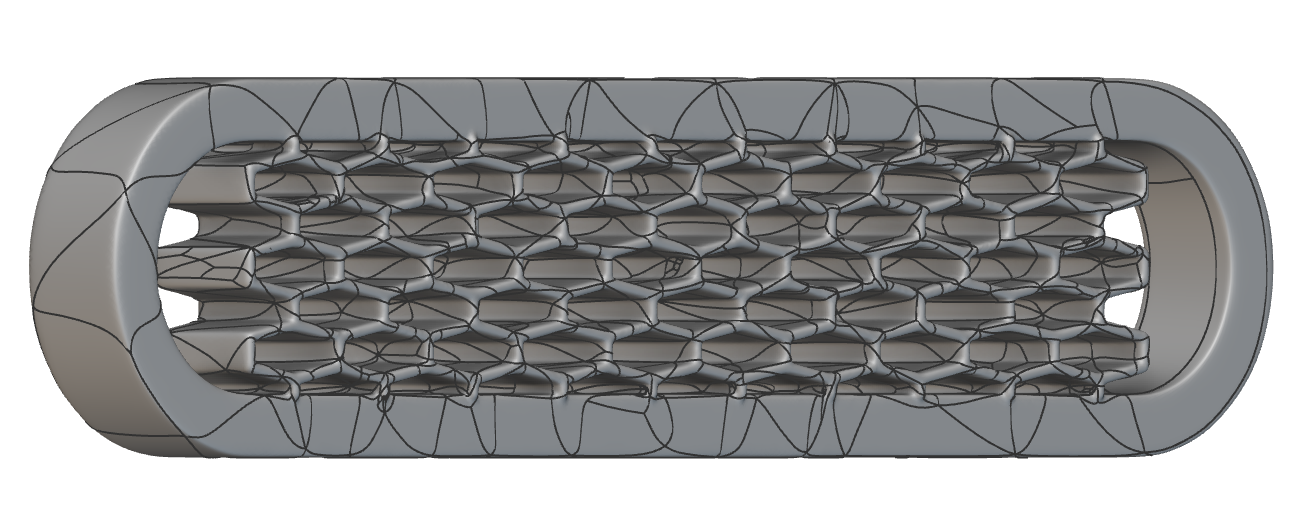
- These are parts with medium-coarse textured models or lattices containing beams, faces, or TPMS cells:
- Beam or face-based lattices: up to 10k beams or faces
- TPMS: up to 1k unit cells
- Implicit models at this level of complexity can be converted into CAD Bodies with 50k or fewer faces, so their detailed geometry can be consumed by traditional CAD systems.
High
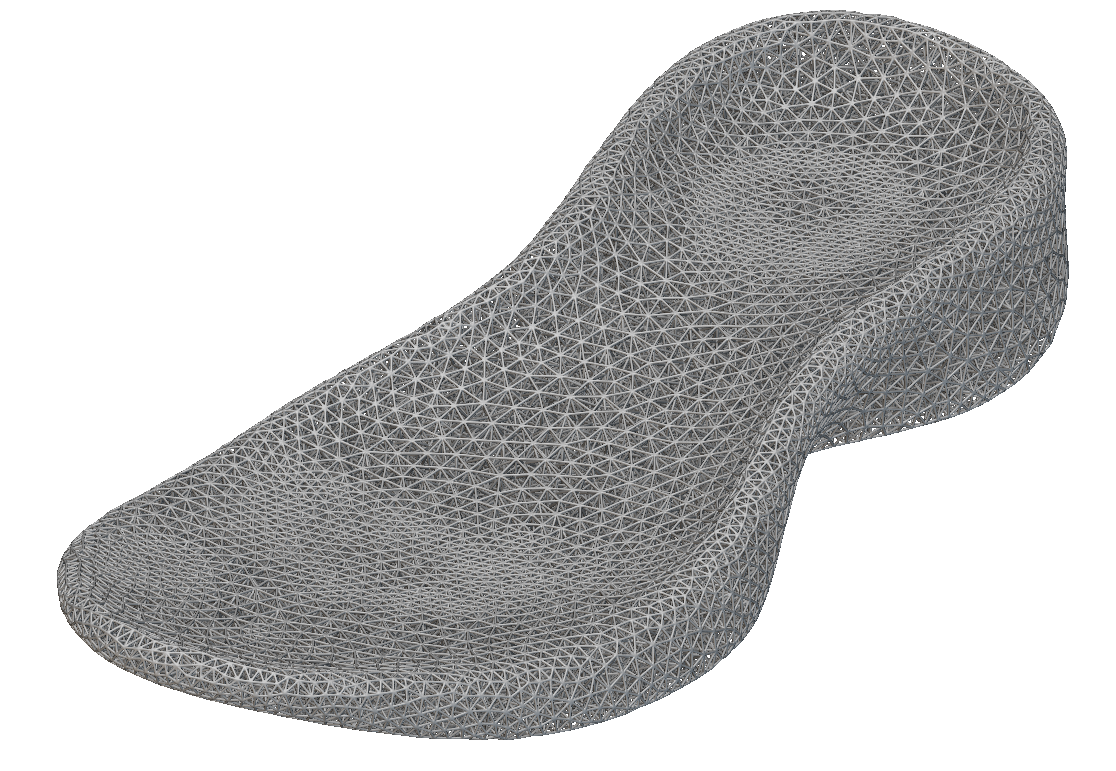
- These are parts with fine-grain textures, beam or face-based lattices with over 10k beams or faces, or TPMS lattices with over 1k unit cells. Typically these have many thousands or even millions of faces, so their detailed geometry can not be consumed by traditional CAD systems.
Activities :
Visualization
- The 3D Model is visualized, usually in the context of the product(s) in which it is used, to judge aesthetics, fit, and accessibility. The target system might be a rendering app like Keyshot, rather than a CAD system. nTop has Precision Render that can be used to save High Resolution renders as images.
Clearances
- Checking that required clearances are present between parts. In particular, checking that parts do not interfere. Rough clearance checks can be performed with mesh models, but accurate interference checking requires CAD models.
Weight studies
- The most common study is a “weight roll-up”, which just involves adding up the weights of the individual parts in an assembly. To perform balance studies of parts we would need the center of mass of each part. In the case of rotating parts, moments of inertia are also important.
Assemblies
- Incorporating the part into an assembly, and defining mating relationships and joints. This requires analytic curves and surfaces, mostly circles, planes, and cylinders.
Part additions
- Adding further geometry to the nTop part, such as bosses, holes, and fillets.
Part mods
- Editing operations that modify the shape of the nTop part.
Drawings
- Producing engineering drawings and other types of illustrations. Generating dimensions on engineering drawings requires analytic geometry.
FE modeling
- Generating finite element models (i.e. meshes with special properties)
Complex CAM
- Surface milling using 3-axis or 5-axis motions.
Archiving
- Saving models for future re-use or for legislative/compliance reasons. Usually, the file formats are either STEP or native CAD formats. At many companies, CAD files in the corporate PDM system are the official repository of all product data.
Delivery
- Delivery of models to satisfy some contractual commitment. Usually, the file formats are either STEP or native CAD formats.