Objective:
This article describes how to configure and execute a parameter optimization study. Parameter optimization, also known as inverse design, determines the set of independent parameters that yield an optimal outcome for a specified objective function, subject to defined constraints.Applies to:
- Parameter Optimization
- Design Optimization
Procedure:
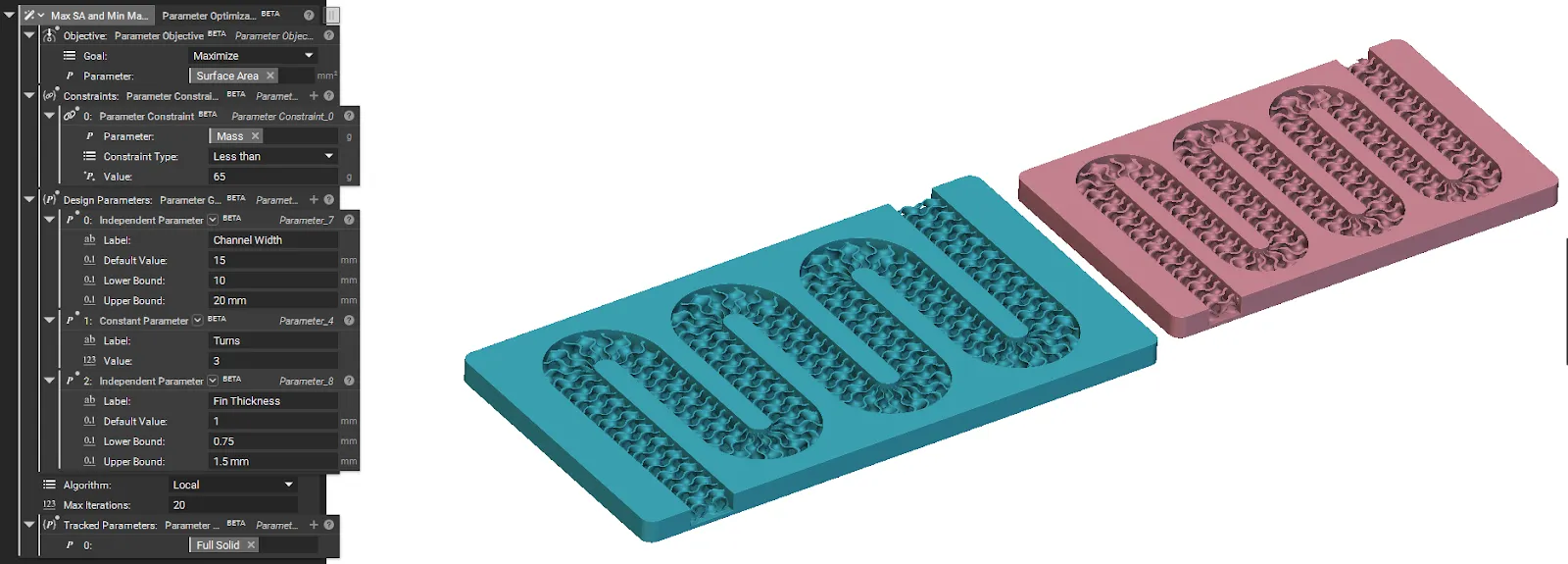
The process of setting up your Parameter Optimization involves defining your design parameters, setting a goal, establishing limits, running the optimization, and extracting the results.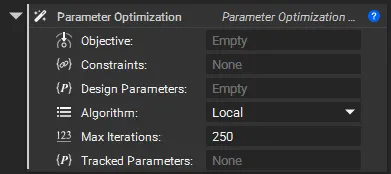
Step 1: Define Your Design Parameters
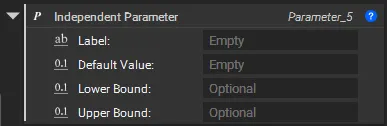
First, define the variables that the optimizer can change. You can use three types of parameter blocks:| Independent Parameter | Constant Parameter |
| |

How to set up the Dependent Parameter
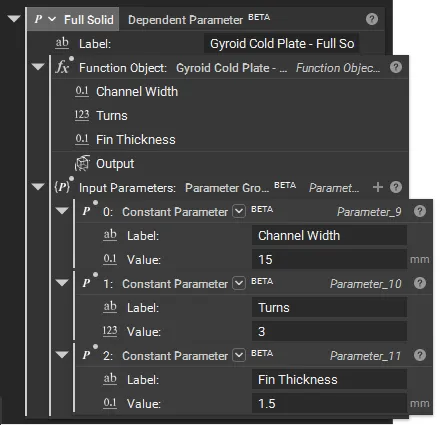
A Dependent Parameter defines a relationship between variables by calculating its value from other parameters (commonly independent and/or constant parameters, but can also form chains with additional dependent parameters) using a custom function. In a parameter optimization study, a dependent parameter is typically used to define the optimization objective and constraints. Learn more about setting up here.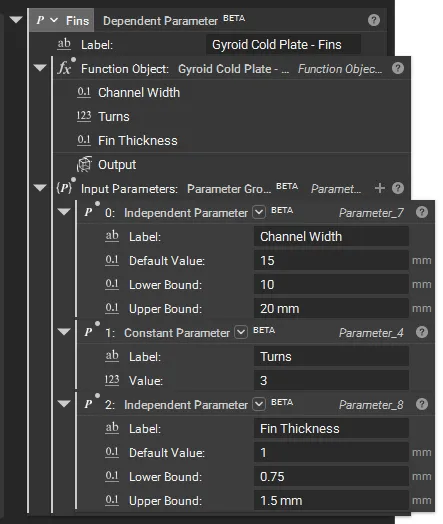 You can also connect dependent parameters to create a chained dependent parameter setup for an advanced setup. Learn more about chained dependent parameters here.
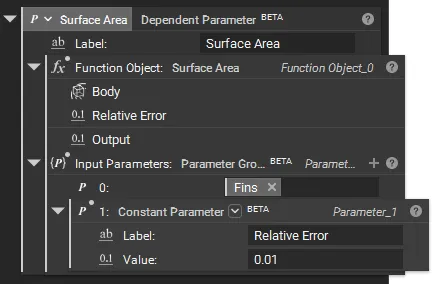
Step 2: Define the Objective
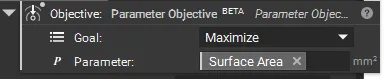
Next, set the goal for the optimization study using the Parameter Objective block. The objective tells the optimizer what it should try to achieve.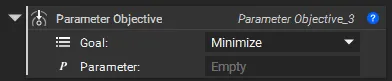
- Add a Parameter Objective block.
- Select a Goal: Choose to either Minimize or Maximize the parameter.
- Select the Parameter you want to optimize. For example, minimize a part’s mass or maximize its stiffness.
Step 3: Define Constraints
Constraints specify the permissible range or conditions for the optimization variables. The Parameter Constraint block ensures that the optimized solution remains valid and compliant with defined design requirements. You can also run an optimization without a Parameter Constraint. .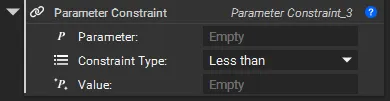
- Add one or more Parameter Constraints in a Parameter Constraint Group block.
- Select the Parameter to constrain.
- Choose a constraint Type, such as ‘Less than’ or ‘Greater than’.
- Set the boundary Value for the constraint. For example, you could constrain the maximum stress or maximum deflection to be less than a specific value.
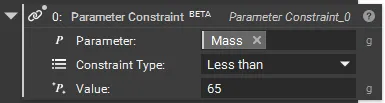
Step 4: Run the Optimization
Drag and drop your parameters, objective, and constraints in the Parameter Optimization block to run the study.- Add a Parameter Optimization block.
- Provide the Design Parameters you defined in Step 1.
- Provide the Objective from Step 2.
- Provide the Constraints list from Step 3.
- Select the Algorithm that would be the optimization method used to search for the optimal solution.
- Set the Max Iterations to limit the total number of attempts the optimizer will make.
- [OPTIONAL] Add any Tracked Parameters to monitor other values during the run and use them after the optimization.
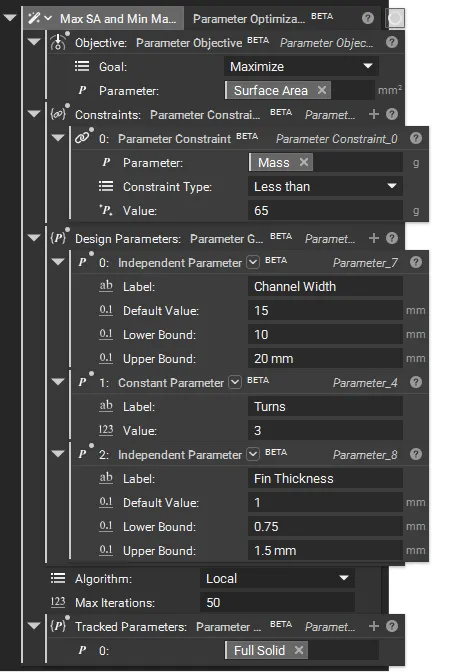
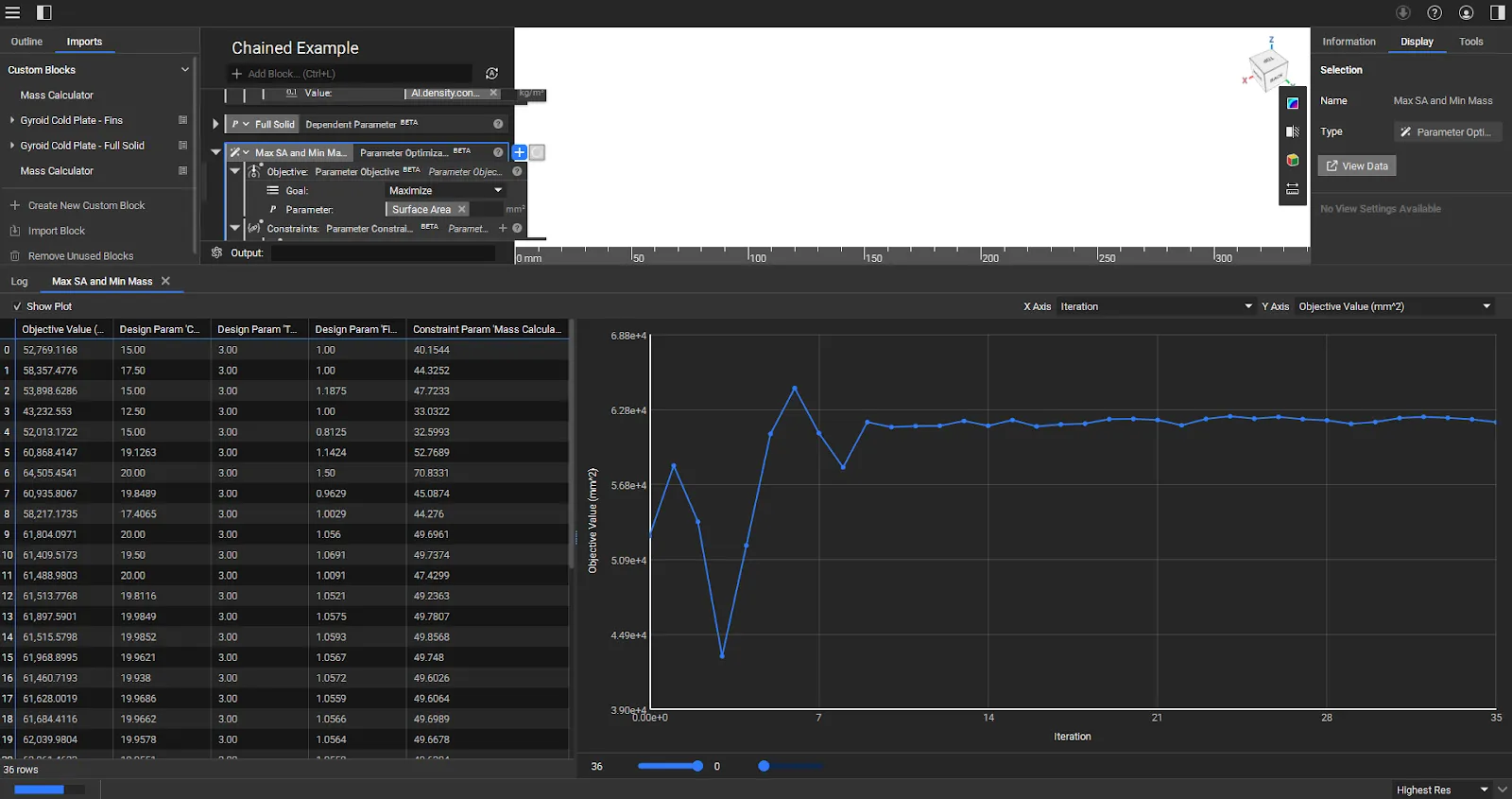 While the optimization is running, you can click the Right Side Panel, then select Display, and finally click View Data to view the Optimization Plot and Table.
Step 5: Extract and Use the Results
Once the optimization is complete, use the results to create your final design.- You can access the properties from the Parameter Optimization block for the best iteration, optimized constraint, design, and objective parameter.
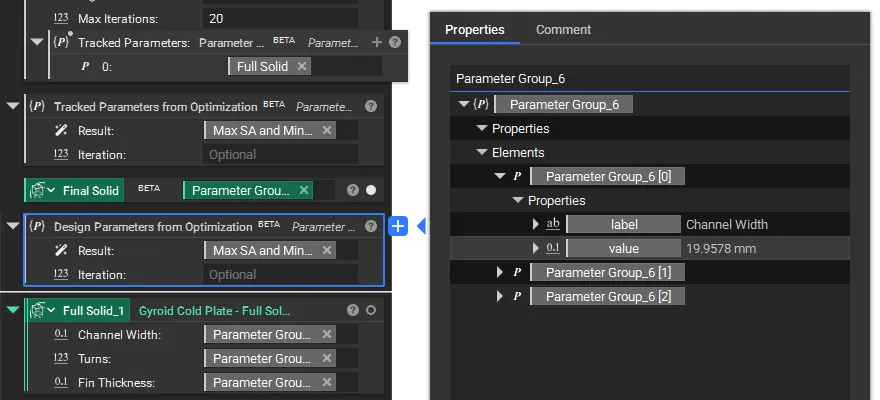
- Use the Design Parameters from Optimization block to extract the optimized values from the result. You can specify a particular iteration or use the final one by default.
- Use the Tracked Parameters from Optimization block to review any secondary metrics or implicit bodies you wish to observe during the run or use post-optimization.
| You can use the Tracked Parameter to output the Implicit Body using the final optimized parameters. In this example, the Full Cooling Plate was used as a Tracked Parameter to be the final output. | Input the extracted design parameters back into your workflow to generate the final, optimized part in case you are not using one of them as an Implicit Body. Following the same process as above, you can also use the Tracked Parameters. |