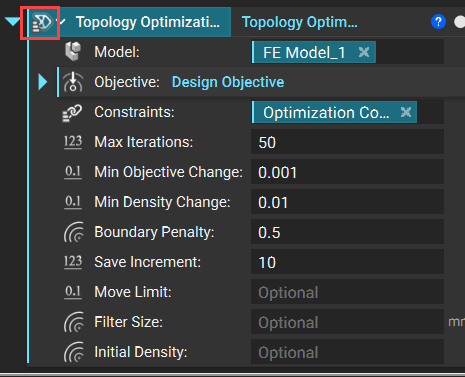
Issue:
I am not able to see the Live results from Topology Optimization.Applies to:
- Topology Optimization
Cause:
If the Topology Optimization block is a list, then you won’t be able to see the live results. To determine if a block is a list, look for the 3 horizontal bars icon on top of the block icon.