Name and Describe your Notebook
The name of the Notebook should describe what this workflow is trying to achieve and what will be featured within it. Give a full description of what the Notebook does. The description is also used as expanded descriptions if your Notebook file is used to create a Custom Block.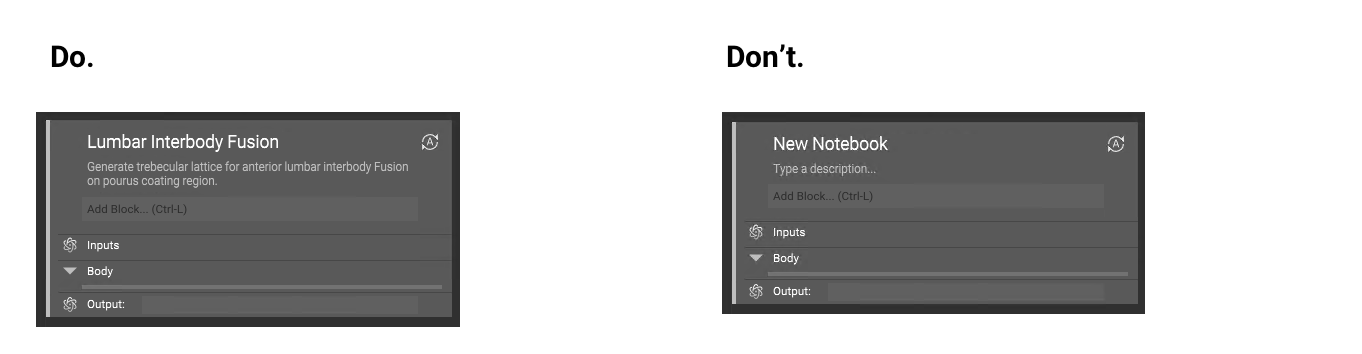
Create Variables
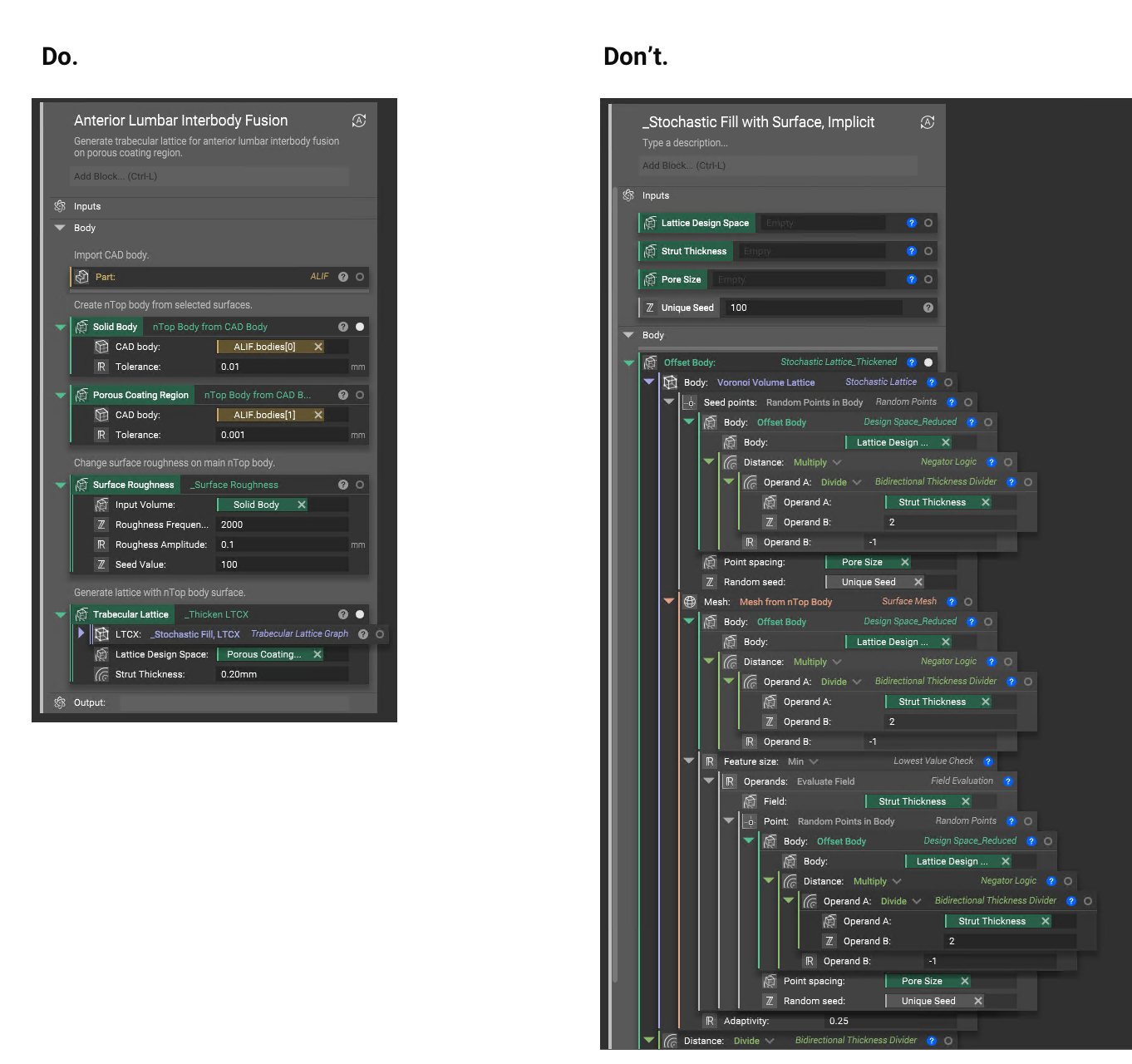
When building a Notebook it is important to collapse the blocks containing parameters that do not need to be revealed. This will save Notebook real estate and will make it easier to navigate. If a parameter of a block within your file needs to be readily available, consider converting this parameter into a variable so that the block can be collapsed.- You want to create a variable for a parameter that may be changed often in your engineering process.
- Use variables in your Notebook to organize your workflow and to create steps for yourself.
Add Comments to your Blocks
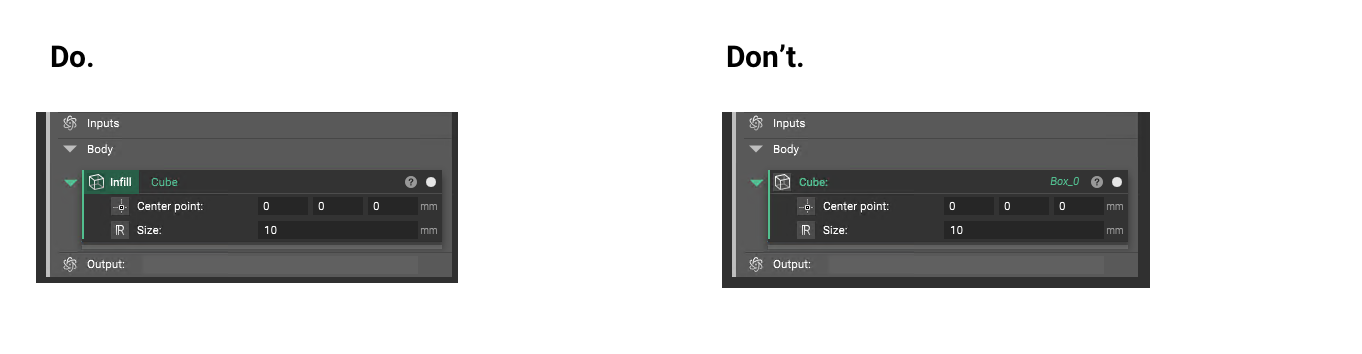
Use comments to document your work and to focus on the purpose of each block. The comment can be made in the Notebook directly or through the information panel of a block.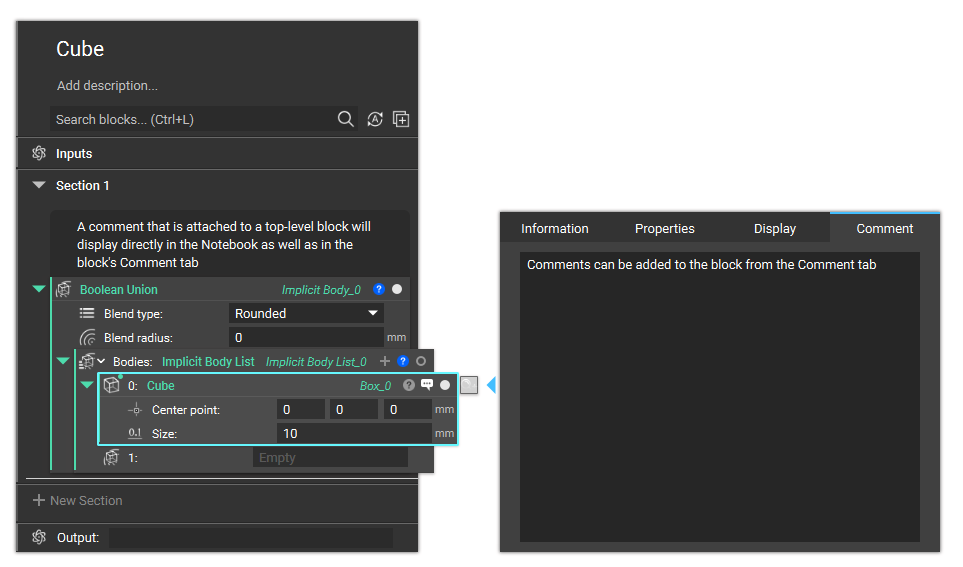
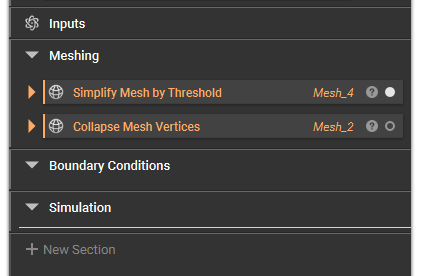
Use Sections to Organize your work
Use sections to organize your work into smaller steps that you can collapse. Read more here.