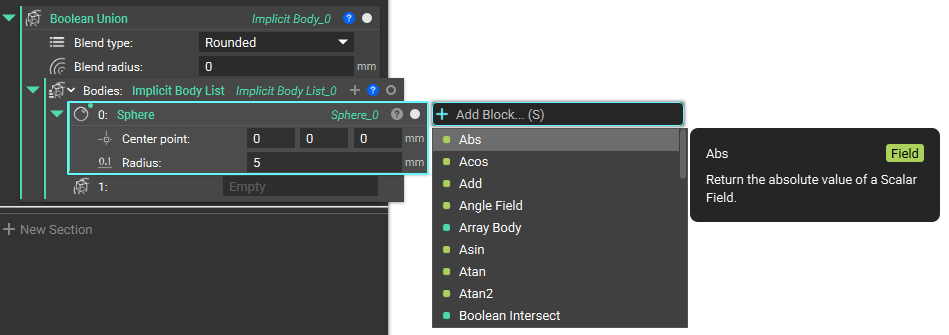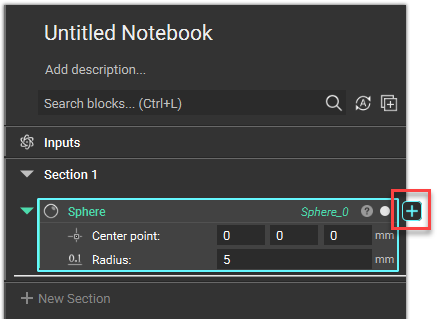
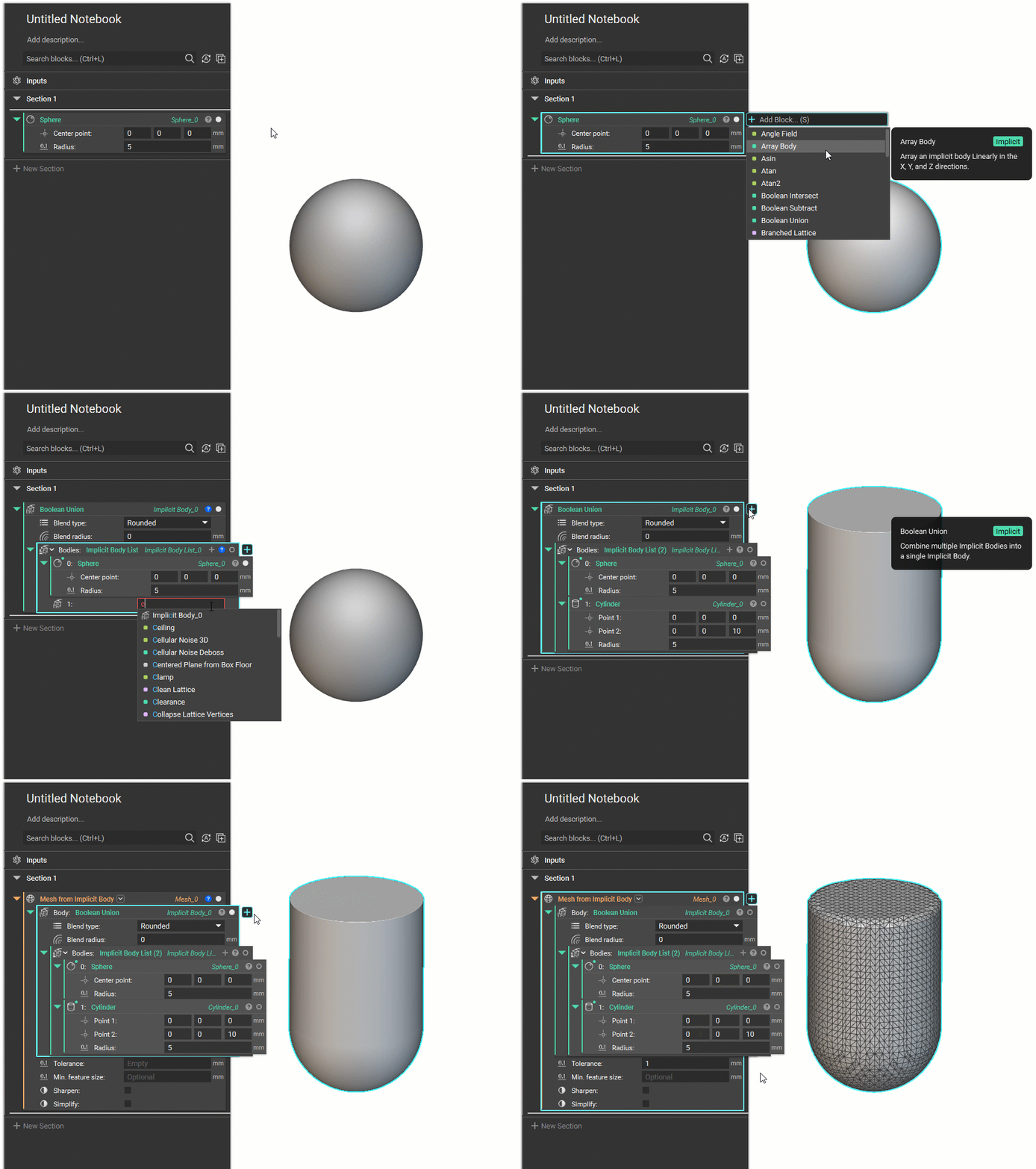
- When you select the icon, a search bar will appear to the right of the block.
- From there, you can search through all the compatible blocks that can be used with the block (shown below).
 Tips:
Tips:
- The pop-up search bar shows all options listed in alphabetical order that you can select.
- Context Search isn’t available for variables.
- Use (S) as a keyboard shortcut to activate Context Search.
- Any option selected will become the outer nested block of the initial block.
- If there is an outer nested block already to the block running the Context Search, the list of potential blocks will allow only blocks that are compatible with both the input(s) of the outer nested block and the output of the inner nested block.