Question:

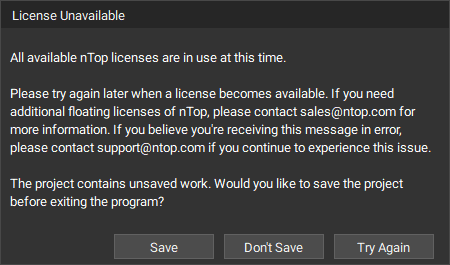
If you are here, you may wonder how to check in a borrowed floating license You are getting a “No available floating licenses” error when the previous user closes their nTop session. You are running into License Unavailable - “All available nTop licenses are in use at this time” error
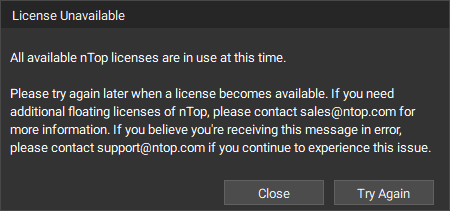
The License Unavailable message that appears when a user tries to login to nTop when all licenses are in use.The License Unavailable message that appears when a user tries to login to nTop when all licenses are in use. This message window is specific to when a project is already open and needs action from the user before closing.

Answer:

When you close all active nTop sessions, you are checking back in the Cloud Floating license you borrowed. You don’t have to do anything besides Close all the nTop windows. This should be instantaneous, and the license should become available for others in the floating pool to check out.

Is there an idle license timeout?

During the license status check run every 3 hours, we scan all the checked-out licenses to see if they are being used. In case of inactivity, they are checked back in.

Keywords:

license floating unavailable check in check out idle timeout