Yes, you can set your files in nTop to Autosave.To do this go to:File > Settings > Data
Select the checkmark for Autosave
Set the time interval
Choose an Autosave location
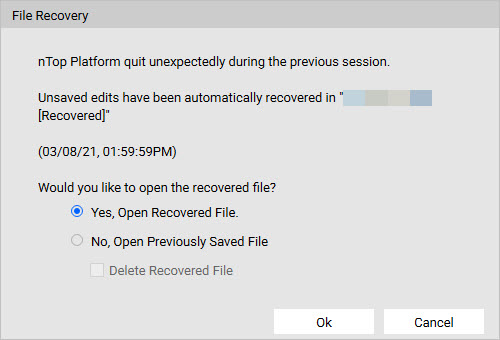
You can open your backups directly from the folder or nTop will prompt you to choose between the backed-up version and the saved version when you encounter a crash or close the file without saving your changes.