Question:
How to use the Notebook Outline? How to close the Notebook Outline?Applies to:
- Notebook Outline
Answer:
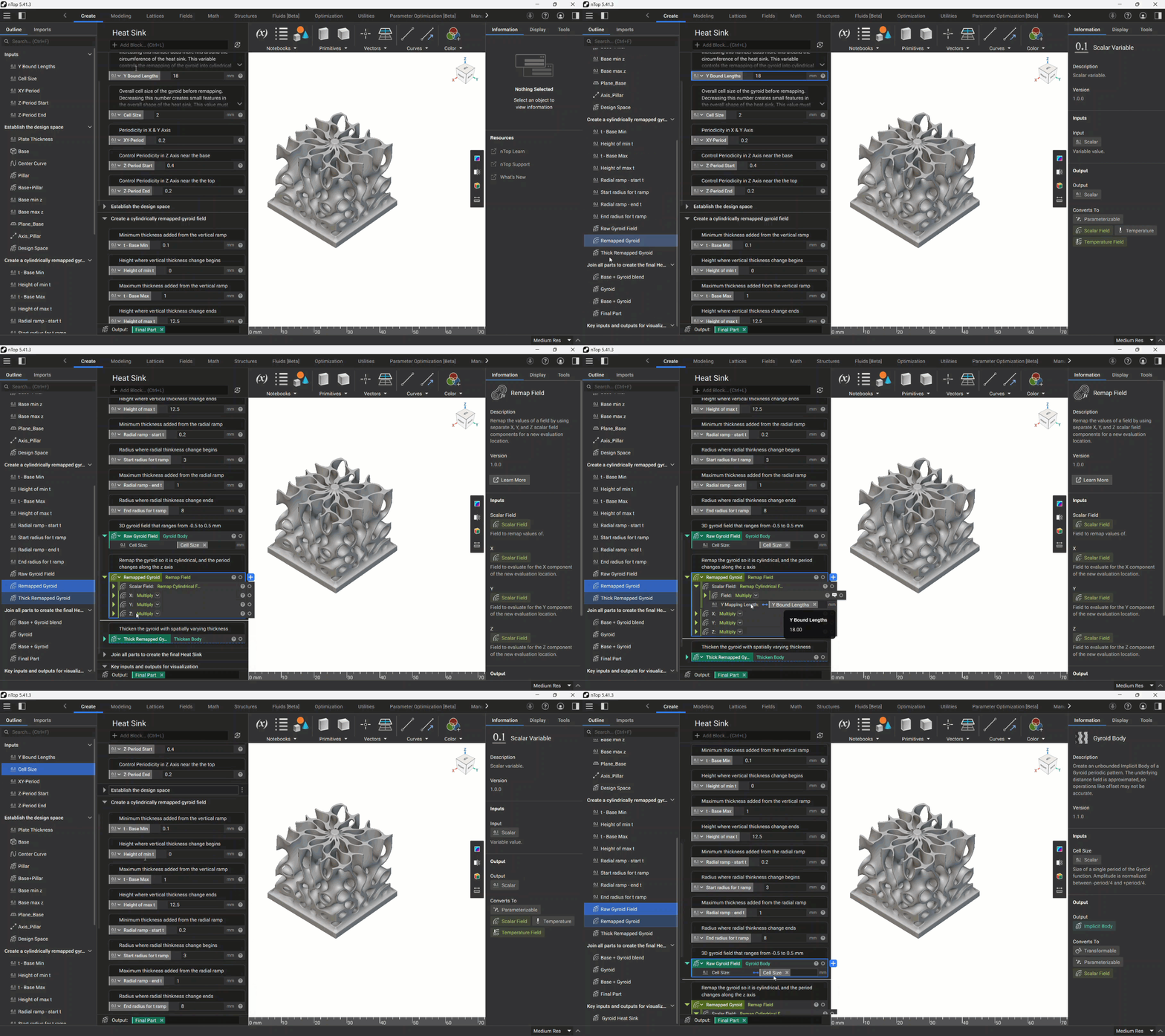
The Notebook Outline lets you view the blocks in your notebook from a high level and quickly select and navigate to them. The Outline lives in the left-hand sidebar that can be expanded and collapsed by selecting the icon at the top-left of the Notebook.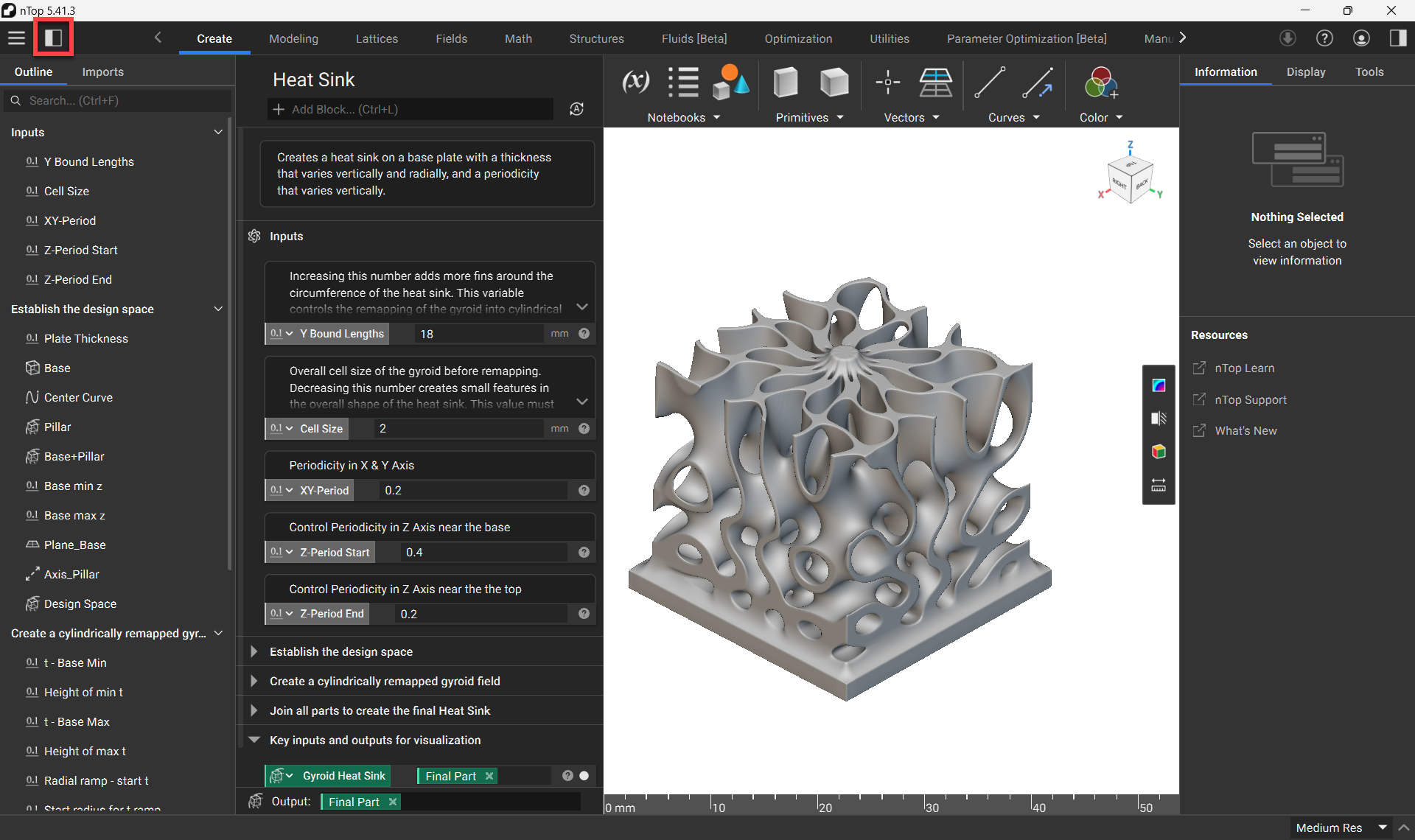 In addition to quickly navigating to blocks, the Outline provides a visual tracing for where variables are used in your notebook. When you select a block in the Outline, a bright blue highlight will appear on that block. If that block is a variable instanced within another block, a duller blue highlight will appear on the block that references it. In the below video, “Y Bound Lengths” is a variable being used within “Remapped Gyroid,” as indicated by the dull blue highlight.