

Summary:
This article covers versioning for the nTop software and its blocks. It also includes instructions on maintaining compatibility and switching back to the old version if needed. As always, feel free to contact support@ntop.com if you have any issues related to versioning.Question:
I want my workflow to stay the same, and I don’t want future updates to affect it. How can I prevent any unwanted changes?Applies to:
- nTop
Answer:
Block Versions:
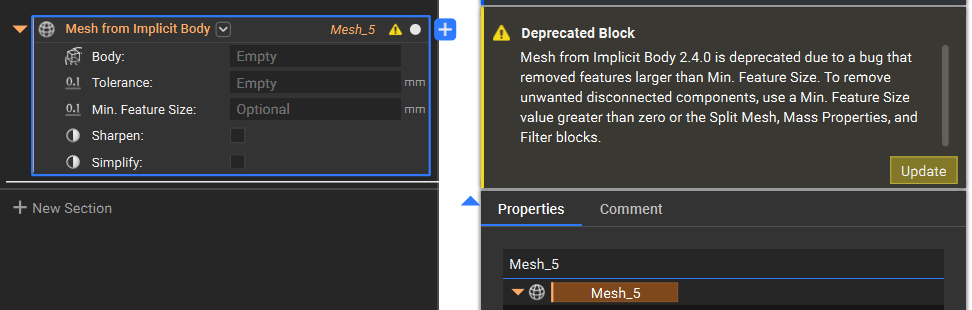
A new block version is available when we add a new feature, when the output of the block changes, or when we fix issues related to a block.Note: Starting with nTop 5.15, we have revised our block version to be the same as the nTop version in which the block is released/updated. This change only affects blocks that are released or updated after 5.15.
 We can change a block’s version by right-clicking on it, selecting the Version Number option, and then selecting the version number.
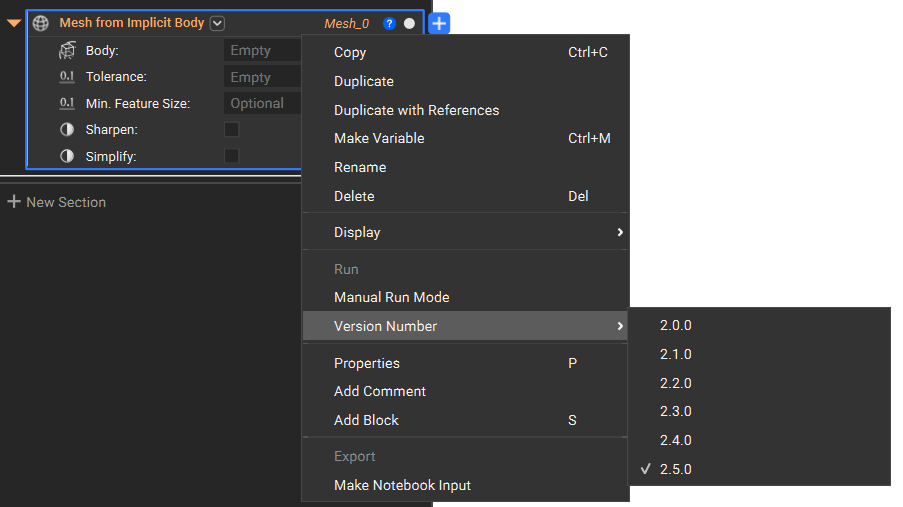 You might not be able to access all the block versions because of the change in the number of inputs in the block. To access the other versions, you would have to switch the overload of this block to the first option, and you will notice it has different inputs than the current version. If you cannot switch to other overloads, try clearing the inputs and checking again.
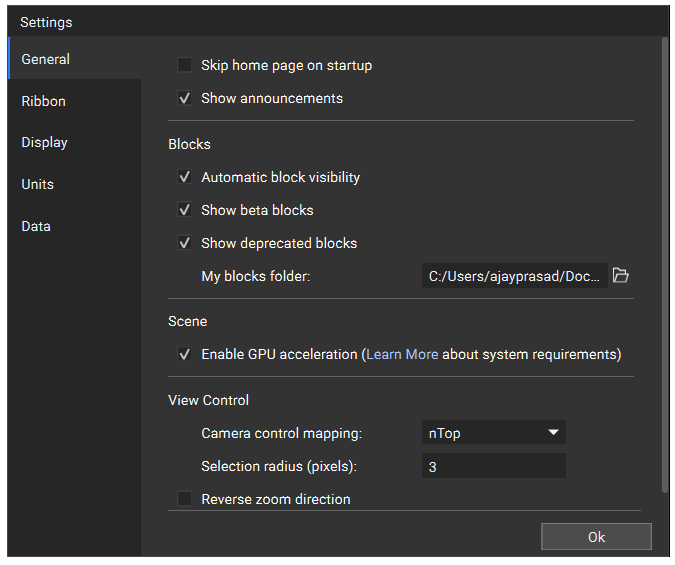
If you prefer the result or use of a deprecated block (What is a deprecated block?), you can still access it through the search bar. If a deprecated block doesn’t appear in the search results, please ensure the option is enabled in settings.
You might not be able to access all the block versions because of the change in the number of inputs in the block. To access the other versions, you would have to switch the overload of this block to the first option, and you will notice it has different inputs than the current version. If you cannot switch to other overloads, try clearing the inputs and checking again.
If you prefer the result or use of a deprecated block (What is a deprecated block?), you can still access it through the search bar. If a deprecated block doesn’t appear in the search results, please ensure the option is enabled in settings.
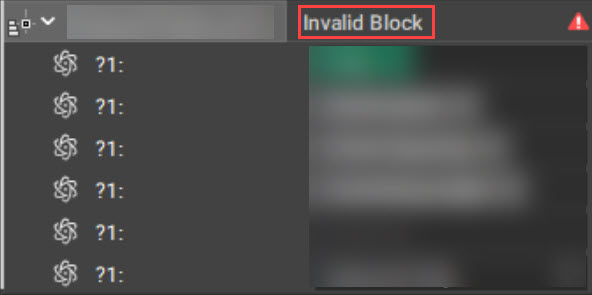
 Occasionally, we choose to remove blocks from the software. If a block is removed, its title will say “Invalid Block.” An example of this is shown below. You will need to delete the block as it no longer exists. Please reach out to Product Support if you encounter an invalid block.
Software Versions:
We release frequent software updates as we always try to improve our product. Most releases are feature updates, added blocks, and bug fixes. Occasionally, we will release a more significant update (such as our lattice transition from nTop 3.26) that has a far more substantial impact on how things work in nTop. If you have a workflow that you do not want to change in any way, the easiest way to do this is to stop updating nTop. nTop will never update on its own without manually selecting the update button. To view the version of nTop you are currently working on, click on the question mark in the top right corner of the program window and then select “About.”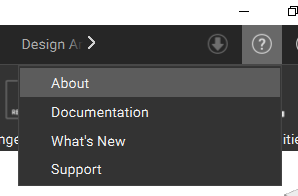 You may encounter a situation where you receive a file from product support, a learning course, or a colleague created in a nTop version that is newer than your installed version. If this occurs, a warning will prompt you to update the software to edit the workflow.
We recommend visiting the support site’s What’s New page for a full breakdown of new features and updates. From there, you can see past Release Notes for software updates.
Overall, we recommend using the latest version of the blocks and software to achieve the best possible performance and results.
You may encounter a situation where you receive a file from product support, a learning course, or a colleague created in a nTop version that is newer than your installed version. If this occurs, a warning will prompt you to update the software to edit the workflow.
We recommend visiting the support site’s What’s New page for a full breakdown of new features and updates. From there, you can see past Release Notes for software updates.
Overall, we recommend using the latest version of the blocks and software to achieve the best possible performance and results.
Backwards Compatibility Notices:
Occasionally, we will make changes to the software that are so impactful that they completely disrupt workflows. When these changes occur, we will release an article describing the impact, why the change is happening, how it will affect you, and what to do about it. These articles are in our Support Site’s Backwards Compatibility Notices section. The article will clarify which version of the software will contain the changes, so if you don’t want to experience them, you don’t have to update to that version.Note: If you use older blocks or software versions, you may experience issues already fixed in new releases. nTop does not support outdated software issues or deprecated blocks.