Question:
How to overload custom blocksApplies to:
- Custom Blocks
Answer:
This article uses a Custom Block to create our desired outcome. If you are new to using Custom Blocks, learn how to import, modify, and update them with the following resources:
- Learning Center course:
- Intro to Automation
- Articles:
- How to update a Custom Block in an active notebook
- How to open up a Custom Block
- Create the custom block by following the article or the learning center course.
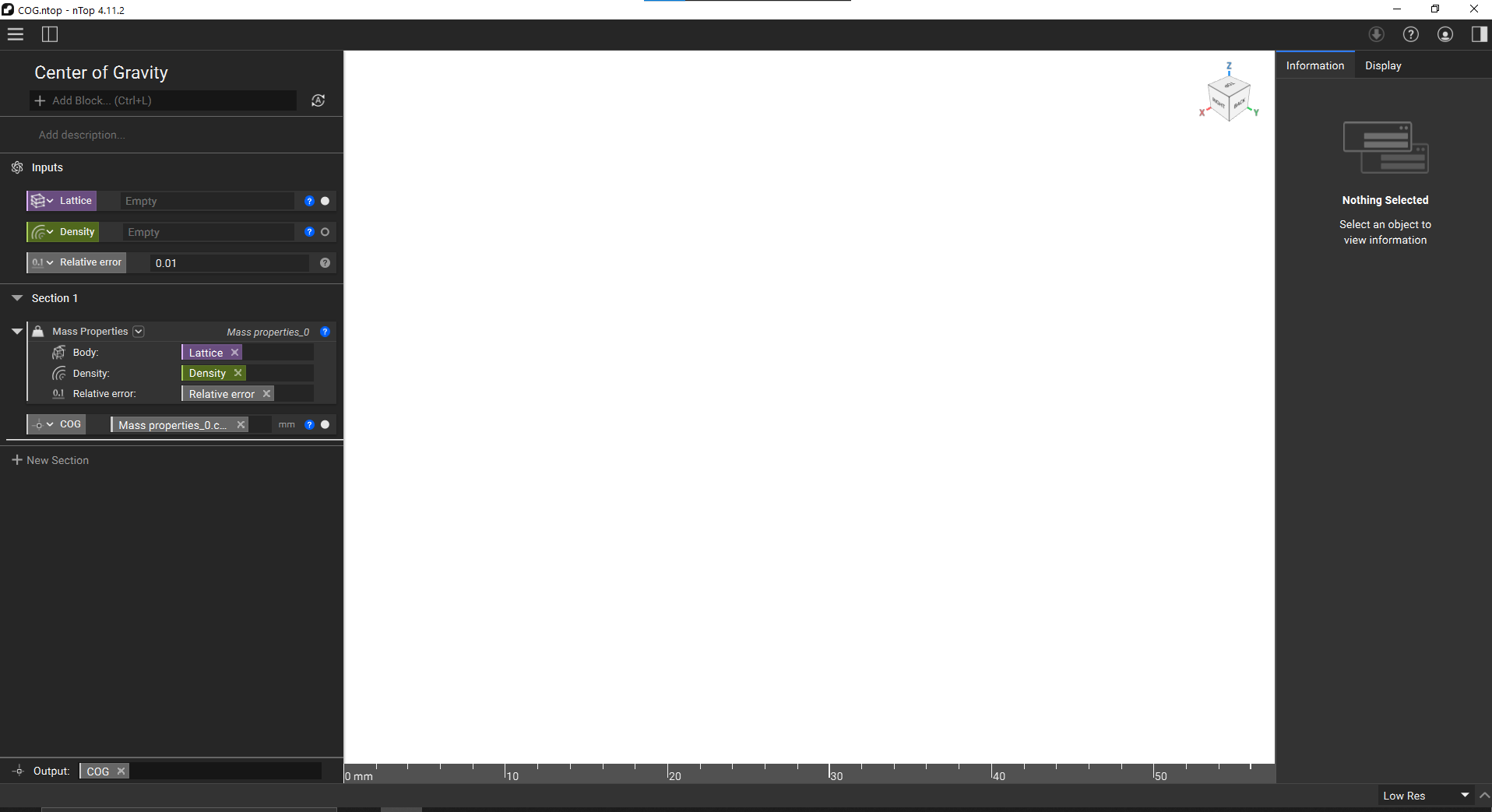
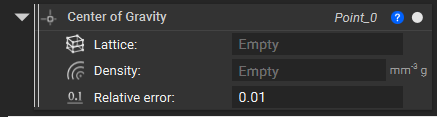
- Copy and paste the nTop file to modify the custom block to be overloaded.

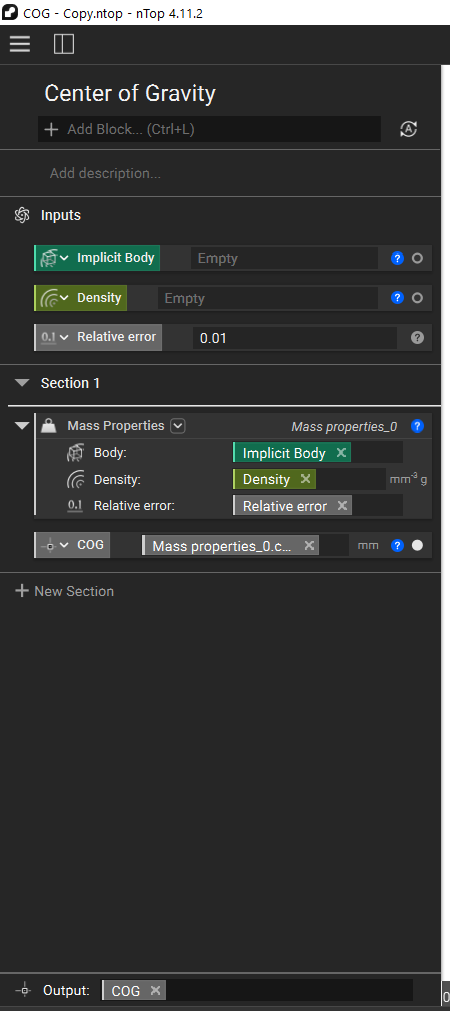
- Open the Copy custom block, make changes, and save it.
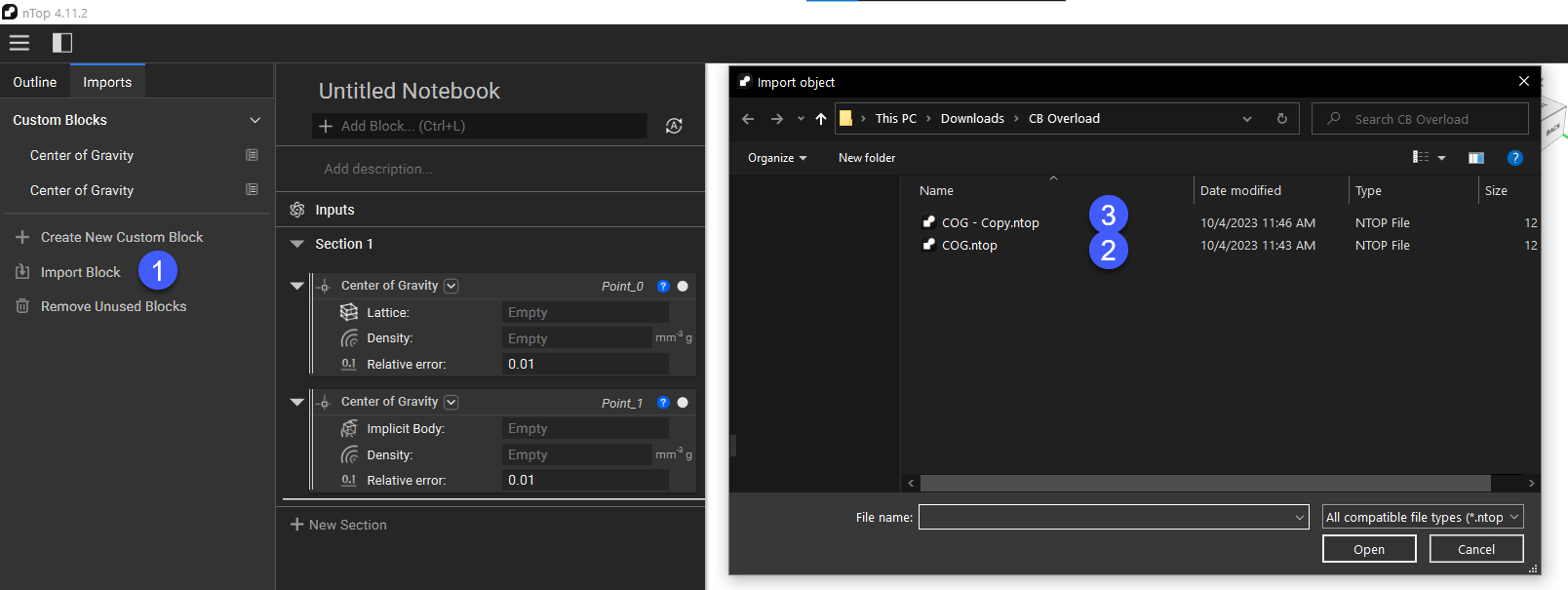
- Import both custom blocks.