Question:
How to get the most Precise Render? What is a Precise Render?Applies to:
- Precision Render
Answer:
nTop enables the creation of highly complex geometry that is impossible in more conventional CAD environments. Models with sharp, thin features or intricate internal structures - easily achievable using field-driven implicit modeling - can pose visualization challenges, particularly when regions of fine detail are very small relative to the overall model size. Typical visualization problems include:- The appearance of holes and surface irregularities in very thin regions.
- Intricate geometry (such as internal lattice structures) appears as “floating” artifacts disconnected from the body.
- Aliasing artifacts like the Moire effect in some cases of small-scale repeating geometry.
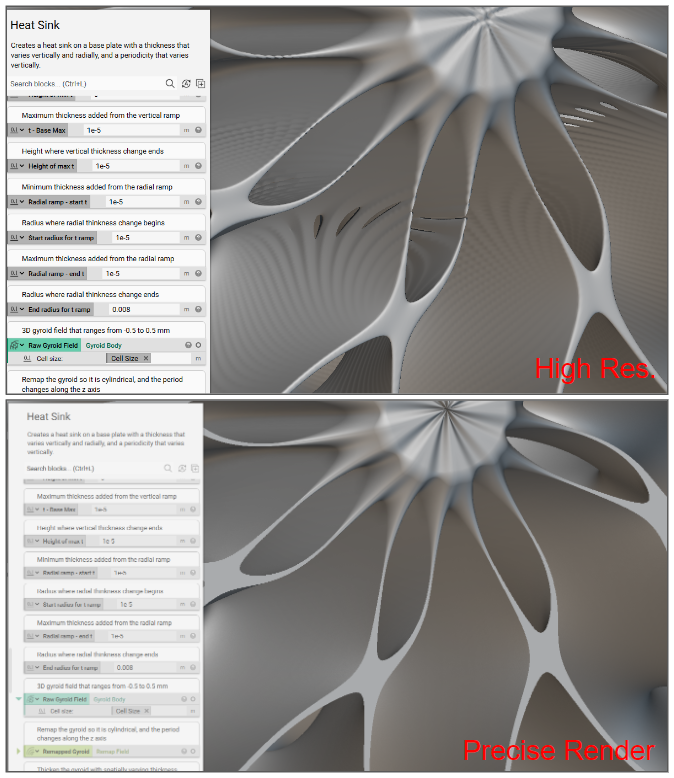 | 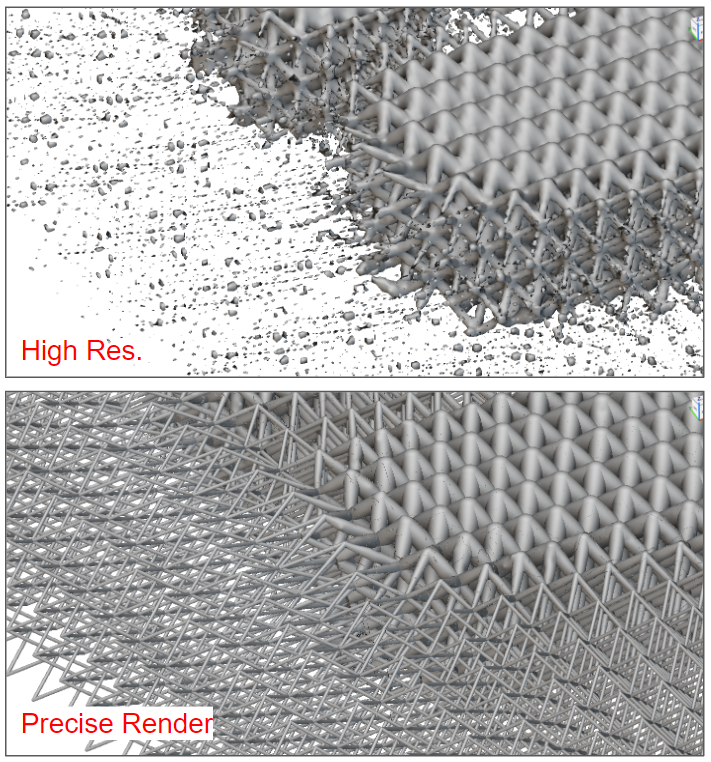 |
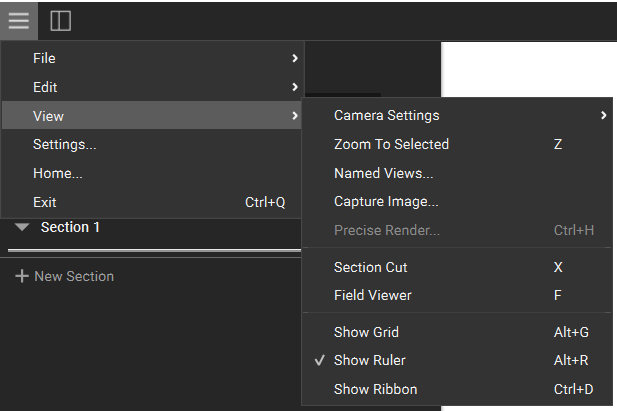
- Select a single body, press Ctrl + H, or choose ‘Precise Render…’ from the View dropdown.