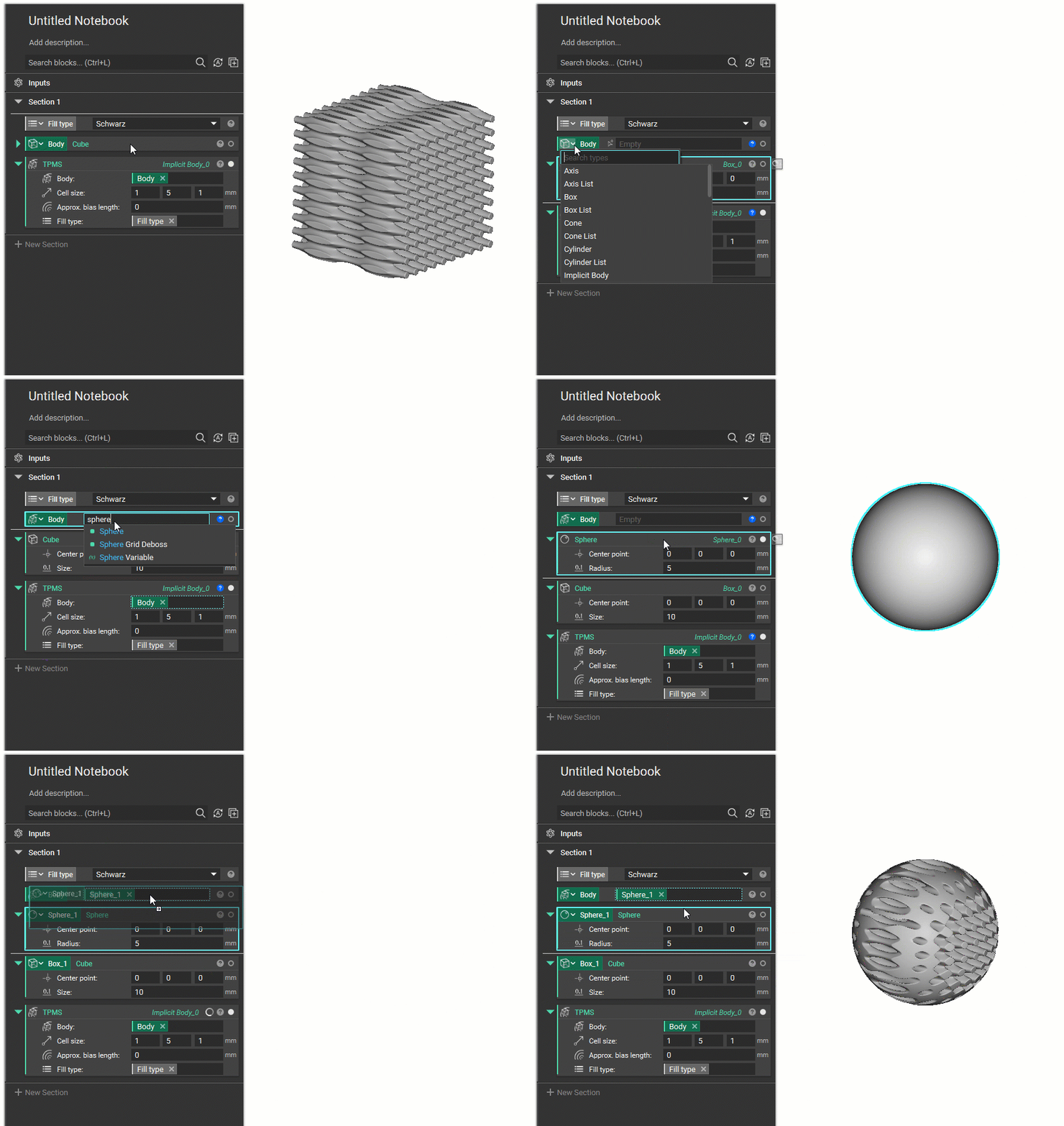
Objective:
Learn what a variable is and how to:- Create a block variable
- Create a parameter variable
- Use the info panel to create property variables
- Remove the contents of a variable
Answer:
A variable can be any block or parameter in the Notebook. By declaring a block as a variable, entire parts can be changed quickly and parametrically. An entire Notebook of functions can automatically be computed and rebuilt by changing values in the variable. Variables allow for quick and easy organization and understanding of your Notebook since the variable blocks don’t get nested within another block.To create a Block variable:
- Select the block
- R-click along the top of the block
- Select “Make Variable”
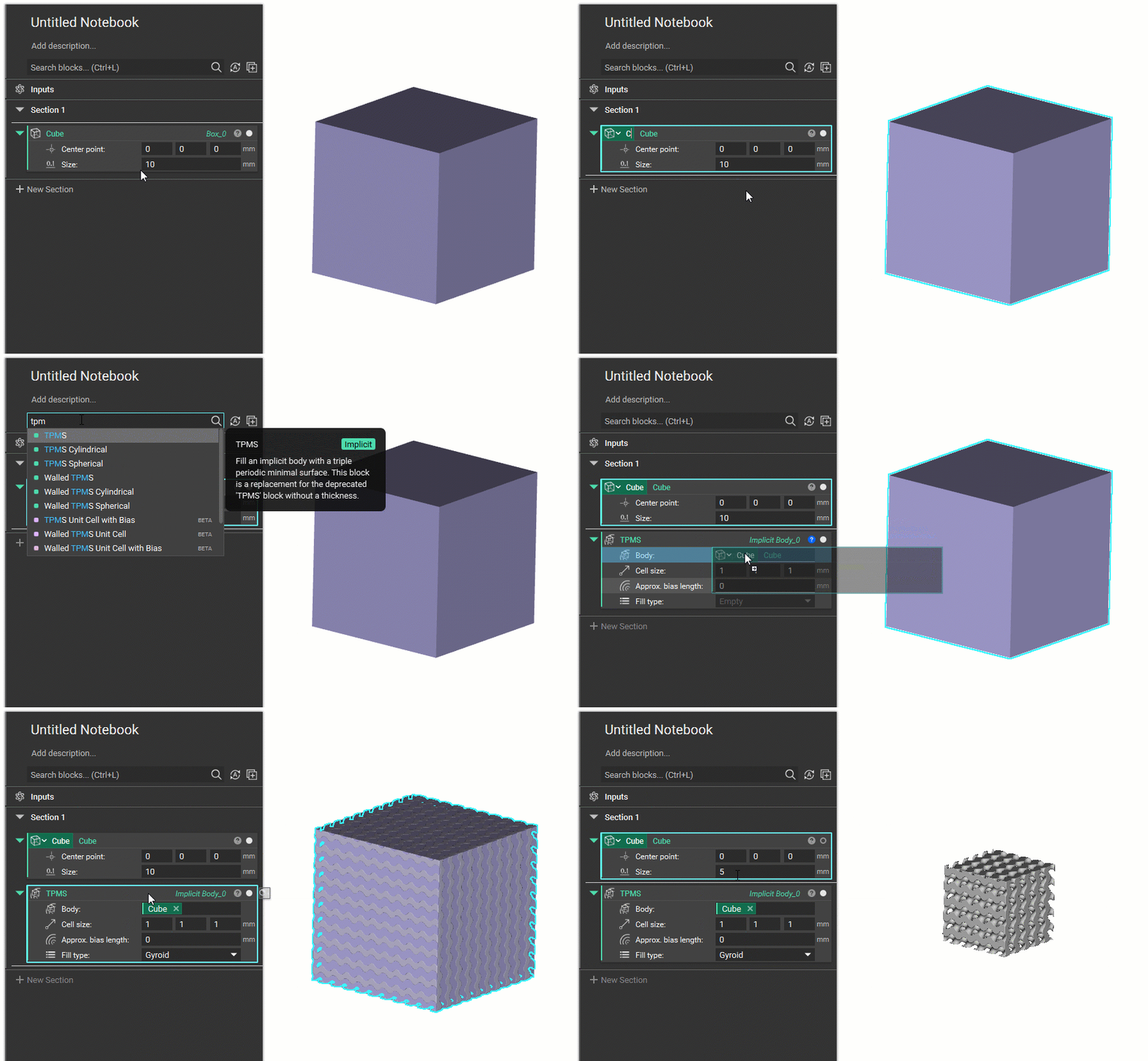
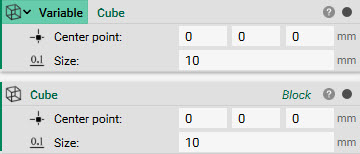 A block variable never “nests” inside another block. Instead, a “chip” is created to show that the variable is inserted in that block. Watch this quick gif below to see how to create a variable, re-name it, and insert it into another block.
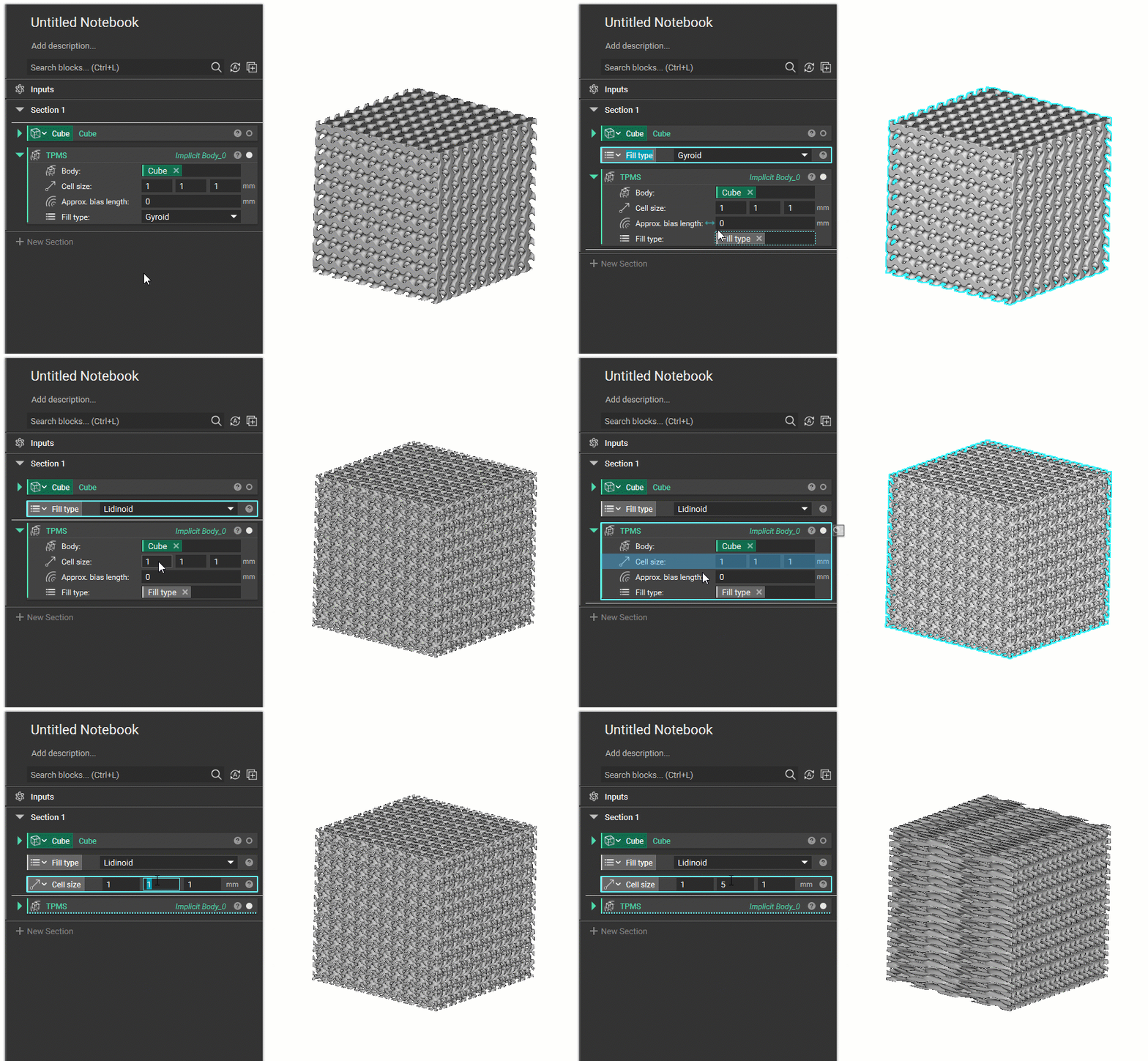
To create a Parameter variable:
- R-click over a parameter name
- Select “Make Variable”
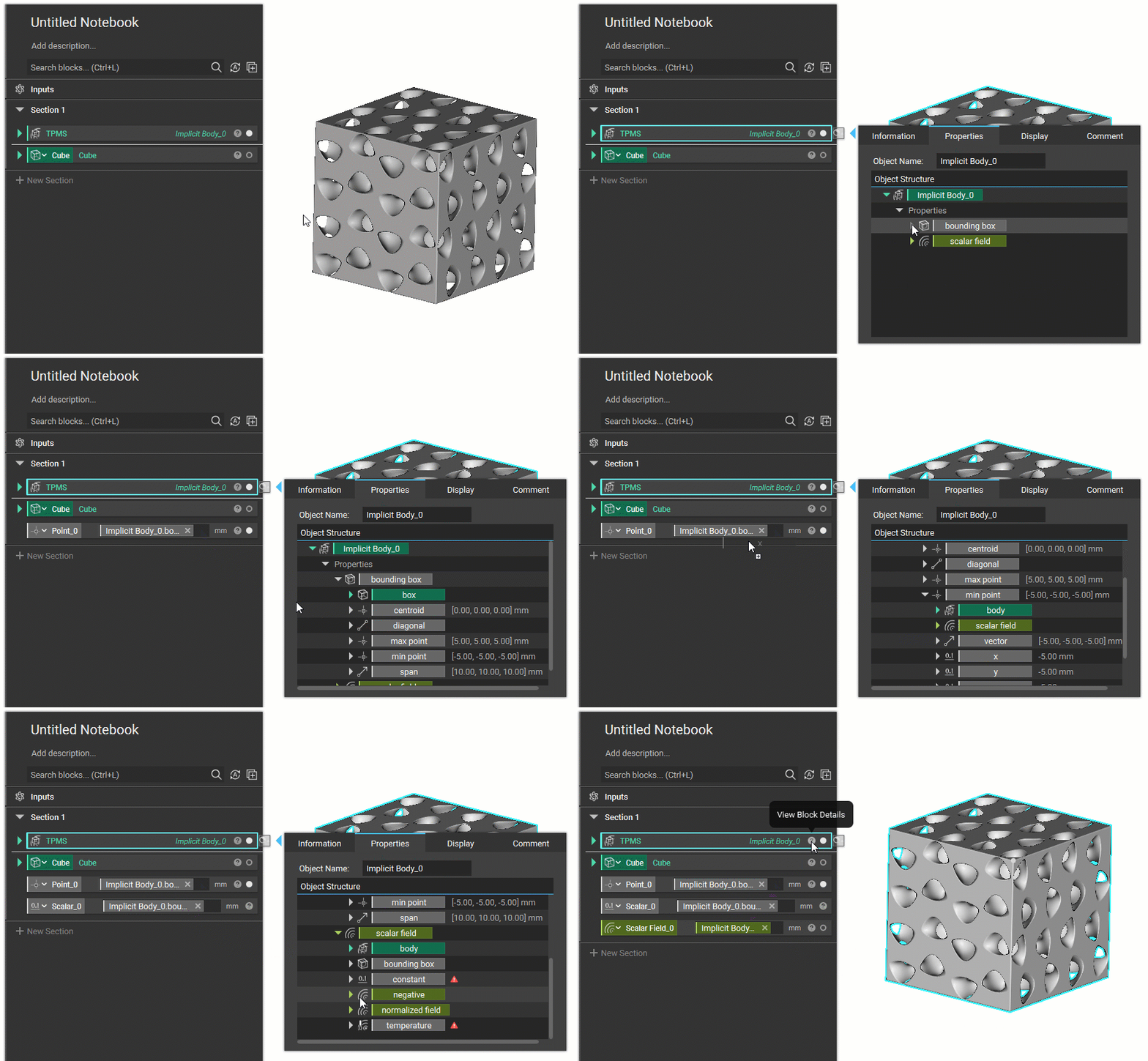
Use the Info Panel to Create Property Variables:
- Expand the (?) symbol on the block to open the Info Panel
- Go to the Properties Tab
- Drag any property into the Notebook to create a variable of that property (these properties are linked to the block they came from). You can also drag any chip directly into an input, instead of the Notebook.
Removing Variable Contents:
- Empty a variable by R-clicking on the variable and selecting “Remove Contents”