Objective:
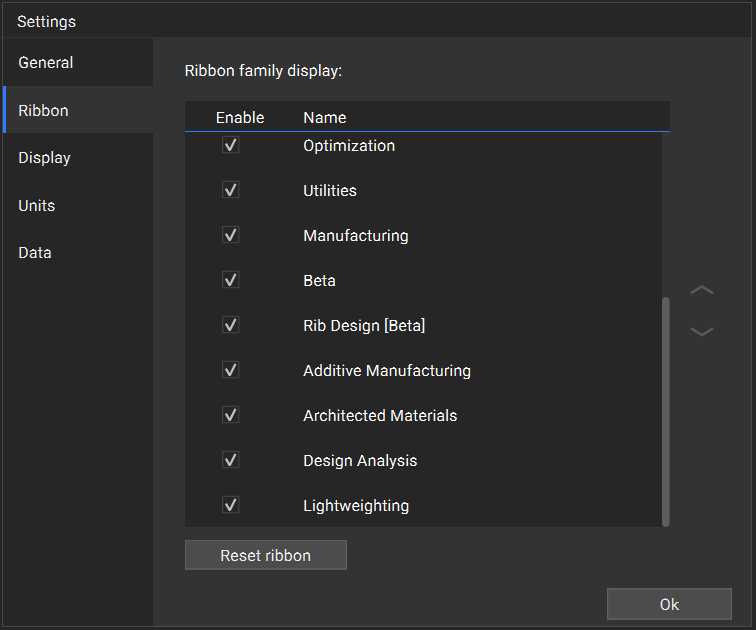
Adding toolkits to your ribbonApplies to:
- Beta
- Rib Design [Beta]
- Additive Manufacturing
- Architected Materials
- Design Analysis
- Lightweighting
Procedure:
- Click on the hamburger menu in the top left of nTop
- Select “Settings”
- Go to the “Ribbon” tab
- Check the box next to any toolkit you want to be visible in your ribbon
- Click “Ok”