Advantages:
- Faster computation
- Simulates bulk large-scale behavior for large and high-density lattices
- Works for any type of periodic lattice
- Works best with a large amount of unit cells
- Does not consider mechanical behavior such as edge effect and stress concentration in the lattice
- Lattices that must be entirely uniform and periodic, with alignment of the unit cell at boundaries with adjacent unit cells
| Gyroid | Lidinoid | Neovius |
 |  |  |
| Diamond | SplitP | Schwarz |
 |  |  |
Setup
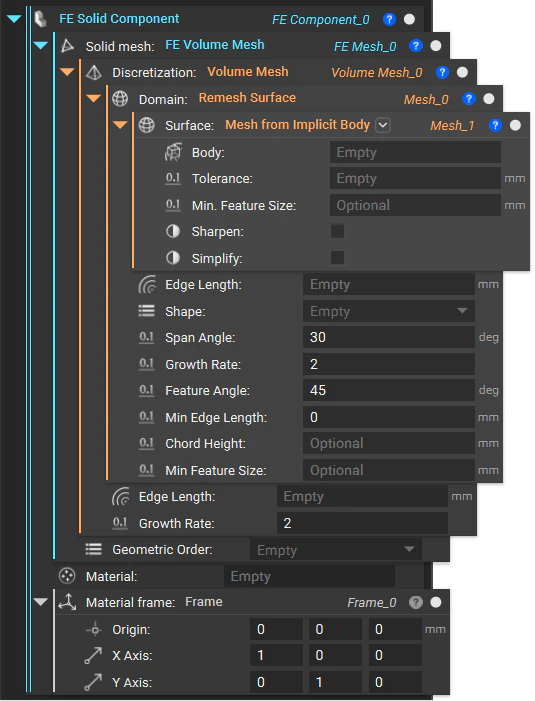
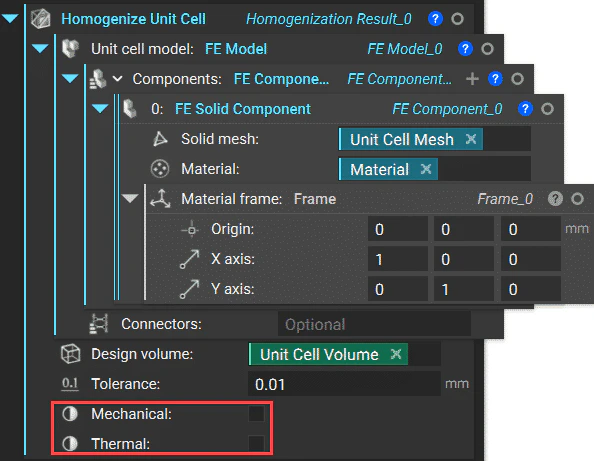
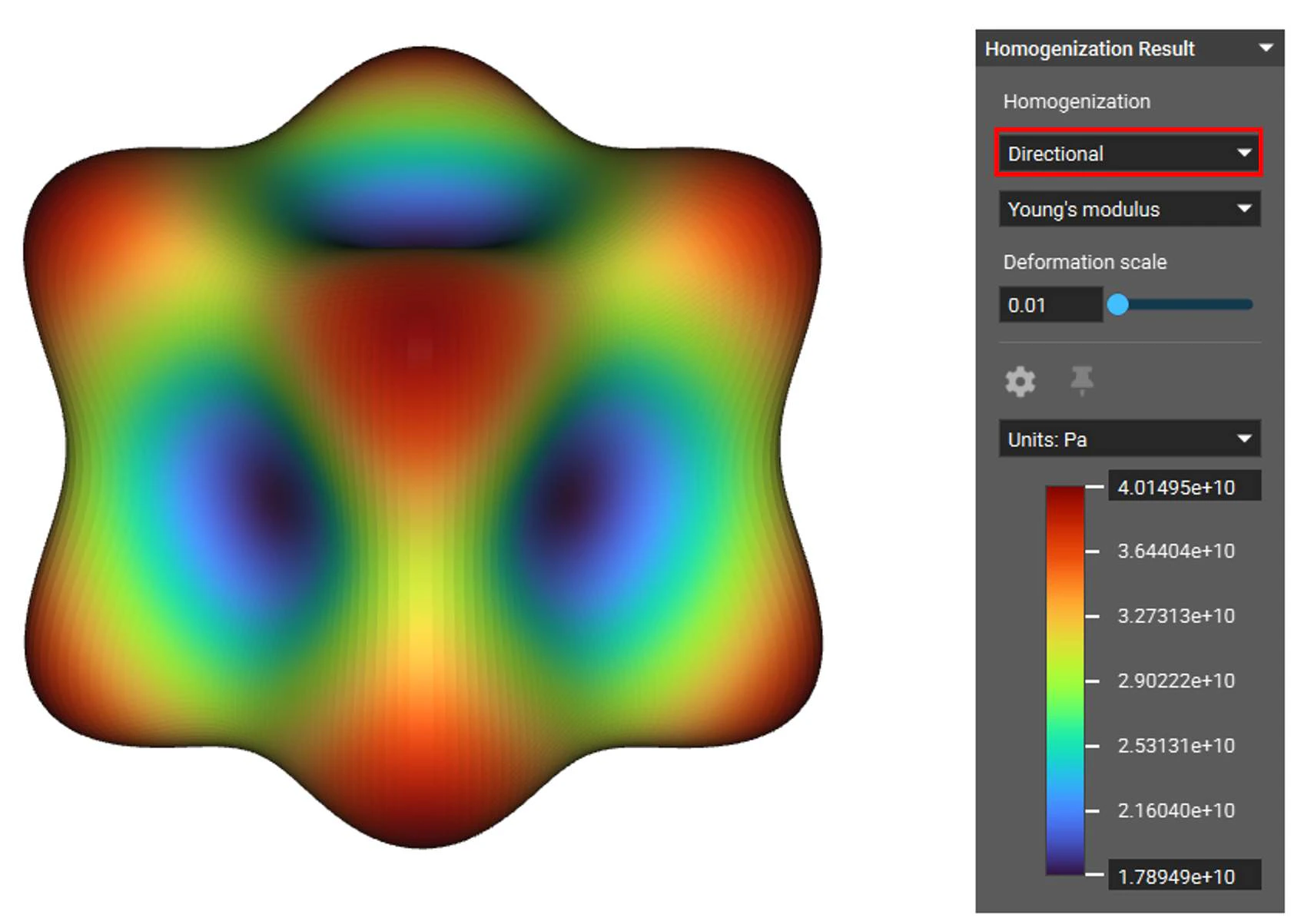
A homogenized simulation requires a two-stage set up. The first stage is running a Solid FEA simulation on a single unit cell of the lattice using the Homogenize Unit Cell block. Creating the FE Model and FE Components is the same as running normal static analysis but without the need to define boundary conditions. Then, using the results from the first simulation as the material property, run a second Solid FEA simulation on the bulk lattice structure volume. You must create a new FE Model in new FE Components to do this. The homogenization result is the FE Solid Component’s material input representing the lattice volume. This is where you define the boundary conditions.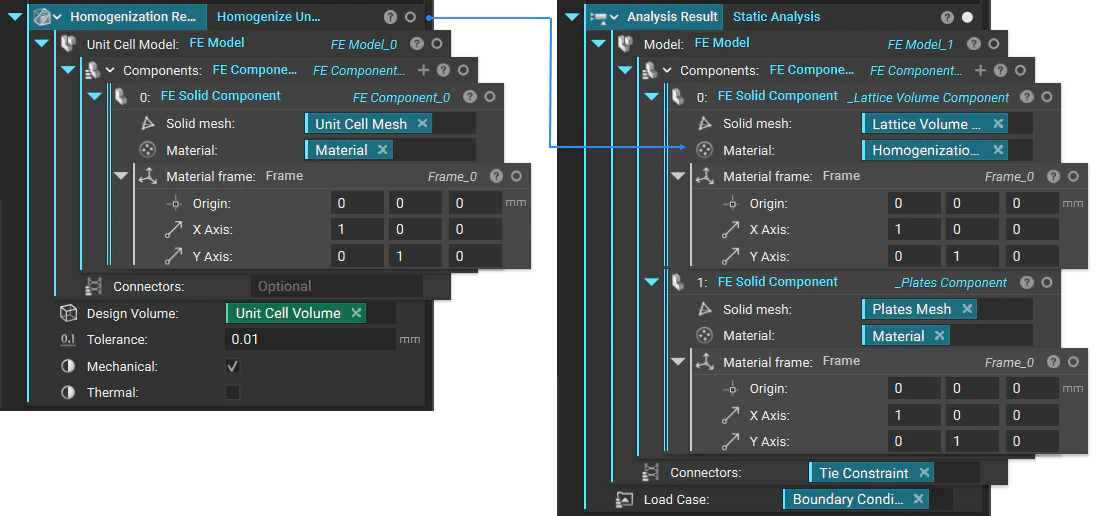
Stage 1: Homogenizing a Unit Cell
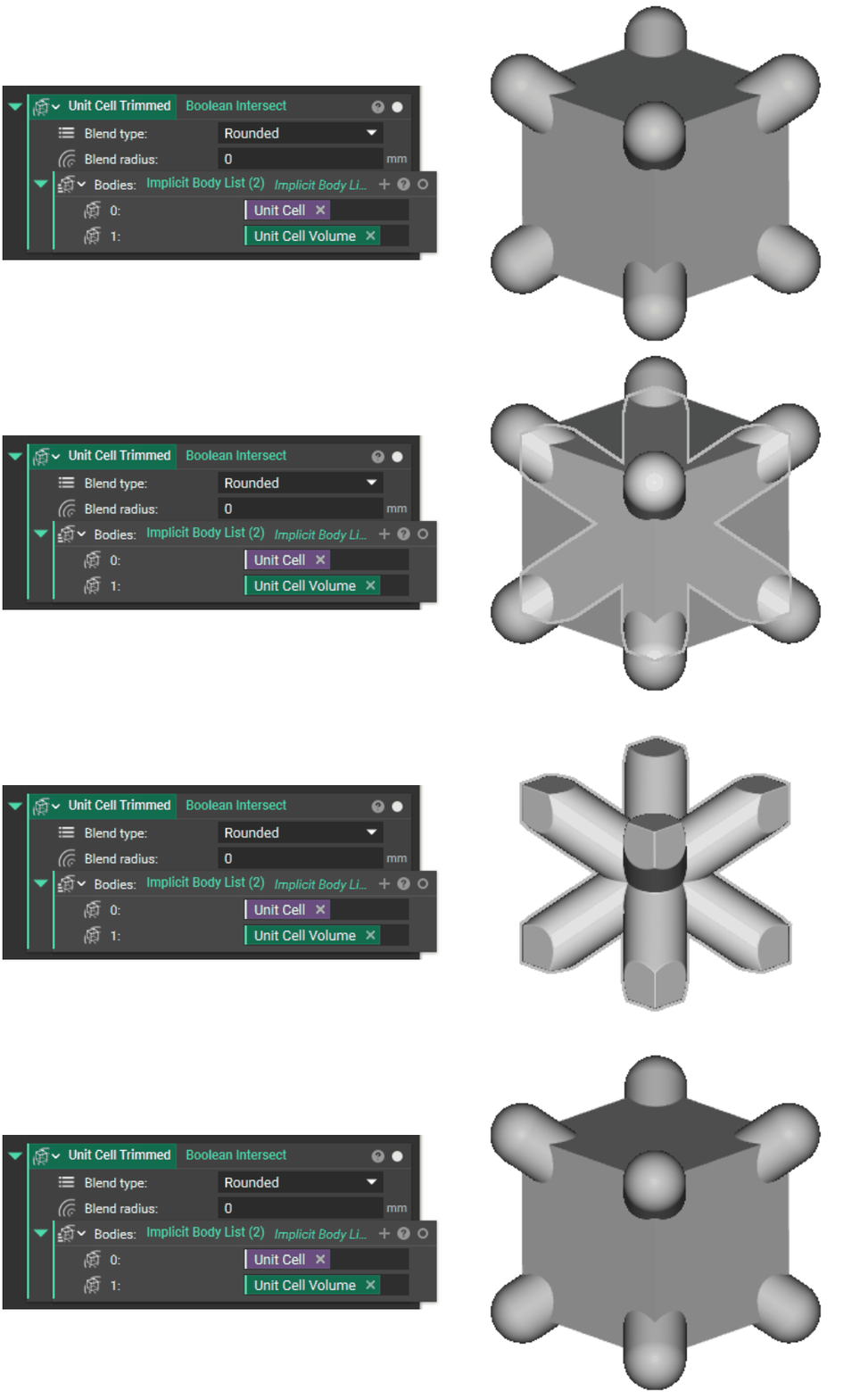
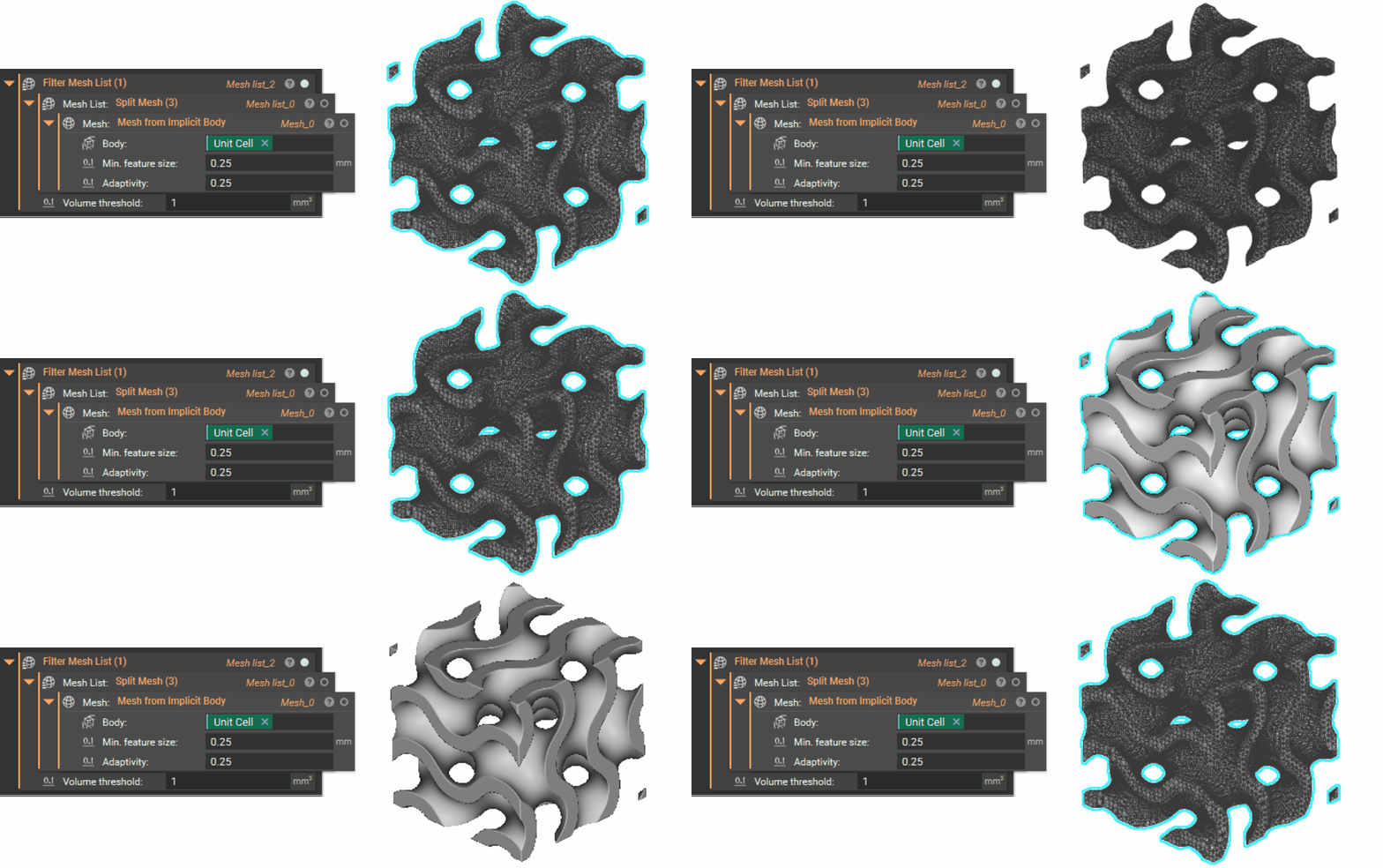
Start by creating your unit cell volume Box and unit cell based on the cell size, type, orientation, and thickness of your lattice structure.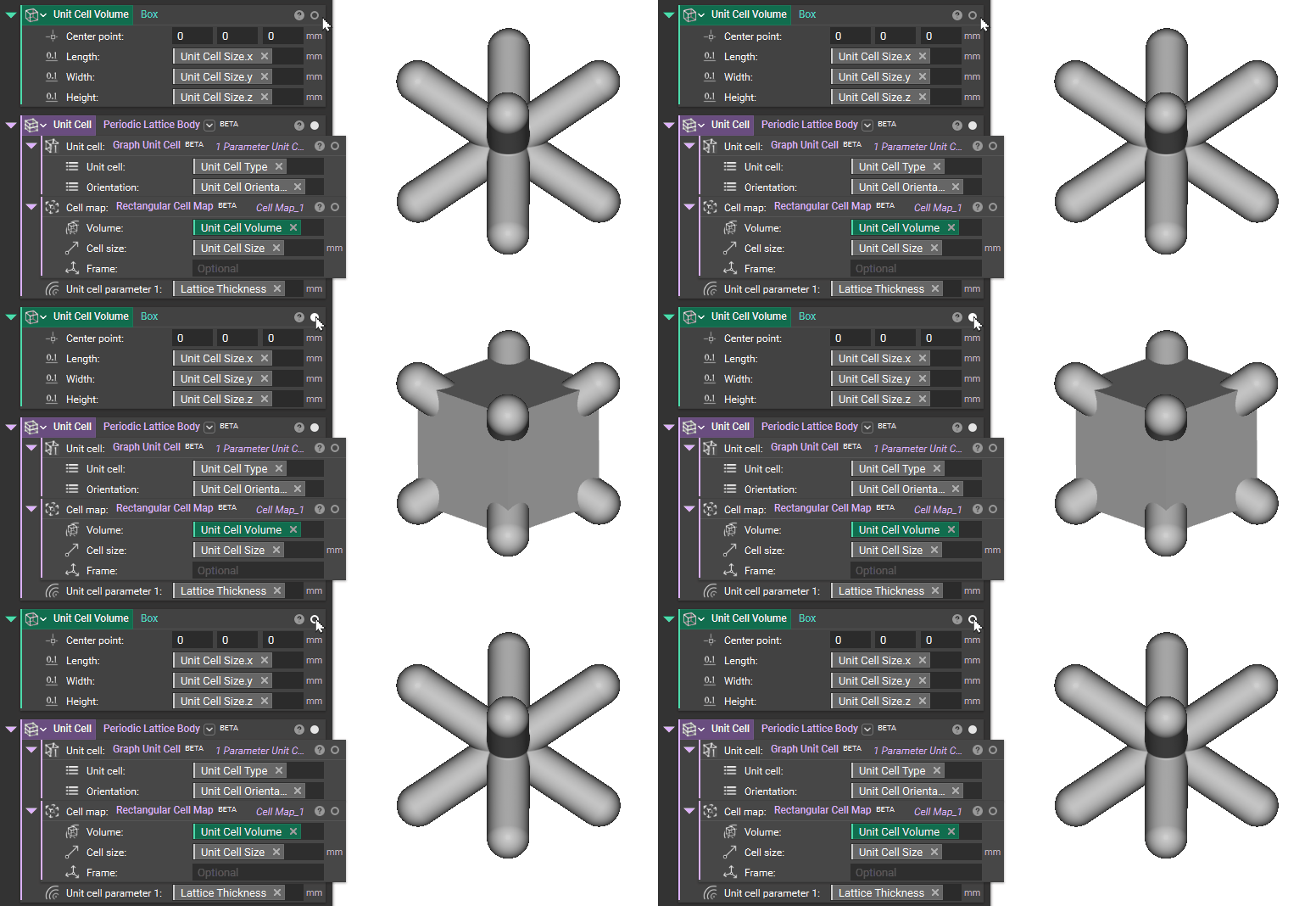
Stage 2: Analysis of Bulk Representative Volume Using Homogenization Results
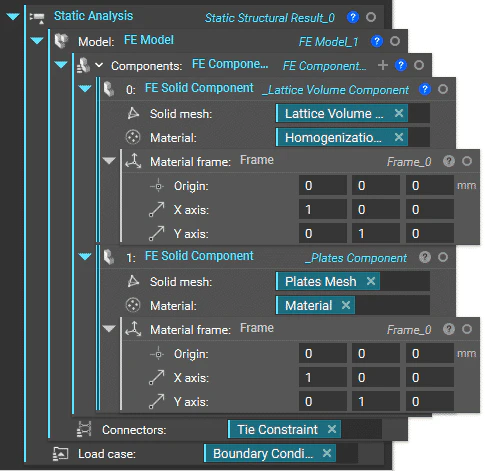
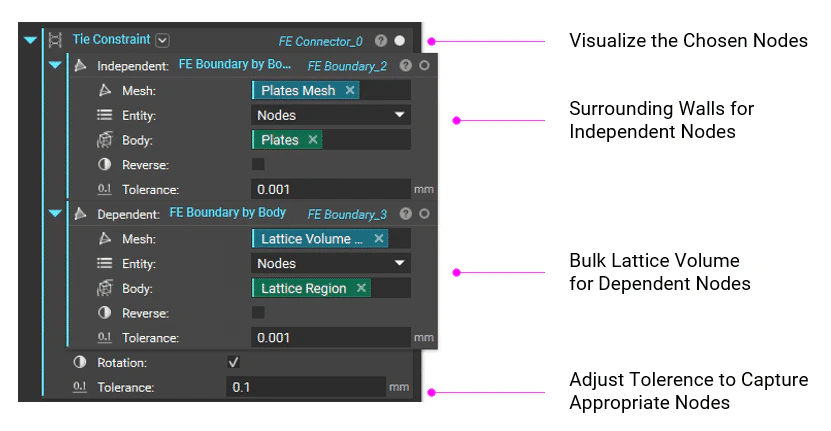
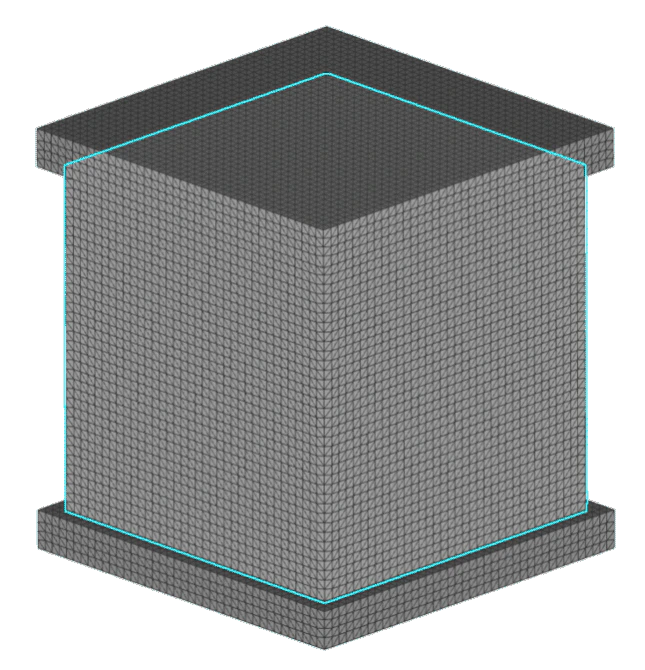
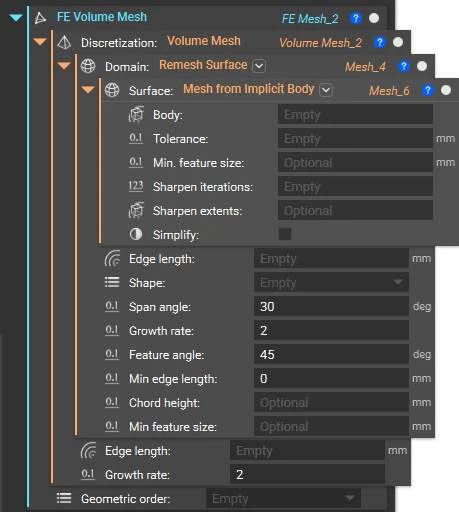
Using the homogenization result as the material for the FE Solid Component that contains an FE Volume Mesh of the bulk lattice region, create a new FE Model that joins that solid bulk component with the FE Solid Component of the surrounding walls via a tie constraint. Also, define your load case in the boundary conditions for the Static Analysis block.