
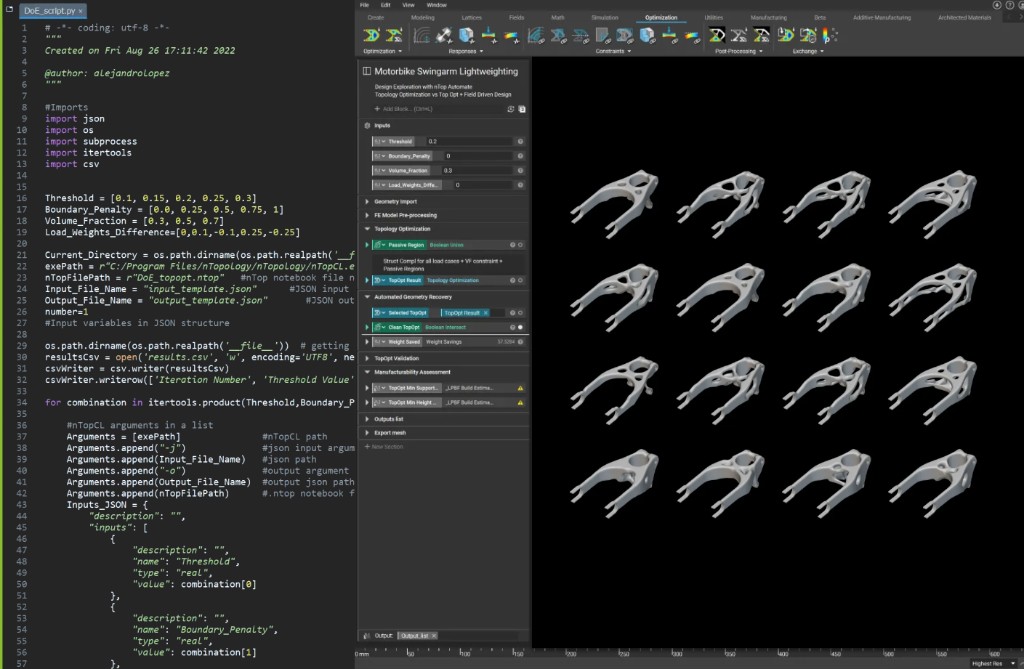
Python script driving nTop via nTopCL with topology optimization results
This course walks you through the basics of nTop’s Command Line interface (nTop Automate). You will learn how to set up and execute your reusable workflows to automate repetitive work and headlessly generate multiple design variations. Prerequisites: 101: nTop Essentials, 230: Intro to Automation What will be covered:
  • Understanding nTop Automate and how it can be applied to achieve automation and time savings
  • Preparing the nTop Notebook, setting up, and executing commands using different scripting languages
  • Our recommended best practices, as well as some tips and tricks to help kickstart your nTop Automate execution

Introduction

Before We Begin

nTop Command Line (nTop Automate)

What is nTop Automate?

The Process

What You Will Need

Setting Up And Running nTop Automate

Preparing Your Notebook

Running a Command

Best Practices and Troubleshooting

Scaling Up Using Python Scripts

Follow Along: Box and Lattice nTop Automate

Download: Completed Box and Lattice nTop Automate Files

Knowledge Check: nTop Automate

Optional nTop Automate Test Problem

Optional: nTop Automate Problem Statement

Answer to nTop Automate Test Problem

What’s Next

Resources

Course Feedback