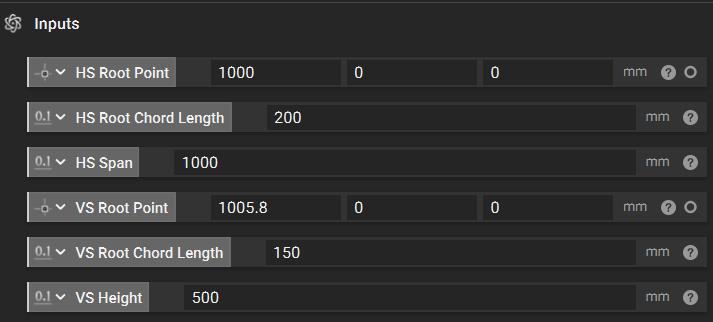
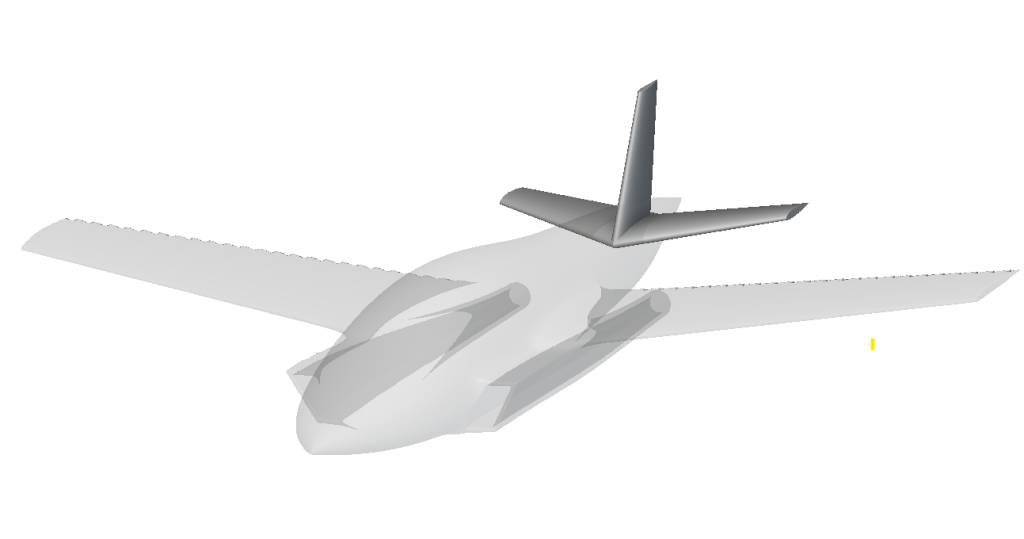
- Generate the horizontal stabilizers.
- Model the vertical stabilizer using existing knowledge.
- Finalize the empennage.
1. Horizontal Stabilizers
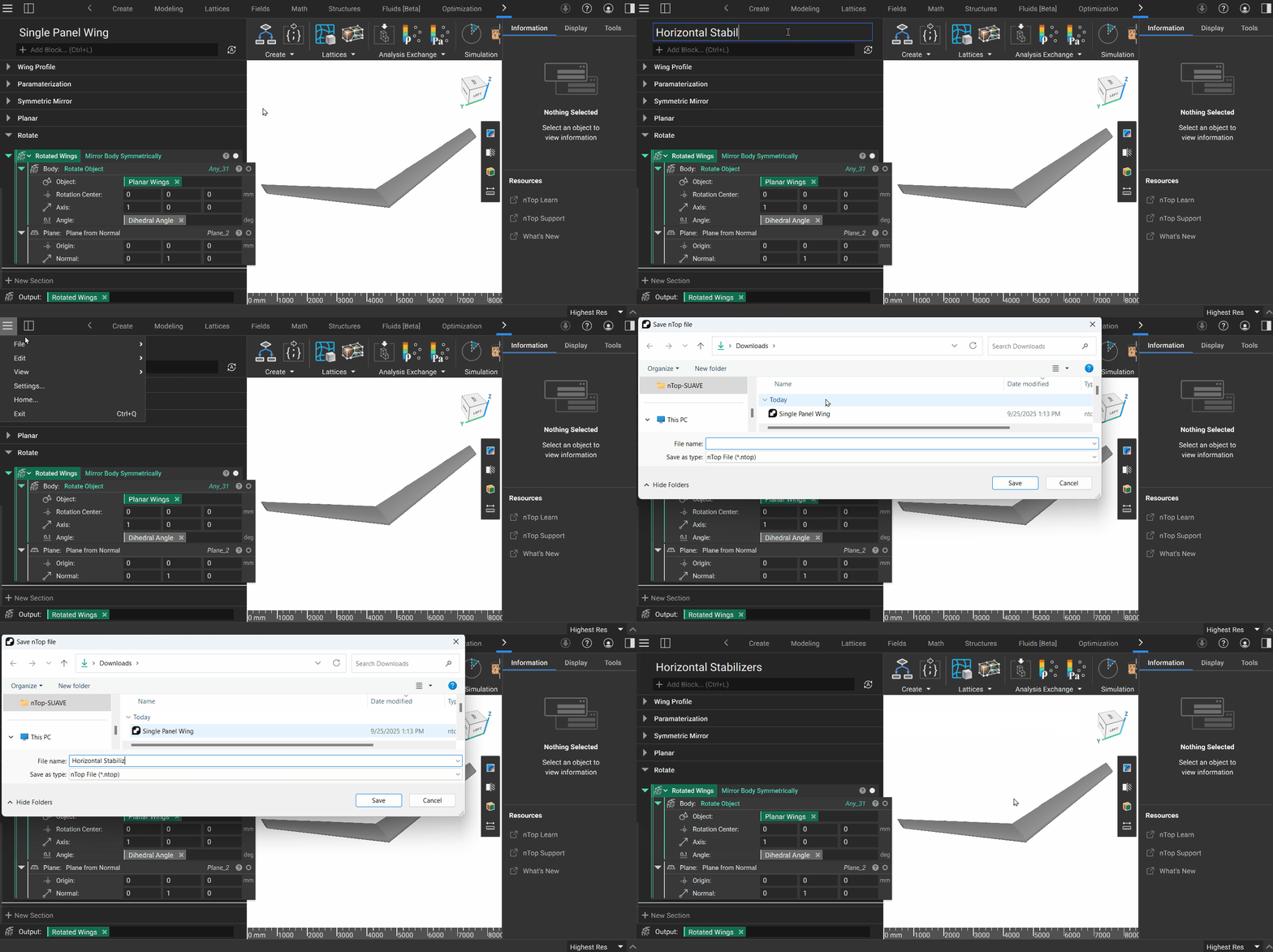
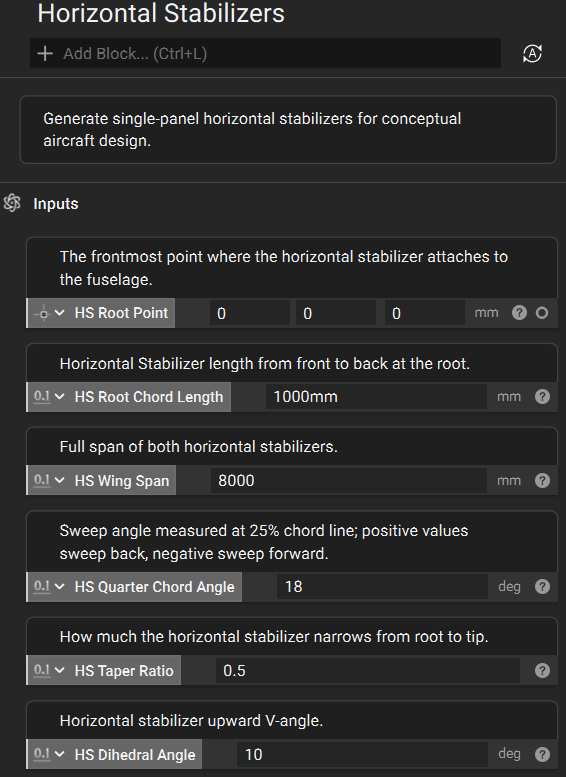
Modify an existing custom block for a new goal. The horizontal stabilizers form the primary pitch control surfaces of our empennage and share many geometric characteristics with wings. However, unlike main wings, horizontal stabilizers typically maintain a consistent angle of attack along their span and don’t require the twist like we see on the wings. We’ll leverage the Single Panel Wing custom block from our earlier lesson as our starting point, modifying it for stabilizer use. You can download that CB below to follow along. Downloadable Files: Single Panel Wing.ntop This file was last updated in nTop 5.31.2 The key change when modifying this wing-creation notebook involves removing the twist parameter to yield the untwisted planform characteristic of most horizontal stabilizer designs.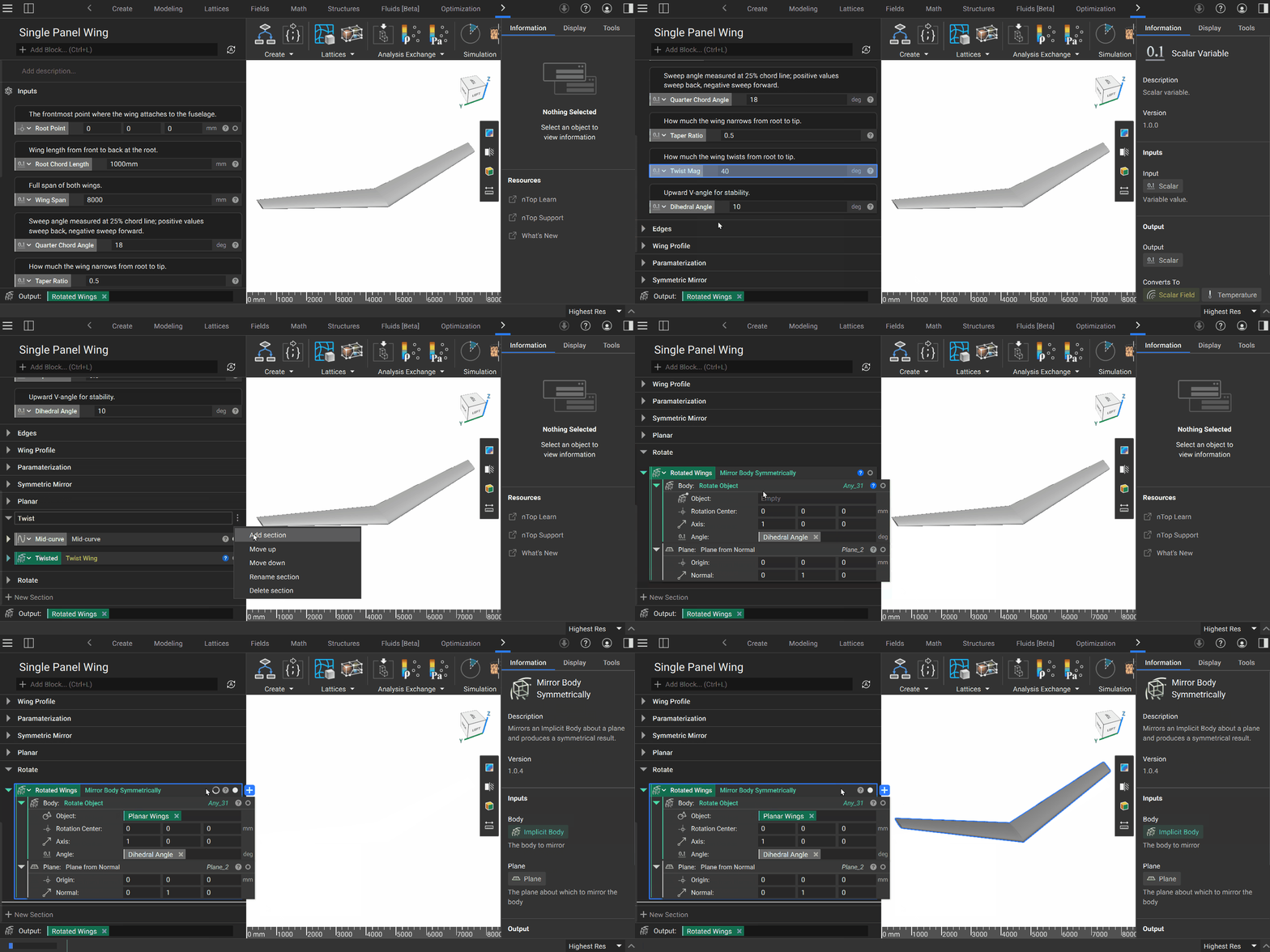
2. Vertical Stabilizer
Leverage existing knowledge to create a custom block. Now, we’ll create the vertical stabilizer as a single fin for our empennage. Like we did in the previous step, we will modify our Single Panel Wings custom block, removing unnecessary steps for vertical stabilizer modeling. In this case, we will remove the:- Twist operation from root to tip
- Dihedral Angle and wing rotation
- Mirror across the fuselage
3. Finalize
Combine the horizontal and vertical elements into a final custom block. Now that we’ve created dedicated custom blocks for both the horizontal and vertical stabilizers, we can integrate them into a unified empennage assembly. In a new notebook instance, we’ll add both stabilizer blocks and promote key parameters to notebook-level inputs, giving us centralized control over the complete tail geometry. We’ll then make variables of the parameters we want to expose in our Empennage custom block. We can assign these as inputs.