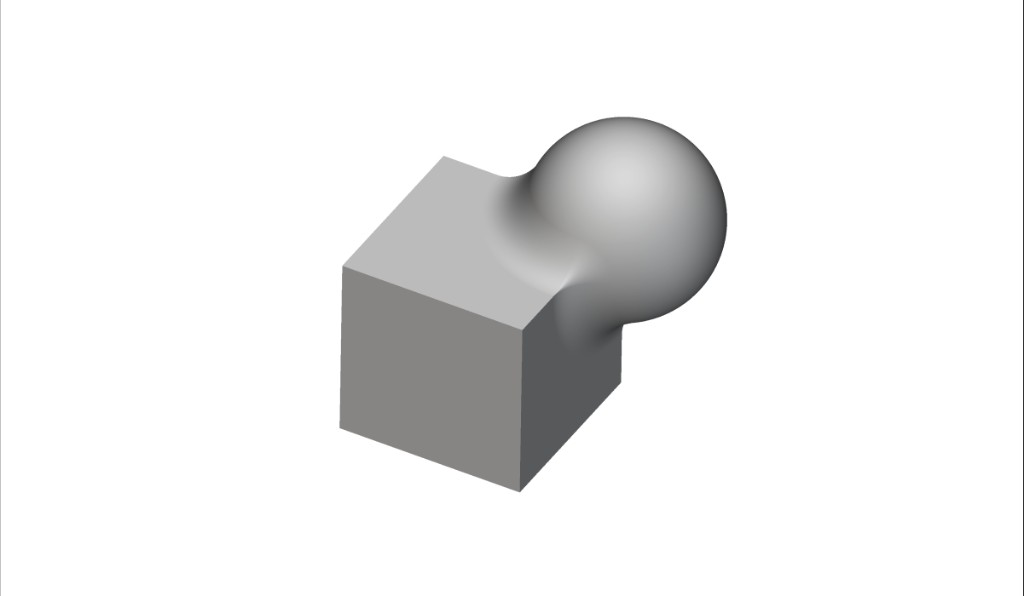
Cube and sphere blended with a smooth implicit transition
This course will take you through the basics of nTop to help get you started on your journey of exploration of the software. After completion of the course, you will have developed an understanding of the concept of implicit modeling, which is the basis of nTop’s core technology. You will also gain familiarity with key operations and best practices that will enable you to work faster and more efficiently within our software. Prerequisites: None What will be covered:
  • Introduction to nTop and the fundamentals of implicit modeling
  • Working with blocks and notebooks to build workflows

  • Key basic operations

Before We Begin

Before We Begin

Introduction and course overview

NTOP AND IMPLICIT MODELING

Introduction to nTop

Implicits and Fields

A Tour of the nTop Instance

Controls and Keyboard Shortcuts

Knowledge Check: Implicit Modeling

The Notebook

What is the Notebook?

Working with Variables

Notebook Management

Toolkit and Custom Blocks

Follow Along: Organizing a Workflow

nTop Tips

Knowledge Check: The Notebook

Basic Operations

Overview of Primitives, Transformations, and Modeling Operations

Importing and Converting Parts to Implicits

Working with CAD Bodies

Boolean Operations

Evaluating Mass, Volume and Weight Savings

Exporting Parts

Follow Along: Spherecube and Gear

Knowledge Check: Basic Operations

Optional: Essentials Test Problems

Optional: Essentials Test Problem

Answer to Optional Test Problem

Optional: nTop Essentials Challenge Problem

Answer to nTop Essentials Challenge Problem

Exploring nTop

Meshing

Latticing

Field Driven Design

Design Analysis and Topology Optimization

Automation

Design for Additive Manufacturing (DfAM)

What’s Next

Resources

Course Feedback