
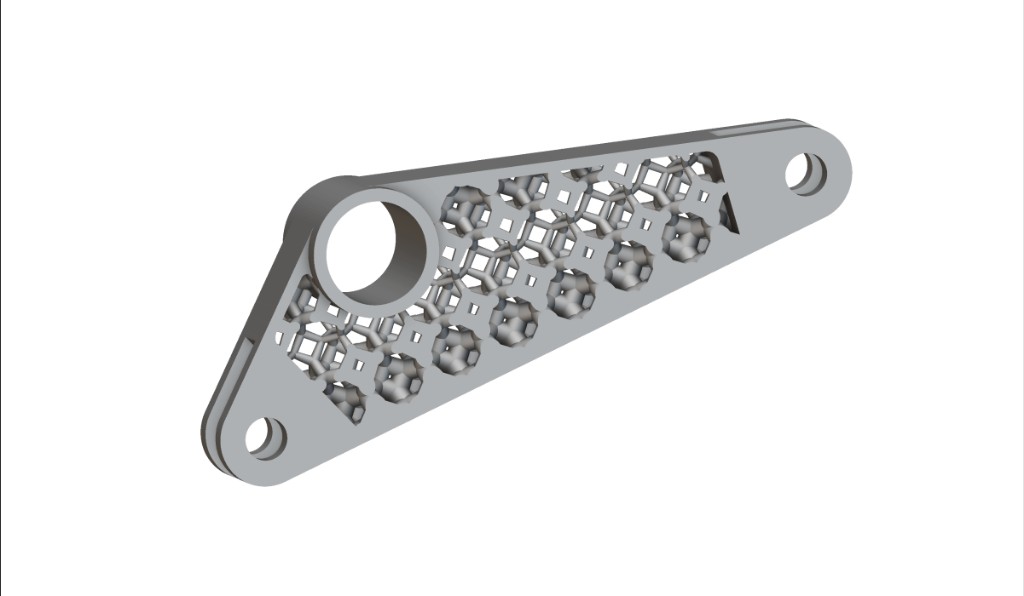
Bracket with field-driven internal lattice and solid attachment points
This course will walk you through the basics of Field Driven Design in nTop. After completing this course, you will be familiar with the different tools in nTop for working with fields and how you can use information from fields to influence your designs. Prerequisites: 101: nTop Essentials What will be covered:
  • Creating/importing data via Point Maps
  • Generating Fields from Point Maps
  • Using Ramps created from Point Maps to manipulate geometry
  • Using Ramps created from Point Maps to refine meshes for simulation

Before We Begin

Introduction to Fields

What is a Field?

Field Viewer: Visualizing Fields in nTop

Different Types of Fields in nTop

Knowledge Check: Introduction to Fields

Creating and Using Fields

Different Ways to Create Fields

Ramp Block

Transfer Function Block

Mix Block

Follow Along: Field Driven Bracket

Download: Completed Field Driven Bracket

Knowledge Check: Creating and Using Fields

Optional Test Problem

Optional: Intro to Fields Test Problem

Answer to Optional Intro to Fields Test Problem

What’s Next

Resources

Course Feedback