
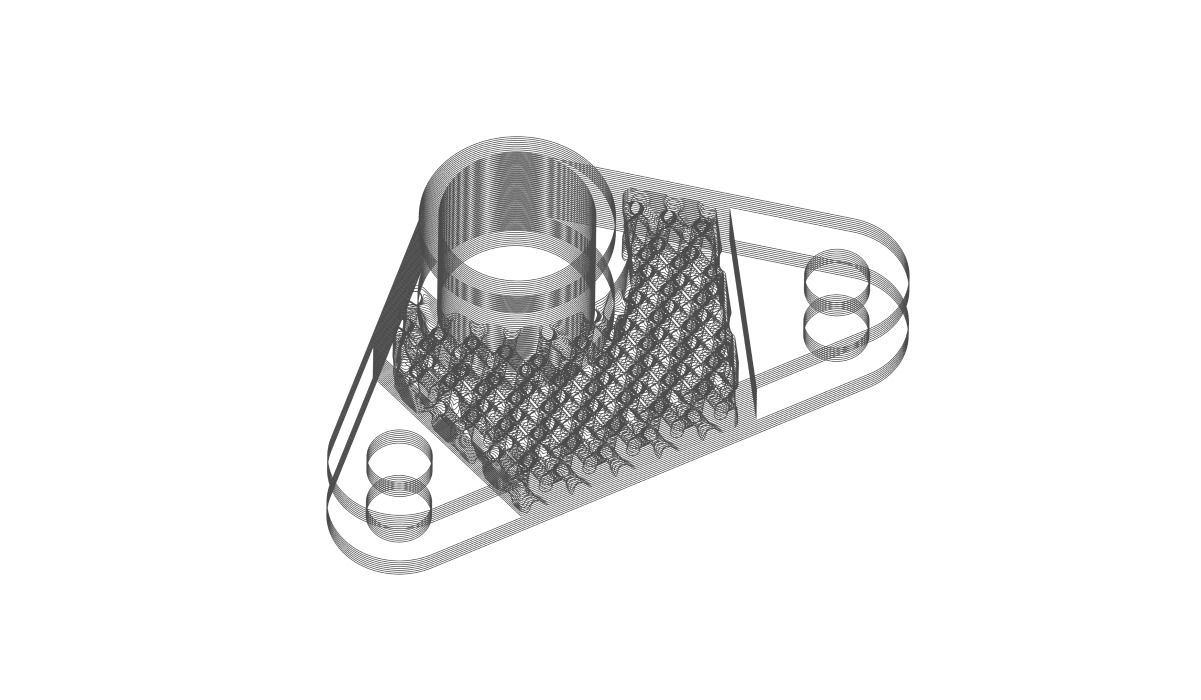
After the completion of the course, you will have developed the knowledge on how to export your part for additive manufacturing.
Slicing and Print Layout
Prerequisites: 101: nTop Essentials What will be covered:
  • Orienting a part
  • Using build volumes to orient bodies on a build plane
  • Slicing options within nTop
  • Exporting Slicing Data

Before We Begin

Slice Properties and Terminology

Preparing For Printing

Preparing for Printing: Build Volume and Build Plate

Orienting a Part

Placing Multiple Parts: Bounding Box 2D Nesting

Follow Along: Print Preparation

Download: Print Preparation

Knowledge Check: Preparing for Printing

Slice and Export

Slicing a Body

Slicing Capabilities and Custom Blocks

Exporting Slice Information

Slicing Tips

nTop Plugin for EOSPRINT

Follow Along: Slice and Export

Download: Slice and Export

Knowledge Check: Slice and Export

Optional Test Problem

Optional: Print Prep and Slicing Problem Statement

Answer to Print Prep and Slicing Test Problem

What’s Next

Resources

Course Feedback