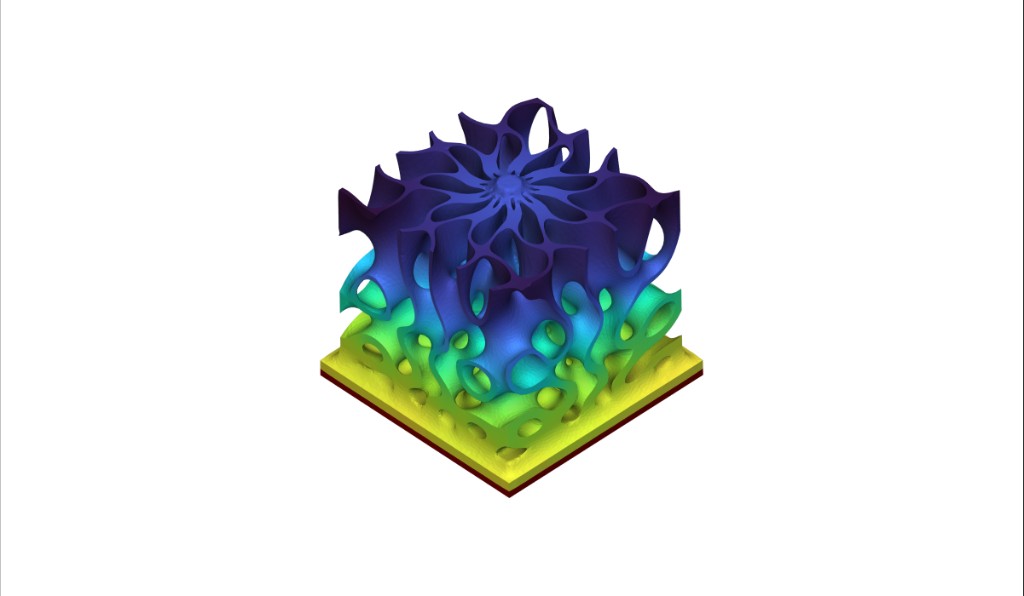
Thermal analysis visualization of complex structure with temperature gradient
This course will take you through running thermal analysis within nTop. After completing this course, you will have developed an understanding of the different inputs to run thermal FEA within nTop and how to use these results to drive your designs. Prerequisites: 101: nTop Essentials, 102: Guide to Meshing, 240: Intro to Simulation What will be covered:
  • Setting up a Thermal FE Model
  • Running Thermal and Thermal Stress Analyses
  • Running Non-linear Thermal and Transient Thermal Analysis using BETA blocks

  • Understanding Thermal FEA results

Before We Begin

Before We Begin

Thermal Analysis – Basics

Thermal Analysis – Simulation Types

Thermal Analysis – Current Capabilities

Thermal FE Model

FE Model Overview

Thermal Material Properties

Thermal Connectors

Example: Creating a Thermal Bonded Contact

Follow Along: Creating a Thermal FE Model

Thermal Boundary Conditions

Thermal Boundary Conditions

Follow Along: Creating Thermal Boundary Conditions

Thermal Analysis

Running a Thermal Analysis

Follow Along: Running a Thermal Analysis

Download: Running a Thermal Analysis

Knowledge Check: Thermal Analysis

Thermal Stress Analysis

Running a Thermal Stress Analysis

Follow Along: Running a Thermal Stress Analysis

Download: Running a Thermal Stress Analysis

Advanced Thermal Analysis (Beta)

Running a Transient Thermal Analysis [BETA]

Running a Nonlinear Thermal Analysis [BETA]

Follow Along: Advanced Thermal Analyses

Download: Advanced Thermal Analysis

Knowledge Check: Advanced Thermal Analysis

Thermal FEA Results

Thermal FEA Results

Import/Export Options

Import/Export Options

What’s Next

Resources

Course Feedback