
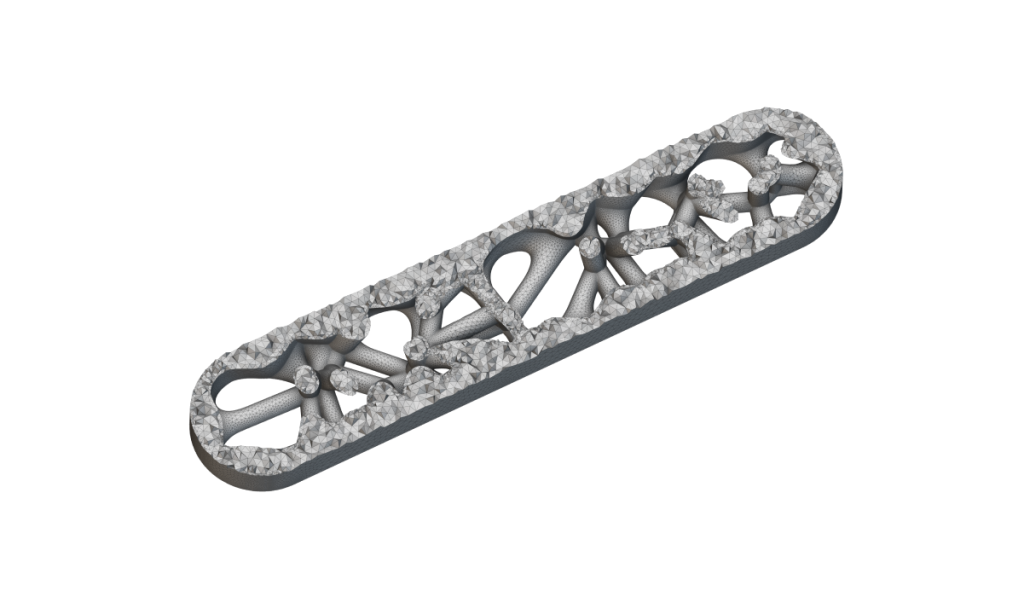
intro to meshing
Prerequisites: 101: nTop Essentials What will be covered:
  • Converting to a mesh and CAD body
  • Cleaning a mesh
  • Selecting portions of a mesh
  • Creating a volume mesh and FE mesh

Before We Begin

Meshing in nTop

Meshing Properties and Terminology

Converting and Exporting to a Mesh and CAD Body

Converting to a Mesh

Conversion to CAD with Quadrangulate Mesh

Follow Along: CAD and Mesh Export

Download: CAD and Mesh Export

Knowledge Check: Converting to a Mesh or CAD Body

Refining/Cleaning Meshes

Remesh Surface

Split and Filter Mesh

Refine and Simplify

Cleaning Meshes with a Voxel Grid

Download: Cleaning and Simplifying a Mesh

Knowledge Check: Refining and Cleaning Meshes

Tips and Tricks for Export

Best Practices for Exporting Summary

Meshing Tradeoffs

Optional Mesh Export Test Problem

Optional: Export Meshing Test Problem

Answer to Optional Export Mesh Problem

FE and Volume Meshes

Solid/Volume Meshes

FE Meshes

Follow Along: Creating an FE Mesh

Download: Creating an FE Mesh

Knowledge Check: FE and Volume Meshes

Optional Volume Mesh Problem

Optional: FE Volume Mesh Test Problem

Answer to Optional FE Volume Mesh Test Problem

Selecting Sections of a Mesh or FE Mesh

Selecting by Flood Fill

Selecting FE Mesh with CAD Faces

Follow Along: Selecting Portions of a Mesh

Download: Selecting Portions of a Mesh

Knowledge Check: Selecting Portions of Meshes

Optional Portions of a Mesh Test Problem

Optional: Mesh Portions Test Problem

Answer to Mesh Portions Optional Test Problem

Resources

What’s Next

Course Feedback