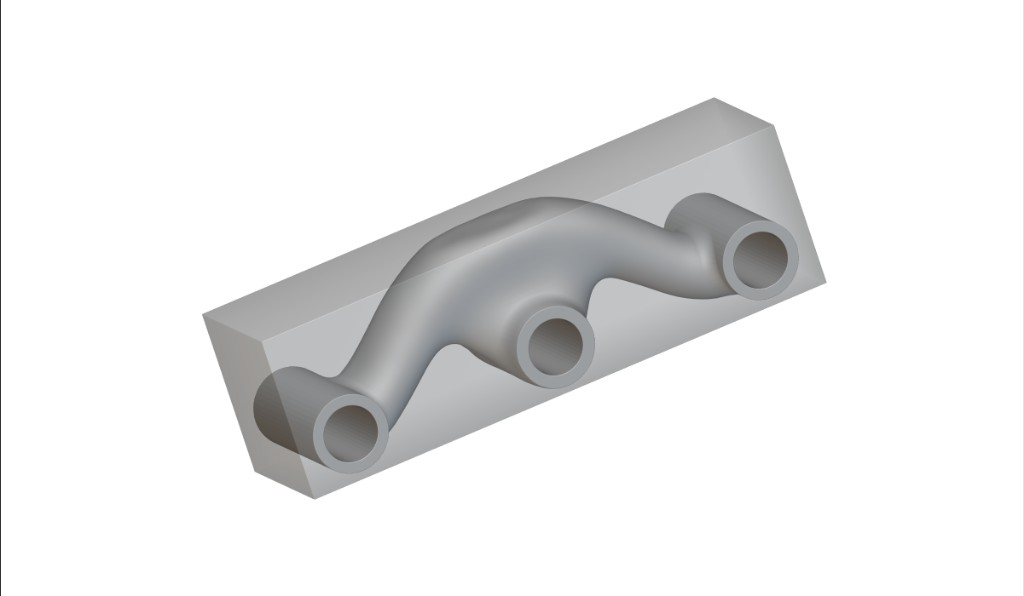
This course will teach you the basics of running a topology optimization within nTop. After completing this course, you will have further developed your understanding of the FE mesh, FE model, and boundary conditions and how to use them in topology optimization. You will have also explored how to understand and post-process your optimization results.

Optimized block with organic internal channel and three ports
Prerequisites: 101: nTop Essentials, 102: Guide to Meshing, 240: Intro to Simulation What will be covered:
  • Setting up an FE Mesh, Model, and Boundary Conditions for a Topology Optimization
  • Running a Topology Optimization
  • Post-processing an optimized part in nTop

Introduction

Before We Begin

Topology Optimization Properties and Terminology

Preparing for Topology Optimization

Review: FE/Simulation Model and Boundary Conditions

Optional Follow Along: FE Model and Boundary Conditions

Design Responses

Optimization Objectives

Defining Constraints

Follow Along: Objectives and Constraints

Running Topology Optimization

Running Topology Optimization

Follow Along: Topology Optimization

Knowledge Check: Topology Optimization

Post Processing

Post Processing

Follow Along: Post Processing

Download: Post Processing

Knowledge Check: Post Processing

Optional Topology Optimization Test Problem

Optional: TopOpt Problem Statement

Answer to TopOpt Test Problem

What’s Next

Topology Optimization Tips and Best Practices

Resources

Course Feedback