

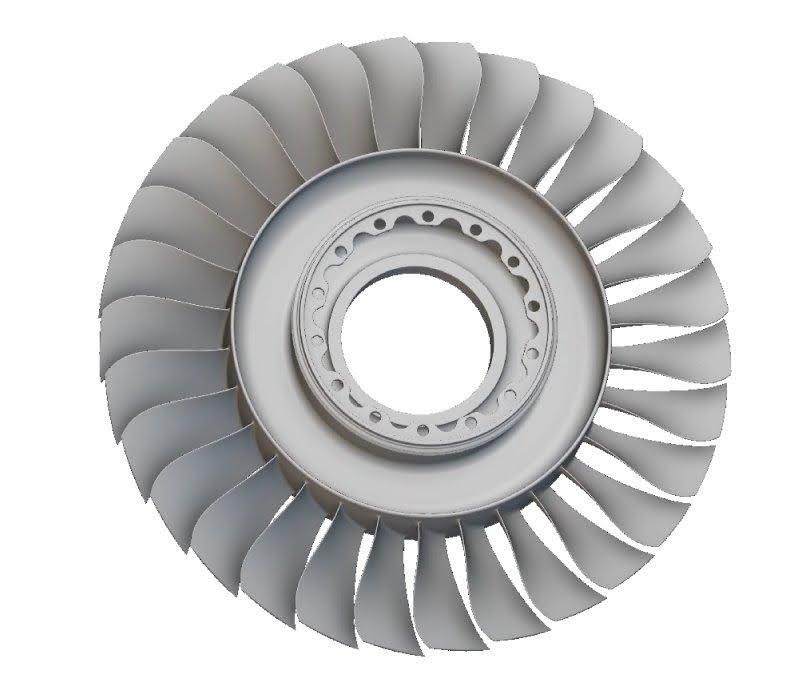
nTop Foundations
Get started with nTop! Gain the foundational knowledge and skills you need to start designing with nTop
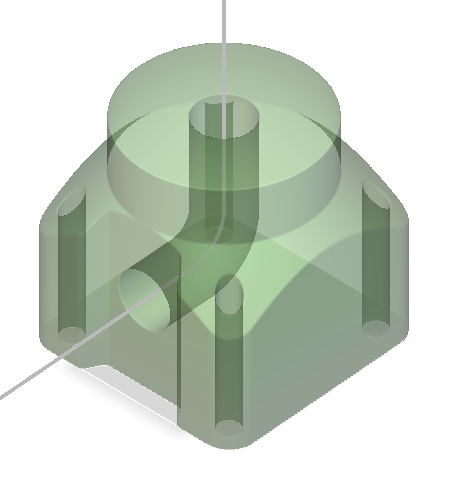
Intro to Modeling
Learn about basic modeling capabilities and discover new features through regularly updated hands-on tutorials
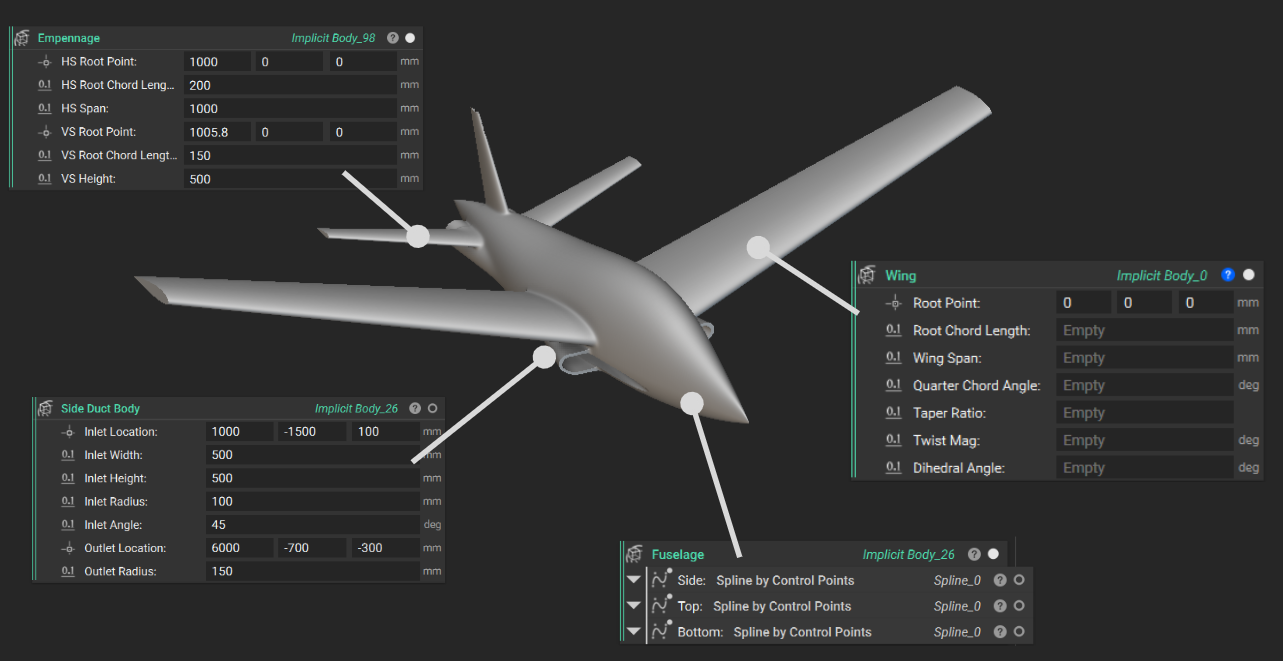
Parametric Aircraft Design
Build from scratch and discover techniques for modeling and parameterizing a conceptual aircraft design
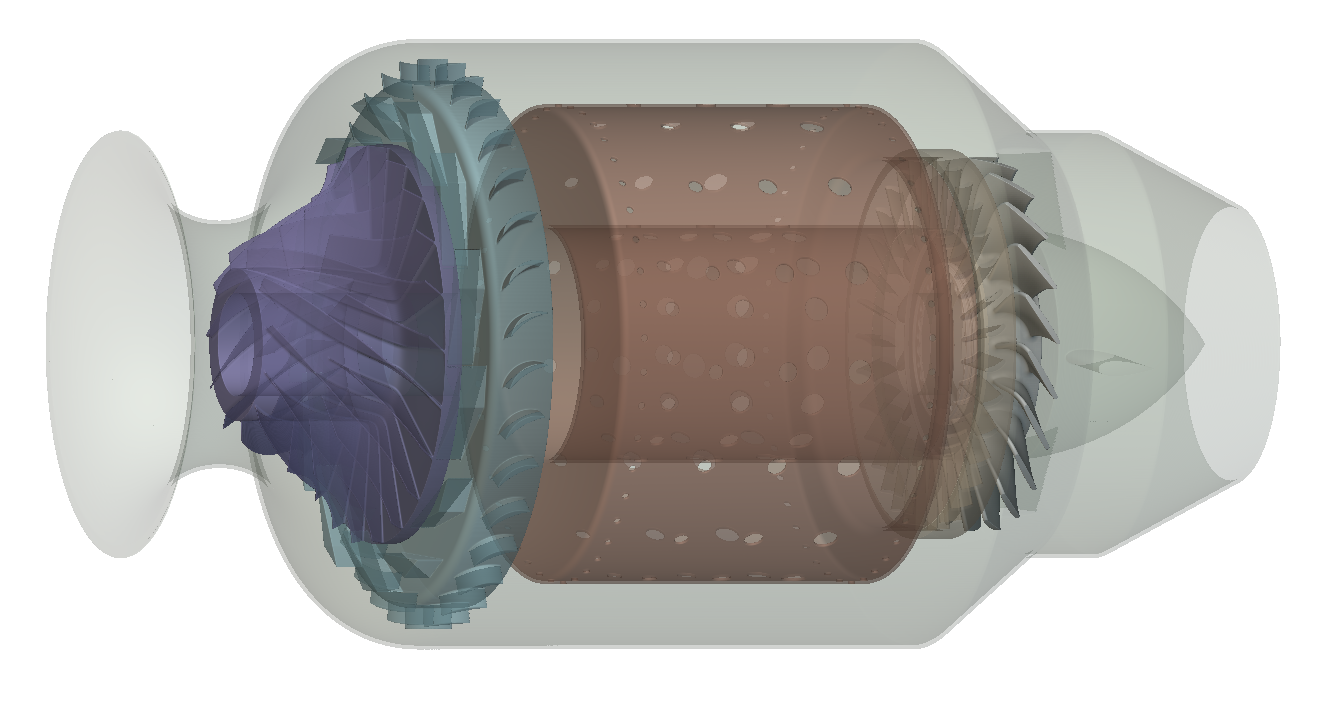
Parametric Turbomachinery Design
Master modular workflows to parametrically design turbomachinery with implicit geometry from scratch
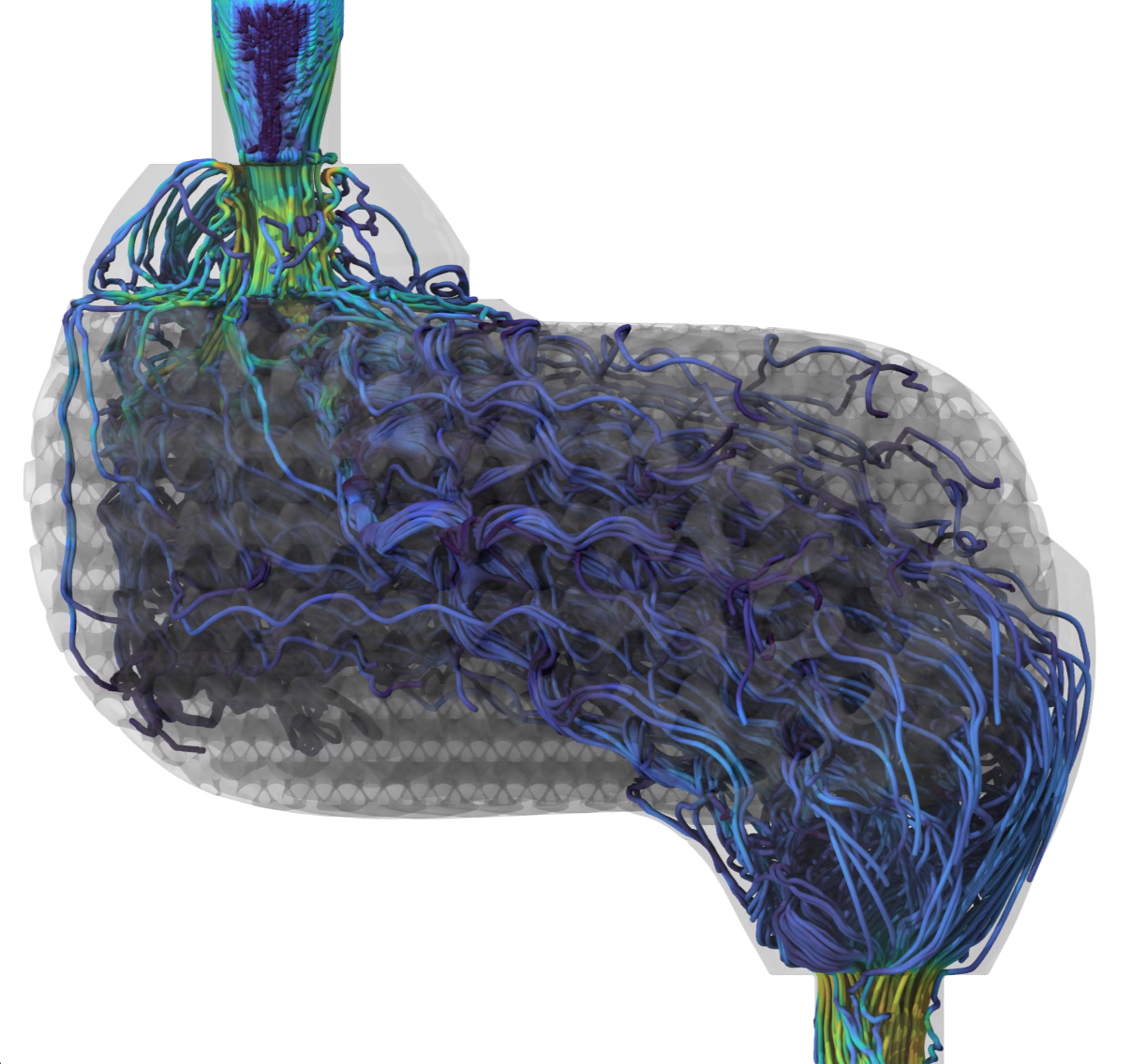
Intro to Flow Analysis
Learn the fundamental concepts, and how to setup, simulate, and analyze fluid flow within your models
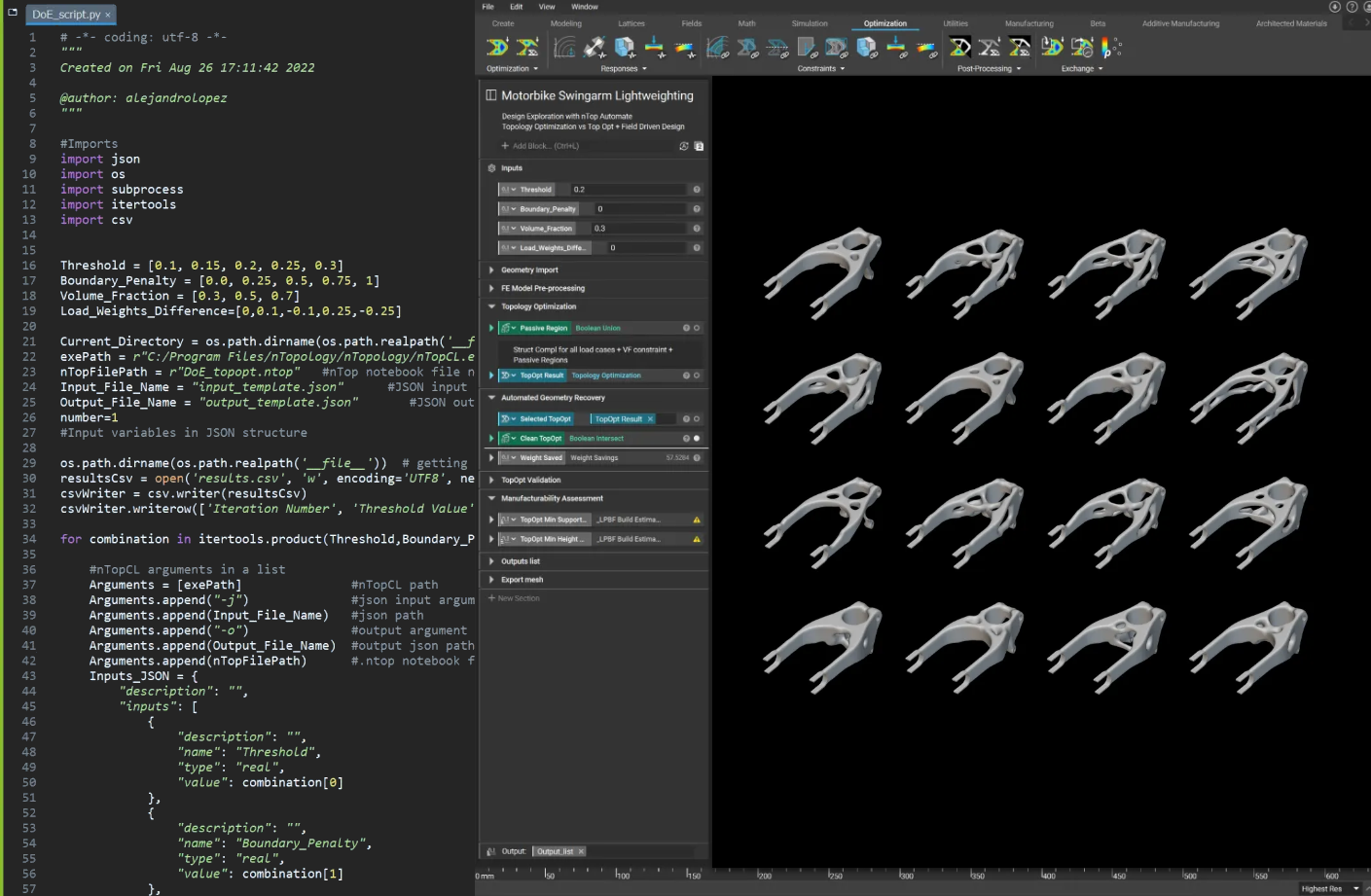
Intro to nTop Automate
Learn the basics of nTop’s command line interface to automatically run workflows without the graphical user interface
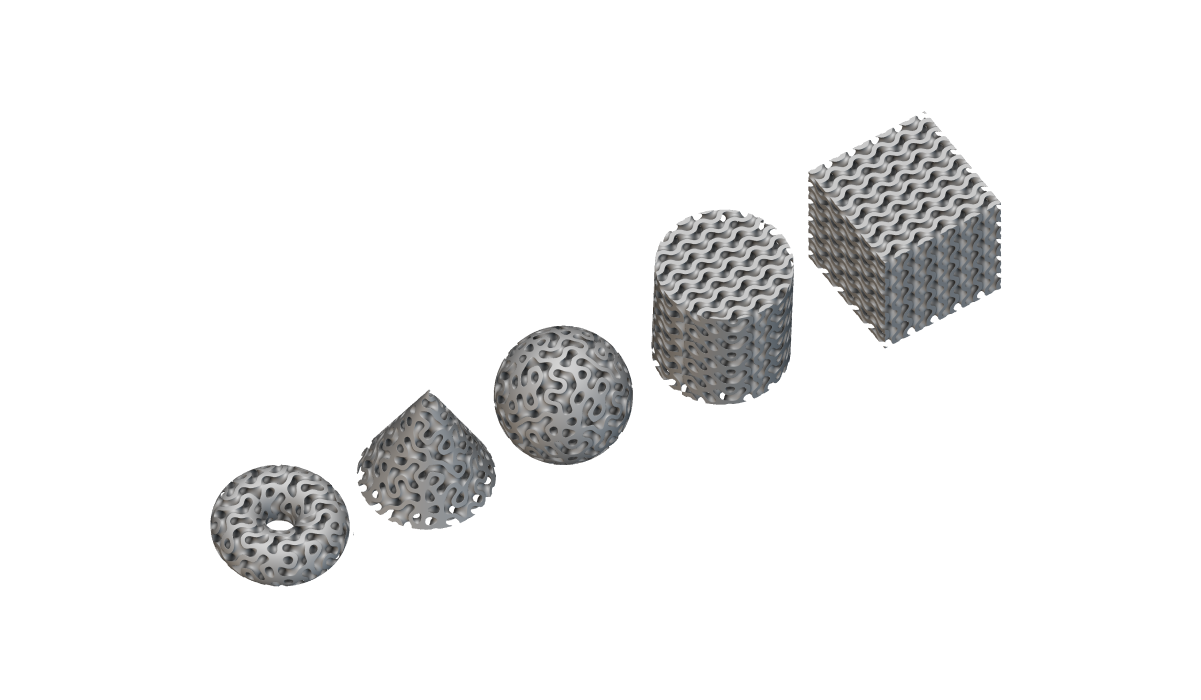
Intro to Custom Blocks
Learn how to use custom blocks and list processing to automate your design workflow
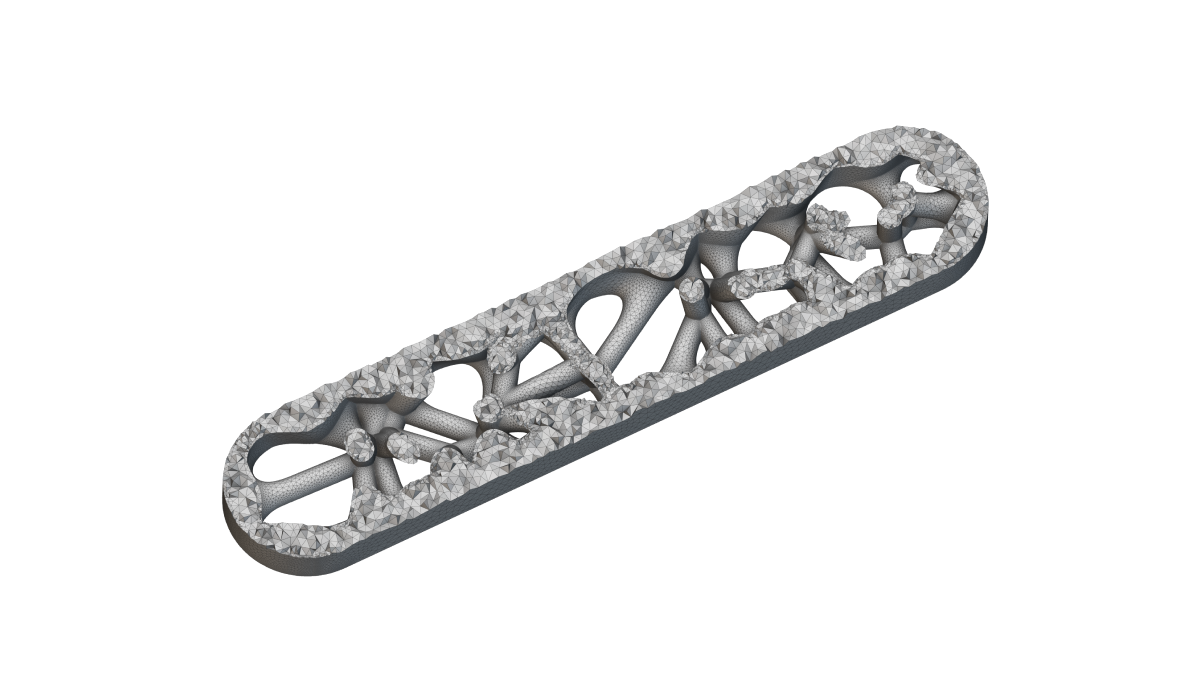
Intro to Meshing
Meshing techniques for simulation, surface latticing and exporting
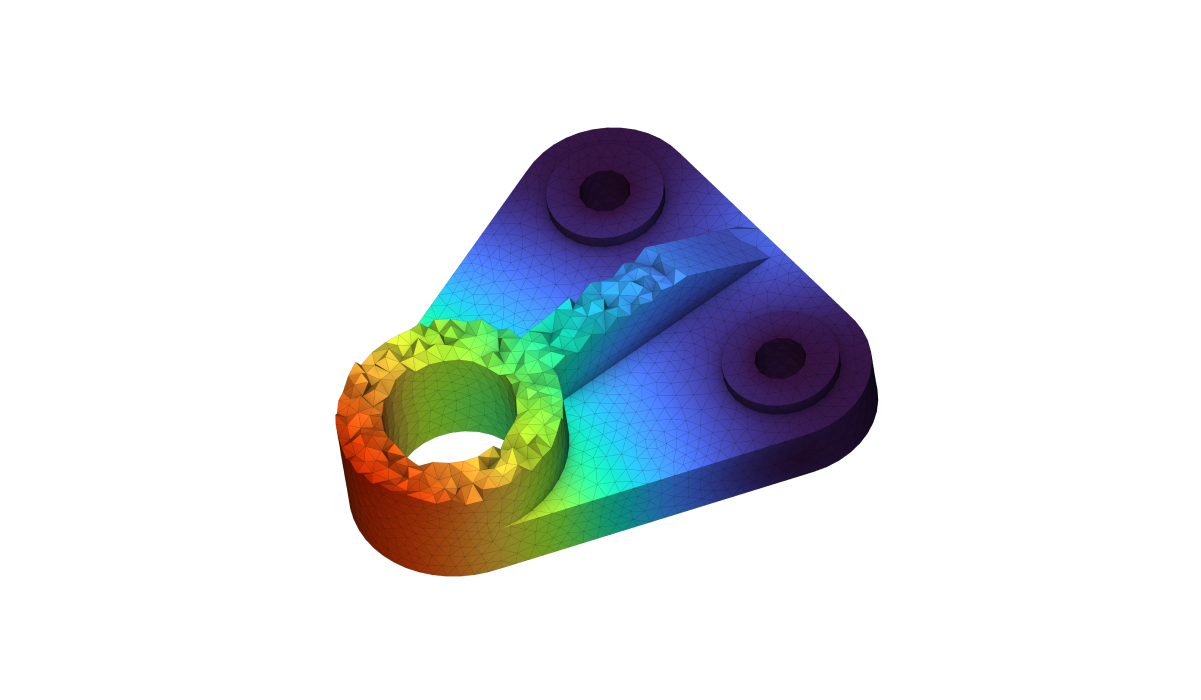
Intro to Structural Analysis
Learn how to generate an FE model and boundary conditions to run FEA in nTop
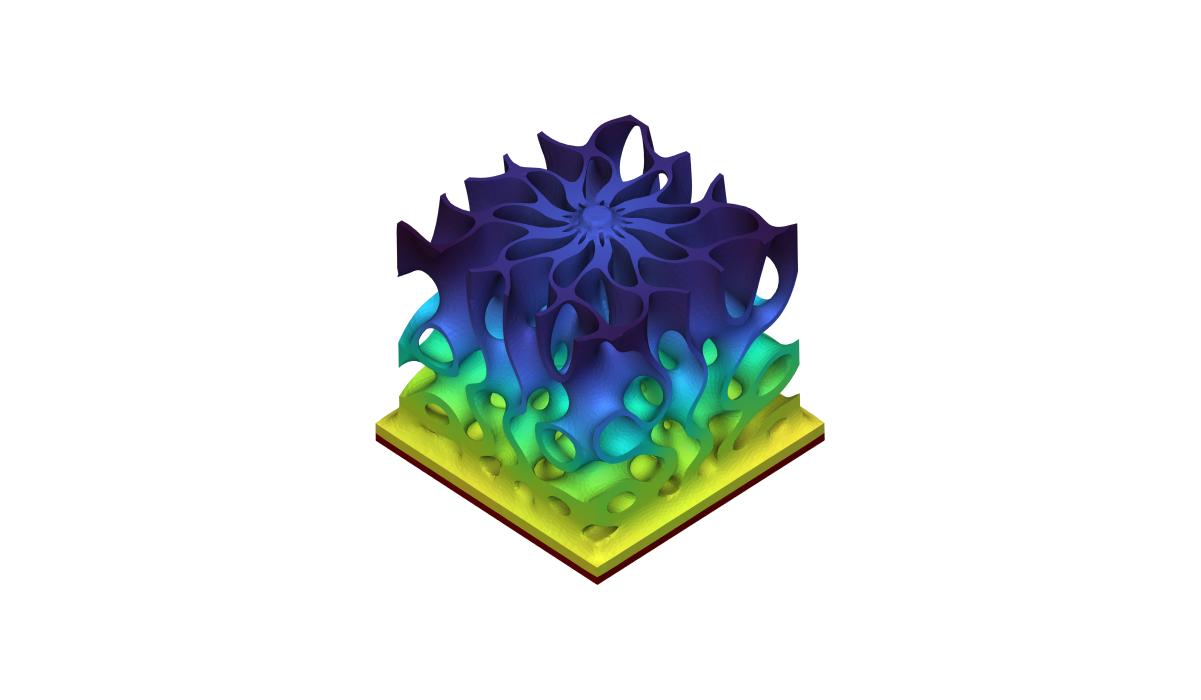
Intro to Thermal Analysis
Learn how to setup and run thermal analyses in nTop
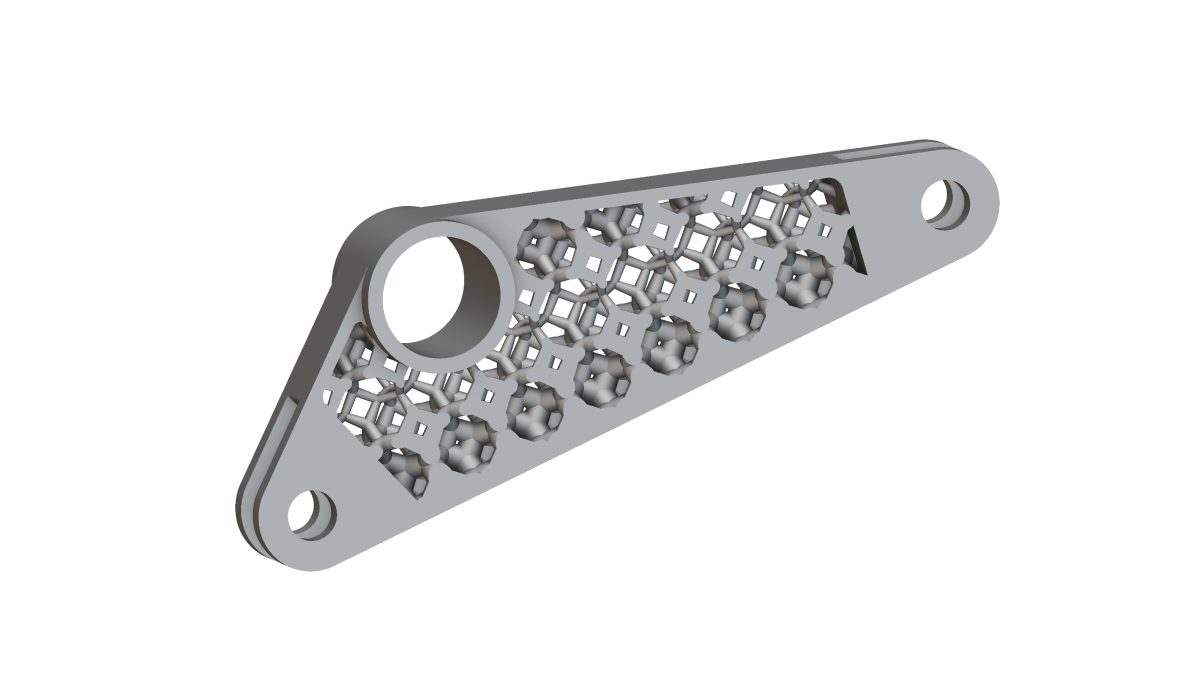
Intro to Field-Driven Design
Learn the basics of fields in nTop and how to use them to drive designs
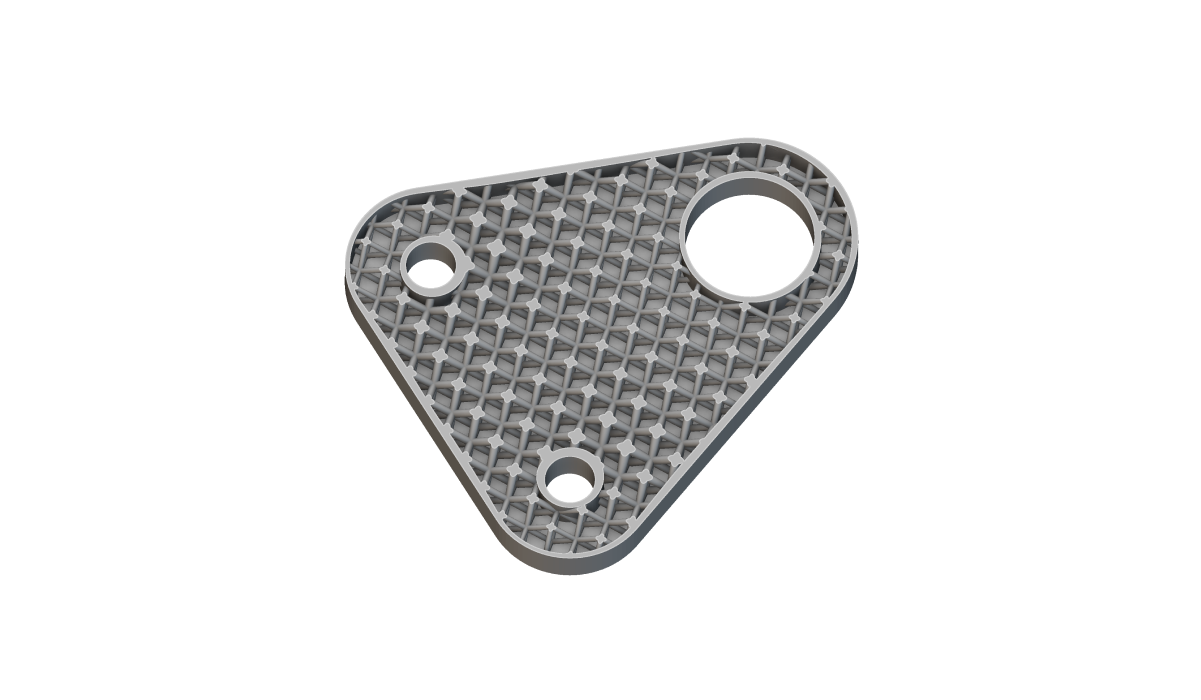
Intro to Data-Driven Design
Explore driving geometry with data in nTop
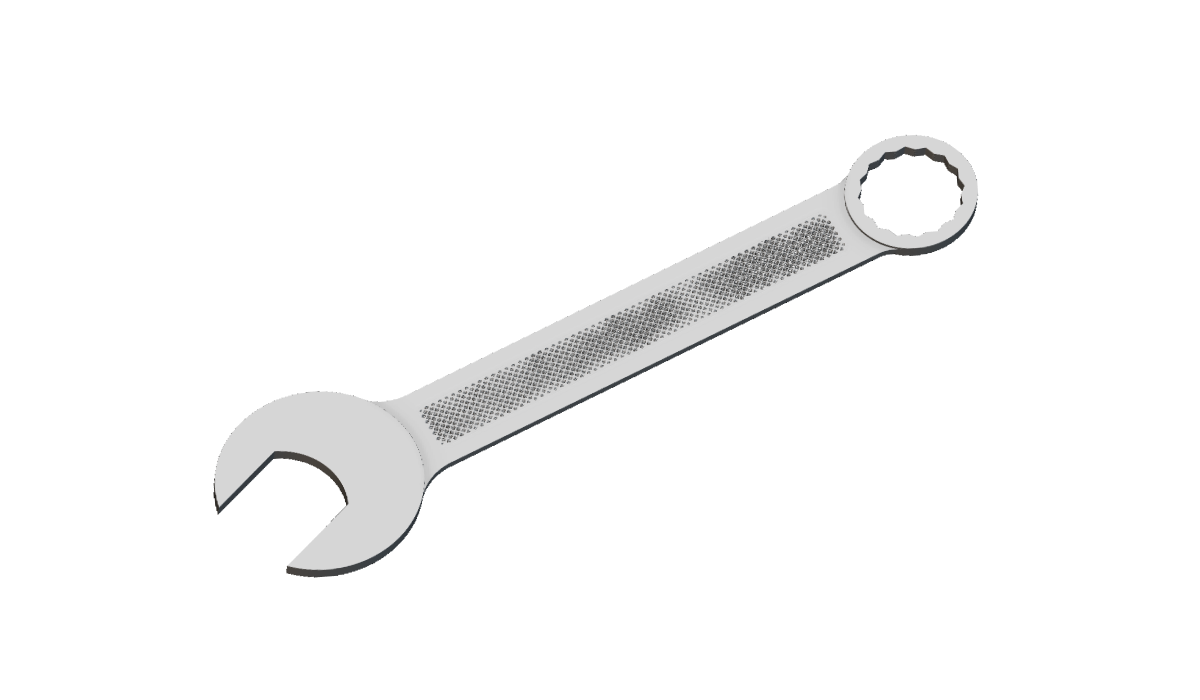
Intro to Field Optimization
Learn how to set up and run field optimization in nTop
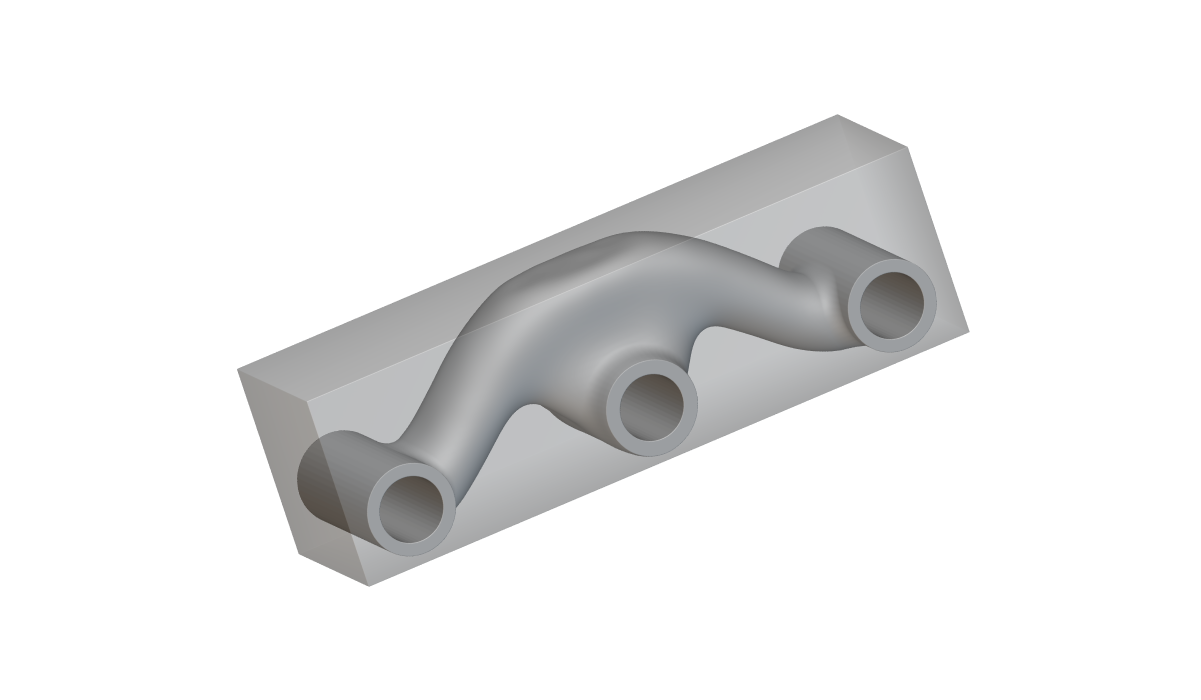
Intro to Topology Optimization
Learn how to set up and run a topology optimization in nTop
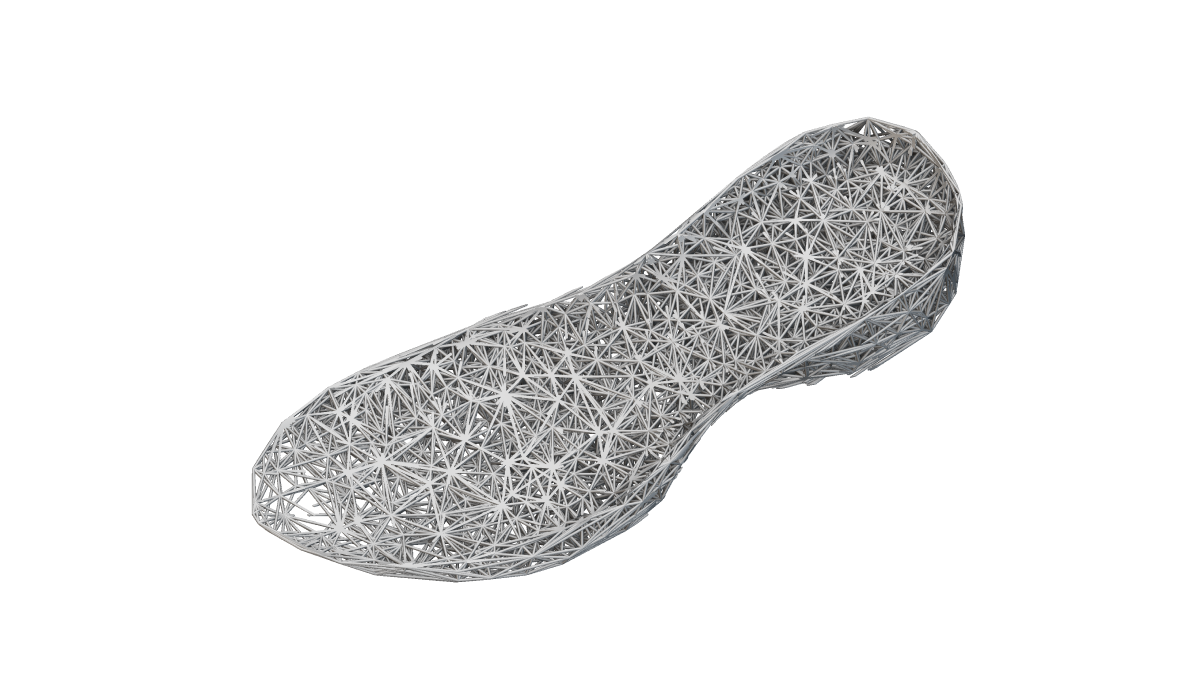
Intro to Lattices
Learn how to add lattices to lightweight and add texture to a part
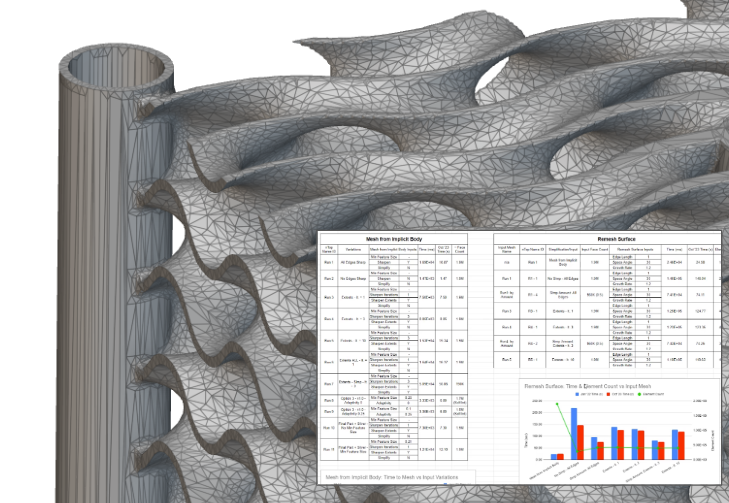
Advanced Meshing Techniques
Learn how to optimize your complex meshes using advanced meshing techniques
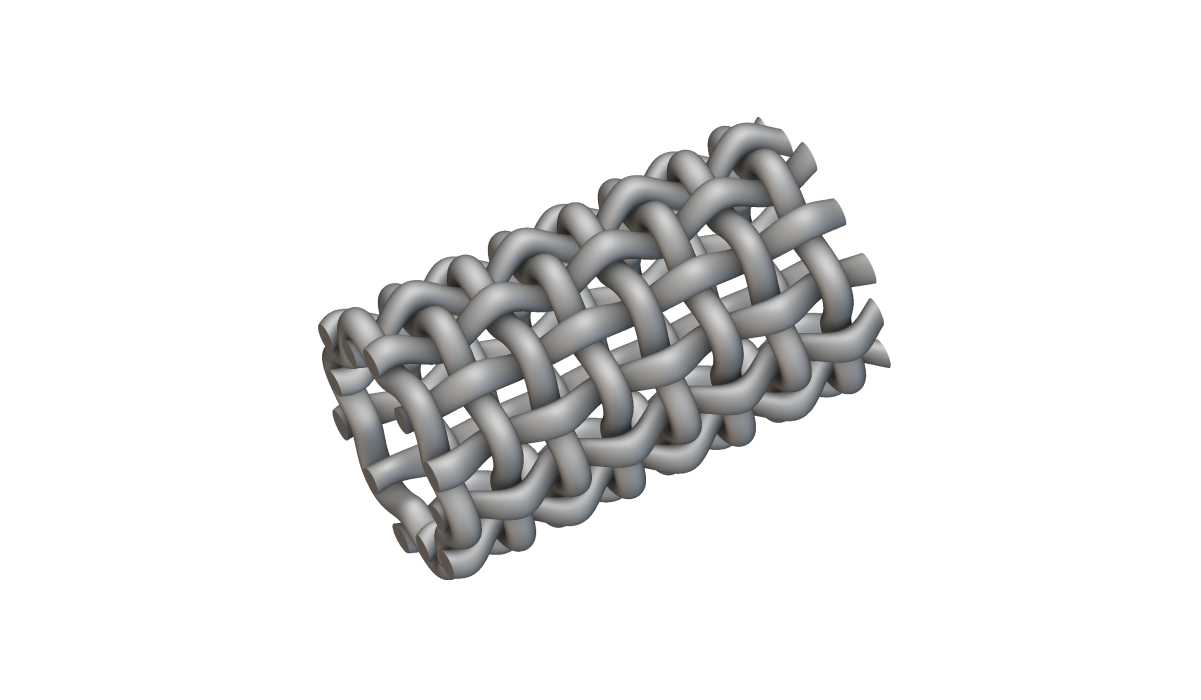
Intermediate Field-Driven Design
Learn more about fields in nTop and how to use them in geometry creation and remapping
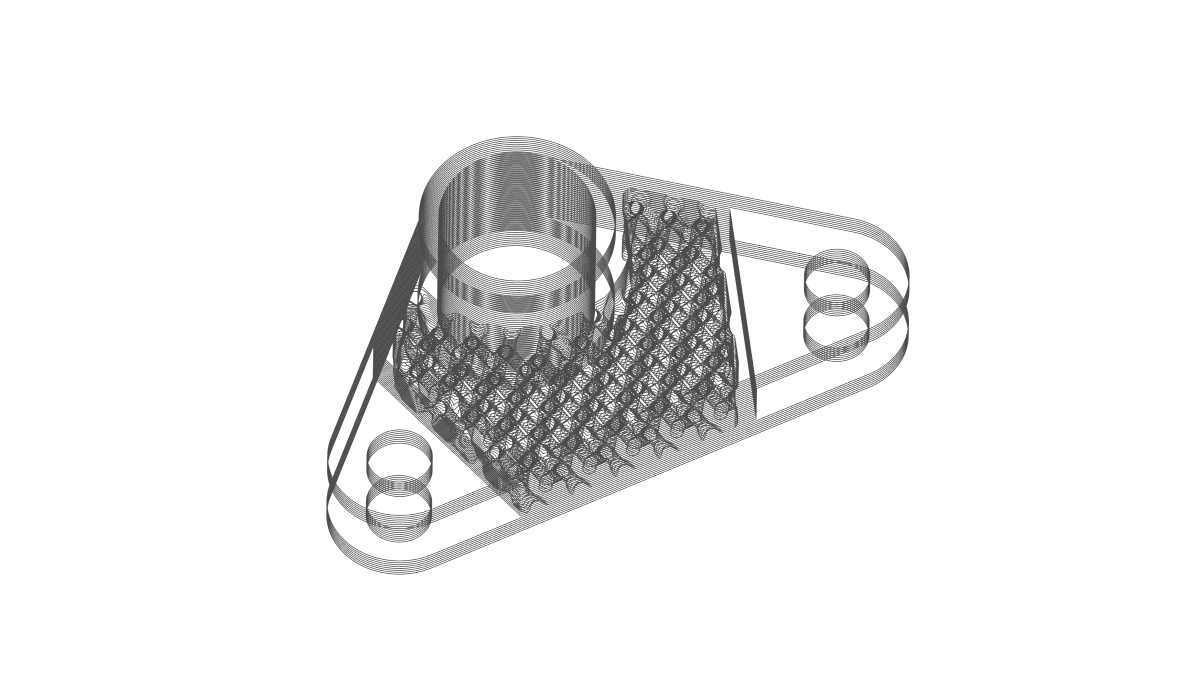
Slicing and Print Layout
Save time by slicing your implicit models and prepare for printing within nTop
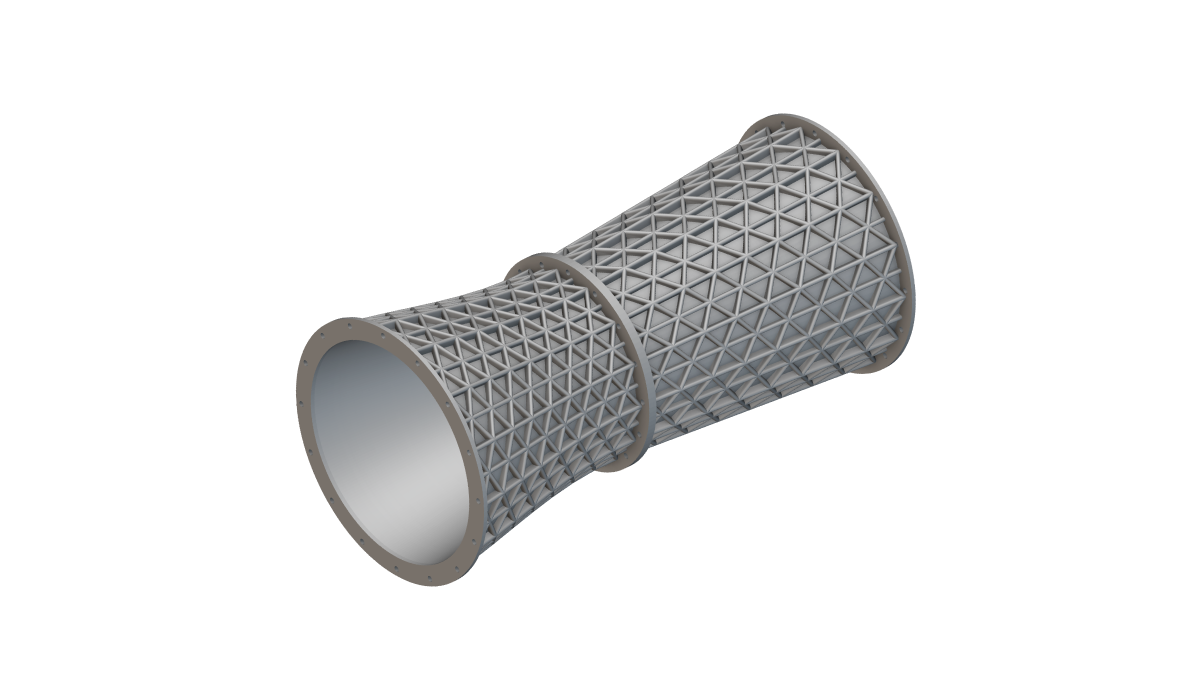
Ribbing and Texturing
Learn various techniques for ribbing and texturing parts
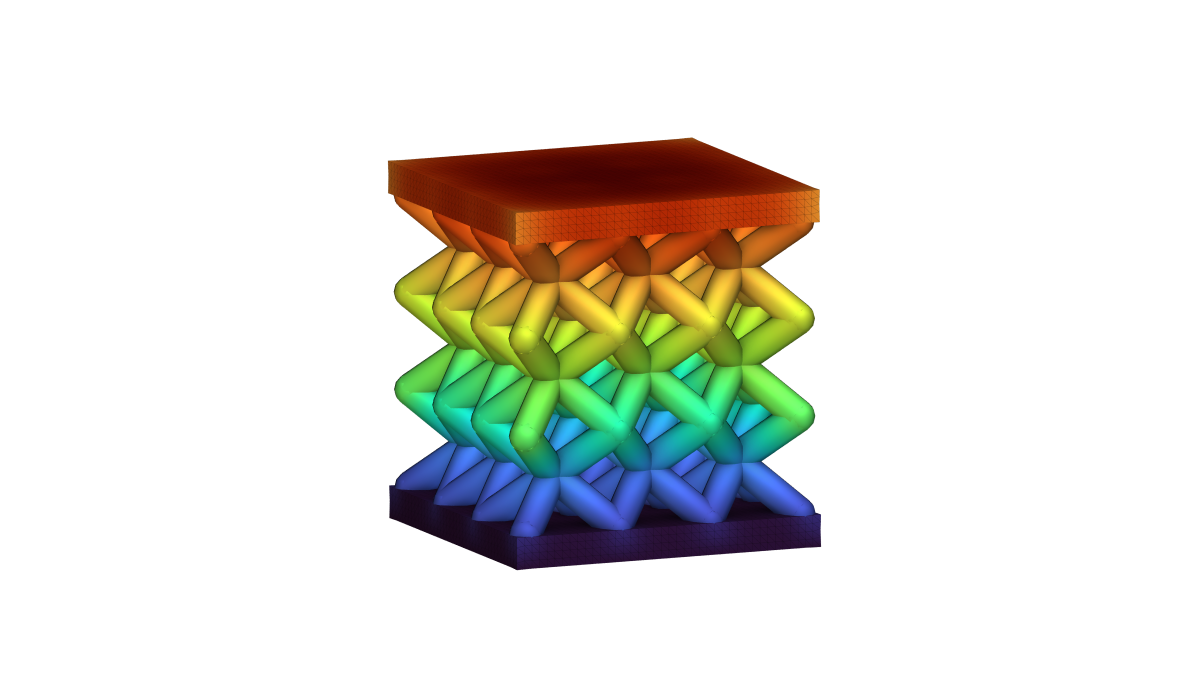
Lattice Structural Analysis
Learn how to run simulation on your lattice structures in nTop
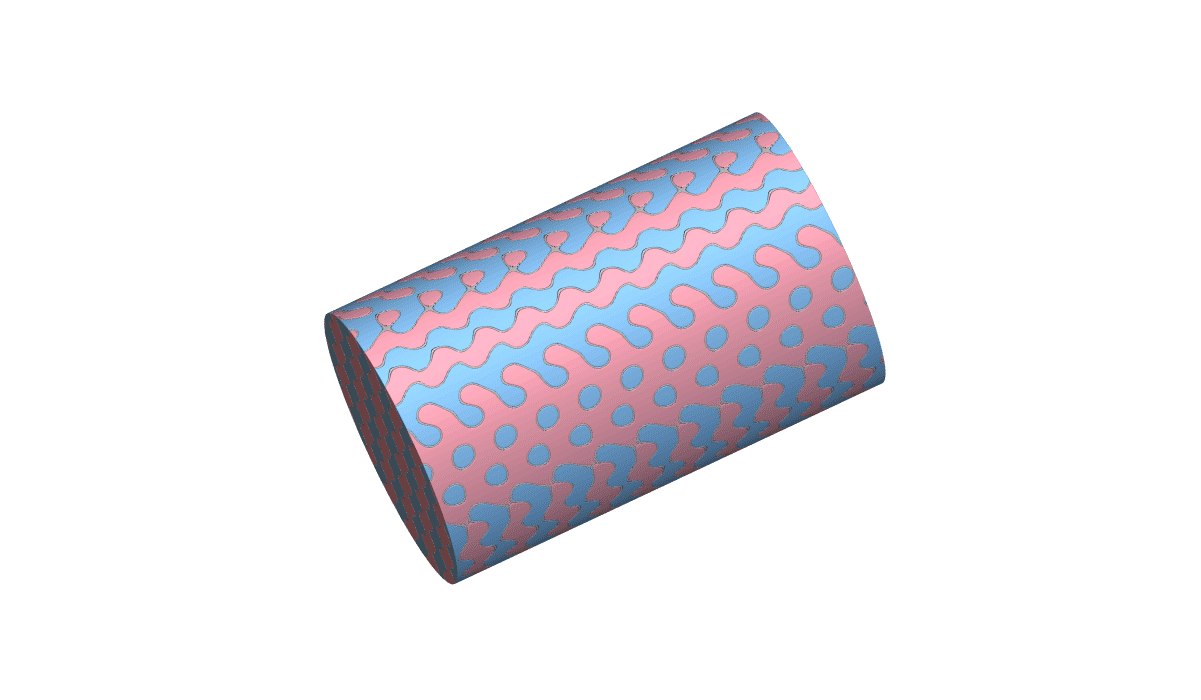
Heat Exchanger Design 1: Intro to Two-Channel Heat Exchangers
Learn how to infill your design space with TPMS lattices to generate fluid domains for HEX design
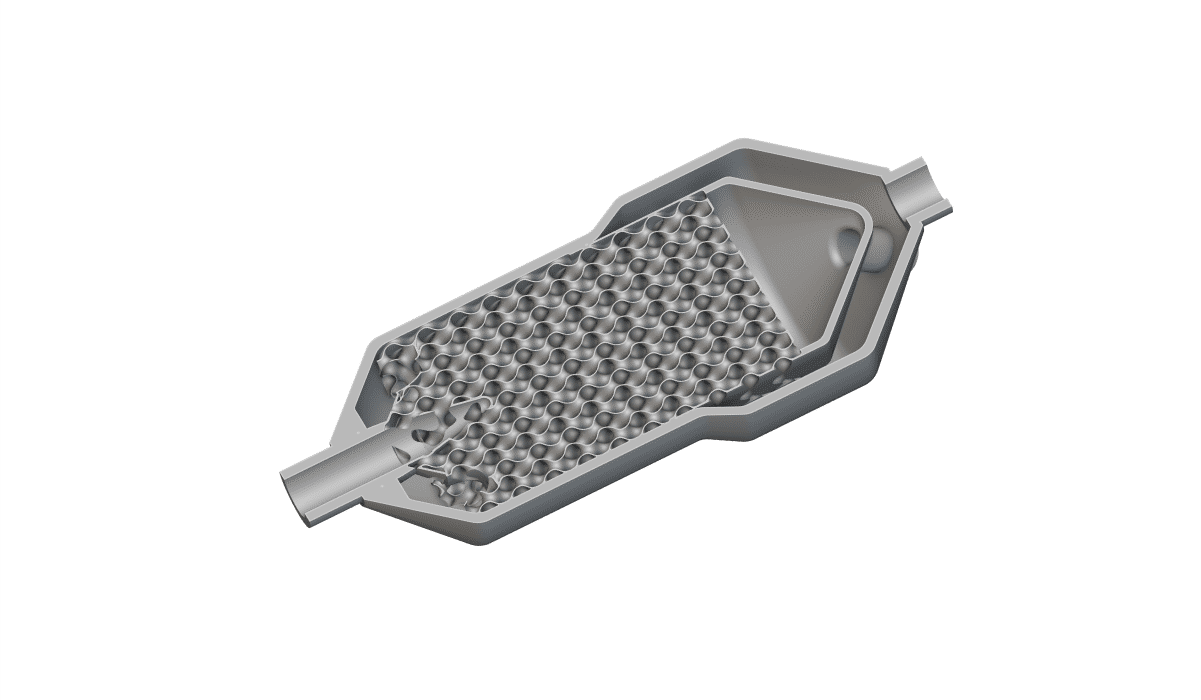
Heat Exchanger Design 2: Heat Exchanger Flow Distribution and Control
Learn how to create baffles and plenums and prepare the mesh for HEX design
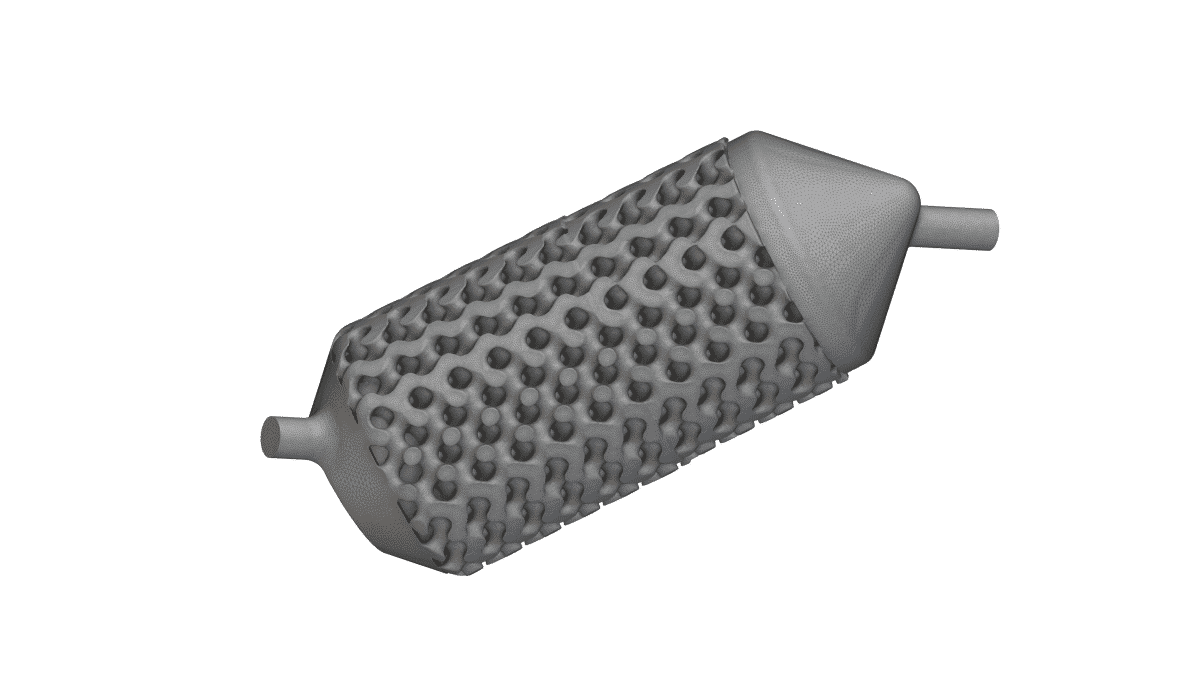
Heat Exchanger Design 3: Simulation and Mesh Export of Heat Exchangers
Learn how to create a mesh, run a simulation, and analyze the results for HEX design
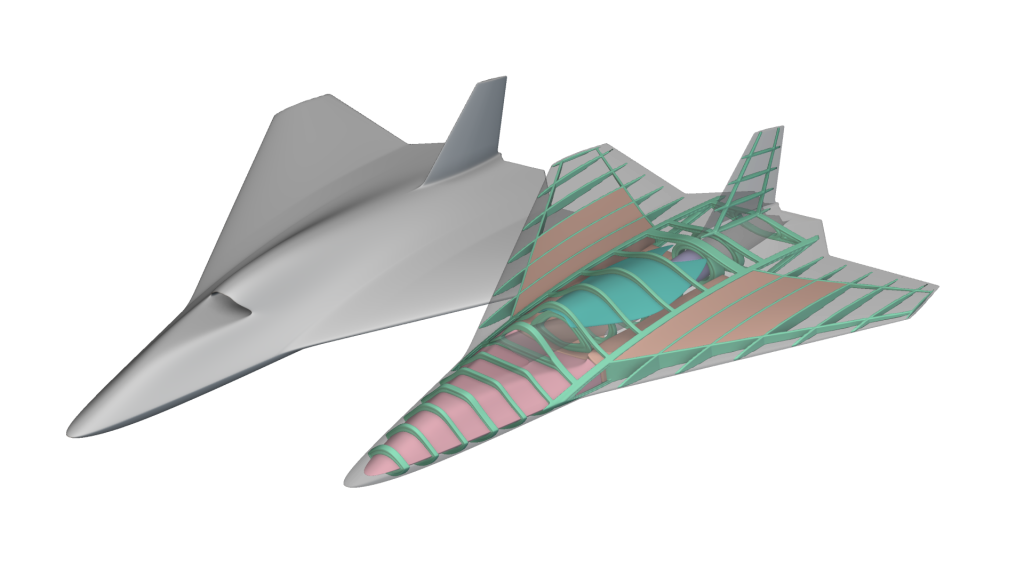
nTop Workshop Preparation
Establish the essential knowledge and skills you need to prepare for a successful nTop workshop. Learn what nTop is, build your first workflows, and understand implicit modeling.
nTop Essentials
Get started on the basics of nTop and test your knowledge
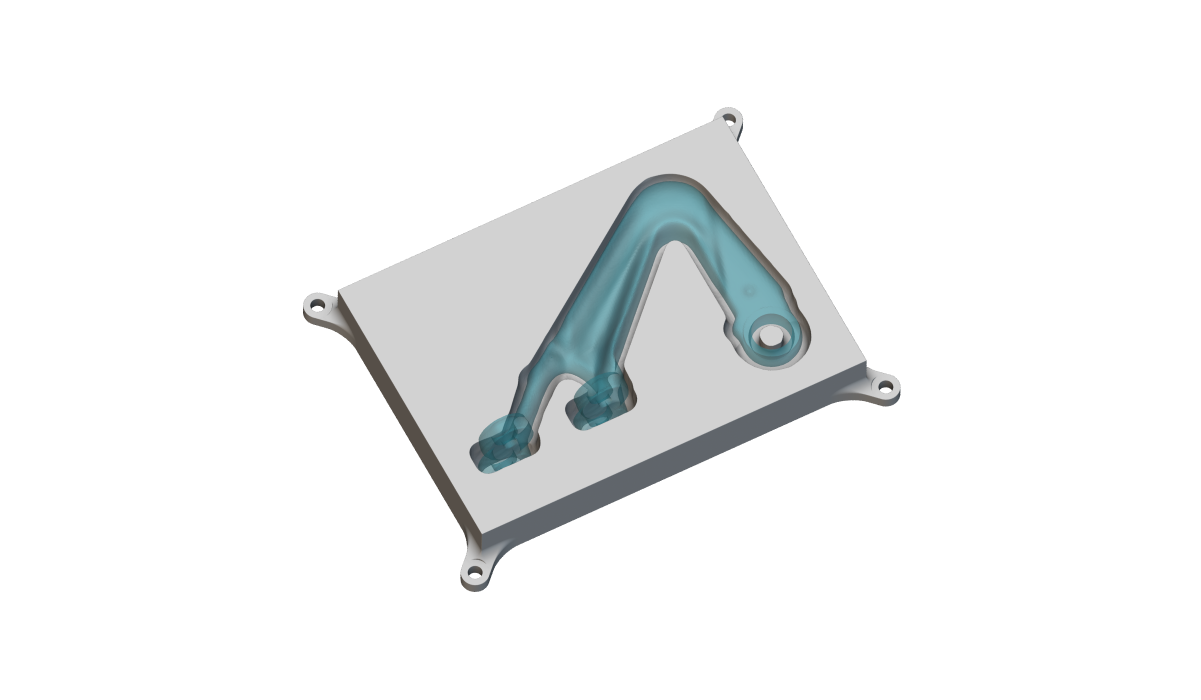
Fixture Generator
Learn how to design 3D printed jigs, fixtures, and masks for assembly, re-manufacturing or CMM measuring
Training Guide Q&A: Ask the Basics
Get answers to some of the most frequently asked questions on geometry conversion, basic operations, and troubleshooting in nTop
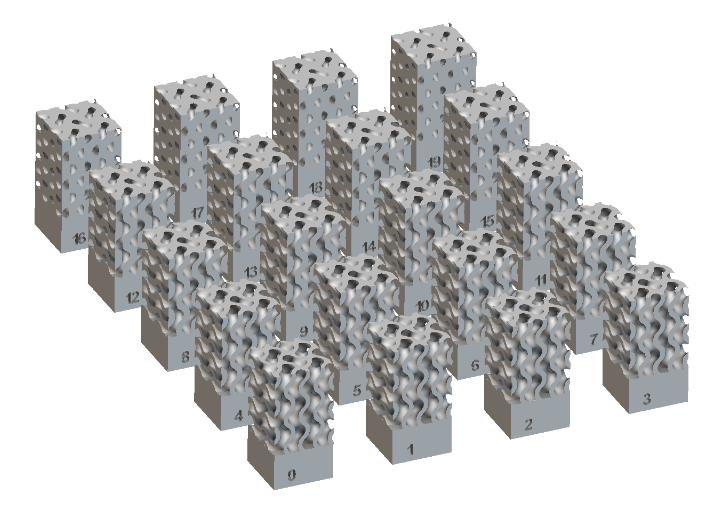
Training Guide: Serialization
Learn how you can generate and place serial numbers on your part
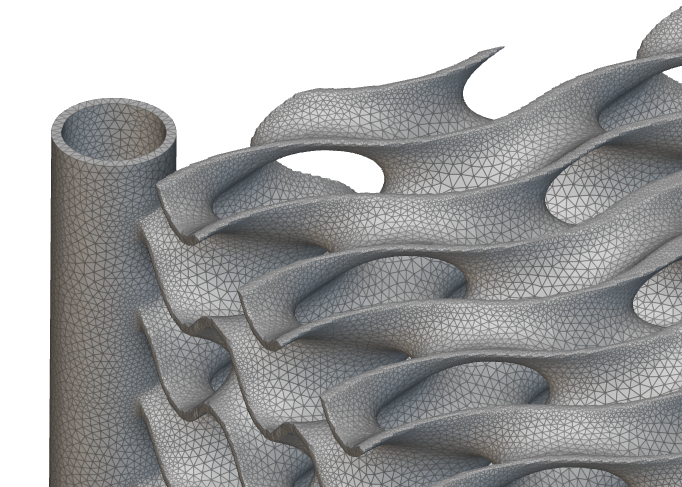
Training Guide: Quick Guide to Surface Meshing
Explore techniques to successfully create surface mesh for virtually any downstream operations
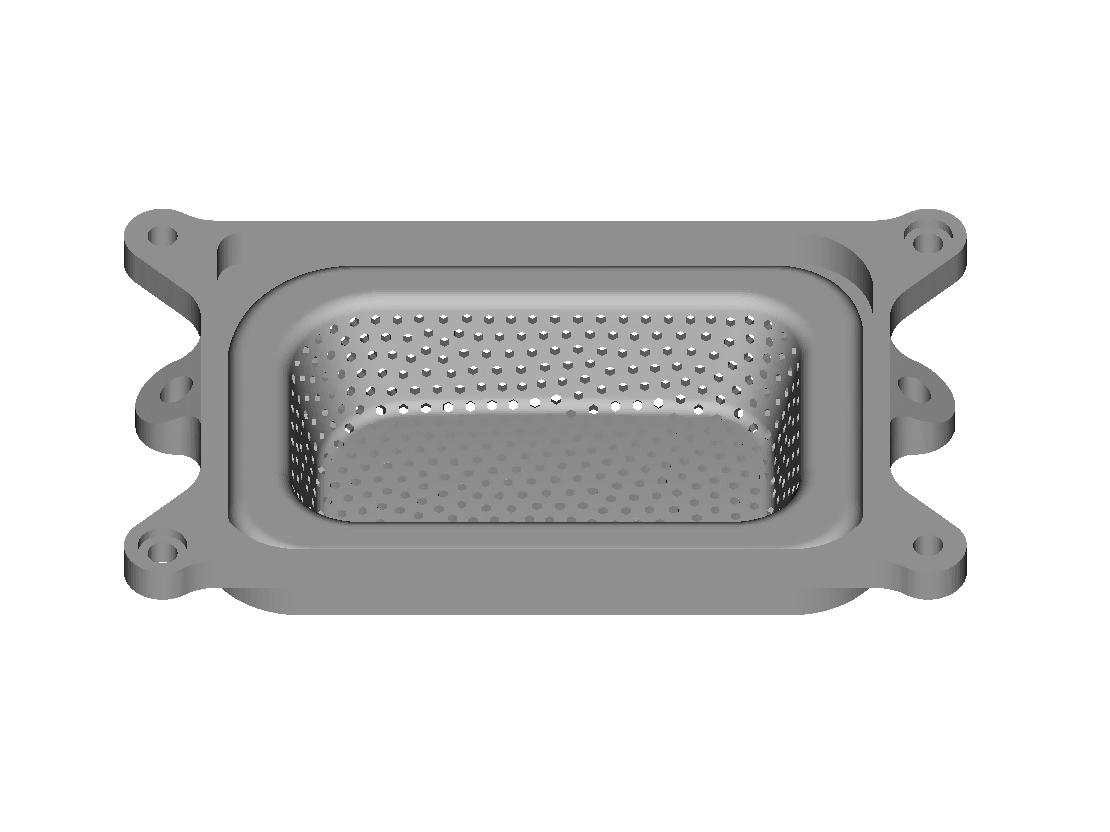
Training Guide: Perforations
Explore the different methods for creating perforations and how to implement them in a workflow
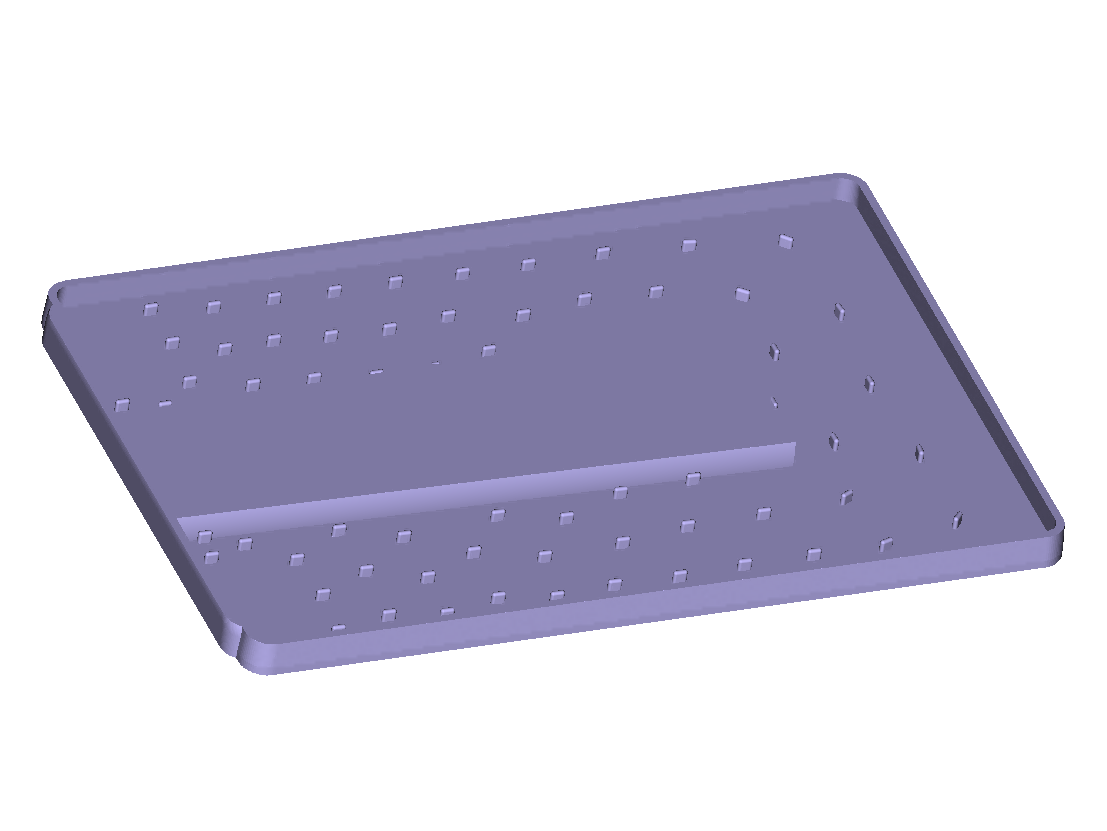
Training Guide: Heat Exchanger Design – Cold Plates
Explore the methods for creating cold plates and how to implement them in a workflow.
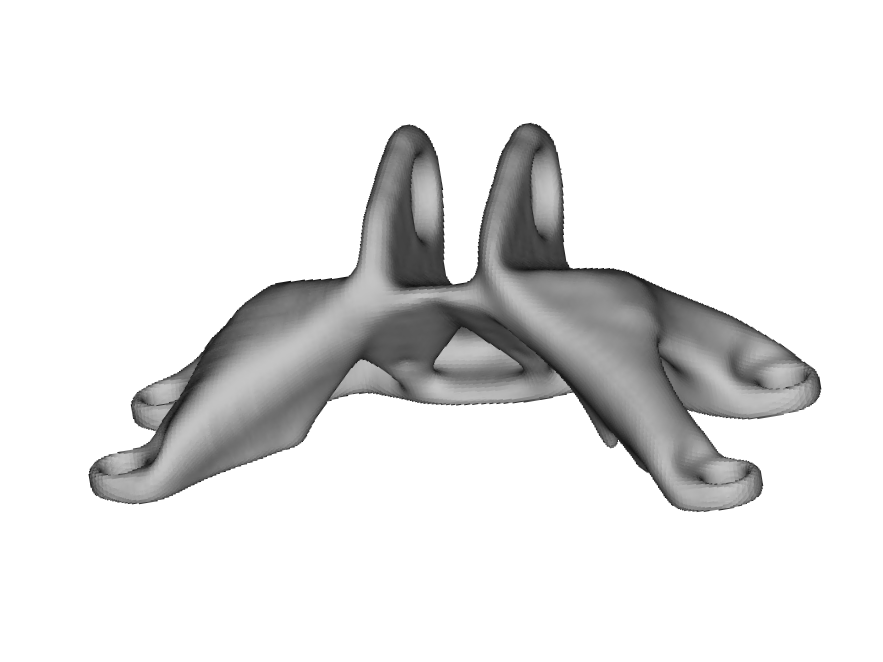
Training Guide: Advanced Topology Optimization – Multiple Loads, Multiple Conditions
Learn how to build a topology optimization with multiple load cases and multiple constraints from scratch
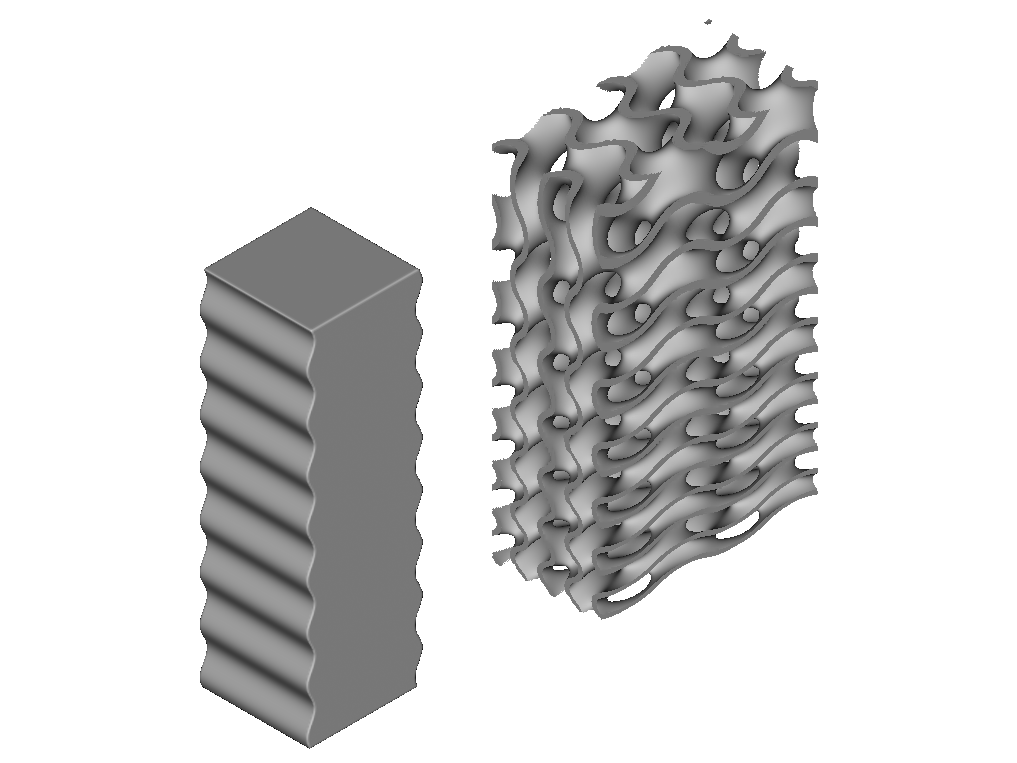
Training Guide: Intermediate Field-Driven Design
Learn how to use equations and fields to warp a design and apply this concept for creating a woven pattern
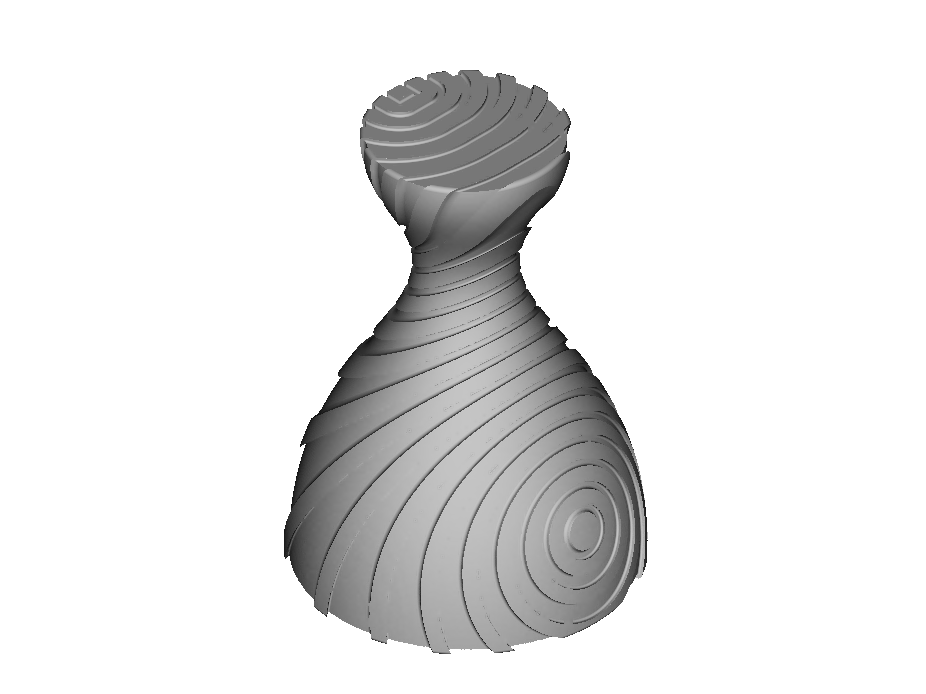
Training Guide: Advanced Field-Driven Design
Learn about the two body fields and two applications of this advanced field driven design concept
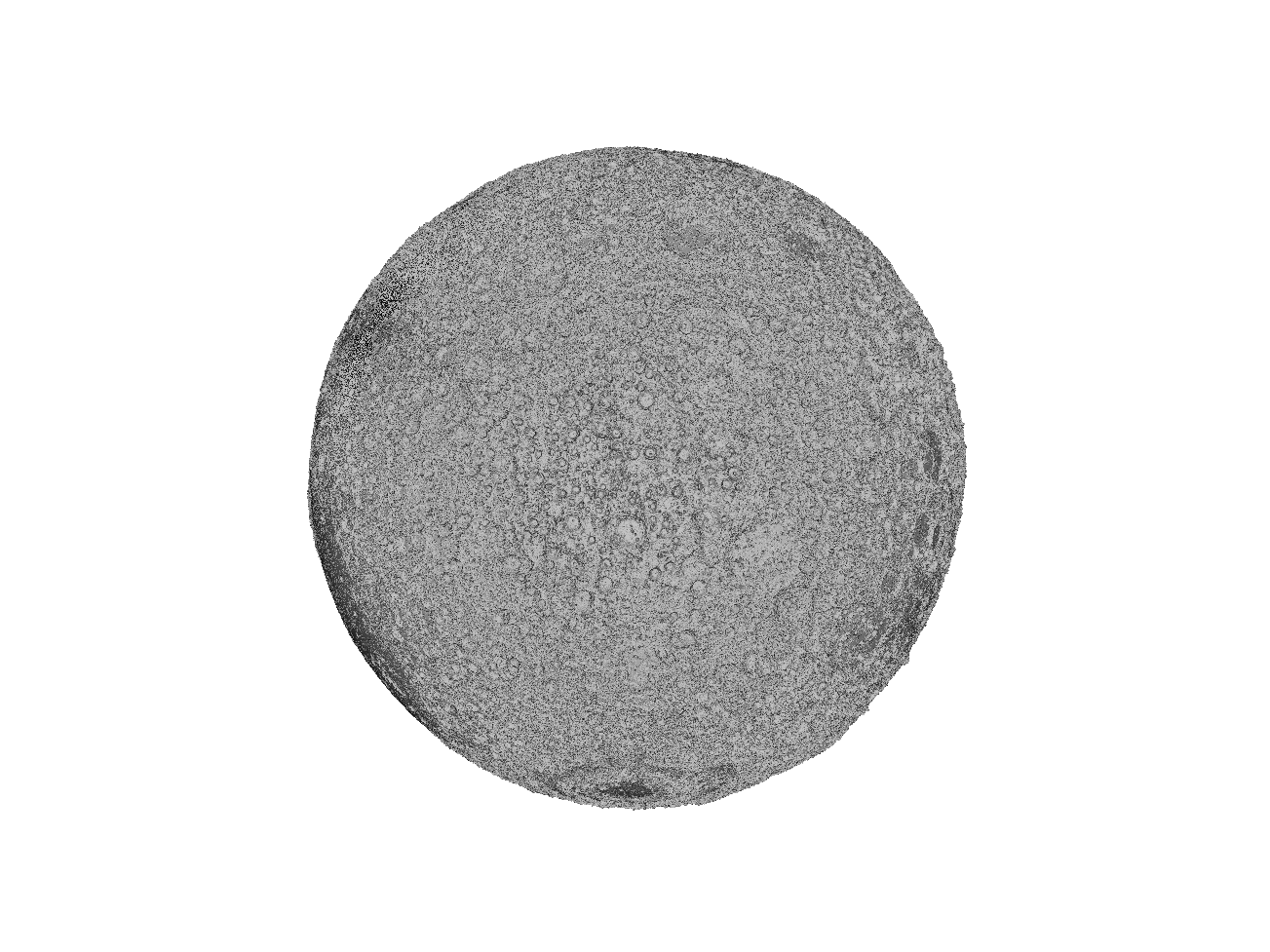
Training Guide: Texturing and Bitmapping
Learn the basics of adding textures to a part using images and fields
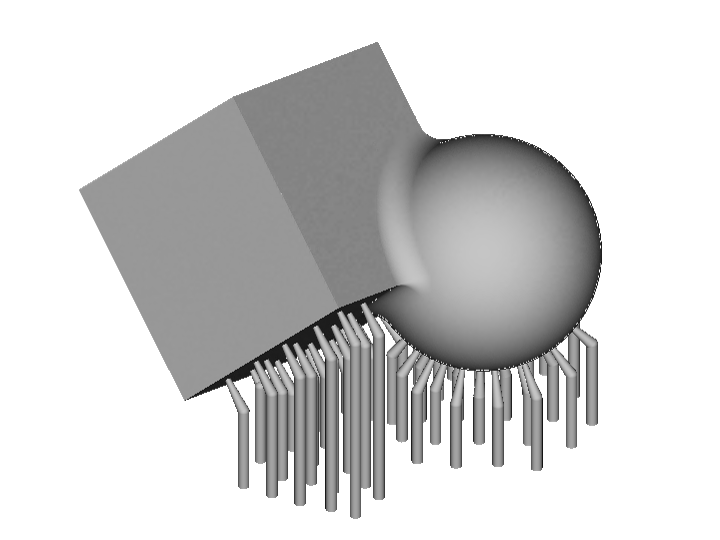
Training Guide: DfAM and Export
Learn how to design for additive manufacturing, build orientation optimization, and pack support structures in nTop
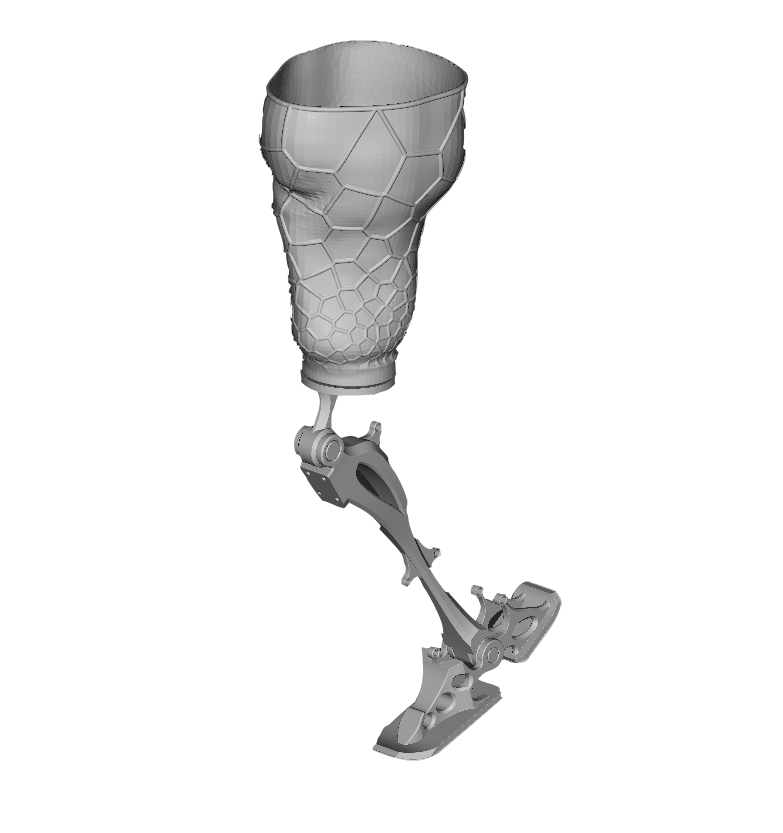
Training Guide: Prosthetics
Learn about creating, lightweighting, and texturing a custom-fit prosthetic limb for patient comfort and mobility.
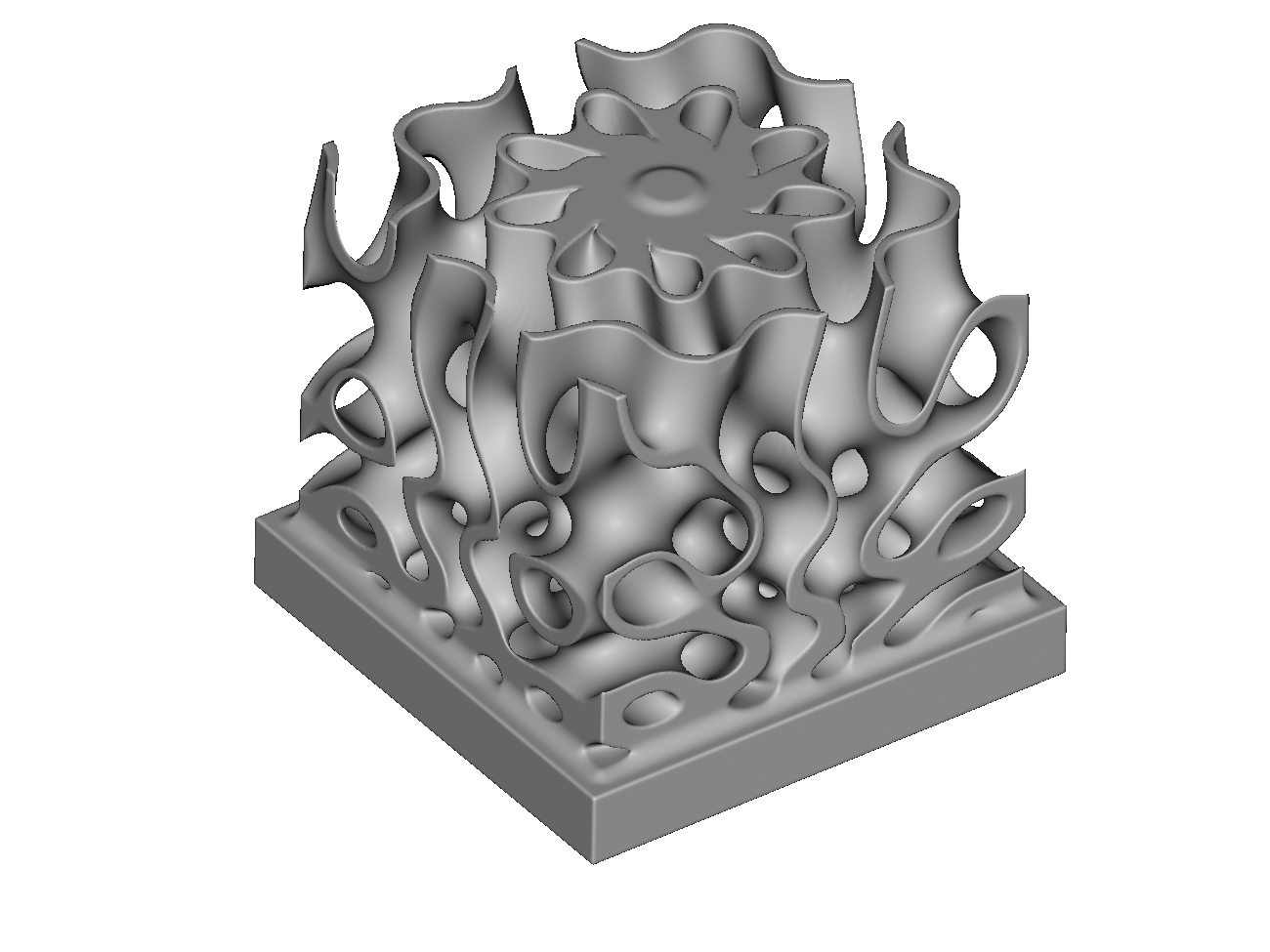
Training Guide: Heat Sinks
Explore the process of creating two types of heat sinks in nTop
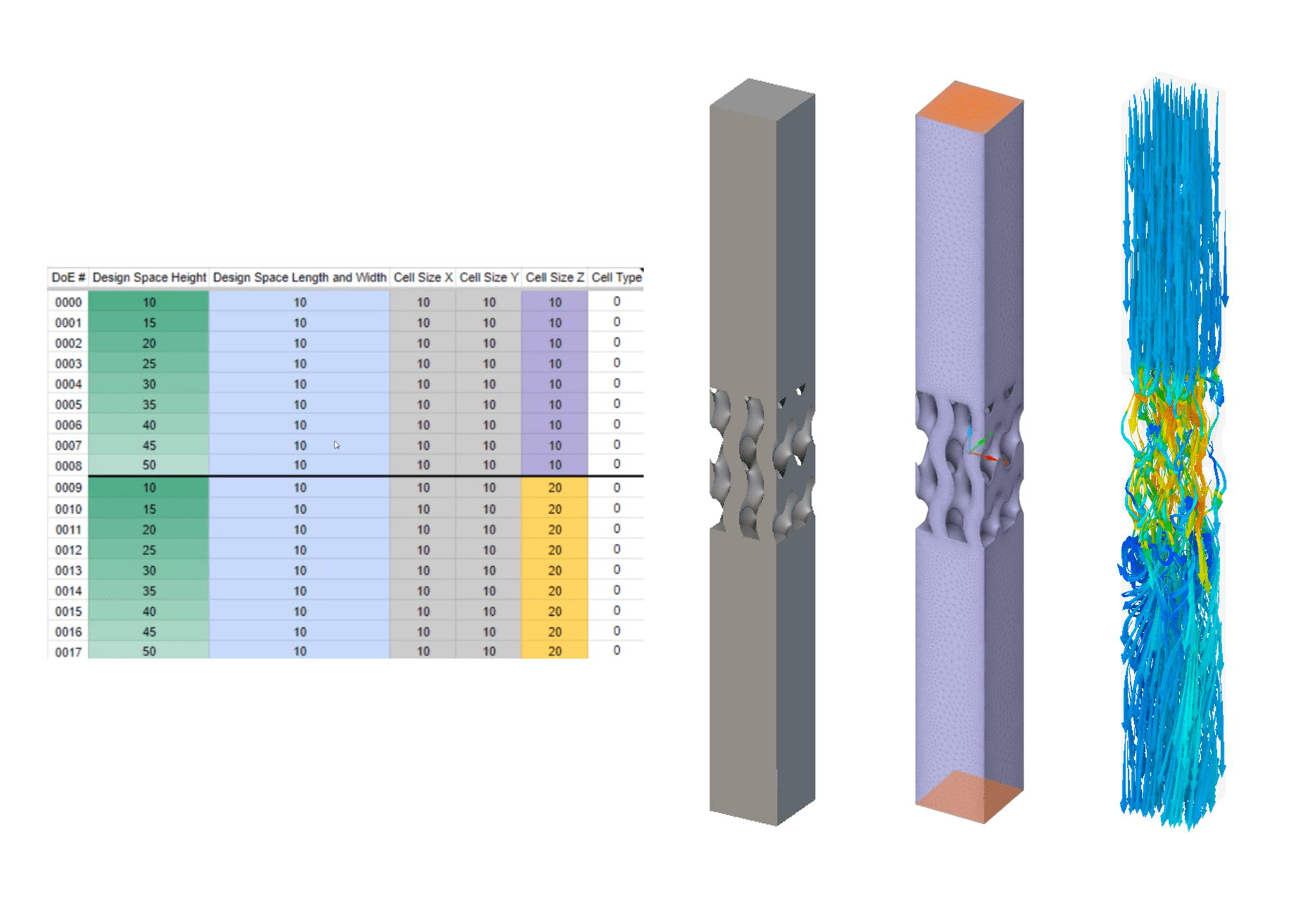
Training Guide: Design Parameters & DoE Automation with nTop and Ansys Discovery
Explore the steps of setting up an automated Design of Experiments (DoE) workflow between nTop and Ansys Discovery for lattice characterization
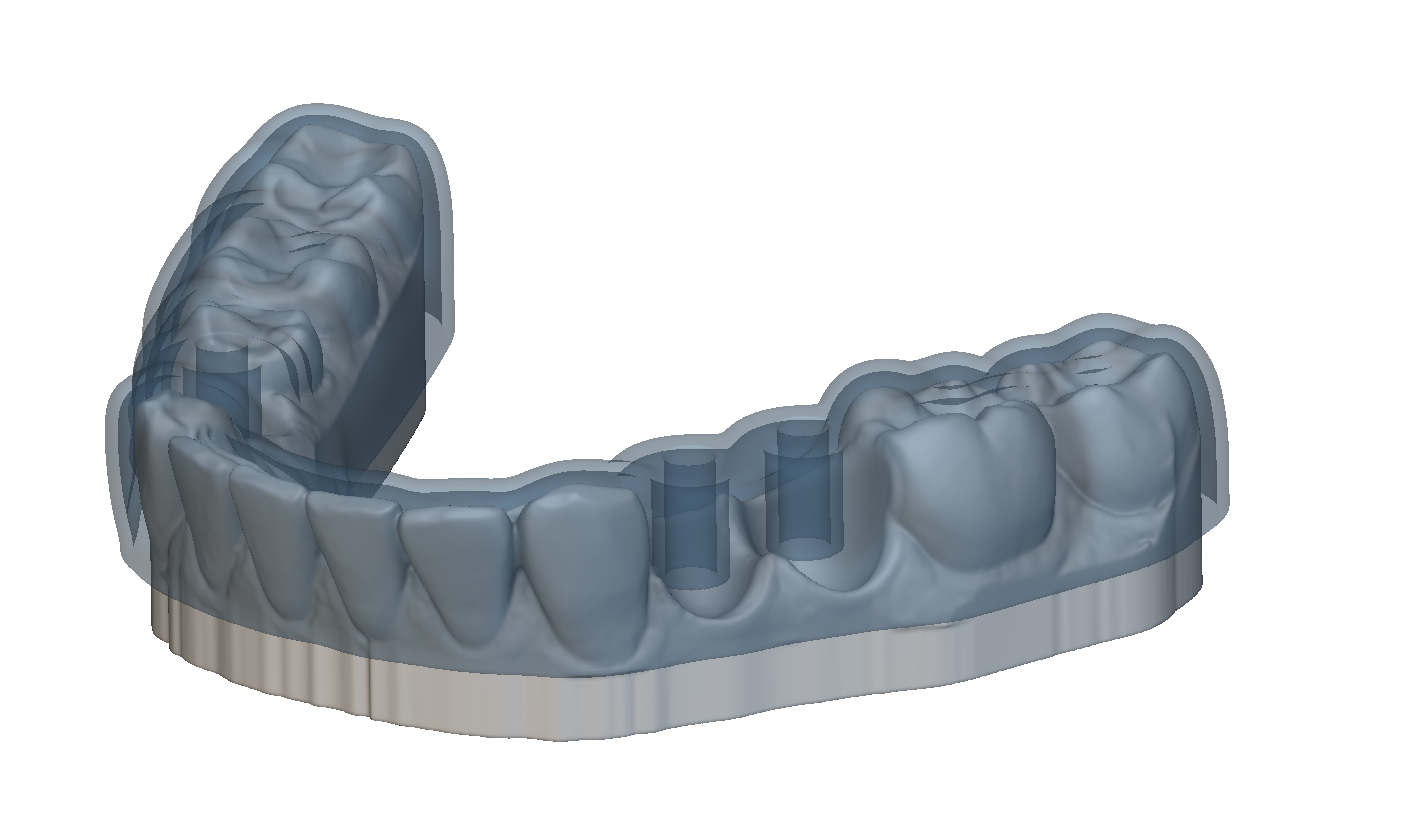
Training Guide: Dental Splints and Surgical Stents
Build custom blocks to automatically generate dental splints and stents based on imported scan data
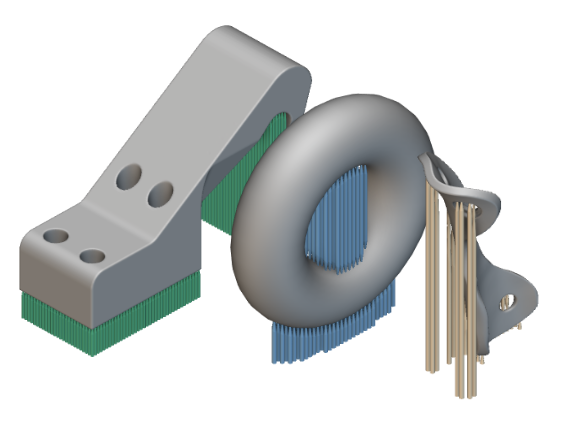
Training Guide: AM Support Structures
Generate support structures in nTop and learn how to modify premade custom blocks to tailor these structures to your specific needs
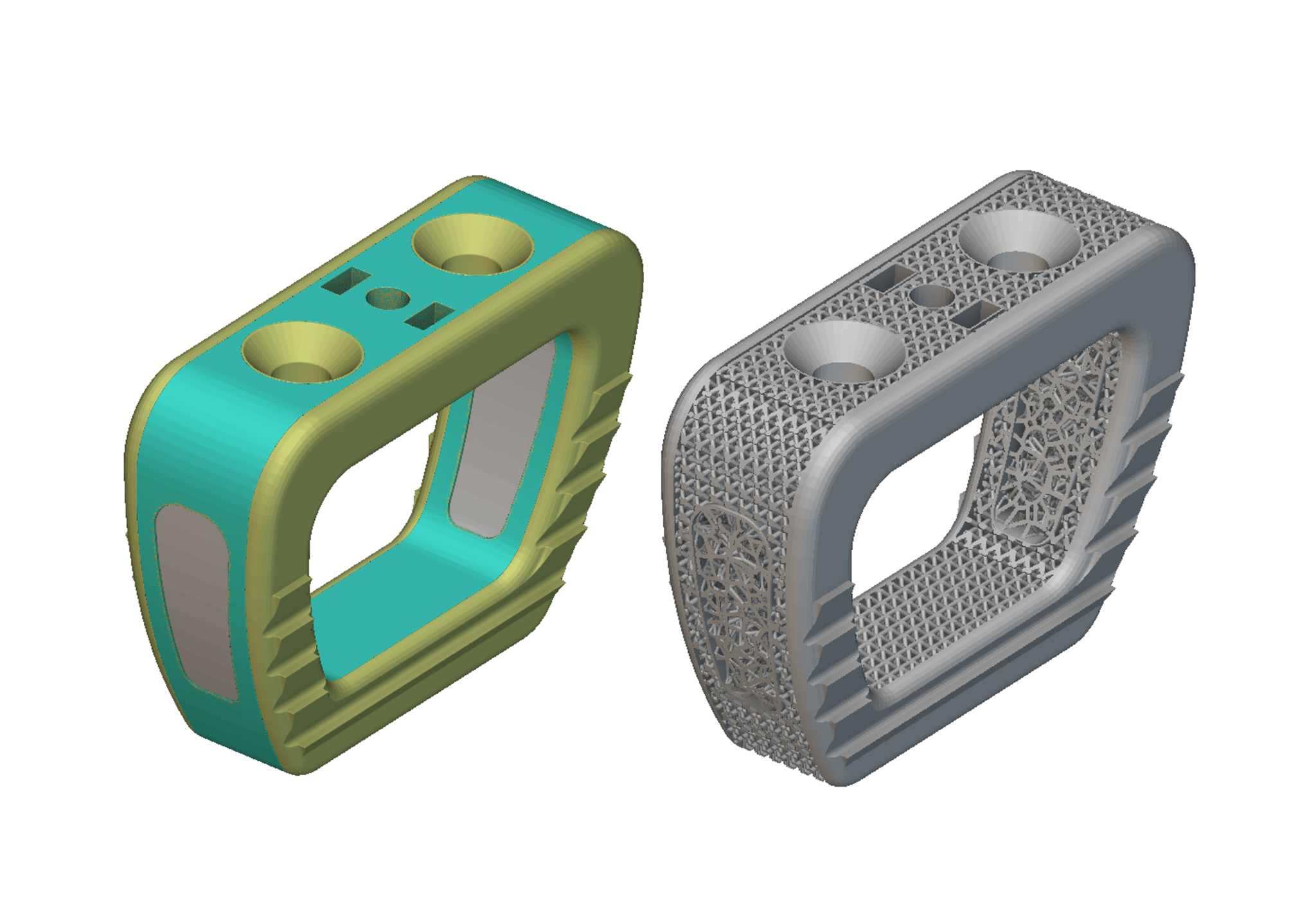
Training Guide: Medical Implant Latticing
Use lattice structures to design medical implants in nTop
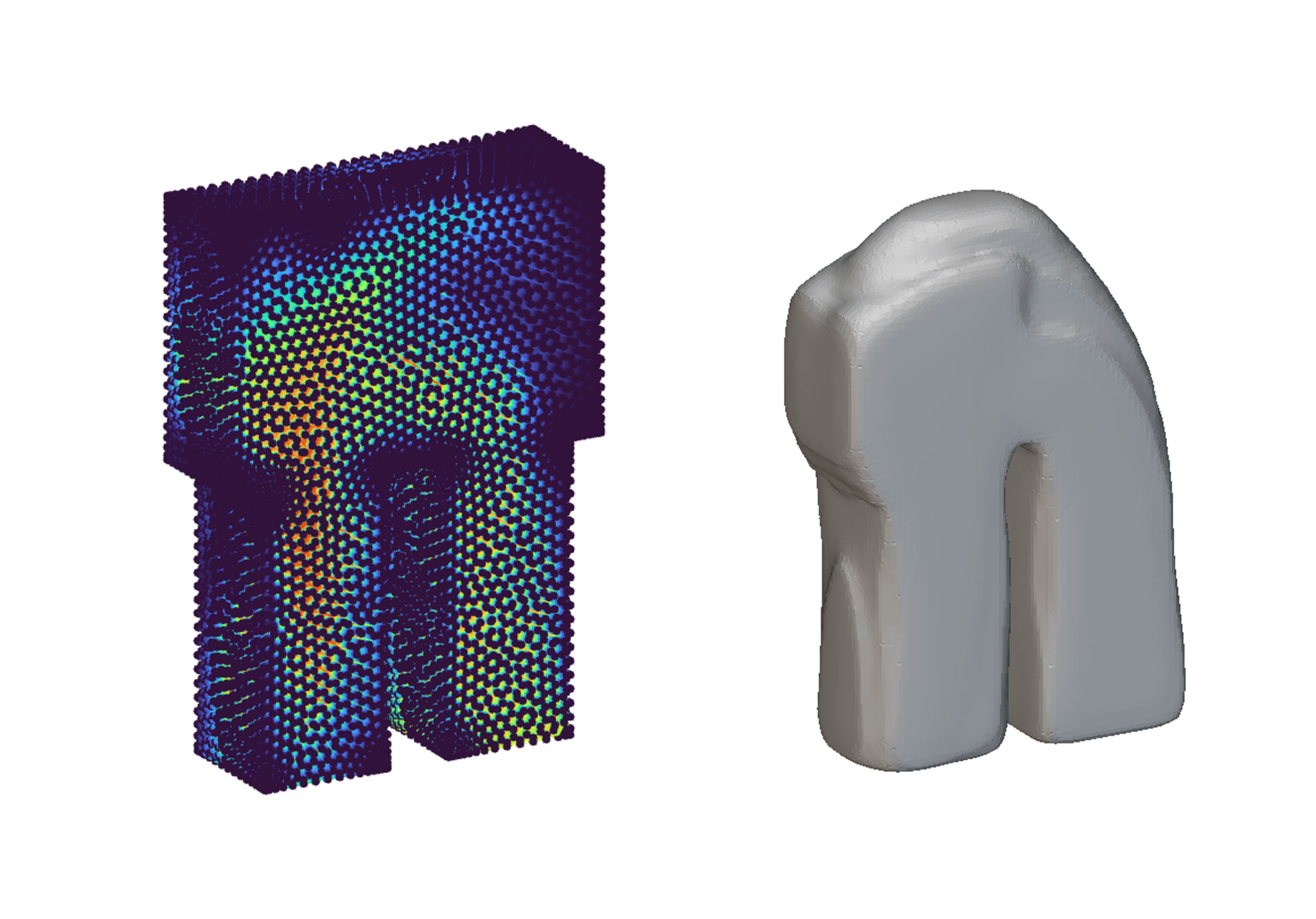
Training Guide: Shaping Implicit Bodies with Simulation Results
Use imported simulation data to generate and reshape implicit geometry
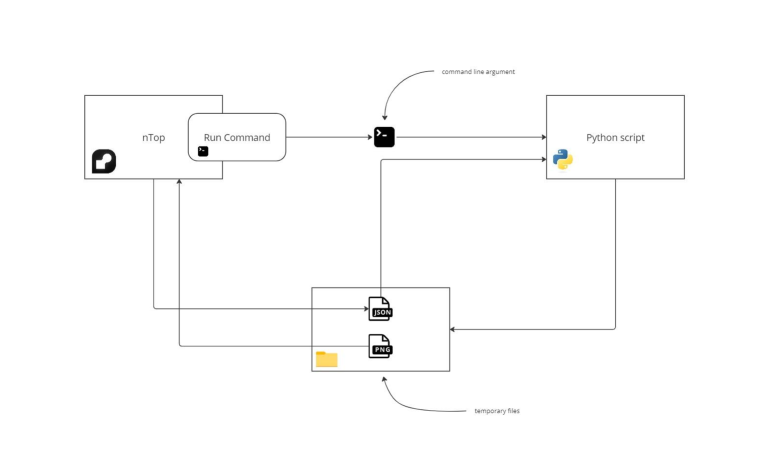
Training Guide: Extending nTop with Run Command and Python
Use Run Command block with Python to extend nTop capabilities
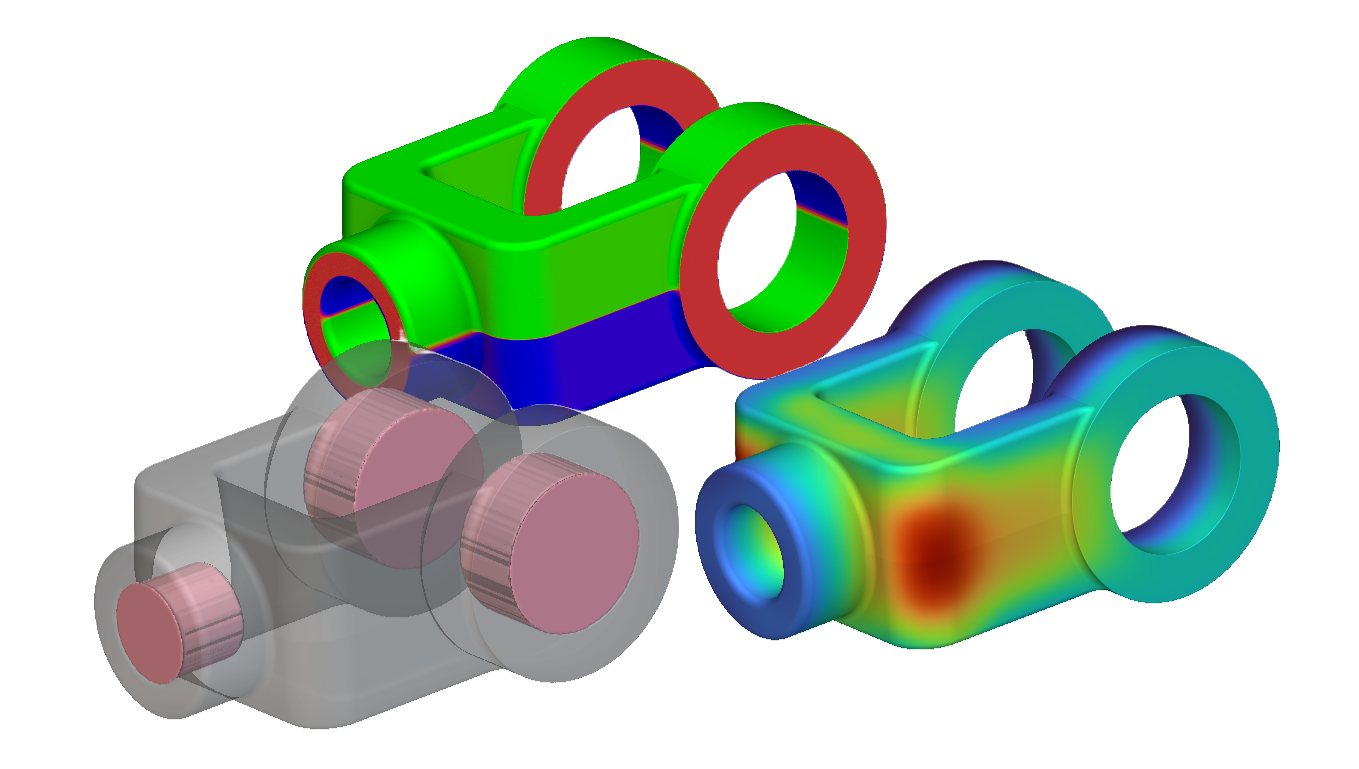
Training Guide: Moldability Analysis
Explore nTop’s tools to evaluate your designs for moldability
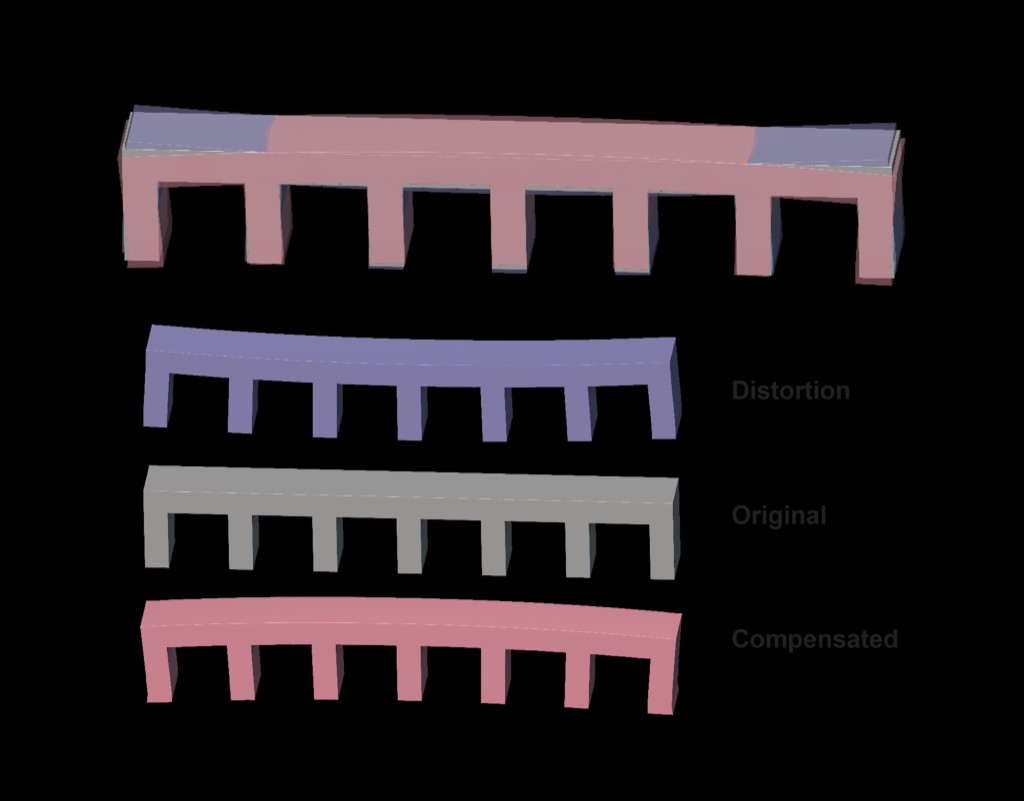
Training Guide: Managing Distortion via Geometry Compensation
Learn how to create compensated geometry to counteract distortion
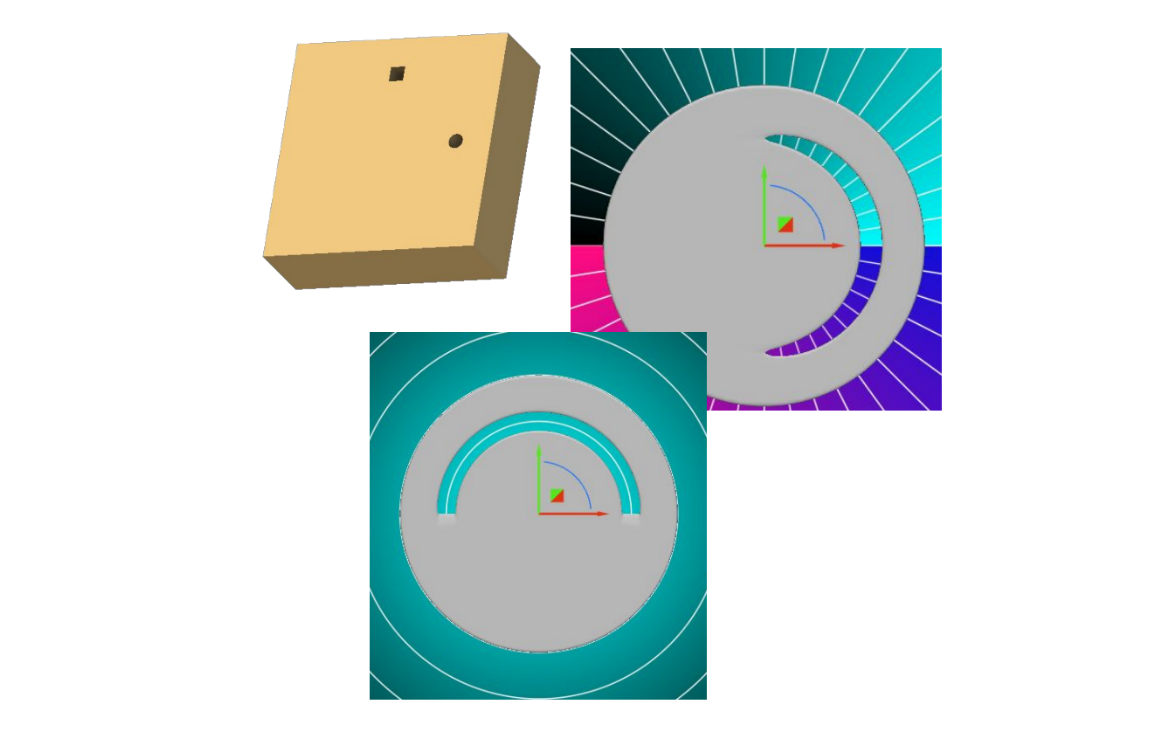
Training Guide: Cylindrical and Spherical Remap
Explore the steps of a cylindrical and spherical remap and how to adjust parameters for different results
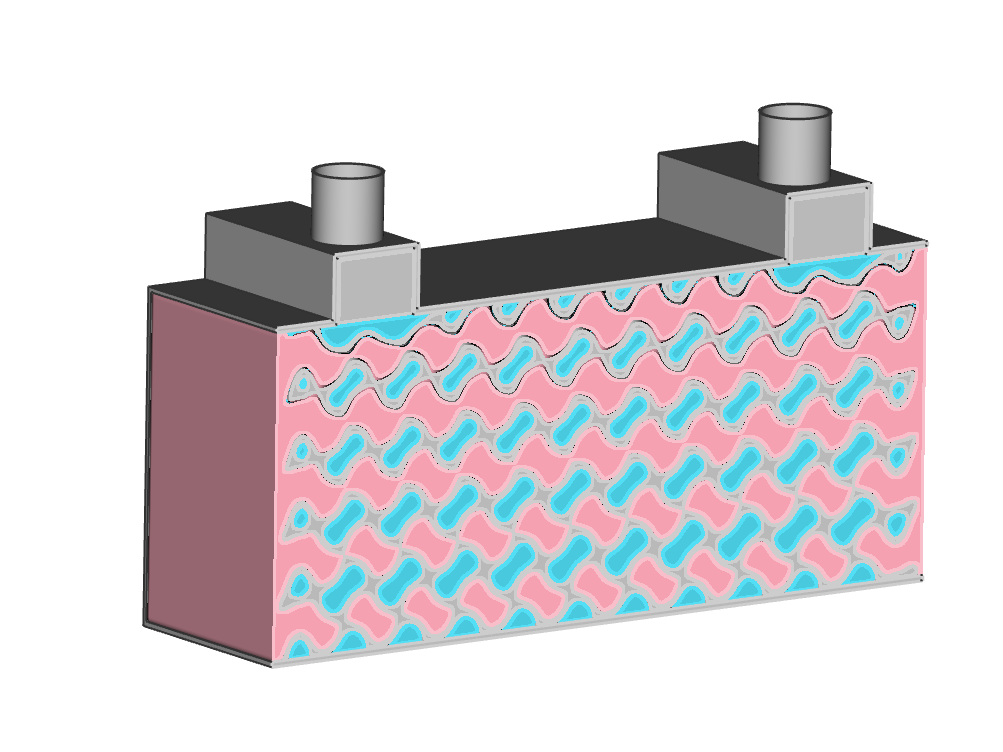
Training Guide: Advanced Two Channel Heat Exchanger through Field Manipulation
This training walks you through how to create a two-channel heat exchanger with fields.
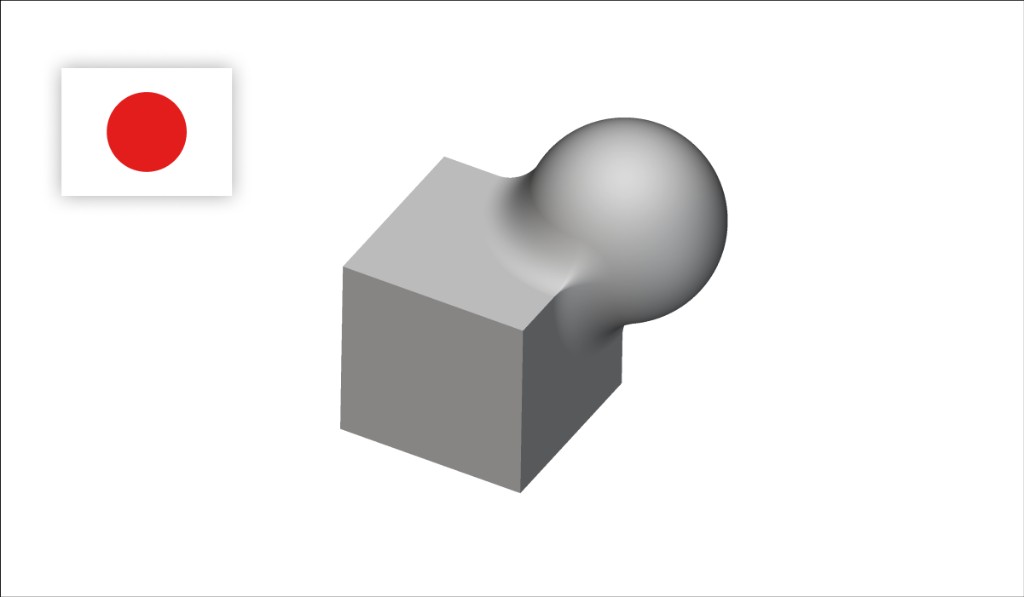
nTopのコア機能と操作
nTopの基本を学び、インプリシットモデリングの概念と主要な操作・ベストプラクティスを理解します。
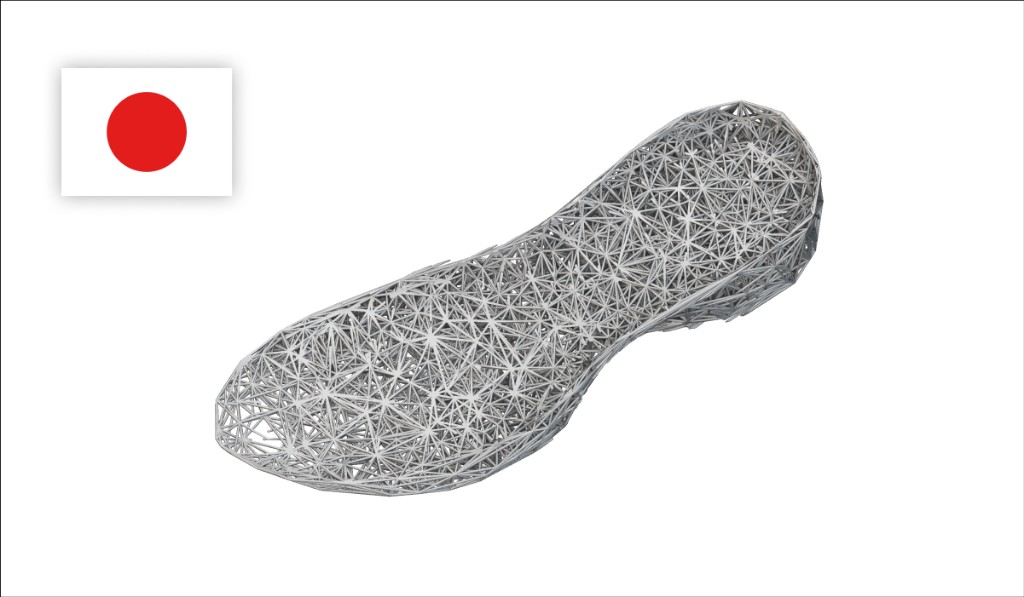
ラティス入門
nTop内のラティス生成オプションを学び、ワークフローにラティスを実装する方法を理解します。