- Importing a .csv file
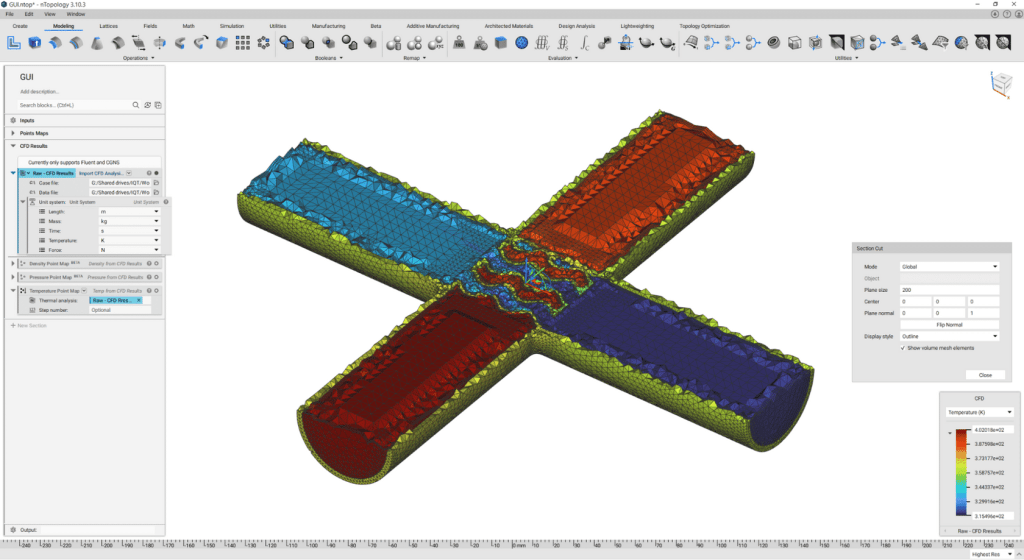
- Importing results directly from other software
Method 1: Working with a .csv File
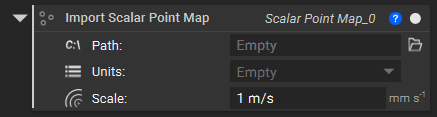
After generating the .csv file, we use the Import Scalar Point Map or Import Vector Point Map blocks to bring in the appropriate Point Map. Image 1 below shows both blocks. If importing a Scalar Point Map, ensure your format is X, Y, Z, S, where S is the desired value at each point. If importing a Vector Point Map, ensure your format is X, Y, Z, U, V, W, where the U, V, W represents the vector at each point.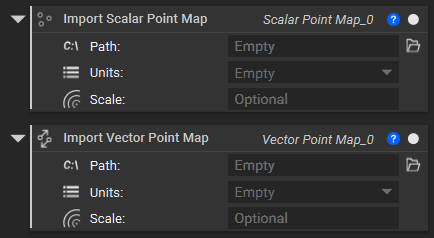
Method 2: Working with Results Files
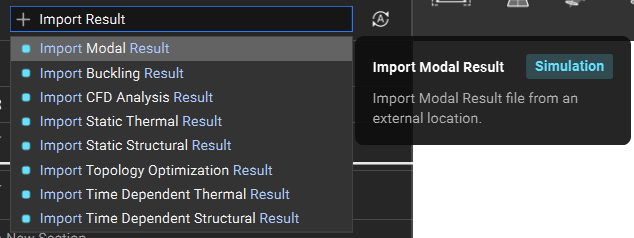
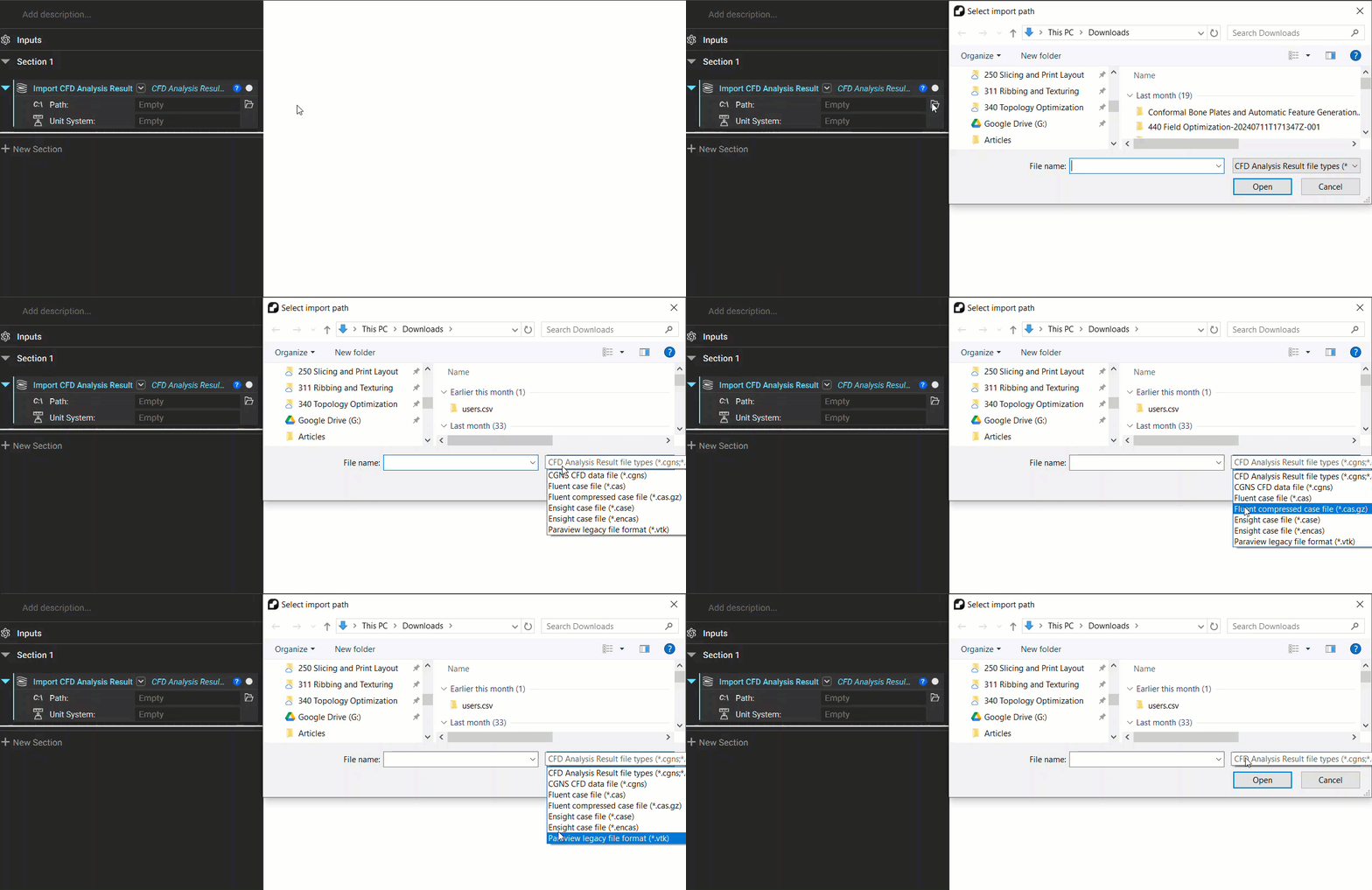
While importing .csv files is the most robust and recommended way to import point maps from outside sources into nTop, the second method is to import the result files directly. This is done by using an Import Result blocks.