
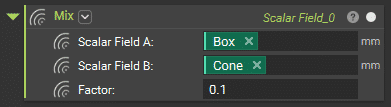
The Mixblock is a tool for blending two implicit geometries by mixing the values of their scalar fields based on a given factor.
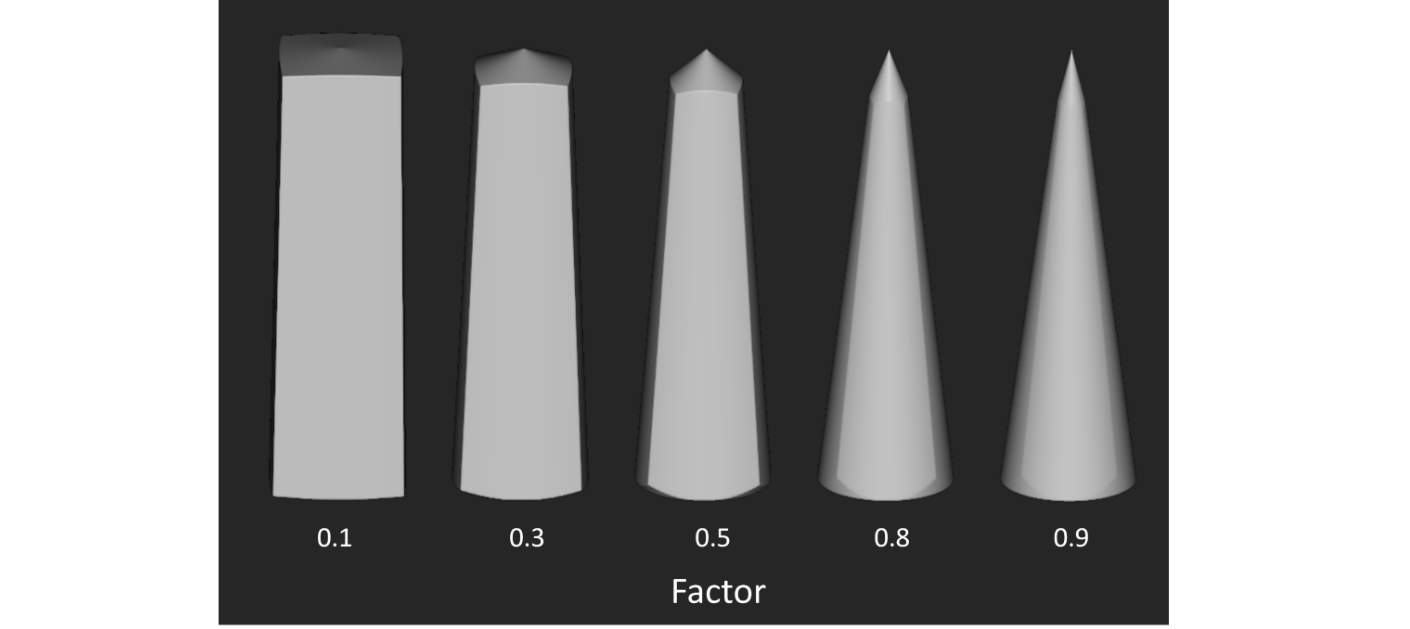
The Factor value can range between 0 and 1, with 0 being entirely Input A and 1 being entirely Input B. The image below shows the effect of mixing a Box (Scalar Field A) and a Cone (Scalar Field B) using varying mix factors.
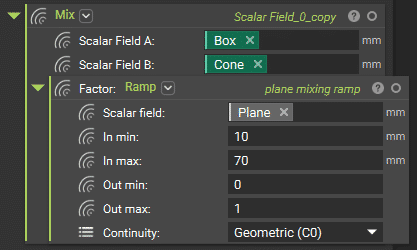
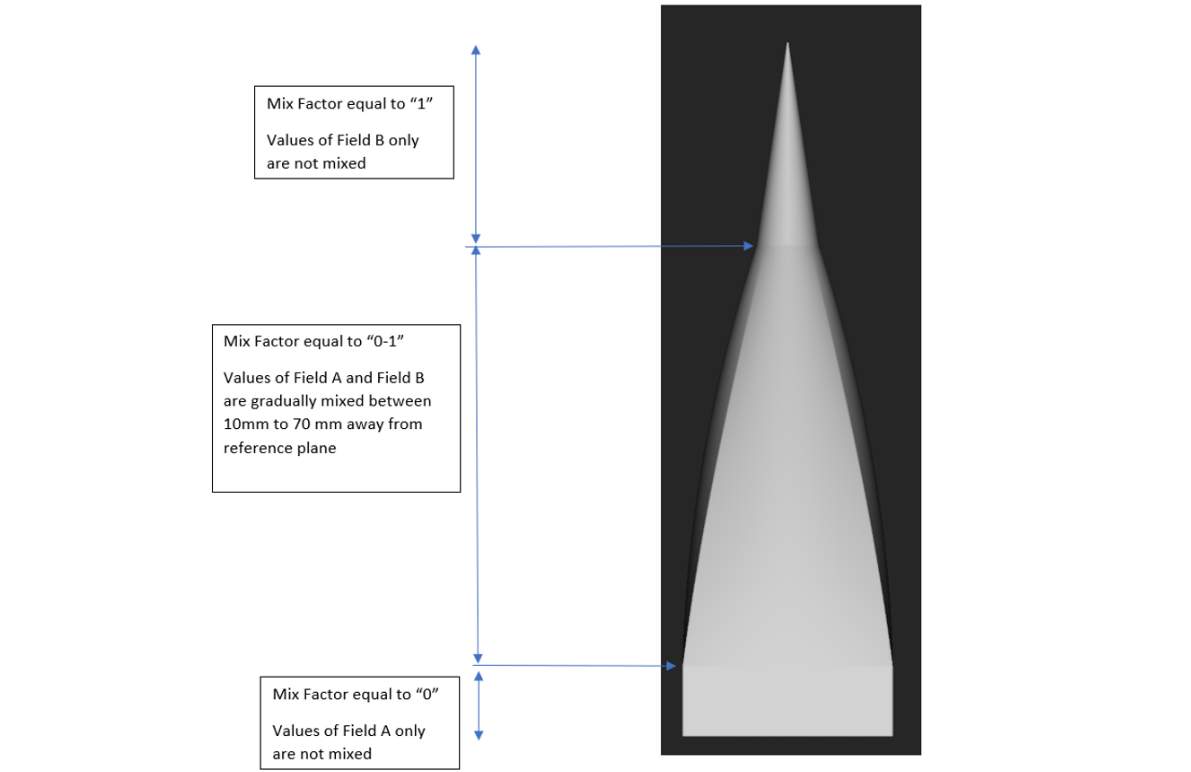
The Mix Factorcan also be ramped using the previously introduced Rampblock. See the example below with the same Box and Cone geometries.

Best Practice

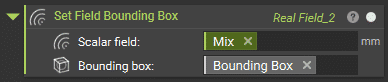
Because the Mixblock performs operations on two fields to represent a new geometry, it is always a good idea to perform a clean-up step afterward. This ensures that the resulting field does not have an infinite negative domain, which you cannot render into a geometry. Using the Set Field Bounding Box block, either manually set a bounding box using the Bounding Boxblock or go into the properties of the initial design body and grab its Bounding Box chip. The resulting field is within the specified bounding box.
Example Application
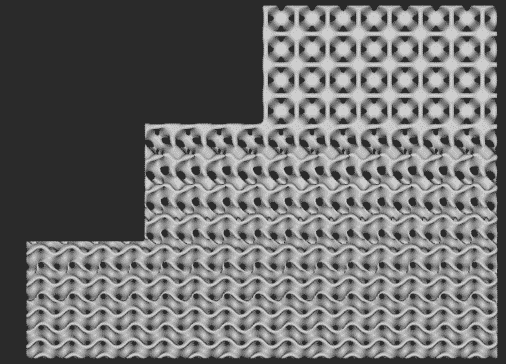
Gradually blending two types of TPMS lattices Starting with the Gyroid at the bottom, a Ramped Mix was applied to gradually blend the structure with the Neovius lattice.