Import Bitmap
Use the Import Bitmap block to import any PNG. If the file does not specify a Dot Pitch, use the input to define the distance between the dots of your image.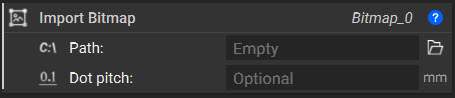
Note: This block is a Beta block, to ensure you can access it go to Settings → General → Show Beta Blocks.
Map Bitmap to Plane
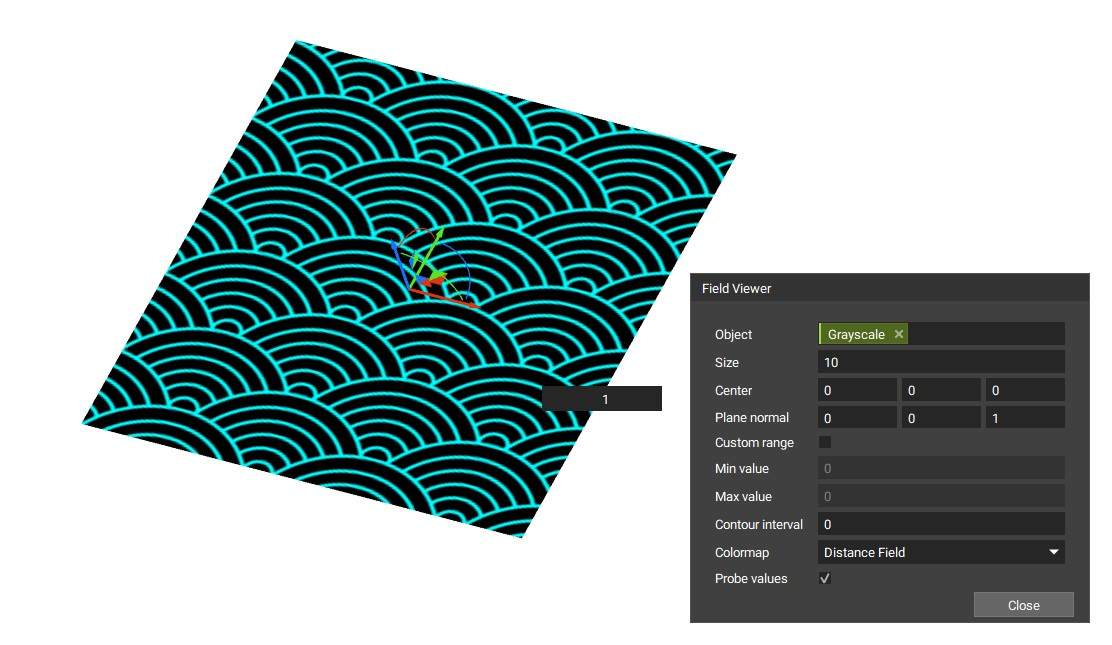
The Map Bitmap to Plane block will make the image usable in nTop. This will place the image on your specified plane and open up access to various fields in the properties. Depending on the color of your image, these fields can drive texturing operations. We will use the Grayscale field since we have imported a black and white image.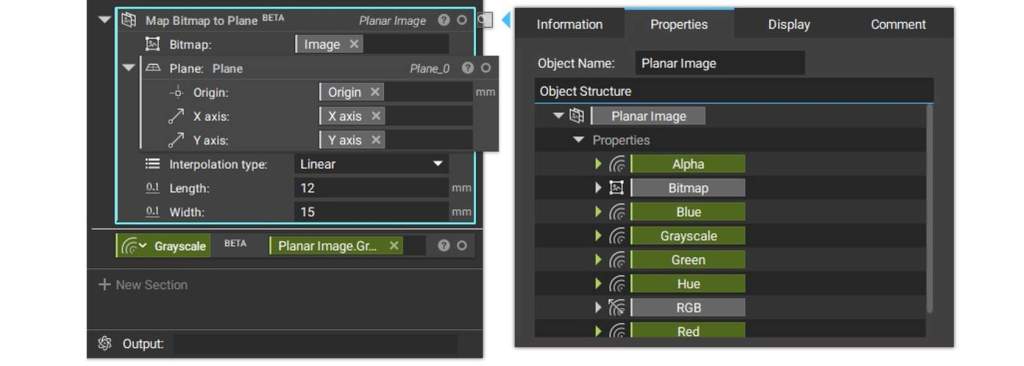
Note: This block is a Beta block, to ensure you can access it go to Settings → General → Show Beta Blocks.
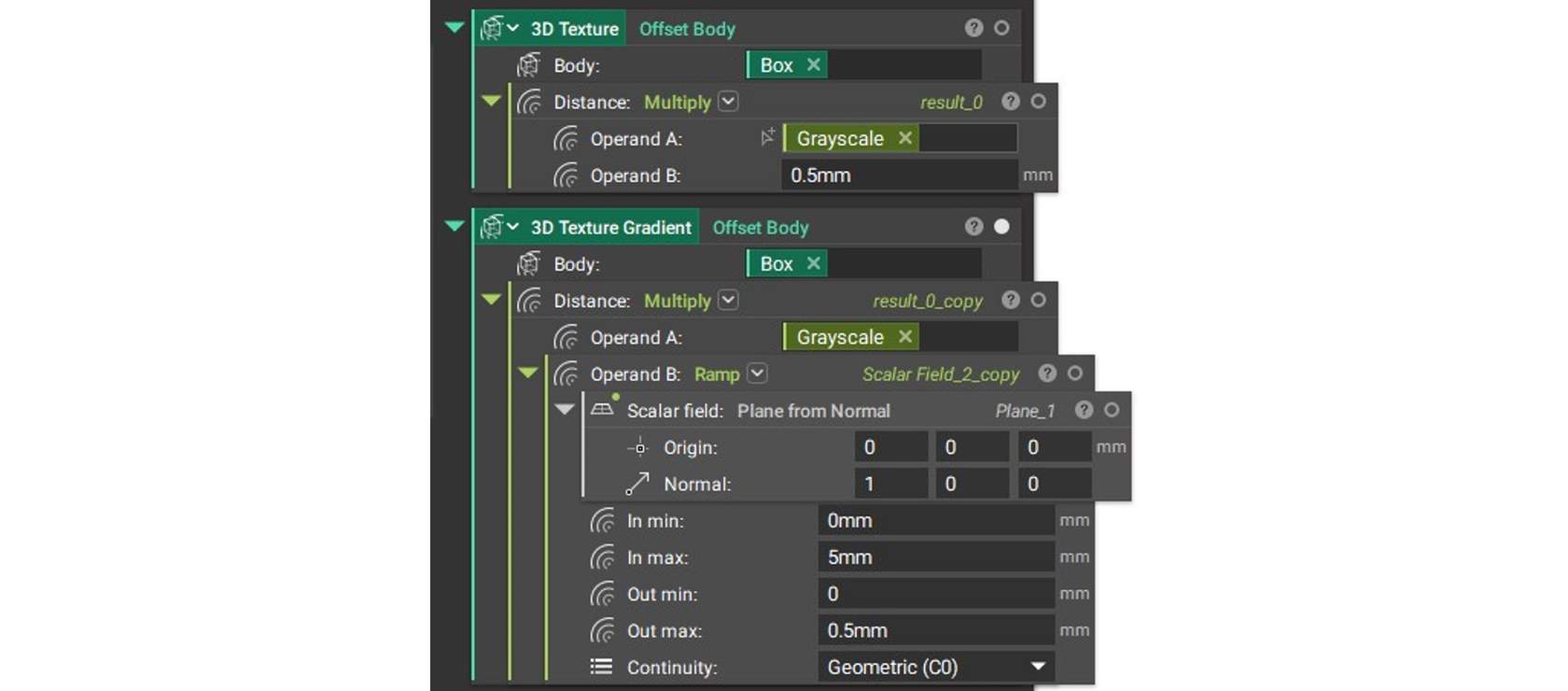
Offset Body
The Offset Body block is used to texture the body based on the color field. In order to offset properly, a Multiply block is used to assign units. This can be a constant value for a constant offset, or a Ramp in order to vary the texture.